
Working with sensitive information demands a rigorous approach to document security. Ensuring that only authorized personnel can access specific files is not just good practice; it's a critical component of maintaining trust, compliance, and operational integrity. As someone who has navigated the complexities of data protection in software development for over a decade, I've seen firsthand how a lapse in access control can lead to significant problems, from data breaches to compliance violations.
Implementing effective document security involves a multi-layered strategy. It's about understanding what data needs protecting, who needs access to it, and how to enforce those permissions consistently. This article will explore the foundational principles and practical steps to establish strong document security and manage employee file access effectively.
Table of Contents
Understanding the Basics of Document Security
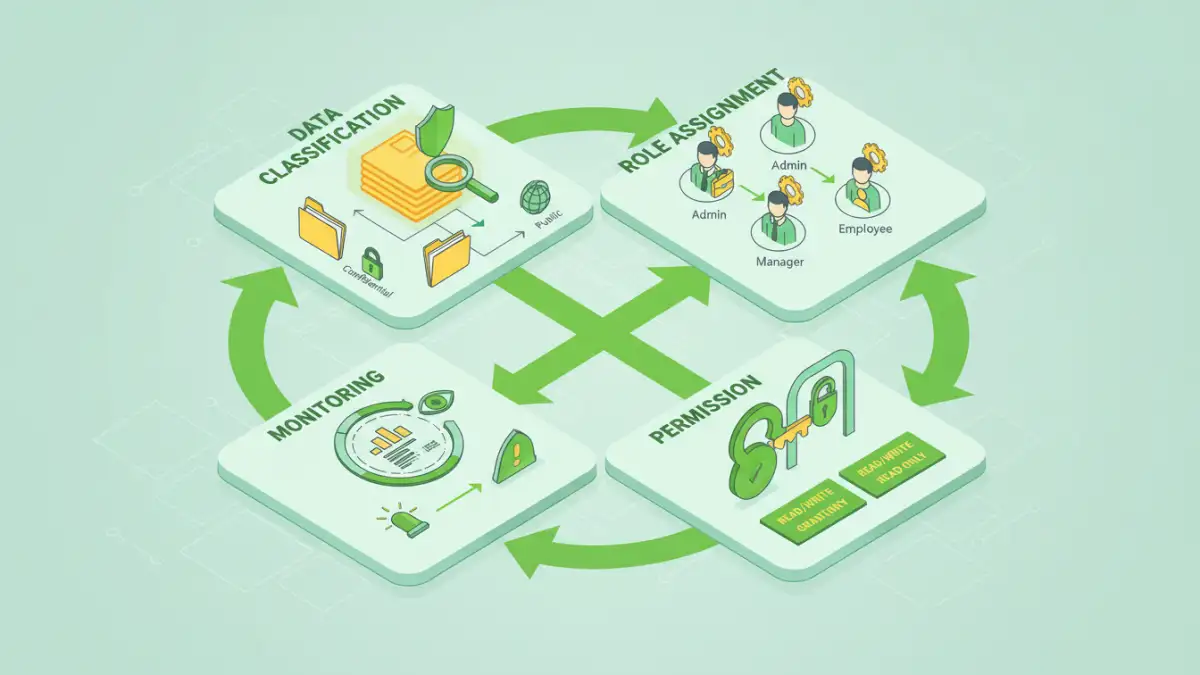
At its core, document security is about protecting information from unauthorized disclosure, modification, or destruction. This encompasses a range of measures, from physical document protection to digital safeguards like encryption and access controls. The goal is to ensure that sensitive data remains confidential and accessible only to those who have a legitimate need.
In any organization, various types of documents exist, each with its own level of sensitivity. Understanding these different levels is the first step toward implementing appropriate security measures. This requires a clear policy outlining what constitutes sensitive information and how it should be handled.
Defining Sensitive Data
Sensitive data can include anything from personal identifiable information (PII) and financial records to intellectual property and strategic business plans. Properly identifying and categorizing this data is crucial for applying the right security controls. Without this classification, you risk over-securing less critical documents or, worse, under-securing highly sensitive ones.
Implementing Employee File Access Controls
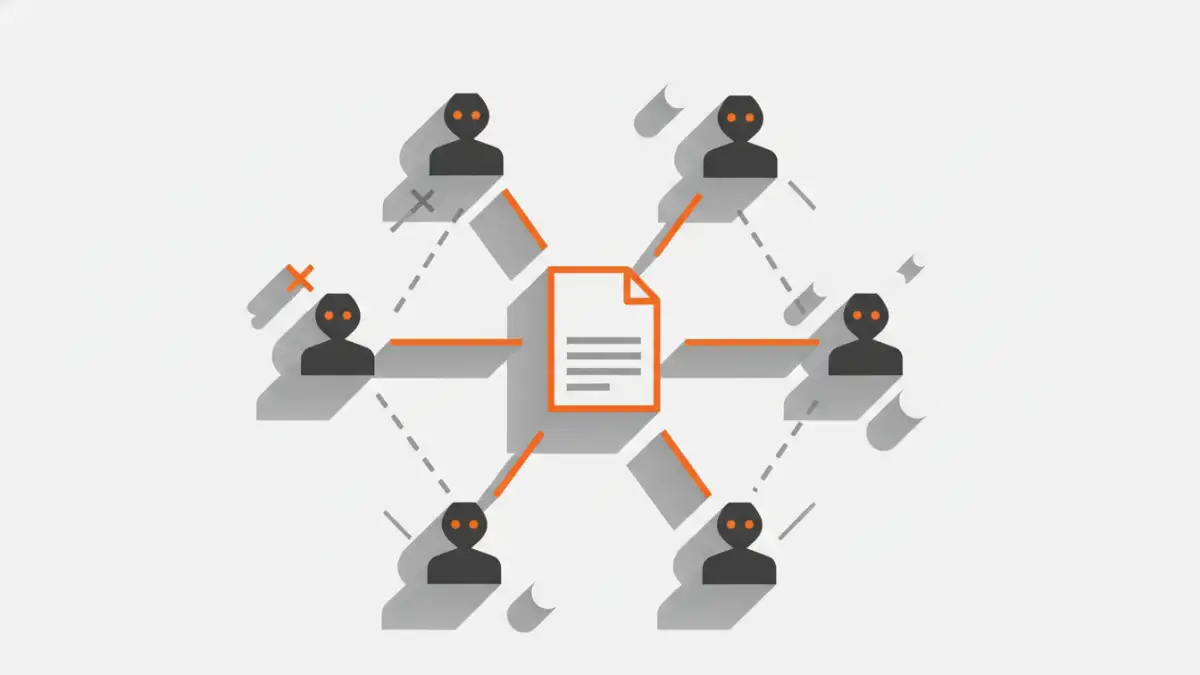
Employee file access is a cornerstone of document security. It involves defining who can view, edit, or delete specific files and folders. This is typically managed through role-based access control (RBAC) or access control lists (ACLs), ensuring that individuals only have the permissions necessary for their job functions.
My experience has shown that a common pitfall is granting broad access rights by default, often under the guise of convenience. This approach creates unnecessary vulnerabilities. Instead, a 'least privilege' principle should be applied, meaning employees are given the minimum level of access required to perform their duties, and no more.
Role-Based Access Control (RBAC)
RBAC simplifies permission management by assigning access rights to roles rather than individual users. For example, all employees in the 'Accounting' department might be granted read and write access to financial reports, while those in 'Marketing' might only have read access or no access at all. This makes managing access for new hires, role changes, or departures much more efficient and less prone to error.
Data Classification and Sensitivity Levels
Effective document security hinges on understanding the sensitivity of the data you are protecting. A robust data classification policy categorizes information based on its potential impact if compromised. Common categories include Public, Internal, Confidential, and Strictly Confidential.
Each classification level should have defined handling procedures and corresponding security measures. For instance, 'Strictly Confidential' documents might require encryption, restricted access via RBAC, and stringent auditing, whereas 'Public' documents would have no such restrictions. This structured approach ensures that resources are allocated effectively to protect the most critical assets.
Assigning Permissions Based on Classification
Once data is classified, permissions can be assigned accordingly. For confidential documents, access should be strictly limited to individuals or roles with a documented business need. Internal documents might be accessible to all employees but not external parties. This granular control is a key aspect of effective document security access rights management.
Monitoring and Auditing Access
Implementing access controls is only part of the solution. Continuous monitoring and regular auditing of file access are essential to detect and respond to potential security incidents. Logs should be maintained to track who accessed what, when, and from where.
These logs are invaluable for forensic analysis in the event of a breach, helping to identify the source of the compromise and the extent of the damage. Regular audits also help ensure that permissions remain appropriate over time and that no unauthorized access has occurred.
Tools for Auditing
Various tools can assist with monitoring and auditing. Many operating systems and network storage solutions offer built-in logging capabilities. For more advanced needs, dedicated security information and event management (SIEM) systems can aggregate and analyze logs from multiple sources, providing a comprehensive view of system activity and potential threats.
Best Practices for Document Security
Beyond access controls and classification, several best practices enhance overall document security. Regular employee training on security policies and procedures is paramount. Employees are often the first line of defense, and their awareness can significantly reduce the risk of accidental breaches or susceptibility to social engineering attacks.
Furthermore, implementing strong encryption for sensitive data, both in transit and at rest, provides an additional layer of protection. Secure disposal of sensitive documents, both physical and digital, is also critical to prevent data leakage.
Comparison of Document Security Approaches
| Approach | Key Features | Pros | Cons | Best For |
|---|---|---|---|---|
| Role-Based Access Control (RBAC) | Assigns permissions to roles, not individuals | Scalable, simplifies management, enforces least privilege | Requires initial setup and role definition | Organizations with defined departments/roles |
| Access Control Lists (ACLs) | Defines permissions for specific users/groups on specific files/folders | Highly granular control | Can become complex and difficult to manage at scale | Small teams or specific file-level security needs |
| Encryption | Scrambles data, making it unreadable without a key | Protects data even if unauthorized access occurs | Requires key management, can impact performance | Highly sensitive data, data in transit/at rest |
| Data Loss Prevention (DLP) | Monitors and prevents sensitive data from leaving the organization | Proactive protection against data exfiltration | Can be complex to configure, potential for false positives | Regulated industries, preventing insider threats |