A few weeks ago, a small business owner I know faced a serious issue. A sensitive client contract, protected only by a simple password, was compromised. This incident highlights a growing problem: traditional passwords are often the weakest link in our security chain. As we handle increasingly sensitive digital information, from legal documents to financial records, relying on something that can be guessed, shared, or stolen is no longer a viable strategy.
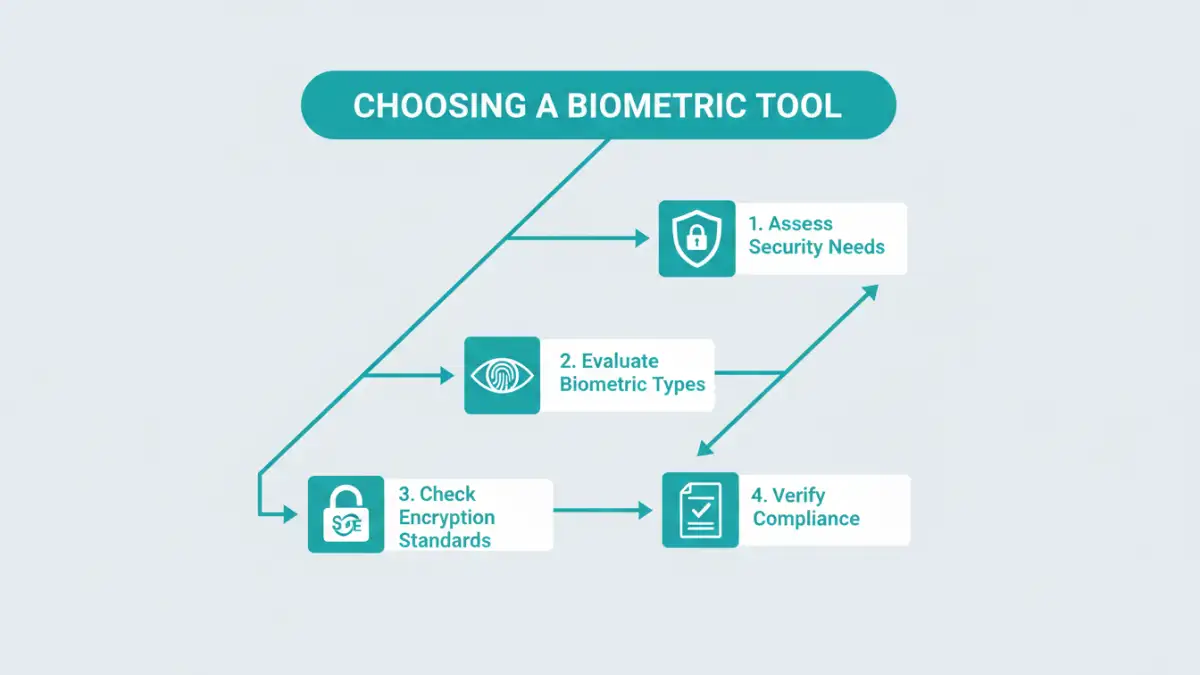
This is where biometrics come in, offering a layer of security that is uniquely tied to an individual. But with a growing market, how do you select the right solution? It's about more than just a fingerprint scanner; it involves understanding encryption, data privacy, and usability. Let's break down the essential criteria for choosing a tool that truly protects your documents.
Table of Contents
Why Traditional Document Security Falls Short
For years, password-protecting a PDF or a ZIP file was the standard for document security. However, this method has fundamental flaws. Passwords can be forgotten, forcing complex recovery processes, or worse, written down on a sticky note. They are also susceptible to brute-force attacks, where automated software tries thousands of combinations per second.
The core issue is that password-based security protects a document based on what someone knows. If that knowledge is compromised through phishing, social engineering, or a data breach, the security is nullified. This is a significant risk for any organization handling confidential information.
The Problem with Password Fatigue
We're all asked to create unique, complex passwords for dozens of different services. This leads to 'password fatigue,' where users start reusing passwords or creating simple, predictable variations. A single breach at one service can then expose accounts, and by extension documents, across many others. This is a human problem that technology needs to solve, not exacerbate.
Beyond Simple File Encryption
Many people confuse encryption with secure access. While document encryption software scrambles the data to make it unreadable, the password is the key that unscrambles it. If an attacker gets the key, the strength of the encryption becomes irrelevant. A robust security model must protect the key just as vigorously as the data itself, which is where biometrics provide a distinct advantage.
Core Features of a Modern Biometric Security Tool
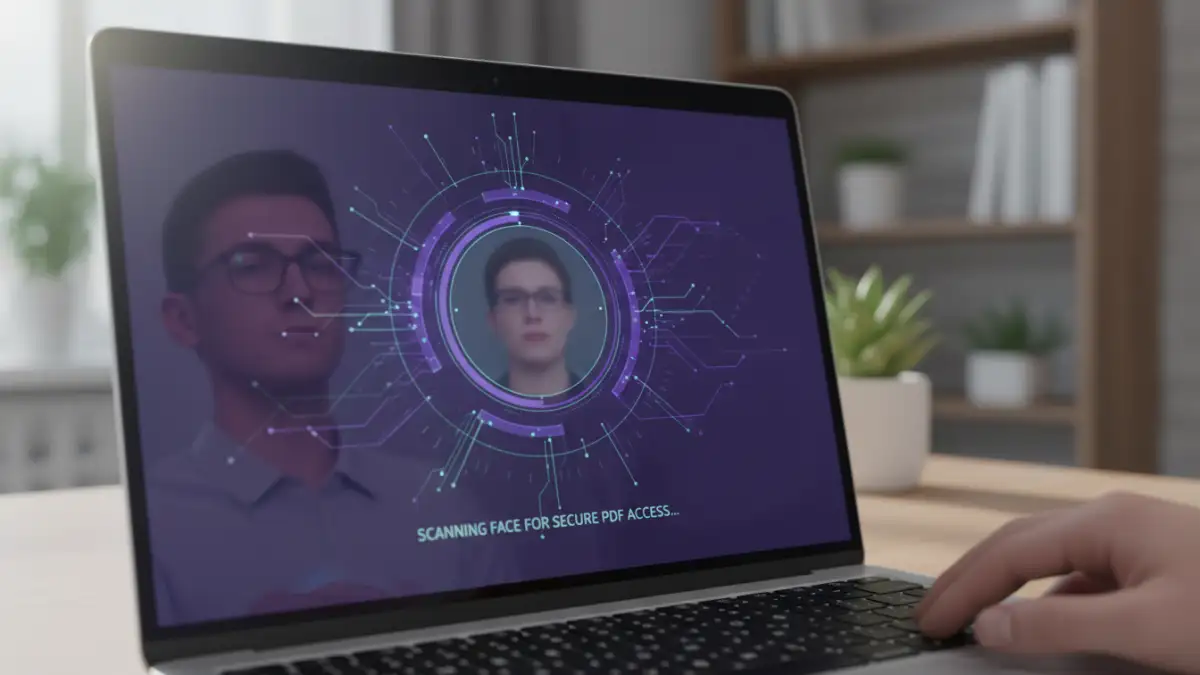
When you're evaluating a biometric document security tool, you need to look past the marketing and examine the underlying technology. The goal is to find a solution that offers robust, layered security without creating unnecessary friction for legitimate users.
Multi-Modal Biometric Support
The best tools don't rely on a single biometric identifier. Look for solutions that offer multi-modal options, such as fingerprint, facial recognition, voice patterns, or even iris scanning. This flexibility allows users to choose the most convenient method for their device and environment. It also provides a fallback if one method fails—for example, if facial recognition struggles in low light, a fingerprint can be used instead.
Strong Encryption Standards
Biometric authentication is the gate, but strong encryption is the vault. Ensure the tool uses industry-standard encryption algorithms, with AES-256 being the gold standard. This ensures that even if someone bypasses the biometric check and accesses the raw file, the data within remains a scrambled, unreadable mess. Never settle for proprietary or outdated encryption methods.
Evaluating Usability and System Integration
The most secure tool in the world is useless if no one uses it because it's too complicated. A great biometric solution should integrate seamlessly into your existing workflow, enhancing security without disrupting productivity. I've seen projects fail because the chosen tool required too many extra steps, leading employees to find workarounds that defeated the entire purpose.
Consider how the tool works with your primary applications. Does it offer plugins for email clients like Outlook? Can it integrate directly with cloud storage providers like Dropbox or Google Drive? The less you have to change your process to secure a file, the more likely you and your team are to use it consistently.
Security, Compliance, and Privacy Considerations
Handling biometric data comes with significant responsibility. Unlike a password, you can't change your fingerprint. Therefore, how a tool stores and processes this sensitive information is critically important. The most secure approach is on-device storage, where your biometric data never leaves your phone or computer. It's converted into a secure template and stored locally, meaning the service provider never has access to it.
Furthermore, if you operate in a regulated industry, compliance is non-negotiable. Look for tools that adhere to standards like GDPR, HIPAA, or CCPA. This demonstrates that the provider takes data privacy seriously and has built their platform to meet stringent legal requirements. Always review the privacy policy to understand what data is collected and how it is used.
Feature Comparison for Biometric Security Tools
| Feature | What to Look For | Why It Matters |
|---|---|---|
| Biometric Modality | Support for fingerprint, face, and voice | Provides flexibility and fallback options for users. |
| Encryption Standard | AES-256 or higher | Ensures the underlying data is unreadable even if the file is stolen. |
| Biometric Data Storage | On-device storage (not server-side) | Maximizes privacy and security by preventing the provider from accessing your raw biometric data. |
| Platform Integration | Plugins for email, cloud storage, and common OS (Windows, macOS) | Reduces friction and encourages adoption by fitting into existing workflows. |
| Compliance & Audits | Certifications for GDPR, HIPAA, SOC 2 | Indicates the tool meets strict regulatory requirements for data protection. |
| Recovery Options | Secure, multi-factor recovery methods | Ensures you can regain access to your documents if a biometric method fails permanently. |