
It's a frustratingly common scenario: you try to open an encrypted file directly in your browser, enter what you're sure is the correct password, and are met with a cryptic error message. The file that should unlock seamlessly remains stubbornly locked, leaving you wondering what went wrong. Is it the file, the password, or the browser itself?
As a developer who has built and debugged systems that handle client-side encryption, I've seen this happen countless times. The process of decrypting a file within a web browser is a delicate dance of cryptography, JavaScript, and browser-specific APIs. When one step falters, the entire process can grind to a halt. Understanding the potential failure points is the first step to solving the problem.
Table of Contents
The Engine Room: How Browser Decryption Works
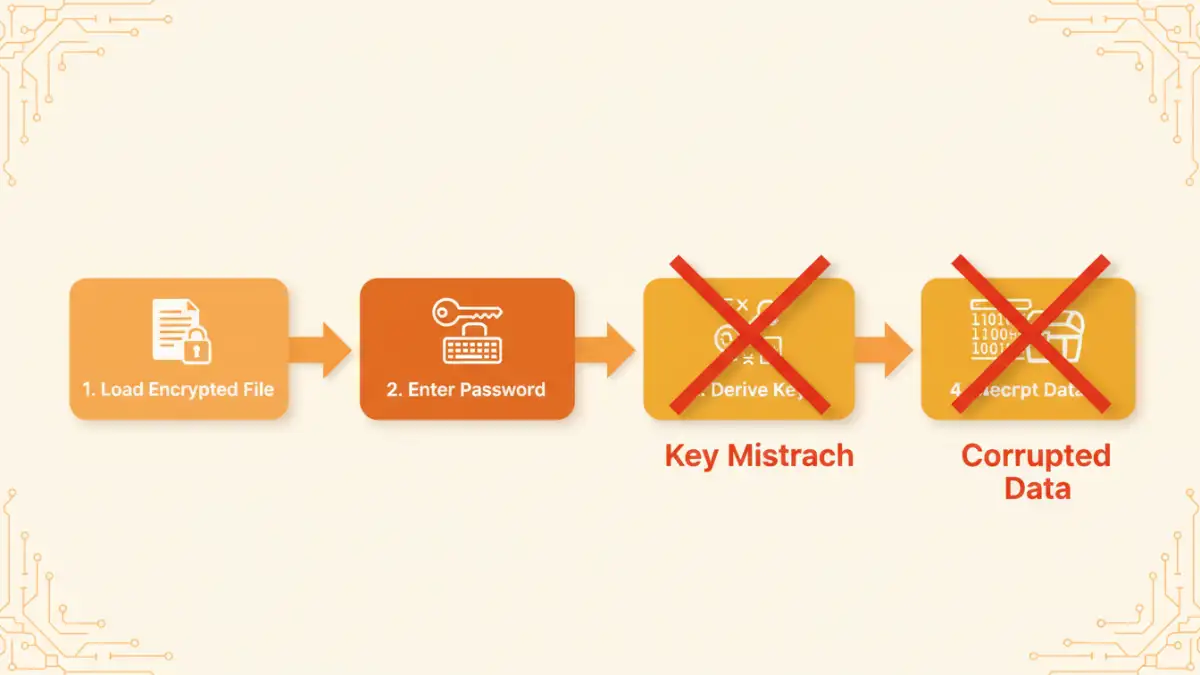
Before we can fix the problem, it helps to understand what's happening under the hood. When you decrypt a file online, the work isn't happening on a remote server. It's happening locally, on your machine, right inside your web browser. This is known as a client side encryption problem, and it relies heavily on a modern browser feature.
The Role of the WebCrypto API
The star of this show is the WebCrypto API, a standard interface built into modern browsers like Chrome, Firefox, and Safari. This API gives web developers access to cryptographic primitives—the building blocks of encryption and decryption—directly via JavaScript. It allows a web application to perform sensitive operations like generating keys, encrypting data, and decrypting files without that data ever leaving your computer, which is a huge win for privacy.
The Decryption Process in a Nutshell
The typical flow looks something like this: The encrypted file is loaded into the browser's memory. You provide a password, which is then often used to derive a decryption key through a process like PBKDF2. The WebCrypto API takes this derived key and the encrypted data and attempts to reverse the encryption process. If successful, the decrypted file content is then displayed or made available for download.
Common Culprits Behind Decryption Failures
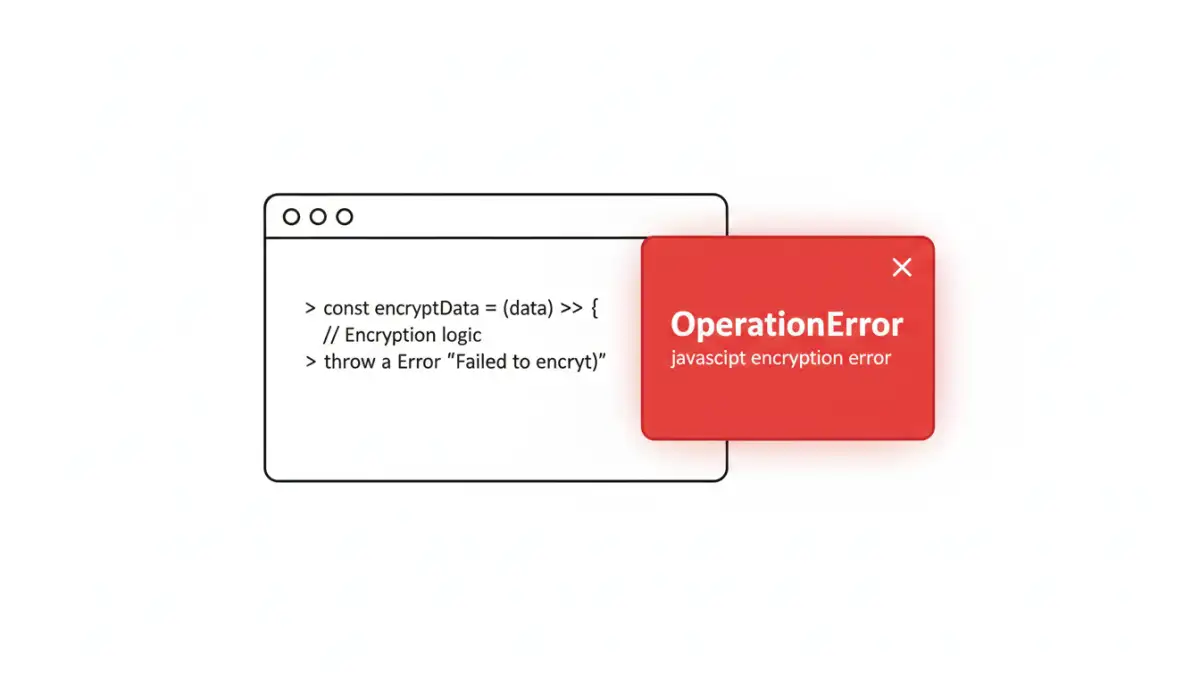
When an online file decryption failed, the error message is often generic. However, the cause usually falls into one of several categories. These issues can range from simple user error to complex technical incompatibilities.
Incorrect Password or Key Derivation Issues
This is the most obvious reason, but it's more nuanced than just a typo. The password you enter is rarely the encryption key itself. Instead, it's used as an input to a Key Derivation Function (KDF) that generates the actual key. If the application that encrypted the file used different KDF settings (like the salt or number of iterations) than the one decrypting it, the derived key will be wrong even if the password is correct.
Corrupted File Data
Data corruption can happen during download, transfer, or storage. Even a single flipped bit in the encrypted file can cause the decryption algorithm to fail catastrophically. Cryptographic algorithms are designed to be sensitive to minute changes, so any alteration to the ciphertext will result in garbage data or an outright error upon decryption.
Algorithm or Cipher Mismatch
There are many encryption algorithms (AES-256-GCM, AES-CBC, etc.). The application trying to decrypt the file must use the exact same algorithm and mode of operation that was used to encrypt it. If the encrypting tool used one standard and the decrypting tool expects another, the process will fail immediately. This is a common issue with interoperability between different encryption tools.
Diagnosing a JavaScript Encryption Error
For the more technically inclined, the browser's Developer Tools are your best friend. When a decryption fails, it almost always throws a JavaScript error that you can see in the Console tab. This is where you can spot specific WebCrypto API issues.
Open the Developer Tools (usually by pressing F12 or right-clicking and selecting 'Inspect') and navigate to the 'Console' tab. Refresh the page and try the decryption again. Look for errors that mention `SubtleCrypto`, `DOMException`, or `OperationError`. These messages can provide clues. For example, an error like `Data provided to an operation does not meet requirements` might point to a corrupted file or an incorrect key length, helping you narrow down the source of the problem.
Practical Troubleshooting Steps for Users
If you're not a developer and just want to open your file, don't worry. There are several practical steps you can take to resolve the issue before diving into technical diagnostics.
- Double-Check the Password: It sounds simple, but it's the most common fix. Check for typos, extra spaces, and make sure Caps Lock is off.
- Try a Different Browser: Sometimes, the issue is a bug or incompatibility with a specific browser version. If it fails in Chrome, try Firefox, or vice-versa.
- Disable Browser Extensions: Ad blockers, privacy extensions, or even some password managers can interfere with the JavaScript running on a page. Try opening the page in an Incognito or Private window (which usually disables extensions) to see if that helps.
- Verify File Integrity: If possible, re-download the file from its original source. If the sender can provide a checksum (like an SHA-256 hash), you can use it to verify that your copy of the file is not corrupt.
- Use the Original Tool: The most reliable way to decrypt a file is to use the same software that was used to encrypt it. If a specific online tool was used, try to use that same tool for decryption.
Ultimately, when your browser fails to decrypt a secure file, it's a signal that a critical piece of the cryptographic puzzle is missing or incorrect. By systematically checking the password, file, and browser environment, you can often identify and resolve the issue.
Common Decryption Failure Points and Solutions
| Failure Point | Common Symptom | Recommended Action |
|---|---|---|
| Incorrect Password | Instant error message, often says 'Invalid Password' or 'Decryption Failed'. | Carefully re-type the password. Check for spaces and Caps Lock. Use a password manager if possible. |
| Corrupted File | Error message might mention 'Data Error', 'Invalid Tag', or 'OperationError'. Decryption might hang indefinitely. | Re-download the file. Ask the sender for a file checksum (e.g., SHA-256) to verify integrity. |
| Browser Incompatibility | Works in one browser (e.g., Chrome) but not another (e.g., Safari). Console shows WebCrypto API issues. | Update your browser to the latest version. Try a different major browser like Firefox or Chrome. |
| Extension Interference | Decryption fails normally but works in Incognito/Private mode. | Disable browser extensions one by one to identify the culprit. |
| Algorithm Mismatch | A generic 'Decryption Failed' error. This is a developer-level issue. | Ensure the decrypting application supports the encryption algorithm used. Contact the service provider. |