I recently helped a colleague who was locked out of a critical project folder. He'd forgotten the complex, 16-character password required by company policy, and the recovery process was a nightmare. This scenario is all too common and highlights a fundamental weakness of traditional security: it relies on something you know, which can be forgotten, stolen, or shared. This is where a much more personal and robust approach comes into play.
Instead of relying on fallible memory, we can now tie security directly to who we are. This method uses your unique biological characteristics to protect your data, creating a seamless and incredibly secure barrier. It's not science fiction; it's a practical solution I've seen implemented effectively in high-stakes environments.
Table of Contents
What Exactly Is Biometric Encryption?
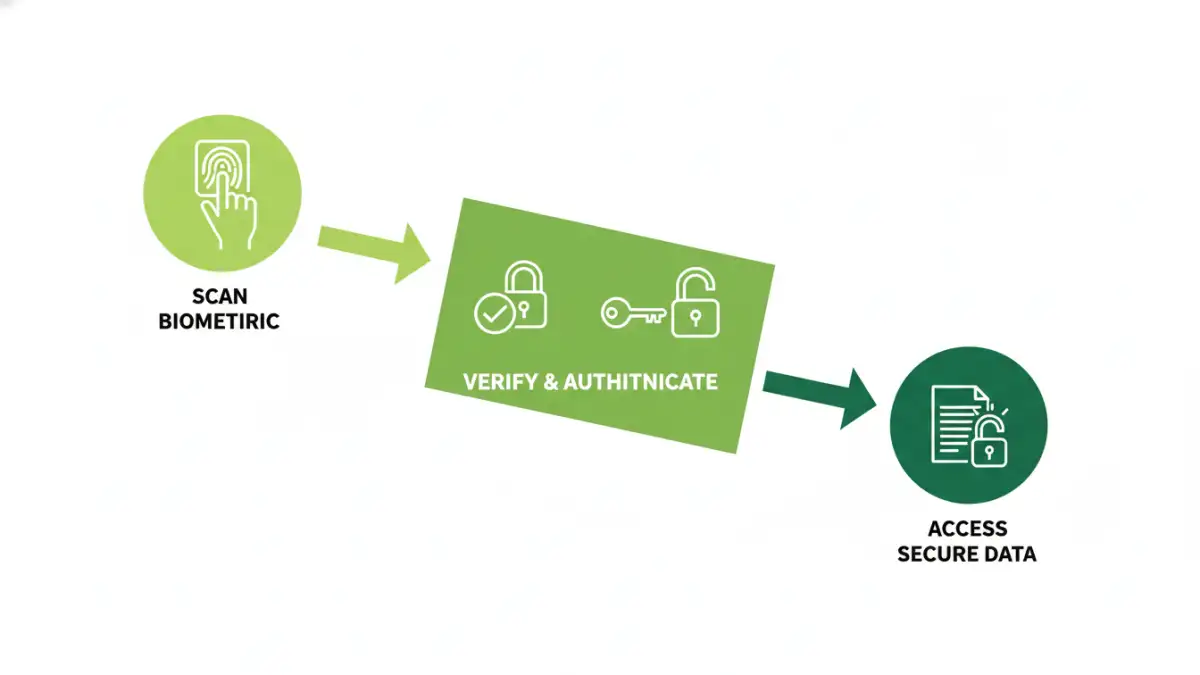
At its core, biometric encryption is a process that merges two powerful technologies: biometrics and cryptography. It uses a person's unique biological data—like a fingerprint, facial structure, or iris pattern—as the key, or part of the key, to lock and unlock digital information. It’s fundamentally different from just using your fingerprint to unlock your phone's home screen.
That simple unlock action grants access to the device, but it doesn't necessarily mean the files themselves are encrypted with your biometric data. True biometric encryption integrates your biological template directly into the cryptographic process, making your data unreadable without your physical presence.
The Two Pillars: Biometrics and Cryptography
First, the biometric system captures your unique feature using a sensor (e.g., a fingerprint scanner). It doesn't store a picture of your fingerprint. Instead, it creates a digital representation, or template, based on specific, unique points (minutiae). This template is a mathematical model, not an image.
Second, a strong cryptographic key is generated to encrypt your file. This is the random string of characters that actually scrambles your data. The magic happens when the system inextricably links your biometric template to this cryptographic key. The key is essentially locked away, and only the successful presentation of your biometric data can release it to decrypt the file.
The Technical Process of Securing a File
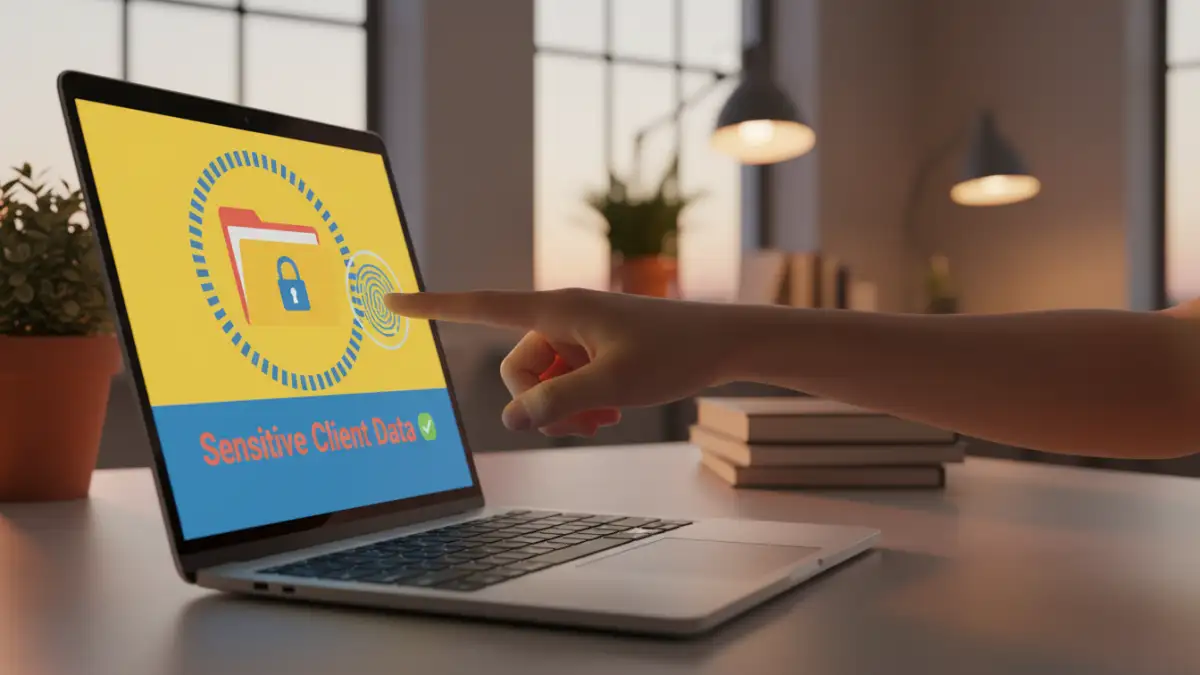
The process of securing sensitive files with this technology is elegant and robust. From a user's perspective, it's often as simple as touching a sensor, but a lot is happening behind the scenes. The workflow can be broken down into a few key stages.
Enrollment and Key Binding
The first step is enrollment. You provide your biometric data (e.g., scan your thumb several times) so the system can create a reliable and accurate digital template. During the encryption phase, a unique, strong cryptographic key is generated for the file or folder you want to protect. This key is then encrypted using your biometric template. This 'binding' process ensures that the cryptographic key itself is unusable without you.
When you want to access the file, you simply present your biometric data again. The system scans it, creates a new template on the fly, and compares it to the enrolled template. If they match, the system uses it to decrypt the cryptographic key. This key is then used to instantly decrypt your file, granting you access. If the scan doesn't match, the cryptographic key remains locked, and the file stays scrambled and unreadable.
Key Advantages Over Traditional Passwords
The move towards biometric security isn't just about convenience; it represents a significant leap forward in document encryption technology. It addresses the inherent flaws of password-based systems.
One of the most obvious benefits is that you can't forget your fingerprint or your face. This eliminates the need for password managers or risky behaviors like writing passwords down. More importantly, your biometric data is incredibly difficult to steal or duplicate compared to a password, which can be phished, guessed, or cracked with brute-force attacks. Each person's biometric data is unique, providing a level of identity assurance that a simple string of text cannot match.
This method also offers a much smoother user experience. Access is nearly instantaneous. This removes the friction of constantly typing in complex passwords, which encourages people to actually use the security features available to them rather than disabling them for convenience.
Real-World Use Cases and Security Considerations
This technology is no longer theoretical; it's built into many of the devices we use daily. Operating systems like Windows (via Windows Hello) and macOS (via Touch ID/Face ID) use it to protect access to user accounts and encrypt entire hard drives with technologies like BitLocker and FileVault. Modern smartphones from Apple and Google use this to protect data in the 'Secure Enclave' or equivalent hardware.
A common concern I hear is about the safety of the biometric data itself. Reputable systems do not store an image of your fingerprint or face. The digital template is typically stored in a secure, isolated piece of hardware on your device. It never leaves your device and is not sent to a cloud server where it could be intercepted. This on-device storage is a critical design principle for securing sensitive files and maintaining user privacy.
Security Method Comparison
| Method | How It Works | Security Level | Convenience |
|---|---|---|---|
| Password/Passphrase | Something you know. | Low to Medium (depends on complexity and uniqueness) | Low (easy to forget, cumbersome to type) |
| Two-Factor Authentication (2FA) | Something you know + something you have (e.g., phone app). | High | Medium (requires an extra step/device) |
| Biometric Encryption | Something you are (e.g., fingerprint, face). | Very High | High (fast and seamless) |
| Hardware Security Key | A physical device you possess. | Very High | Medium (requires carrying and using a physical key) |