A few years back, my team was tasked with handling thousands of sensitive financial reports daily. Manually encrypting each one was not just tedious; it was a bottleneck and a potential point of human error. This challenge led us down the path of creating a system for automated document encryption, a solution that proved to be both robust and efficient. The core of this system was a combination of Python for its scripting power and GnuPG (GPG) for its battle-tested, open-source encryption standard.
Table of Contents
Why Python and GPG are a Perfect Match
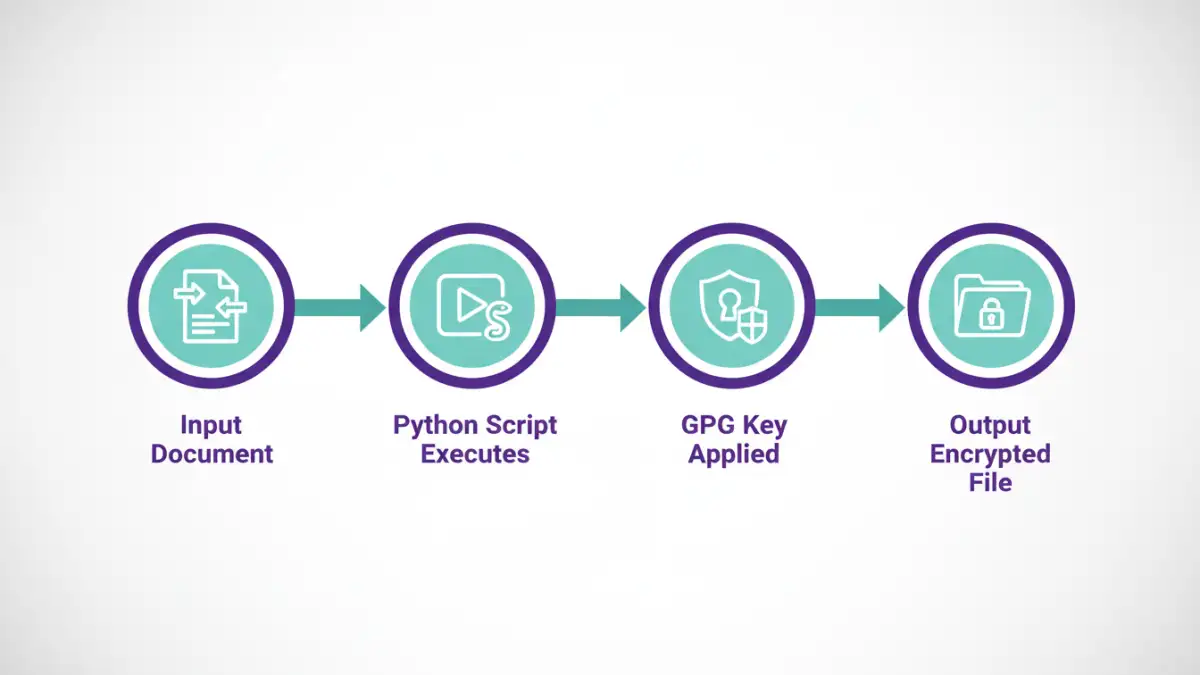
When you need to protect data at rest, you want tools that are reliable, flexible, and widely trusted. GPG, the GNU implementation of the OpenPGP standard, is the gold standard for asymmetric (public-key) cryptography. It allows you to encrypt a file for a specific recipient, who is the only one who can decrypt it with their private key. This is perfect for securely sharing documents.
Python, on the other hand, is the ultimate glue language. Its simplicity, extensive libraries, and ability to execute system commands make it ideal for orchestrating complex tasks. By combining Python's scripting capabilities with the power of the gpg command line, we can build powerful, automated security workflows without reinventing the wheel.
Setting Up Your Environment
Before writing any code, you need to have GPG installed and a Python library to interact with it. The setup is straightforward on most systems.
Installing GnuPG
First, ensure GPG is installed on your system. Most Linux distributions and macOS come with it pre-installed. You can check by running gpg --version in your terminal. For Windows, you can download Gpg4win, which provides a full suite of tools.
Python Library: python-gnupg
While you could use Python's `subprocess` module to call GPG directly, it's cleaner and safer to use a dedicated library. The `python-gnupg` library is an excellent wrapper that simplifies the interaction. Install it using pip:
pip install python-gnupg
With these two components in place, you're ready to start scripting your secure workflows.
Scripting Core Encryption and Decryption Tasks
The heart of our solution lies in Python scripts that handle the key operations: generating keys, encrypting data, and decrypting data. Let's walk through how to implement these.
Generating and Importing GPG Keys
First, you'll need a GPG key pair (a public key for others to encrypt files for you, and a private key you keep secret to decrypt them). You can generate one with the command gpg --full-generate-key and follow the prompts. For automation, you'll often be working with keys from partners or other systems. You can import a recipient's public key with gpg --import public_key.asc.
In Python, you can list available keys to verify they are ready for use:
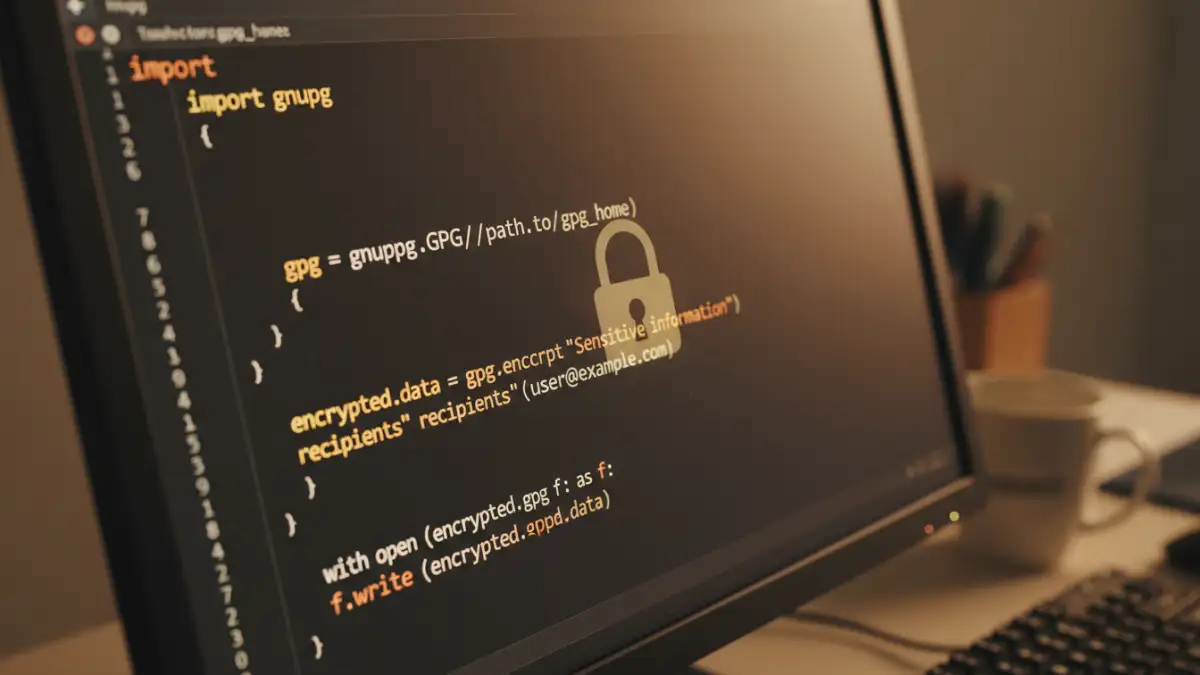
import gnupg

gpg = gnupg.GPG(gnupghome='/path/to/your/.gnupg')
public_keys = gpg.list_keys()
private_keys = gpg.list_keys(True)

print("Public keys:", public_keys)
print("Private keys:", private_keys)
Encrypting a File with Python
Encrypting a file for a specific recipient is the most common task. You need the recipient's email address or key ID that you've already imported into your GPG keyring. The script is surprisingly simple.
import gnupg

gpg = gnupg.GPG(gnupghome='/path/to/your/.gnupg')

file_to_encrypt = 'sensitive_report.txt'
recipient_email = 'recipient@example.com'
output_file = 'sensitive_report.txt.gpg'

with open(file_to_encrypt, 'rb') as f:
    status = gpg.encrypt_file(
        f,
        recipients=[recipient_email],
        output=output_file
    )

if status.ok:
    print(f"Successfully encrypted {file_to_encrypt} to {output_file}")
else:
    print("Encryption failed:", status.stderr)
Decrypting a File with Python
Decrypting a file requires your private key and the passphrase you set for it. The library handles passing the passphrase securely to the GPG agent.
import gnupg

gpg = gnupg.GPG(gnupghome='/path/to/your/.gnupg')

file_to_decrypt = 'sensitive_report.txt.gpg'
output_file = 'decrypted_report.txt'
passphrase = 'your-secret-passphrase'

with open(file_to_decrypt, 'rb') as f:
    status = gpg.decrypt_file(
        f,
        passphrase=passphrase,
        output=output_file
    )

if status.ok:
    print(f"Successfully decrypted {file_to_decrypt} to {output_file}")
else:
    print("Decryption failed:", status.stderr)
Integrating into a Secure Document Pipeline
These individual scripts are powerful, but their true value comes from integrating them into a larger, automated process. A secure document pipeline can watch a directory for new files, encrypt them, and then transmit them to a secure destination.
For example, you could use a library like `watchdog` to monitor a folder. When a new report is generated and placed in an 'outgoing' folder, the script automatically triggers, encrypts the file using the intended recipient's public key, and moves the encrypted file to a 'processed' folder, ready for SFTP transfer or email attachment. This kind of setup minimizes manual handling of sensitive data and ensures consistent application of security policies.
Encryption Methods Comparison
Understanding the differences between encryption types is crucial. GPG primarily uses asymmetric encryption for key exchange, but encrypts the bulk data with a symmetric cipher for efficiency.
| Feature | Symmetric Encryption (e.g., AES) | Asymmetric Encryption (GPG/PGP) |
|---|---|---|
| Key Management | Uses a single shared secret key for both encryption and decryption. | Uses a key pair: a public key to encrypt and a private key to decrypt. |
| Use Case | Ideal for encrypting data on your own devices (e.g., full disk encryption). | Ideal for securely sharing data with others without pre-sharing a secret key. |
| Performance | Very fast and efficient, suitable for large volumes of data. | Slower due to more complex mathematical operations. |
| Security Model | Security depends on keeping the single key secret. Key distribution is a major challenge. | Security depends on keeping the private key secret. The public key can be shared freely. |
| Example | Password-protecting a ZIP file. | Encrypting an email or file for a specific recipient. |