
It’s a scenario I’ve seen play out more than once in my career: a critical legacy application, built on Microsoft Access, suddenly becomes inaccessible. The original developer is long gone, and the password is lost to time. This situation can bring business operations to a grinding halt, turning a simple database into a digital fortress with no key.
Losing a password for an Access database doesn't mean your data is gone forever. While MS Access security is robust, there are several established methods to regain control of your files, whether they are older MDB formats or the more modern ACCDB files. The key is understanding the type of protection used and choosing the right approach.
Table of Contents
Understanding Access Database Security
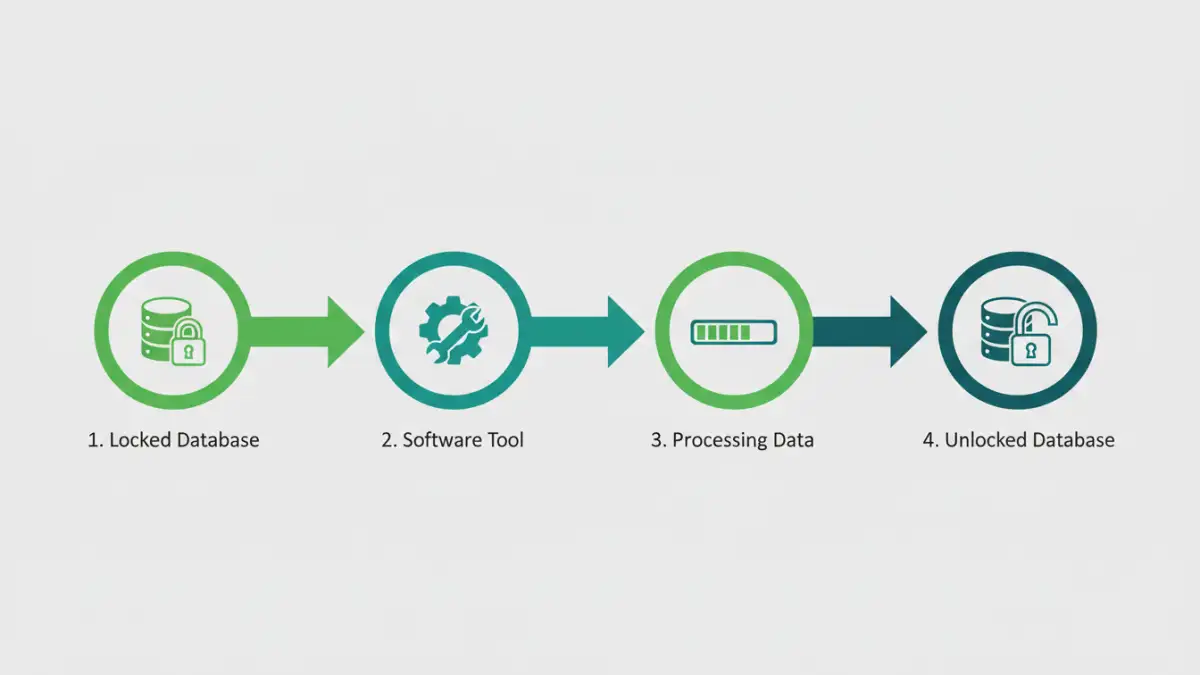
Before attempting a recovery, it's crucial to understand what you're up against. Microsoft Access uses a few different layers of security, and the password you've forgotten likely falls into one of two categories. Knowing the difference helps determine the best recovery strategy.
Database Password (Password to Open)
This is the most common type of protection. It’s a single password required to open the entire .accdb or .mdb file. When you try to open the database, Access prompts you for this password. If it's correct, you get full access. This type of password encrypts the database, making it unreadable without the correct key. Most recovery efforts focus on this specific password.
User-Level Security
This is a more complex, older feature primarily found in MDB files. It involves defining specific users and groups, each with different permissions (read, write, delete). This system is managed through a separate workgroup information file (.mdw). Recovering access in this scenario is much more complicated and often requires bypassing or recreating the workgroup file. Microsoft has deprecated this feature in ACCDB formats in favor of server-based security like SharePoint.
Initial Recovery Steps to Try First
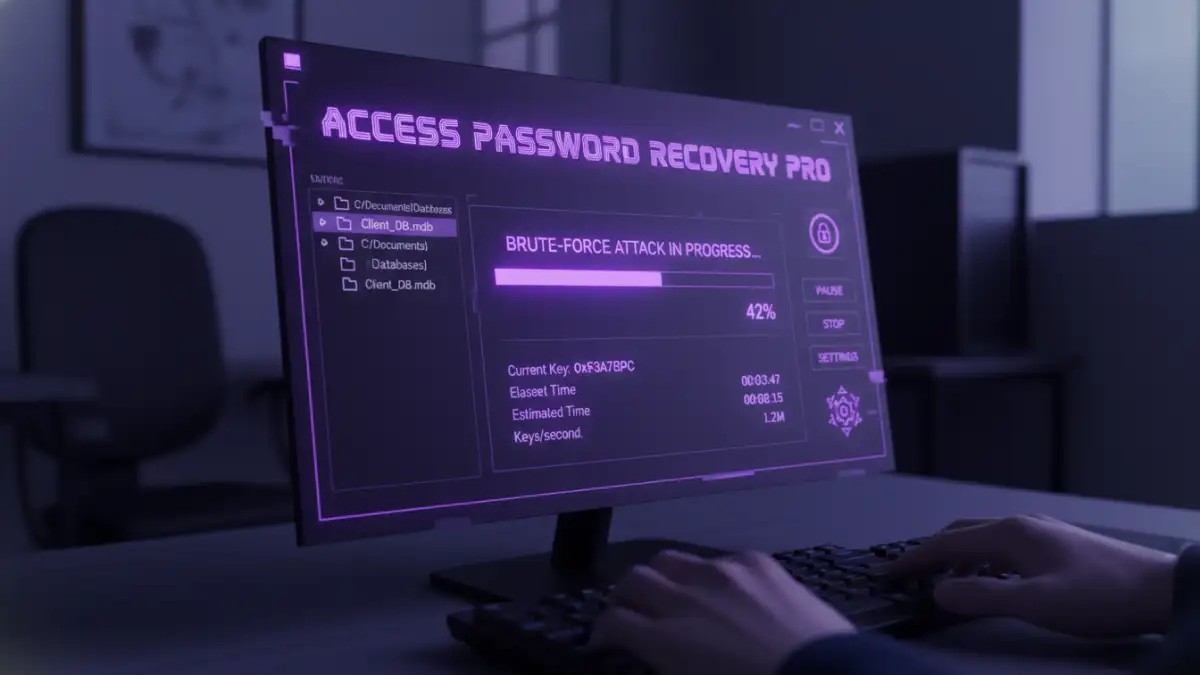
Before you turn to heavy-duty software, there are a couple of simpler things you can try. These methods have a low success rate for truly lost passwords but are worth a shot because they are free and fast. I always run through these first, just in case the solution is simpler than it appears.
Attempt Common Passwords
It sounds obvious, but you'd be surprised how often it works. Try any common passwords used by the original developer or your organization. Think about simple words, the company name, 'password', 'admin', '1234', or even a blank password. Sometimes the simplest solution is the right one.
Use a Hex Editor (Advanced Users)
For older MDB files, it was sometimes possible to use a hex editor to manually find and alter the database header where the password check is stored. This is a highly technical and risky method. One wrong change can corrupt the entire database, making it permanently unrecoverable. I strongly advise against this unless you have extensive experience with file structures and have a backup of the database. For modern ACCDB files with stronger encryption, this method is entirely ineffective.
Using Specialized Recovery Software
When simple methods fail, the most reliable path forward is using a third-party accdb password remover tool. These applications are designed specifically for access database password recovery and use sophisticated algorithms to find or remove the password, granting you access to your data.
These tools typically work in one of two ways. Some exploit known vulnerabilities in older MDB file encryption to instantly remove the password. For newer ACCDB files, which feature much stronger encryption, the software usually employs brute-force or dictionary attacks. A brute-force attack systematically tries every possible combination of characters, while a dictionary attack uses a list of common words and phrases. The success of these attacks depends on the password's complexity and the processing power of your computer.
When selecting a tool, look for one that supports your specific Access file version (MDB or ACCDB) and has positive reviews. Be cautious of online-only services where you have to upload your database, as this poses a significant data privacy risk. A reputable desktop application is always the safer choice for sensitive information.
Preventing Future Lockouts: Best Practices
Once you've successfully regained access to your database, the immediate next step should be to prevent this from happening again. Recovering a password is a reactive measure; proactive security is far better. My team and I always implement a strict policy for any credentials we manage.
First, document the new password securely. Use a trusted password manager like 1Password or Bitwarden. These tools store credentials in an encrypted vault, accessible only by a master password. You can also share access securely with team members, ensuring that knowledge isn't siloed with one person.
Second, establish a clear backup strategy. Regular backups of your database are your ultimate safety net. If you ever lose access and recovery fails, you can restore a recent, password-free (or known password) version. Store backups in a separate, secure location to protect against data loss from hardware failure or other disasters.
Access Password Recovery Method Comparison
| Method | Effectiveness | Risk Level | Best For |
|---|---|---|---|
| Trying Common Passwords | Very Low | None | Databases with simple or default passwords. |
| Hex Editor (MDB only) | Low | Very High (Data Corruption) | Advanced users with backups as a last resort. |
| Third-Party Software | High | Low (with reputable software) | Most situations, especially for complex passwords and ACCDB files. |
| Professional Data Recovery Service | Very High | Medium (Cost & Privacy) | Highly critical databases where other methods have failed. |