
Working with password-protected documents can be frustrating, especially when you've forgotten the password or inherited a file from someone else. While it's always best practice to store your passwords securely, life happens. Misplaced passwords, forgotten combinations, or access to legacy files can all lead to situations where you need a way to regain entry.
As someone who has spent over a decade navigating the complexities of software and data management, I've encountered numerous scenarios where accessing a locked Microsoft Office document was critical. This isn't about breaking into files that aren't yours; it's about recovering access to your own important data when standard methods fail. Understanding when and how to use specialized tools can be a lifesaver.
Table of Contents
Introduction to Password Protection
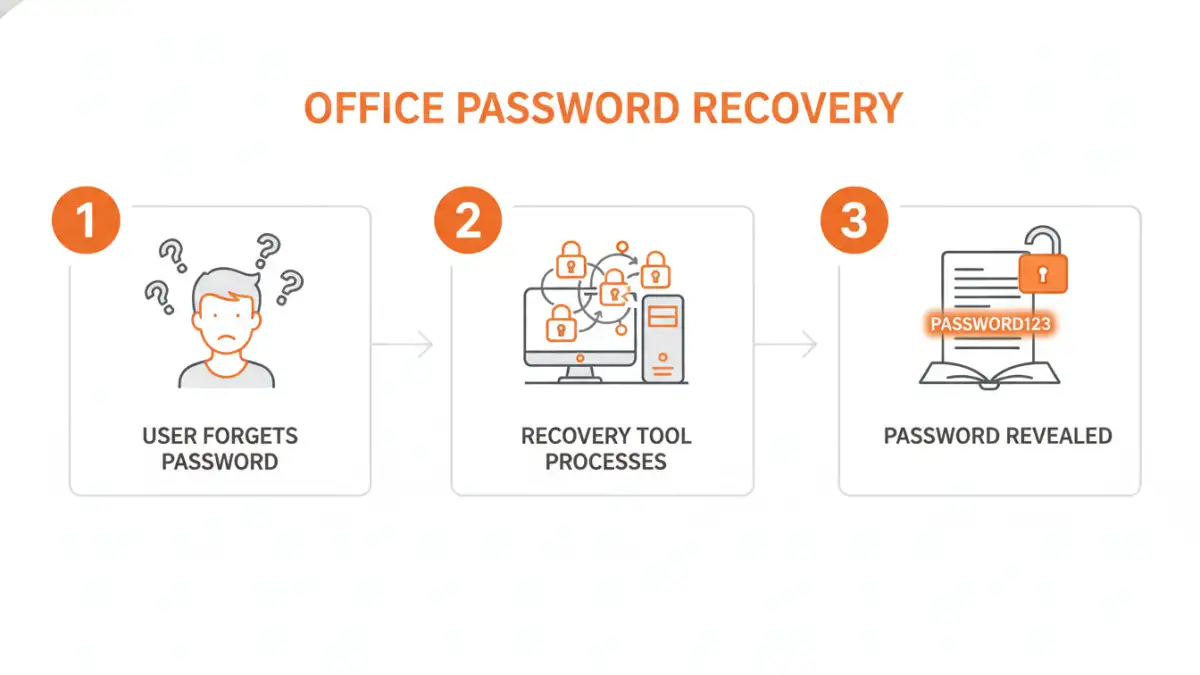
Microsoft Office applications, like Word, Excel, and PowerPoint, offer built-in features to protect your sensitive documents with passwords. This is a crucial security measure, preventing unauthorized access and safeguarding confidential information. However, this very security can become a barrier if the password is lost or forgotten.
Understanding Encryption Levels
Office documents can be protected with different levels of encryption. Older versions might use weaker encryption methods, while newer versions employ more robust algorithms. The strength of the password and the encryption method directly impact how difficult it is to recover the password.
Common Scenarios Requiring Recovery

There are several common situations where you might find yourself needing to recover a lost password for an Office file. One frequent scenario is when an employee leaves a company, and their password-protected documents are left behind without the password being shared. Another is when a student forgets the password to their thesis or project file, which is due soon.
I've also seen cases where old backup drives or archived files contain critical information, but the passwords were never documented. In these instances, the data is essentially locked away, making document password recovery a necessary step to access valuable information. It's about data retrieval, not unauthorized access.
Types of Office Password Protection
Microsoft Office typically uses two main types of password protection for its documents: a password to open the file and a password to modify the file. The 'password to open' encrypts the entire document, making it inaccessible without the correct password. The 'password to modify' allows viewing but prevents editing without a separate password.
Furthermore, different Office versions implement password protection with varying algorithms. Newer versions (Office 2010 and later) use AES encryption, which is significantly more secure and harder to crack than the older XOR encryption used in earlier versions. This difference is critical when considering the effectiveness of any file unlock tool.
When to Consider Recovery Tools
The primary reason to consider using office password recovery tools is when you have legitimate ownership of a document but have lost or forgotten its password. This includes personal files, work-related documents you created, or files you have explicit permission to access and have lost the credentials for. It's a last resort when standard password retrieval methods, like checking password managers or asking colleagues, have failed.
These tools are designed to attempt to bypass or reveal the password using various techniques, such as brute-force attacks, dictionary attacks, or exploiting known vulnerabilities in older encryption methods. It's important to use these tools responsibly and ethically, only on files you are authorized to access. Using a robust file unlock tool can save significant time and prevent data loss.
Alternatives and Best Practices
Before resorting to password recovery software, always exhaust other options. Check if you have the password saved in a password manager, ask colleagues or administrators if they might have access, or look for older, unencrypted versions of the file. Sometimes, a simple typo in the password is the culprit, so try variations and common passwords you use.
To avoid this situation in the future, implement strong password management practices. Use a reputable password manager, document your passwords securely, and consider using less sensitive passwords for documents that don't contain highly confidential information. Regular backups are also crucial; ensure your backups are also protected appropriately.
Comparison Table: Office Password Recovery Methods
| Method | Pros | Cons | Best For |
|---|---|---|---|
| Manual Guessing/Variations | Free, no extra tools needed | Low success rate for complex passwords | Simple, common, or likely passwords |
| Online Document Password Recovery Services | Accessible from anywhere, no installation required | Potential privacy/security risks, limited file types, slower processing | Quick recovery for common Office files with owner permissions |
| Desktop Software (File Unlock Tool) | More powerful, handles various Office versions and encryption types, faster processing | Requires installation, often paid, can be complex | Complex password recovery, older Office versions, bulk recovery |
| Seeking Expert Help | Professional handling, potentially higher success rate for difficult cases | Can be expensive, time-consuming | Critical data recovery, sensitive files where DIY fails |