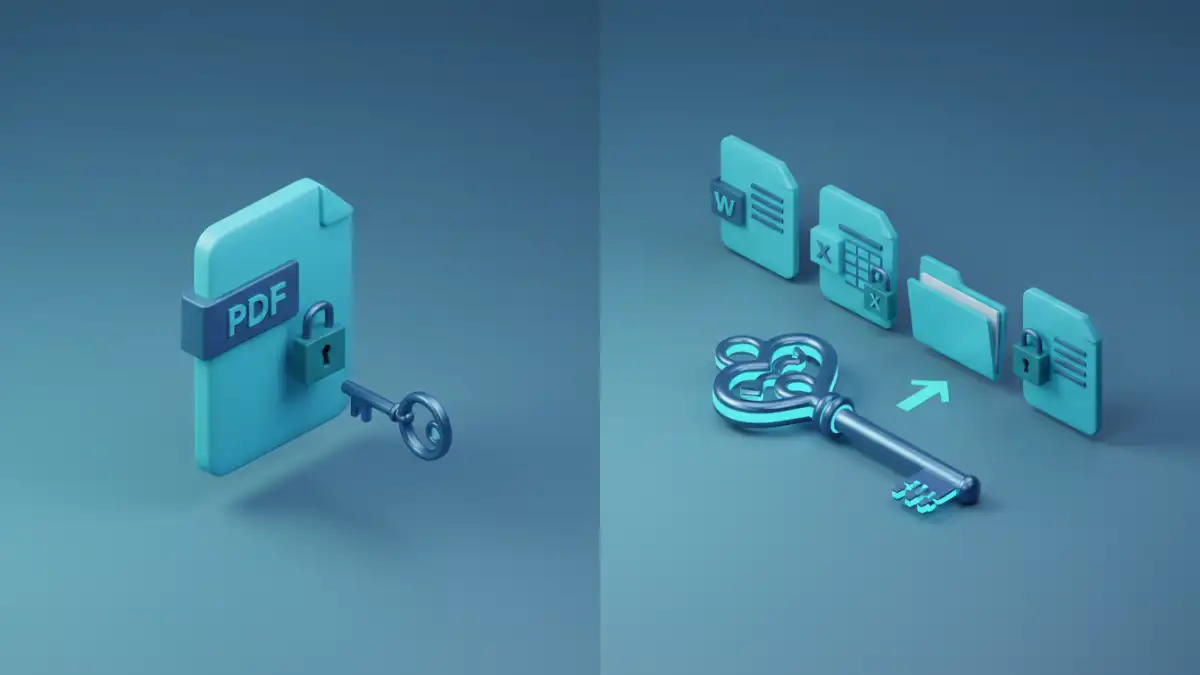
I recently helped a colleague who was in a bind. They had a password-protected ZIP archive containing critical project files, but the original password was long forgotten. While they had a go-to online tool for unlocking PDFs, it was useless for this ZIP file. This exact scenario highlights a common crossroads many of us face: do you stick with a simple, single-purpose tool, or invest in something more versatile?
The choice between a dedicated PDF unlocker and a broader, multi-format solution isn't just about convenience; it touches on efficiency, security, and cost. Understanding the fundamental differences is key to picking the right tool for the job without compromising your data's safety.
Table of Contents
The Core Dilemma: Specificity vs. Versatility
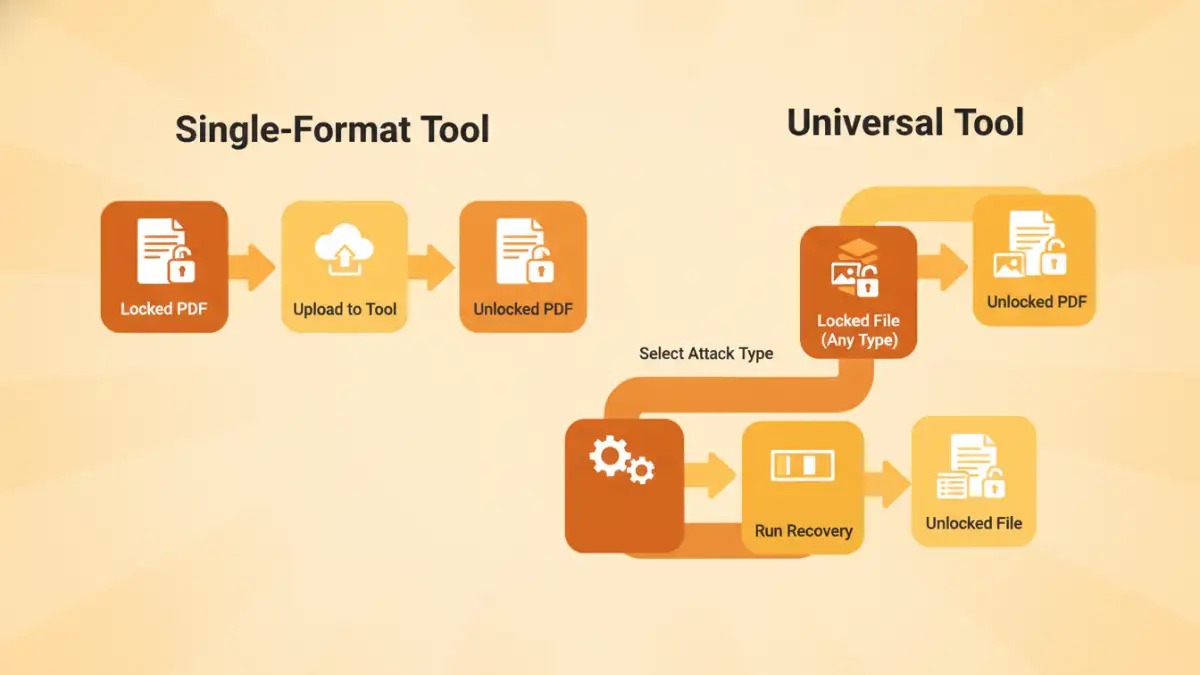
At its heart, the decision comes down to what you need to accomplish. Are you dealing with a one-off forgotten PDF password, or do you regularly encounter a variety of protected files? Each type of tool is designed with a different user and purpose in mind.
The Specialized PDF Password Remover
As the name implies, these tools do one thing and one thing only: they attempt to remove or recover passwords from PDF files. They are often simple, web-based utilities or lightweight desktop applications. Their focused nature makes them incredibly easy to use. You typically just upload the file, and the tool gets to work.
However, this specialization is also their biggest limitation. If you receive a password-protected Word document, Excel spreadsheet, or a compressed archive like a ZIP or RAR file, a PDF-only tool is completely ineffective. It's like having a key that only fits one lock in a building full of different doors.
The Versatile Multi File Unlocker
This category represents the Swiss Army knife of file recovery. These more robust applications are designed to handle a wide array of file formats. From Microsoft Office documents and archives to databases and even older file types, a good multi file unlocker can be a lifesaver in a corporate or IT support environment. They often employ more advanced recovery techniques, such as dictionary attacks, brute-force attacks, and mask attacks, giving you a higher chance of success.
When to Choose a Single-Format PDF Unlocker

Despite their limitations, dedicated PDF password removers have their place. Their primary advantage is simplicity and accessibility. If you're a student, a freelancer, or someone who only occasionally encounters a locked PDF, a specialized tool is often the most practical choice.
For instance, if you've set an "owner password" on a PDF to prevent printing or editing and have simply forgotten it, many free online tools or even browser-based tricks can remove this restriction instantly. They are perfect for low-stakes, non-sensitive documents where speed and ease of use are the top priorities. You don't need to install any software or navigate complex settings.
The Case for Universal Password Tools
For professionals, especially those in IT, legal, or administrative roles, the argument for a more comprehensive solution is compelling. In my line of work, I see protected files in all formats—from encrypted backups in ZIP files to legacy Word documents with forgotten passwords. Having separate tools for each format would be incredibly inefficient.
This is where universal password tools truly shine. A single, powerful application can save an enormous amount of time and frustration. Instead of searching for a new solution every time a different file type appears, your team has a reliable, go-to resource. These tools often come with features designed for power users, such as GPU acceleration to speed up the recovery process and the ability to set custom parameters for password searches, which significantly increases the odds of recovering a complex password.
Security and Reliability: Online vs. Offline Tools
One of the most critical factors in this debate is security. Many single-format PDF unlockers are web-based. While convenient, uploading a sensitive document to a third-party server introduces a significant security risk. You have no control over what happens to your data once it leaves your machine. Is it stored? Is it scanned? For any document containing personal, financial, or confidential business information, using an online tool is a risk I'm never willing to take.
Desktop-based applications, which include most high-quality universal password tools, are inherently more secure. The entire recovery process happens locally on your computer. Your files never leave your control, eliminating the privacy concerns associated with online services. While they may require an upfront investment, the peace of mind that comes with knowing your sensitive data is secure is invaluable.
Tool Type Comparison
| Feature | Single-Format PDF Unlocker | Universal Password Tool |
|---|---|---|
| File Support | PDF only | Multiple formats (PDF, Office, ZIP, RAR, etc.) |
| Best Use Case | Quick, one-off tasks for non-sensitive PDFs | Professional environments with diverse file types |
| Complexity | Very low; often drag-and-drop | Moderate; may include advanced settings |
| Typical Cost | Often free or low-cost | Typically a paid, licensed software |
| Security Risk | High (if online); Low (if offline) | Very Low (typically offline applications) |
| Recovery Methods | Usually basic password removal | Advanced (Brute-force, Dictionary, Mask attacks) |