
A project manager recently told me about a critical deadline they nearly missed. The reason? A key financial spreadsheet was password-protected, and the analyst who created it was on an unplugged vacation. The entire team was blocked for two days, frantically trying to guess the password or find a workaround. This scenario is incredibly common and highlights a major flaw in how many organizations handle business document security.
Relying on individual employees to manage passwords for Office documents, PDFs, and ZIP archives creates chaos. It leads to lost productivity, security vulnerabilities, and significant operational risk when someone leaves the company. The solution isn't to stop using passwords, but to manage them intelligently.
Table of Contents
The High Cost of Disorganized Document Security
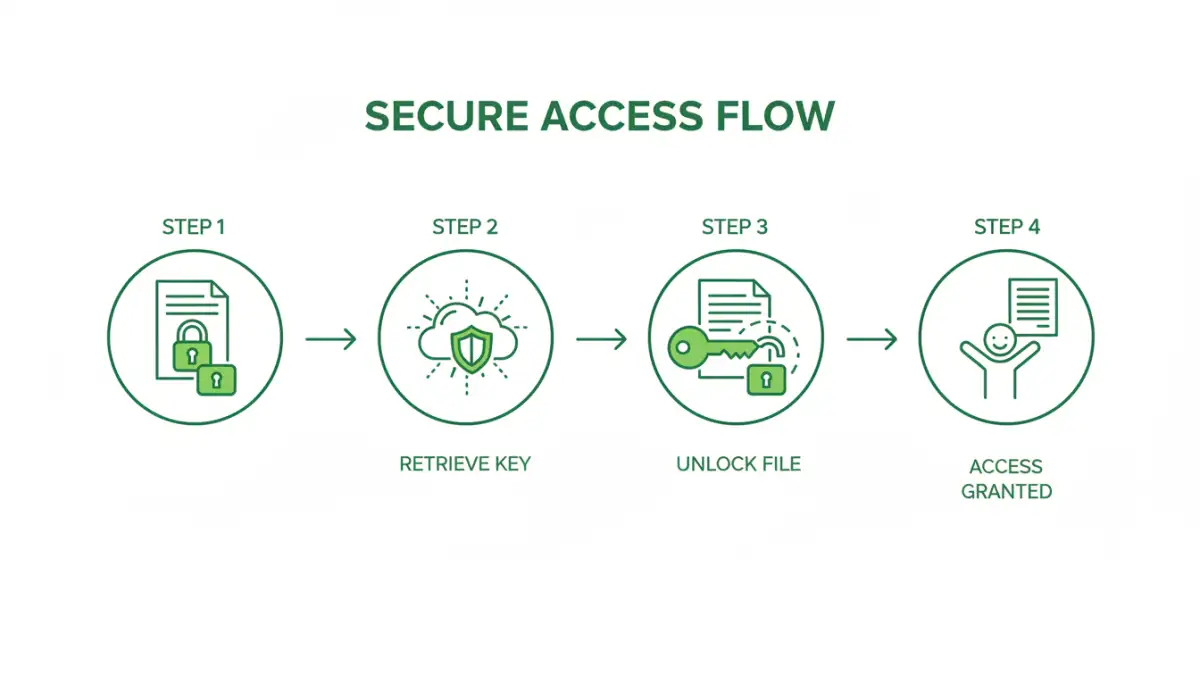
When there's no central system for managing file passwords, teams instinctively create workarounds that are often insecure. You see passwords shared in chat messages, written on sticky notes, or stored in a plain text file on a shared drive. From a security and operational standpoint, this is a nightmare.
The primary issue is the 'key person' dependency. If the only person who knows the password to a critical contract or project plan is unavailable, work grinds to a halt. This isn't just an inconvenience; it can have real financial consequences. Furthermore, when an employee departs, there's often no formal process for transferring ownership of these digital keys, leaving valuable company data locked away permanently.
Defining a Unified Password Strategy

A cohesive strategy for managing file passwords moves beyond individual responsibility and establishes an organizational framework. This isn't about a single magic tool but a combination of policy, technology, and training. The goal is to ensure that authorized users can always access the files they need while maintaining a strong security posture.
The Core Pillars of the Strategy
A robust system is built on three pillars. First is Policy: clear guidelines on when to encrypt files, how to create strong passwords, and where they must be stored. Second is Technology: using tools like enterprise password managers or dedicated recovery suites to securely store and manage these credentials. The final pillar is People: training your team on the policies and tools to ensure adoption and compliance.
Why Ad-Hoc Methods Inevitably Fail
Informal methods fail because they lack scalability, security, and accountability. A shared spreadsheet of passwords can be easily leaked, offers no audit trail of who accessed what, and becomes impossible to manage as the team grows. This is where a dedicated, universal file password solution becomes a necessity, providing a structured approach that protects the company's data assets.
Implementing Your Centralized System
Transitioning to a centralized system requires a methodical approach. You can't just deploy a tool and expect the problem to be solved. As an engineer, I always recommend a phased implementation to minimize disruption and ensure success.
First, conduct an audit of your existing password-protected files. Understand what kind of data is being protected and who needs access to it. This helps define the scope. Next, select a technology solution that fits your organization's scale and security requirements. A small team might be fine with a business-tier password manager, while a larger enterprise may need a more comprehensive suite with enterprise password recovery features.
Once a tool is chosen, define clear access control policies. Not everyone needs the password to the company's financial records. Use role-based access controls to ensure employees can only retrieve credentials for data relevant to their job. Finally, roll out the system with comprehensive training and documentation to drive adoption.
Essential Tools for the Job
The right technology is crucial for effective team file access. The market offers several categories of tools designed to solve this problem, each with its own strengths.
Enterprise Password Managers: Tools like 1Password Teams, LastPass Business, or Keeper are excellent starting points. They provide secure vaults where teams can store and share not just website logins, but also passwords for specific Office documents or encrypted archives. They offer strong auditing features and access controls.
Dedicated Password Recovery Suites: For larger organizations, especially those in regulated industries, enterprise password recovery software from companies like Passware or Elcomsoft is vital. These tools are designed to provide IT and security teams with a legitimate way to regain access to company-owned files when a password is lost or an employee is unavailable. They integrate with existing systems and provide a crucial safety net for business continuity.
Comparison of File Password Management Strategies
| Strategy | Security Level | Scalability | Cost | Best For |
|---|---|---|---|---|
| Ad-Hoc (No System) | Very Low | Poor | Free (but high hidden costs) | Individuals or very small teams (not recommended) |
| Team Password Manager | High | Good | Low to Moderate | Small to medium-sized businesses needing secure sharing. |
| Enterprise Recovery Suite | Very High | Excellent | High | Large enterprises with strict compliance and security needs. |
| Custom Scripts | Variable | Variable | Variable (Development Time) | Organizations with very specific, niche workflow requirements. |