The sheer volume of digital documents we handle daily, from personal records to sensitive business data, makes organization and security paramount. I've seen firsthand how easily critical information can be compromised if not properly protected. Ensuring that your document portfolio is not only well-organized but also securely encrypted is a vital step in safeguarding your digital life against potential threats.
When I started out in software development, the tools for encrypting documents were often complex and inaccessible to the average user. Thankfully, technology has advanced significantly, offering a range of solutions that are both powerful and user-friendly. Whether you're dealing with personal financial statements, confidential work projects, or creative intellectual property, understanding how to implement effective encryption is no longer an option; it's a necessity.
Table of Contents
Understanding the Basics of Document Encryption
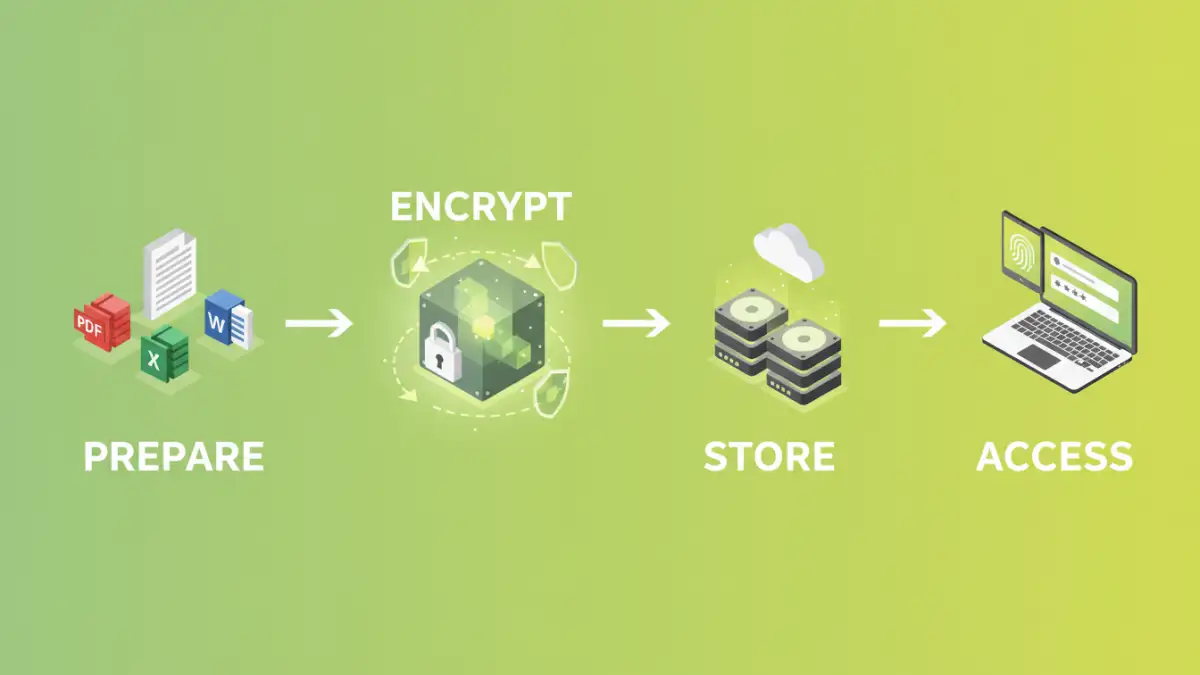
At its core, encryption is the process of converting readable data into a code that can only be deciphered using a specific key. This process ensures that even if your documents fall into the wrong hands, they remain unintelligible without the correct decryption key. This is fundamental for maintaining the confidentiality and integrity of your sensitive information.
Key Concepts in Encryption
Two primary types of encryption are commonly used: symmetric and asymmetric. Symmetric encryption uses a single key for both encryption and decryption, making it fast and efficient. Asymmetric encryption, on the other hand, uses a pair of keys: a public key for encryption and a private key for decryption. This is often used for secure communication and digital signatures.
Methods for Encrypting Your Document Portfolio
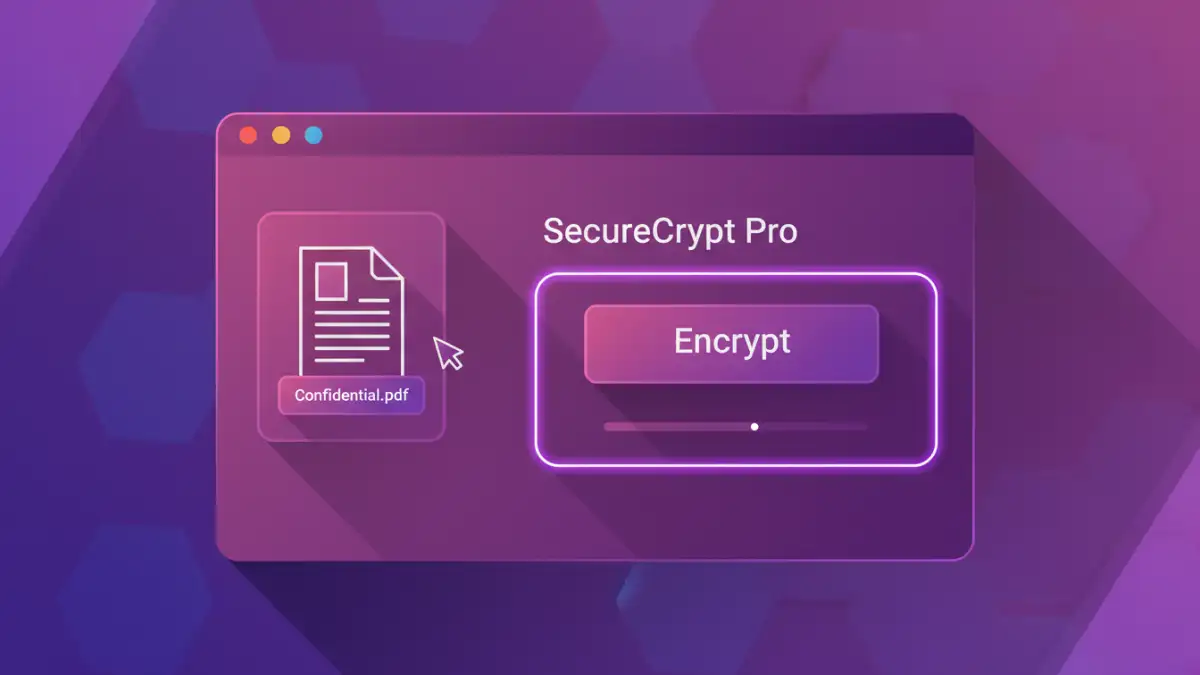
There are several practical ways to implement encryption for your document portfolio, catering to different needs and technical abilities. These methods range from built-in operating system features to dedicated software solutions.
Using Built-in Operating System Features
Both Windows and macOS offer native encryption capabilities. Windows users can leverage BitLocker to encrypt entire drives or specific folders, while macOS provides FileVault for full-disk encryption and the ability to create encrypted disk images (.dmg files) for specific sets of documents. These are excellent starting points for basic security.
Leveraging PDF Encryption Best Practices
Many PDF readers and editors, like Adobe Acrobat, allow you to set passwords and encryption levels for your PDF documents. This is incredibly useful for sharing sensitive reports, contracts, or personal documents. When setting passwords, opt for strong, unique ones that are difficult to guess and consider the encryption strength offered (e.g., AES-256 is a strong standard).
Dedicated Encryption Software
For more robust security, third-party encryption software offers advanced features. Tools like VeraCrypt allow you to create encrypted containers or volumes that act like virtual hard drives, or encrypt entire partitions. Other tools focus on encrypting individual files or folders with user-friendly interfaces, making the process of encrypting document portfolios more accessible.
Choosing the Right Tools
The best tool for you depends on your specific needs, the type of documents you handle, and your technical comfort level. For casual users, built-in OS features or PDF password protection might suffice. For professionals handling highly sensitive data, dedicated software offering stronger encryption algorithms and more control might be necessary.
Online vs. Offline Encryption
Online encryption tools are convenient, allowing you to encrypt files directly in your browser. However, they can raise privacy concerns as your files are uploaded to a third-party server. Offline encryption software, installed on your computer, offers greater privacy and control, as your data never leaves your device during the encryption process.
Best Practices for Secure File Organization
Beyond just encrypting files, a comprehensive approach to secure file organization involves several key practices. Regularly backing up your encrypted data is crucial; losing your encryption key means losing access to your files forever, so a secure backup strategy is essential. Keep your encryption keys or passwords in a secure location, such as a reputable password manager, and avoid using easily guessable information.
Organize your files logically before encrypting them. Grouping related documents into specific folders or encrypted containers makes management easier. Regularly review and update your security measures, as new threats and vulnerabilities emerge over time. This proactive approach ensures your document portfolio remains protected.
Advanced Techniques and Considerations
For users needing maximum security, consider exploring advanced encryption techniques. This might involve using command-line tools for highly specific encryption needs or integrating encryption into automated workflows. Understanding different encryption algorithms and their strengths (like AES-128 vs. AES-256) can also inform your choices.
When sharing encrypted documents, ensure the recipient understands how to decrypt them. Providing clear instructions and a secure method for sharing the decryption key (if using asymmetric encryption or a separate key sharing mechanism) is vital. Always prioritize strong, unique passwords or keys for all your encrypted files and systems.
Comparison Table
| Encryption Method | Ease of Use | Security Level | Best For |
|---|---|---|---|
| Built-in OS (BitLocker/FileVault) | Moderate | High | Full disk or partition encryption |
| PDF Password Protection | Easy | Moderate to High (depending on settings) | Individual PDF documents |
| Dedicated Encryption Software (e.g., VeraCrypt) | Moderate to Advanced | Very High | Encrypted containers, volumes, sensitive data storage |
| Cloud Storage Encryption (built-in) | Easy | Moderate to High (provider dependent) | Cloud-based file backup and sharing |