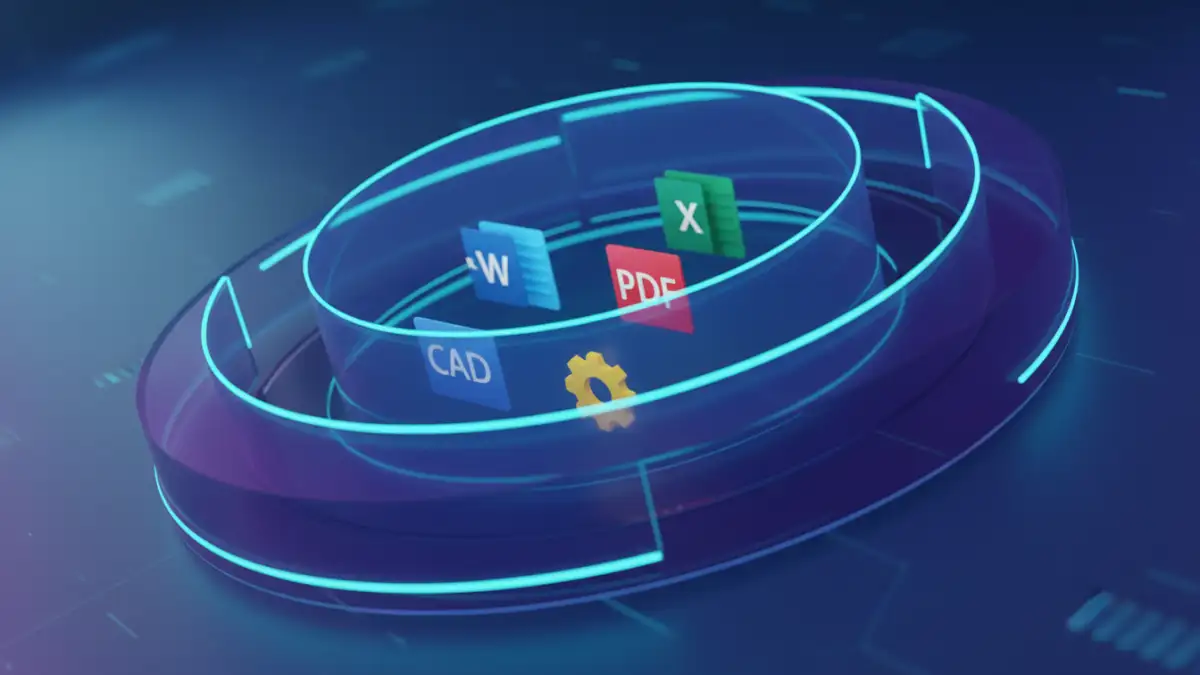
When most people hear "DRM," they often think of locked PDF files or protected media. It's a common starting point, but it barely scratches the surface of what modern digital rights management is capable of. The reality is, your company's most valuable information likely lives in a variety of formats—Word documents containing legal contracts, Excel spreadsheets with financial projections, CAD files for new products, or even raw source code.
Simply password-protecting these files is like putting a simple padlock on a bank vault. It might deter a casual attempt, but it offers no real control once the password is shared. True security isn't about a one-time unlock; it's about persistent control over who can access your data, what they can do with it, and for how long, regardless of where that file travels.
Table of Contents
Beyond the PDF: What DRM Really Protects
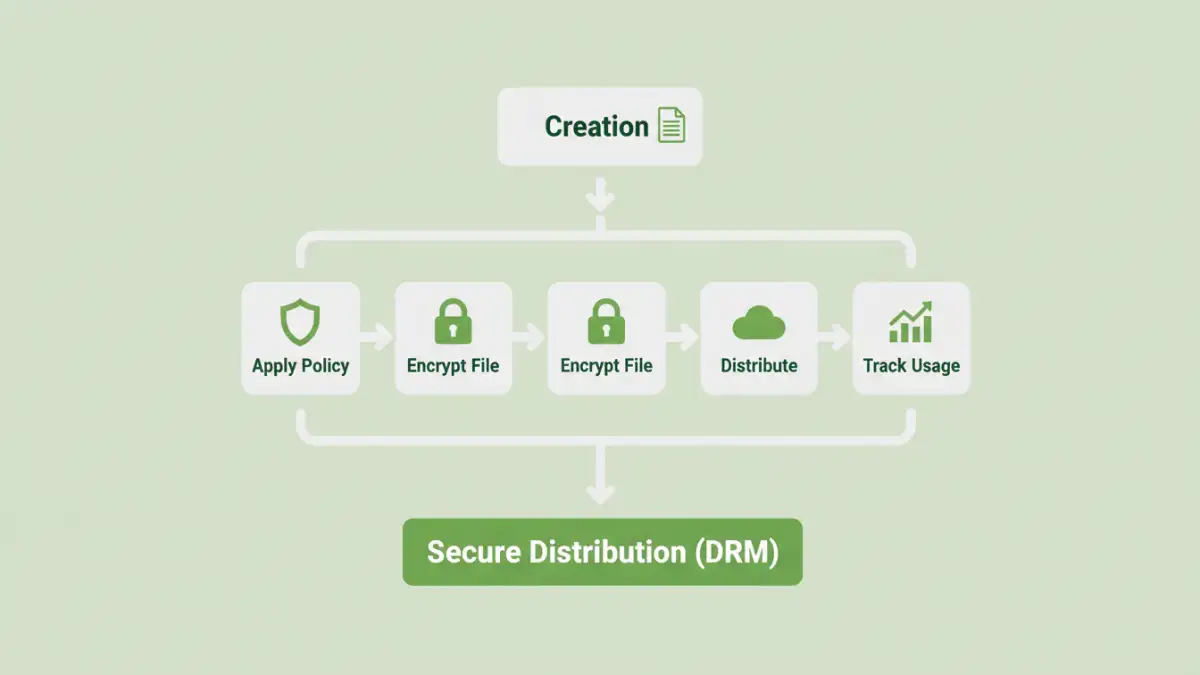
The scope of a modern DRM system extends far beyond a single file type. The goal is to safeguard the intellectual property and sensitive data that drive your business, no matter the format. This holistic approach is crucial for comprehensive intellectual property security.
Protecting Critical Business Documents
Think about the documents that circulate within your organization daily. Board meeting minutes, strategic plans, M&A documents, and HR records are all prime candidates for robust protection. DRM allows you to ensure that these files can only be opened by authorized executives or team members, preventing leaks during sensitive negotiations or internal restructuring.
Securing Intellectual Property and Design Files
For many companies, the most valuable assets are digital blueprints. This includes everything from proprietary software source code and pharmaceutical research to architectural CAD drawings and graphic design files. I once worked with a manufacturing client whose new product design was leaked by a contractor. An effective DRM solution could have prevented this by watermarking the design files with the contractor's identity and revoking their access the moment their contract ended.
The Core Mechanics of Digital Rights Management
So, how does DRM achieve this level of control? It's not just about encryption. It's a combination of technologies that work together to enforce your security policies on every file, creating a system for secure content distribution.
Dynamic Permissions and Access Control
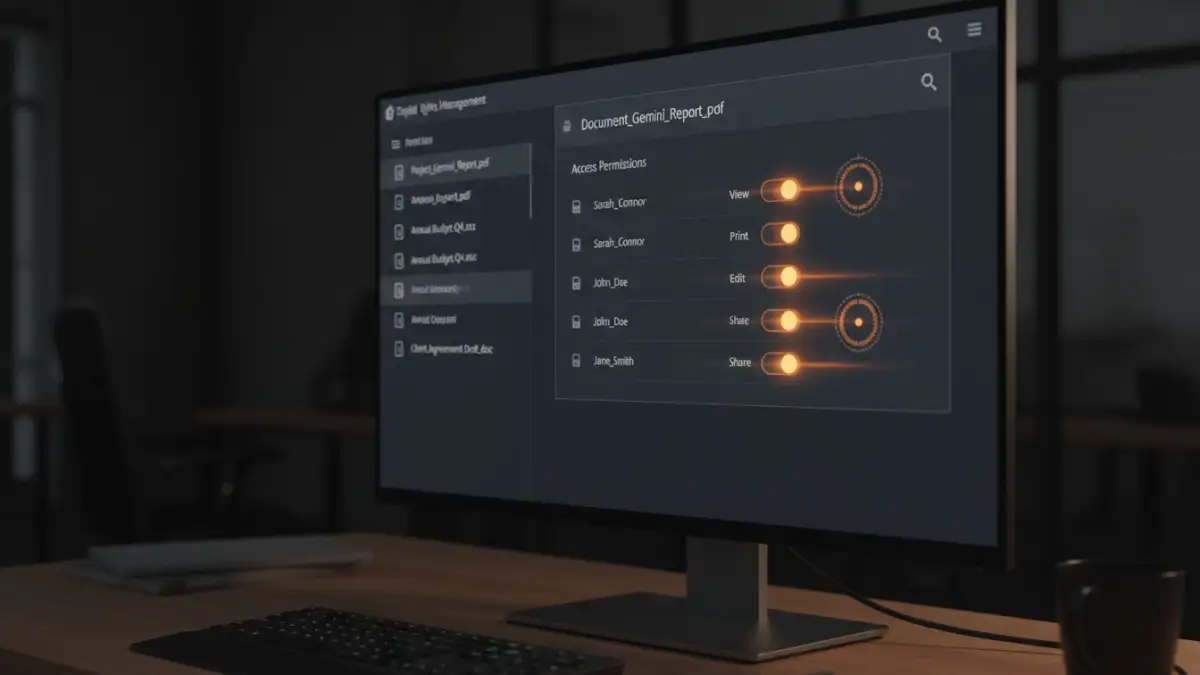
This is the heart of DRM. Instead of a static password, you assign dynamic rights to users or groups. You can control document access by specifying who can view, edit, print, copy, or even take a screenshot of a document. These permissions aren't permanent; you can modify or revoke them in real-time, even after the document has been downloaded to someone's personal device. This is incredibly powerful for managing access for temporary staff or external partners.
Persistent Encryption and Watermarking
DRM wraps each file in a layer of persistent encryption. The file remains encrypted at all times—at rest, in transit, and even in use. It can only be decrypted by an authorized user with the right key and software, which checks their permissions with a central server. Furthermore, dynamic watermarking can overlay the user's name, IP address, or a timestamp onto the document when viewed. This acts as a powerful deterrent against sharing photos or screenshots of sensitive information, as the source of the leak would be immediately identifiable.
Implementing a DRM Strategy Step-by-Step
Adopting a DRM solution isn't just about buying software; it's about integrating a security-first mindset into your workflows. A well-planned strategy ensures you protect what matters most without hindering productivity.
Step 1: Identify and Classify Your Data
You can't protect what you don't know you have. The first step is to conduct an audit of your digital assets. Identify your most critical information—the "crown jewels" of your company. Classify data based on sensitivity levels, such as 'Public,' 'Internal,' 'Confidential,' and 'Highly Restricted.' This helps you apply the right level of protection to the right information.
Step 2: Define Access Policies
Once you know what to protect, define who needs access and what they should be able to do. Create role-based policies. For example, the engineering team might have full edit rights to CAD files, while the sales team gets view-only access. The finance department might be able to view and print reports, but not copy the content. These policies form the rules your DRM system will enforce.
Addressing Common Misconceptions About DRM
DRM technology has evolved significantly, but some outdated perceptions persist. It's important to separate myth from reality when considering a modern solution.
Myth: "DRM Is Overly Complex and Restrictive"
Early DRM systems could be clunky and frustrating for end-users. However, modern solutions are designed with the user experience in mind. They often integrate seamlessly with existing applications like Microsoft Office and Adobe Acrobat. The goal is not to block work but to enable secure collaboration. When implemented correctly, users barely notice it's there—until they try to perform an unauthorized action.
Myth: "It's Only for Large Enterprises"
While large corporations were early adopters, the rise of cloud-based, software-as-a-service (SaaS) DRM has made it accessible and affordable for businesses of all sizes. You no longer need a massive IT budget or dedicated servers. Subscription models allow small and medium-sized businesses to leverage the same powerful enterprise document drm protection that Fortune 500 companies use, scaling as they grow.
Feature Comparison: Basic Passwords vs. DRM
| Feature | Basic Password Protection | Digital Rights Management (DRM) |
|---|---|---|
| Access Control | A single password shared among users. | Granular, user-specific permissions (view, edit, print, etc.). |
| Revocation | Cannot revoke access once password is shared. | Access can be revoked instantly at any time. |
| Tracking & Auditing | No visibility into who opened the file or when. | Detailed logs of all document activity. |
| Copy/Print Control | Not available. Once open, content can be copied. | Can disable printing, copying, and screen capture. |
| Watermarking | Static, can be removed by anyone with the password. | Dynamic, user-specific watermarks that deter sharing. |
| Offline Access | Works offline indefinitely once password is known. | Can be configured to require periodic online checks. |