When dealing with sensitive information, ensuring only the right people can access your documents is paramount. PDFs are a common format for sharing reports, contracts, and confidential data, making their security a critical concern. I've often encountered situations where simple, yet effective, measures could have prevented data breaches or accidental sharing.
Implementing robust access controls for your PDF documents doesn't have to be overly complex. Whether you're a business owner, a student, or an individual handling personal data, understanding the available tools and techniques can significantly enhance your document security posture.
Table of Contents
Understanding PDF Security Fundamentals
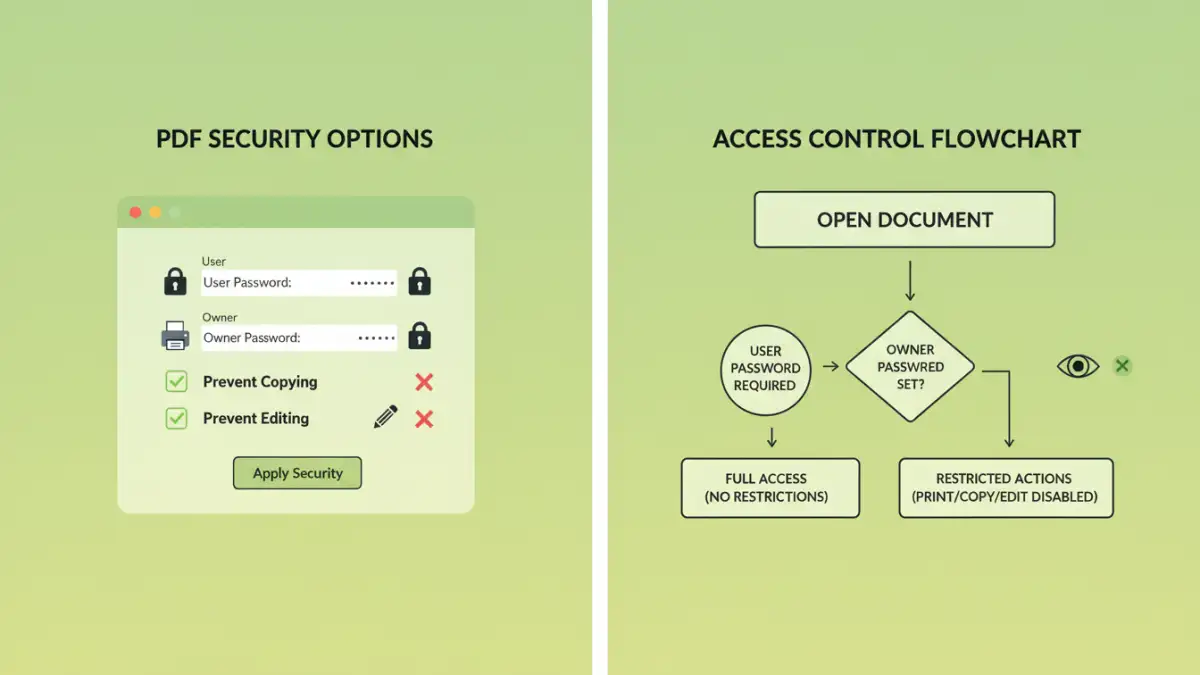
At its core, securing a PDF involves limiting who can view, edit, copy, or print its content. This is typically achieved through a combination of passwords and permission settings. Understanding these basic principles is the first step toward effectively protecting your digital assets.
Key Concepts in PDF Security
The primary mechanisms for controlling access are owner passwords and user passwords. An owner password restricts permissions like editing or printing, while a user password is required to open and view the document at all. Many PDF viewers and creation tools offer these fundamental security features.
Leveraging Built-in PDF Security Features
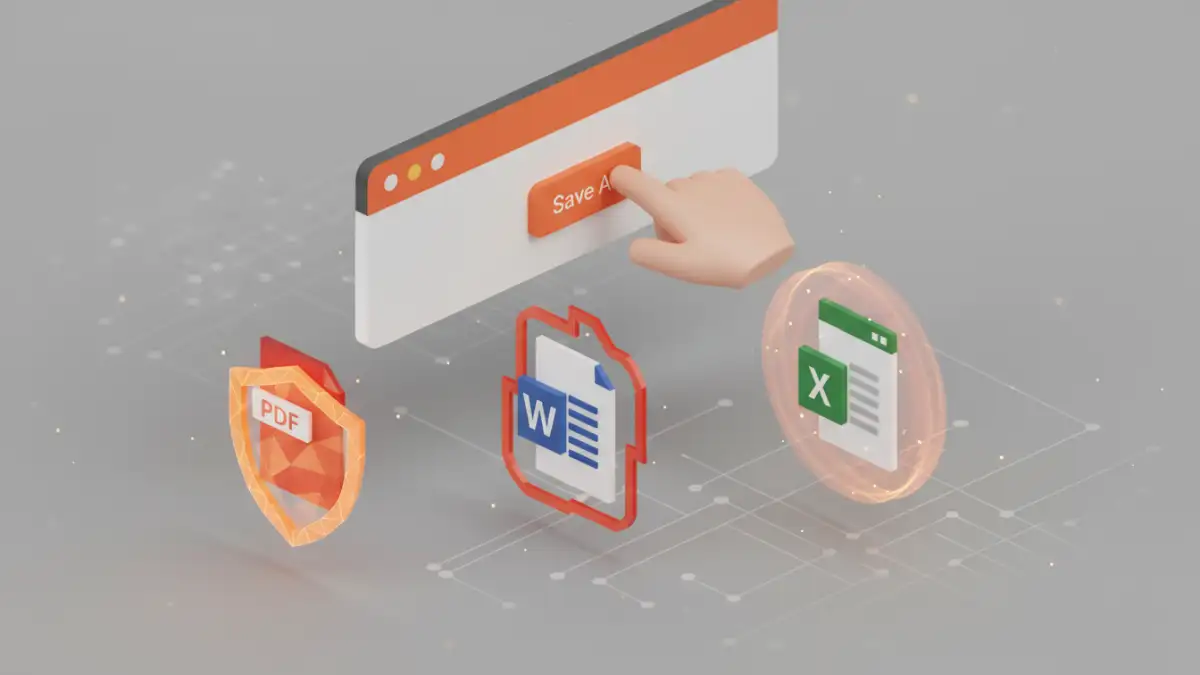
Most modern PDF creation software, including Adobe Acrobat and even some free alternatives, come equipped with robust security options. These are often the most straightforward and effective ways to implement basic access controls.
Password Protection for Viewing and Editing
When you're ready to save your PDF, look for the security or protection options. Here, you can typically set a user password to prevent opening the document without authorization. You can also set an owner password to restrict actions like copying text, modifying the document, or printing. This is crucial for documents that need to be shared but with specific limitations.
Setting User Permissions
Beyond just opening the document, you can granularly control what users can do. For instance, you might allow someone to view and print a document but not to edit or copy its contents. This level of control is invaluable for contracts, policy documents, or any material where content integrity is vital.
Advanced Document Access Control Methods
While built-in features are excellent for many scenarios, more complex needs might require advanced solutions. These can involve digital rights management (DRM) or specialized software for stricter control.
Digital Rights Management (DRM) Solutions
For organizations handling highly sensitive or proprietary information, DRM systems offer sophisticated control. These solutions go beyond simple passwords, allowing for dynamic control over documents even after they've been distributed. They can track usage, revoke access remotely, and enforce complex usage policies. Implementing secure pdf access control using DRM is a significant step for enterprise-level security.
Using Online Document Access Tools
Several online platforms offer document security features, including password protection and access control. While convenient for quick tasks, it's crucial to vet the security and privacy policies of these services, especially when dealing with highly confidential data. Some tools specialize in creating restricted pdf files with specific sharing limitations.
Best Practices for PDF Security
Regardless of the method you choose, adhering to best practices ensures your security measures are effective and sustainable. This involves not just technical implementation but also user awareness and regular review.
Strong Password Management
If you're using password protection, always opt for strong, unique passwords. Avoid easily guessable information and consider using a password manager to generate and store complex passcodes securely. This is fundamental to any secure pdf access control strategy.
Regularly Review Permissions
As circumstances change, it's important to review who has access to your sensitive documents and what permissions they have. Revoke access for individuals who no longer require it and update passwords periodically, especially if a document has been shared widely.
Educate Your Users
If you're part of an organization, ensure that all users understand the importance of document security and how to handle protected files. Training on safe sharing practices and password management can prevent many security incidents.
Comparison Table: PDF Security Methods
| Method | Pros | Cons | Best For |
|---|---|---|---|
| Built-in PDF Software (e.g., Adobe Acrobat) | Widely available, user-friendly interface, robust permission controls | Requires software installation, some advanced features may be paid | General document protection, individual users, small businesses |
| Online PDF Security Tools | Convenient, no installation needed, quick for simple tasks | Potential privacy concerns, limited features, requires internet access | Occasional use, simple password protection, quick sharing |
| Digital Rights Management (DRM) Systems | Highly granular control, dynamic access management, tracking capabilities | Complex implementation, often costly, requires dedicated infrastructure | Enterprise-level security, highly sensitive data, long-term control |
| Restricted PDF Features (via specific tools) | Specific limitations like copy/print prevention, simple to apply | May not offer full encryption, relies on viewer compatibility | Preventing basic content misuse, ensuring document integrity |