Working with sensitive documents like birth certificates means prioritizing their security. In my years as a software engineer, I've seen how easily digital information can be compromised if not handled with care. Protecting these irreplaceable records from potential data breaches or unauthorized viewing is paramount, especially when they exist in digital formats like PDFs.
The good news is that robust encryption methods are readily available, making it simpler than ever to safeguard your most important personal documents. This guide will walk you through practical strategies and tools to ensure your vital records remain private and secure.
Table of Contents
Understanding PDF Encryption
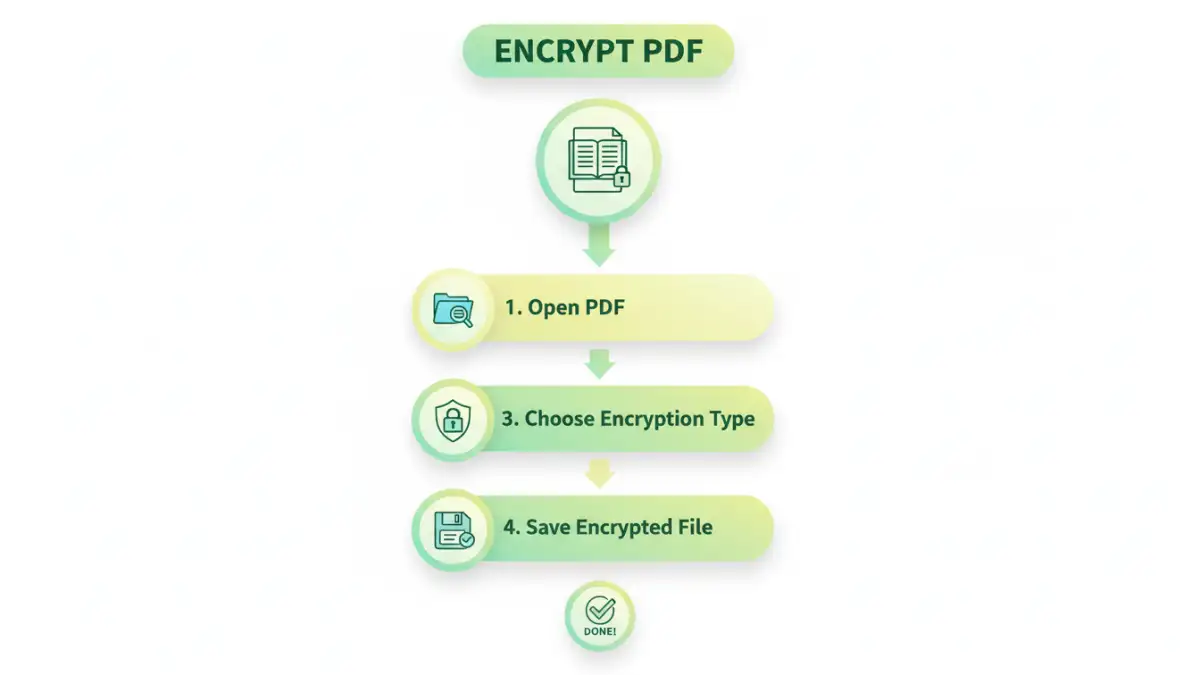
Encryption is essentially a process of encoding information so that only authorized parties can access it. For PDFs, this typically involves applying a password or a more complex cryptographic key that scrambles the document's content. When someone tries to open an encrypted PDF, they must provide the correct password or key to decrypt and view the original data.
Why Encrypt Vital Records?
Vital records, such as birth certificates, marriage licenses, and social security cards, contain highly personal information. If these documents fall into the wrong hands, they could be used for identity theft, fraud, or other malicious purposes. Encrypting a PDF version of these documents adds a crucial layer of defense against such risks.
Basic PDF Encryption Methods
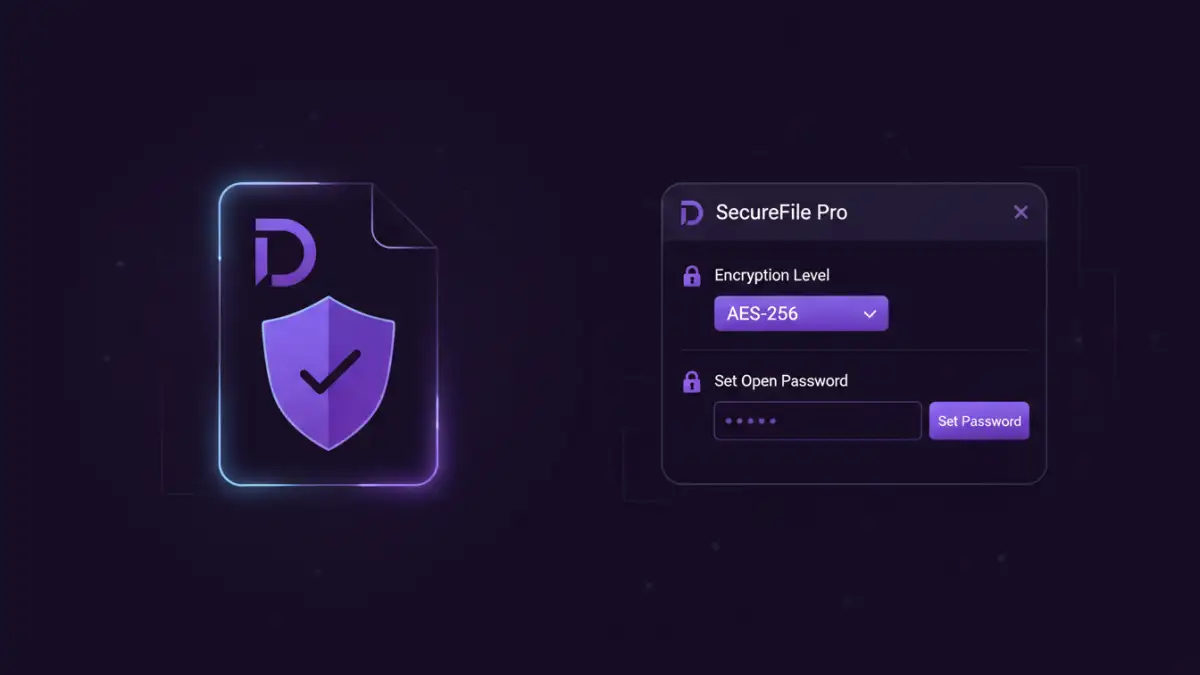
Many common PDF readers and editors offer built-in features for basic password protection. These are usually the easiest to implement for everyday use and provide a good starting point for personal document encryption.
Using Adobe Acrobat Reader/Pro
Adobe Acrobat, whether the free Reader or the paid Pro version, provides straightforward options for password-protecting PDFs. You can typically find these options under the 'File' menu, often within 'Protect Using Password' or 'Security Properties'. Here, you can set a password required for opening the document.
Online PDF Editors and Converters
Numerous online tools allow you to upload a PDF and apply password protection. While convenient for quick tasks, it's crucial to be mindful of the privacy policies of these services. For highly sensitive documents, using desktop software is generally recommended over free online tools due to potential data handling concerns.
Advanced Techniques for Vital Records
Beyond simple password protection, there are more sophisticated methods to enhance the security of your vital records. These techniques offer greater control and protection, especially when dealing with certified copy protection or when sharing documents with trusted parties.
AES Encryption Standards
More advanced PDF encryption software supports stronger encryption algorithms like AES (Advanced Encryption Standard), often AES-128 or AES-256 bit. These are industry-standard encryption methods that are far more difficult to break than simpler password-based encryptions. When choosing software, look for support for these robust standards.
Access Control and Permissions
Some professional PDF security tools allow you to set granular permissions beyond just opening the document. You can restrict printing, copying text, or even modifying the document. This is particularly useful if you need to share a read-only version of a document that others cannot alter.
Secure Cloud Storage with Encryption
Storing your encrypted PDFs on secure cloud storage services adds another layer of safety. Many cloud providers offer end-to-end encryption or at least robust server-side encryption. However, the primary security for the PDF itself still relies on your chosen encryption method before uploading.
Best Practices for Document Security
Implementing effective PDF encryption involves more than just applying a password. Following a set of best practices ensures your vital records security is as strong as possible.
Create Strong, Unique Passwords
Your password is the first line of defense. Avoid easily guessable passwords like birthdays, names, or common words. Use a combination of uppercase and lowercase letters, numbers, and symbols. Consider using a password manager to generate and store complex passwords securely.
Keep Software Updated
Ensure your PDF reader, editor, and any encryption software are always up-to-date. Software updates often include crucial security patches that protect against newly discovered vulnerabilities.
Limit Document Sharing
Only share encrypted documents when absolutely necessary. When you do share, ensure you are sending it to a trusted recipient and communicate the password through a separate, secure channel (e.g., a phone call or a secure messaging app, not in the same email as the document).
Choosing the Right Method
The best approach for securing your birth certificate PDF depends on your needs, technical comfort level, and the specific risks you're trying to mitigate. For most individuals, using reputable desktop software with AES encryption is a solid choice for vital records security.
When to Use Basic vs. Advanced
Basic password protection is suitable for general document security, like preventing casual viewing. For highly sensitive documents such as a secure birth certificate pdf, or when dealing with certified copy protection, investing in professional software that supports advanced encryption and permissions is advisable. This ensures a higher level of vital records security.
Comparison Table: PDF Security Methods
| Method | Ease of Use | Security Level | Best For | Considerations |
|---|---|---|---|---|
| Built-in PDF Reader/Editor Password | High | Basic (depends on password strength) | Casual protection, personal files | Vulnerable to brute-force attacks if password is weak. |
| Online PDF Encryption Tools | Very High | Moderate to High (depends on service) | Quick, one-off encryption of non-critical documents | Privacy concerns, potential data breaches at the service provider. |
| Desktop PDF Encryption Software (e.g., Adobe Acrobat Pro) | Moderate | High (supports AES) | Sensitive personal documents, vital records | Often requires purchase, learning curve for advanced features. |
| Third-Party Encryption Utilities | Moderate | Very High (dedicated encryption) | Maximum security for extremely sensitive files, batch encryption | Can be complex, may require separate software for viewing. |