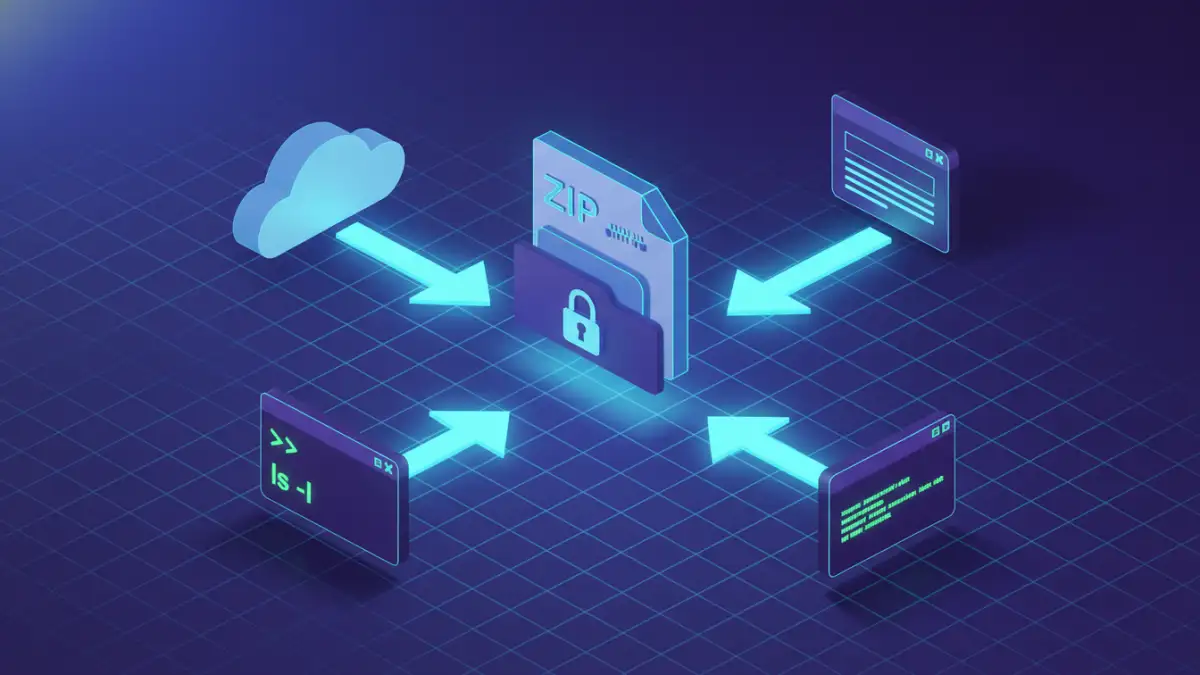
I recently got a call from a project manager in a bit of a panic. They had an archive of critical design assets from a project completed years ago, but the password was lost to time. It’s a situation I've seen play out many times; a password that seemed memorable once is now a digital wall. This highlights a common challenge: balancing security with accessibility.
While strong encryption is essential for protecting data, it becomes a problem when you're the one locked out. Fortunately, a range of tools exists to help you regain access. The key is understanding which tool is right for your specific situation, balancing speed, security, and the complexity of the archive's encryption.
Table of Contents
Understanding Archive Encryption
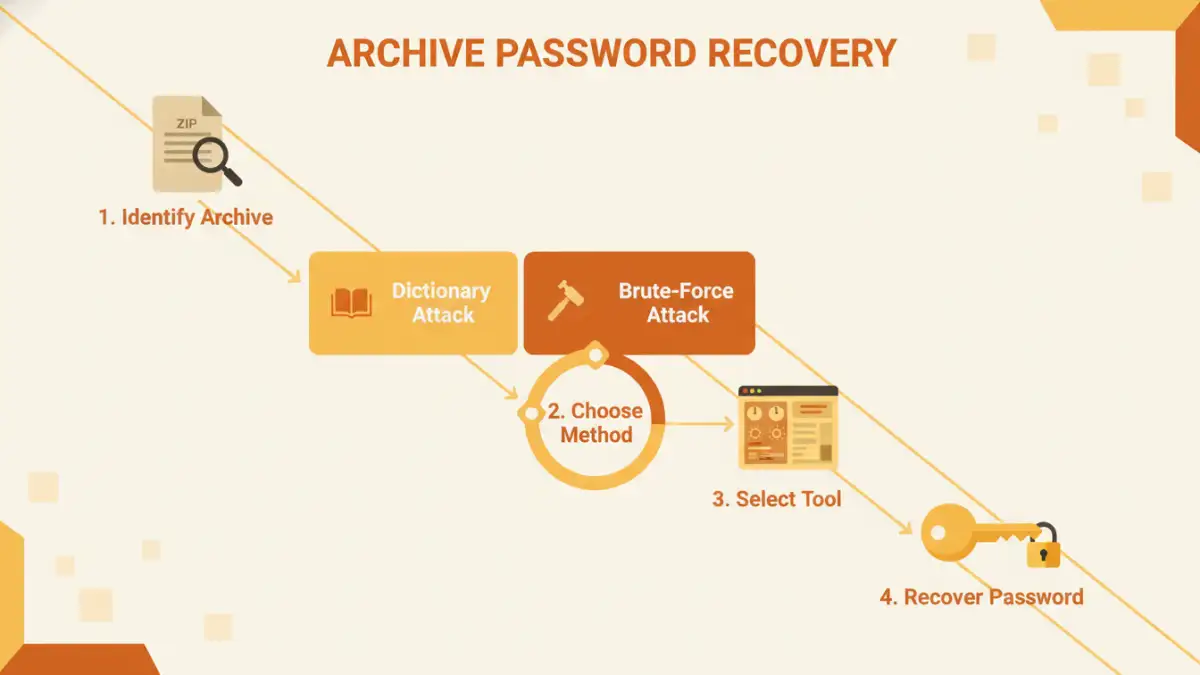
Before diving into tools, it's helpful to know what you're up against. Archive formats like ZIP, RAR, and 7z use different encryption algorithms. Older ZIP files often use a weaker form of encryption (ZipCrypto) that is much easier to crack, while modern formats use strong AES-256 encryption, which is the industry standard for security.
Knowing the format and, if possible, the software used to create the archive can give you clues about the encryption strength. A RAR file created with the latest version of WinRAR will be significantly tougher to crack than a simple ZIP file from a decade ago. This context is crucial for selecting an effective tool.
Common Password Recovery Methods
Password recovery tools aren't magic; they use systematic methods to find the correct password. The effectiveness of these methods depends on what you remember about the password and its complexity.
Dictionary Attack
This is often the fastest method. The tool uses a pre-compiled list of common words, phrases, and passwords (a 'dictionary') and tries each one. It's highly effective against simple, common passwords but will fail if the password is a random string of characters or not in its dictionary.
Brute-Force Attack
This is the most exhaustive approach. The software attempts every possible combination of letters, numbers, and symbols. While it will eventually find any password, the time required can be immense—from minutes for a short password to centuries for a long, complex one using strong encryption. A variation, the 'Mask Attack,' lets you speed things up by providing parts of the password you remember, like its length or specific characters.
Desktop Software: The Powerhouses
For serious recovery attempts, especially on strongly encrypted files, desktop software is the way to go. These applications leverage your computer's hardware (especially the GPU) to accelerate the cracking process by orders of magnitude compared to using the CPU alone.
Tools like Passware Kit Forensic, Elcomsoft Distributed Password Recovery, and the open-source Hashcat are leaders in this space. They offer fine-grained control over the attack type, character sets, and rules. I often recommend starting with a powerful desktop tool for sensitive files because your data never leaves your machine, ensuring complete privacy. They are the best option when you need to convert password protected files that contain confidential information.
Online Recovery Services: Convenience with a Caveat
If you're in a hurry and the file isn't sensitive, online services can be a quick solution. Websites like LostMyPass offer a simple interface: upload your file, and their powerful servers will attempt to crack it. They often have vast dictionaries and pre-computed tables that can sometimes find passwords for weakly encrypted files in seconds.
However, the major drawback is security. You are uploading your potentially confidential file to a third-party server. I would never use an online service for archives containing financial records, personal information, or proprietary business data. The convenience is not worth the risk of a data breach.
Choosing the Right Tool for the Job
Ultimately, the best tool depends on your specific needs. If you have a vague memory of the password, a desktop tool with a robust Mask Attack feature is ideal. If you suspect the password was simple, an online service or a tool with a good dictionary might work quickly.
For any IT professional or anyone who regularly deals with encrypted archives, investing in a reputable desktop application is a wise choice. It provides the power, control, and security needed to handle these situations professionally without compromising data privacy.
Tool Type Comparison for Archive Recovery
| Tool Type | Pros | Cons | Best For |
|---|---|---|---|
| Desktop Software | High security (data stays local), powerful GPU acceleration, extensive customization. | Requires installation, can be complex, premium versions are paid. | Sensitive data, complex passwords, and strongly encrypted files (AES-256). |
| Online Services | No installation required, easy to use, leverages powerful cloud servers. | Major security risk (uploading files), limited to file size, may have long queues. | Non-sensitive files with potentially simple passwords where speed is a priority. |
| Open-Source Tools (e.g., Hashcat) | Free, highly powerful and flexible, strong community support. | Steep learning curve, requires command-line knowledge, no official user support. | Technical users, security professionals, and custom recovery scenarios. |
| Built-in Utilities | Available with some OS/software, free. | Extremely limited functionality, usually only for specific, weak encryption types. | Very old or weakly protected archive files. |