A legal team I was consulting for recently faced a massive challenge: sharing thousands of discovery documents while needing to remove personally identifiable information (PII). Their initial approach was to manually draw black boxes over names and addresses in a standard PDF editor. I had to stop them immediately, because that method is a data breach waiting to happen. The black box just covers the text; it doesn't actually remove it.
This scenario highlights a critical distinction in document security. True redaction isn't about hiding information; it's about permanent removal. Simply covering text leaves the underlying data intact, easily copied and pasted by anyone with basic skills. Choosing the right tools is essential for genuine privacy protection, ensuring sensitive data is gone for good, not just out of sight.
Table of Contents
What is PDF Redaction and Why Is It Critical?
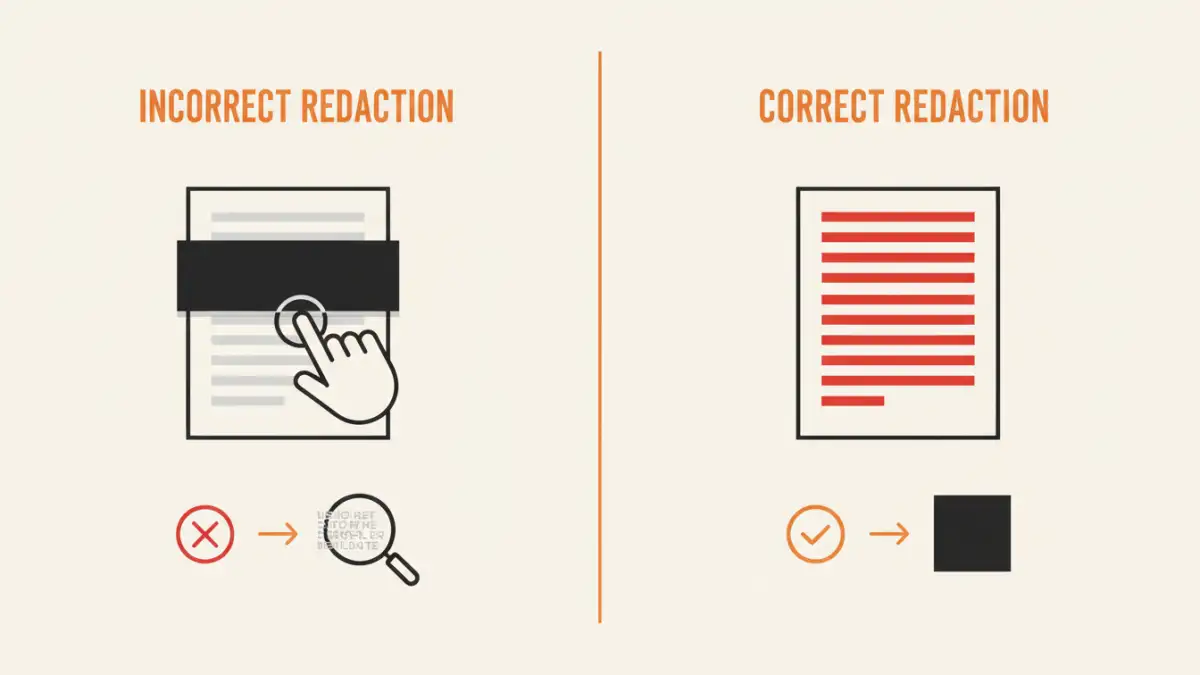
PDF redaction is the process of permanently removing text, images, or other data from a document. Unlike simple highlighting or drawing shapes, proper redaction sanitizes the file. The original content is completely excised from the document's code, along with any associated metadata. This ensures that once the redaction is applied and the file is saved, the information cannot be recovered.
This process is crucial for legal compliance (like GDPR and HIPAA), protecting trade secrets, and safeguarding personal privacy. When you share a redacted document, you need absolute certainty that the removed information is irrecoverable. Using improper methods exposes you to significant legal, financial, and reputational risks.
The Dangers of 'Fake' Redaction
The most common mistake I see is 'fake' redaction. This involves using a PDF editor's drawing tools to place a black rectangle over sensitive text. While it looks redacted on the screen, the original text still exists in the layer underneath. Anyone can simply select the text under the box and copy-paste it into another document. Another flawed method is changing the text color to white to match the background, which is just as insecure.
These superficial methods offer a false sense of security. True document redaction software alters the file's structure to permanently delete the content, leaving no digital trace behind. This is the only acceptable method for secure information sharing.
Criteria for Choosing the Best Redaction Software
When evaluating privacy protection tools for redaction, several features are non-negotiable. First and foremost, the tool must perform true, irreversible redaction. Look for features that explicitly state they 'permanently remove' content. Beyond that, efficiency and accuracy are key, especially when dealing with large volumes of documents.
Key features to look for include search-and-redact functionality, which allows you to find all instances of a specific word or phrase and mark them for redaction at once. Pattern recognition is even more powerful, automatically identifying formats like social security numbers, phone numbers, or email addresses. For enterprise environments, batch processing and audit trails are essential for handling bulk redactions and maintaining a record of changes.
Usability and Workflow Integration
The best tool is one your team will actually use. A complex interface can lead to errors and frustration. An intuitive user experience, with clear steps for marking, reviewing, and applying redactions, is vital. The software should guide the user to save a new, redacted version of the file, preserving the original for internal records. This prevents accidental overwriting of the master document.
Consider how the tool integrates into your existing workflow. Does it work on both Mac and Windows? Is it a standalone application, a plugin for existing software, or a cloud-based service? The right choice depends on your team's technical skills, security policies, and the volume of documents you handle.
Top PDF Redaction Tools Reviewed
The market for secure pdf editing is diverse, with options ranging from comprehensive enterprise suites to specialized cloud services. The best choice often depends on your specific needs, such as document volume, collaboration requirements, and budget. Here’s a look at some of the leading contenders.
Adobe Acrobat Pro DC: The Industry Standard
Adobe Acrobat Pro DC is often considered the gold standard for PDF management, and for good reason. Its redaction tools are robust and reliable. You can search for specific text, patterns (like credit card numbers), or entire pages to mark for redaction. Once you apply the redactions, Acrobat permanently removes the underlying content and even offers to find and remove hidden metadata.
The main drawback is its cost, as it's part of a subscription service. However, for organizations that already use the Adobe ecosystem, its seamless integration and comprehensive feature set make it a top choice. Its reliability provides peace of mind that the job is done correctly.
Redactable: The AI-Powered Cloud Solution
Redactable is a newer, cloud-based player that focuses specifically on redaction. Its standout feature is the use of AI to automatically detect and redact sensitive information. You can simply upload a document, and its AI will suggest items to remove, significantly speeding up the process for large files. It also provides a redaction certificate as an audit trail.
Being a cloud service, it raises potential data privacy questions for some organizations, who may prefer to keep sensitive documents on-premise. However, for teams comfortable with cloud workflows, Redactable offers impressive speed and automation that traditional desktop software can't match.
How to Properly Redact a Document: A Step-by-Step Guide
Regardless of the specific tool you use, the fundamental process for secure redaction is consistent. Following these steps ensures you remove sensitive information correctly and avoid common pitfalls.
First, open your document in a dedicated redaction tool like Adobe Acrobat Pro. Use the 'Mark for Redaction' tool to select the text or areas you want to remove. You can do this manually or by using the search function to find all instances of a word or pattern. This step is crucial because it's your review phase—nothing is permanent yet.
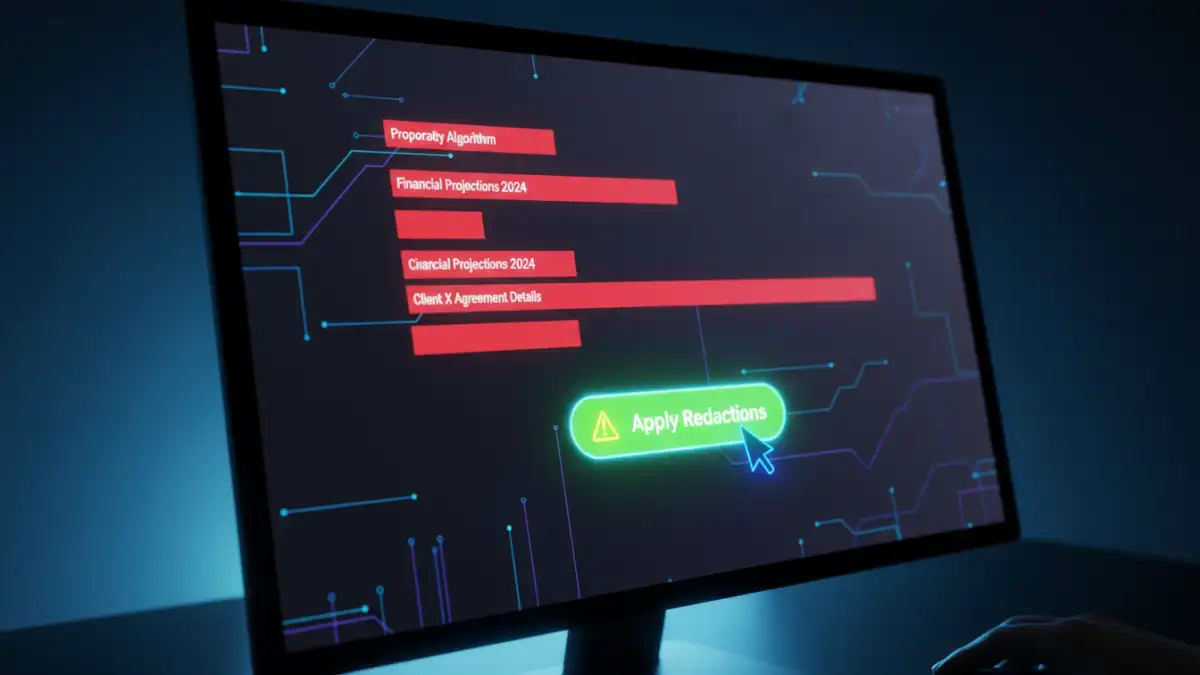
Next, carefully review all the marked areas. Once you are confident, select the 'Apply Redactions' option. The software will prompt you with a warning that this action is irreversible. After confirming, the tool will permanently delete the content. Finally, and most importantly, save the document as a new file. This preserves your original, unredacted document and creates a clean, sanitized version for sharing.
PDF Redaction Software Comparison
| Tool | Key Features | Best For | Pricing Model |
|---|---|---|---|
| Adobe Acrobat Pro DC | Search & Redact, Pattern Matching, Metadata Removal | Organizations invested in the Adobe ecosystem. | Subscription |
| Redactable | AI-powered auto-redaction, Cloud-based, Audit Certificate | High-volume redaction and teams needing speed. | Subscription (Tiered) |
| Foxit PDF Editor | Comprehensive redaction tools similar to Acrobat. | Businesses looking for a one-time purchase alternative. | Subscription or Perpetual License |
| Open-Source Tools (e.g., PDF-Redact-Tools) | Free, Command-line interface, Scriptable | Developers and technical users with specific needs. | Free |