Just dragged a sensitive client file to the Recycle Bin and emptied it? If you think that file is gone for good, I have some unsettling news. Standard deletion on most operating systems merely removes the pointer to the file, leaving the actual data intact on your hard drive until it's overwritten by new information. This makes it surprisingly easy to recover with the right software.
This is where file shredders come in. These specialized tools don't just delete files; they annihilate them. They overwrite the file's data with random characters multiple times, making recovery practically impossible. For anyone handling confidential business documents, personal financial records, or any sensitive information, using a file shredder is a non-negotiable step in data security.
Table of Contents
Why 'Deleting' Isn't Enough
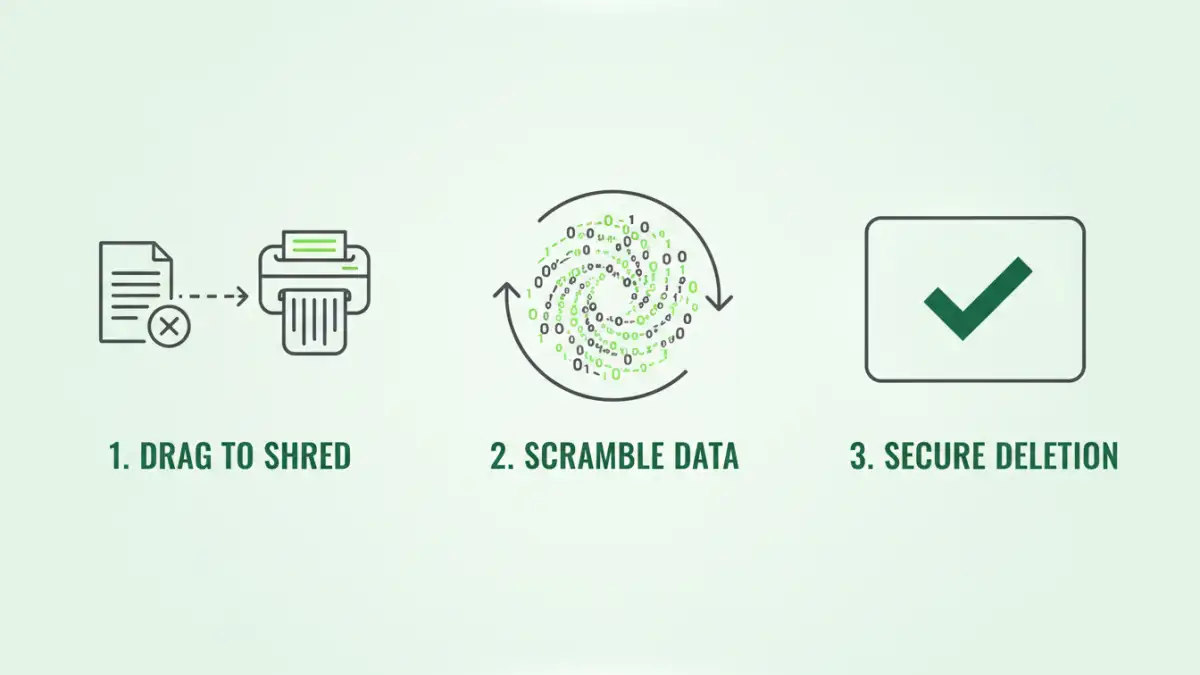
When you press 'Delete' on a file and empty your Recycle Bin, the operating system simply marks the space occupied by that file as available. The ones and zeros that make up your document remain on the drive. Think of it like removing a book's entry from a library's card catalog but leaving the book itself on the shelf. It's invisible to the system, but it's still there.
The Digital Ghost in the Machine
File recovery software is designed to scan these 'available' sectors of a hard drive and piece together the data that hasn't been overwritten yet. I've seen colleagues recover accidentally deleted project files this way, which is great in a pinch. However, this same principle allows malicious actors to recover sensitive data from discarded hard drives or computers, posing a significant security risk.
Understanding Data Remanence
This phenomenon is known as data remanence—the residual representation of data that remains even after it has been 'deleted.' For SSDs (Solid-State Drives), the process is even more complex due to wear-leveling algorithms, which spread writes across the drive. This can leave fragments of your data scattered in multiple locations, making a simple overwrite less effective and highlighting the need for specialized tools that understand how modern drives work.
How File Shredder Software Works
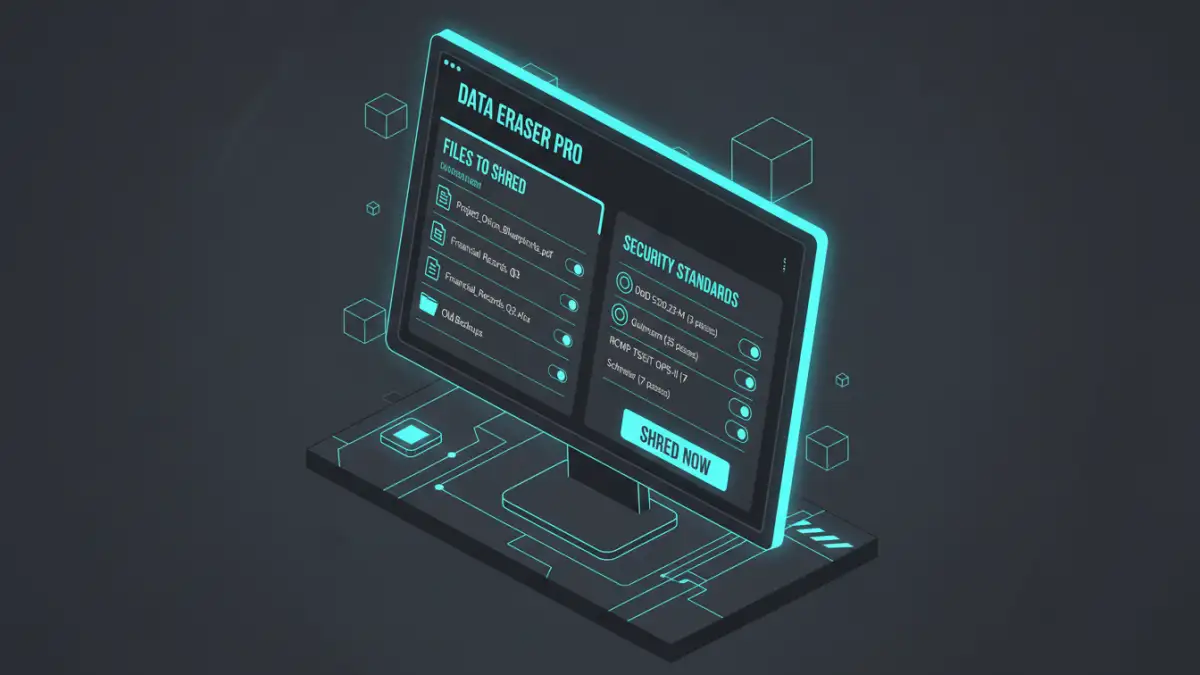
A secure file eraser, or file shredder, doesn't just delete; it actively destroys data. The core process involves overwriting the physical space where the file was stored with random or meaningless data. This is not just a single pass; reputable software performs multiple overwrites to ensure the original data is completely obliterated.
These tools often employ established data sanitization standards. You might see options like DoD 5220.22-M (a U.S. Department of Defense standard that overwrites data three times) or the Gutmann method (which performs 35 passes). While 35 passes is overkill for modern hard drives, even a single, thorough pass with random data is generally sufficient to thwart all but the most advanced, lab-based recovery attempts.
Top File Shredder Software Review
Navigating the market for data destruction tools can be tricky. Some are standalone utilities, while others are part of larger security suites. Here are a few reliable options I've used or recommended over the years, ranging from powerful open-source tools to feature-rich commercial products.
Eraser (Free & Open Source)
Eraser has been my go-to recommendation for years for a simple reason: it's incredibly effective and completely free. It integrates with the Windows shell, so you can right-click any file or folder for secure deletion. It supports several sanitization standards, including Gutmann and DoD 5220.22-M, and can schedule tasks to securely erase free space on your drive.
BleachBit (Free & Open Source)
While primarily known as a system cleaner to free up disk space, BleachBit includes a powerful file shredding feature. It's a great two-in-one tool for maintaining both privacy and system performance. It can overwrite specific files and folders or wipe free space to destroy remnants of previously deleted files. Its cross-platform availability (Windows and Linux) is a huge plus.
CCleaner Professional (Paid)
CCleaner is a household name in system optimization. The Professional version includes a feature called Drive Wiper, which serves as a file shredder. You can choose to wipe either the free space or the entire drive. While not as granular as dedicated shredders like Eraser, its integration within a familiar, trusted utility makes it a convenient option for many users.
Choosing the Right Data Destruction Tool
When selecting software for secure document deletion, consider a few key factors. First, evaluate the security standards it offers. A tool that supports multiple methods like DoD 5220.22-M or Schneier gives you flexibility. Second, consider ease of use. A tool that integrates with your operating system's context menu is far more convenient than one that requires you to open a separate application every time.
Finally, think about your specific needs. Are you just deleting a few files occasionally, or do you need to schedule regular wiping of free space on a drive? Free tools like Eraser and BleachBit are perfect for most individual users. Businesses or users who want an all-in-one suite might prefer the features found in paid products like CCleaner Professional. The goal is to find a tool that fits seamlessly into your workflow, ensuring that secure deletion becomes a regular habit, not a chore.
Tool Comparison Summary
To help you decide, here is a direct comparison of the key features offered by some of the top file shredder software options available today. This table breaks down their cost, primary function, and ideal user profile.
| Tool | Price | Key Feature | Best For |
|---|---|---|---|
| Eraser | Free | Context menu integration, scheduled tasks | Users needing a powerful, dedicated, and free shredder. |
| BleachBit | Free | System cleaning and file shredding in one | Users who want to maintain privacy and system performance. |
| CCleaner Pro | Paid | Integrated into a full system optimization suite | Users who already use CCleaner and want an all-in-one solution. |
| File Shredder | Free | Simple, drag-and-drop interface | Beginners looking for a no-frills, straightforward tool. |