When you drag a sensitive file to the Recycle Bin and empty it, you might assume it's gone forever. But that's a common and potentially costly misconception. The truth is, the file's data often remains on your hard drive, easily recoverable with the right tools. This is a significant risk, especially when dealing with financial records, personal identification, or proprietary business information.
To truly erase a file, you need to do more than just delete it; you need to overwrite it. This is where file shredder software comes in. These tools don't just remove the file's reference; they actively write random data over the physical space the file occupied, making recovery practically impossible. It's the digital equivalent of burning a physical document instead of just crumpling it up.
Table of Contents
Why 'Delete' Isn't Enough: The Digital Ghost
Operating systems are designed for speed and efficiency. When you delete a file, the system simply marks the space it occupies as 'available' for new data. It removes the pointer, or address, that tells the OS where to find the file, but the underlying ones and zeros remain intact until they are eventually overwritten by a new file. Think of it like removing a book's card from a library's card catalog—the card is gone, but the book is still sitting on the shelf.
File Pointers vs. Actual Data
Your computer's file system manages a table of contents that points to the physical location of every file on your drive. Deleting a file just removes its entry from this table. The actual data cluster remains untouched, waiting to be overwritten. This process is fast, but it leaves your 'deleted' information vulnerable.
The Risk of Data Recovery
Because the data isn't immediately erased, anyone with access to your physical hard drive can use widely available data recovery software to scan these 'available' sectors and reconstruct the original files. This is a major security loophole, whether you're selling an old computer, disposing of a USB drive, or simply trying to protect sensitive information from prying eyes.
How File Shredders Work: The Science of Overwriting
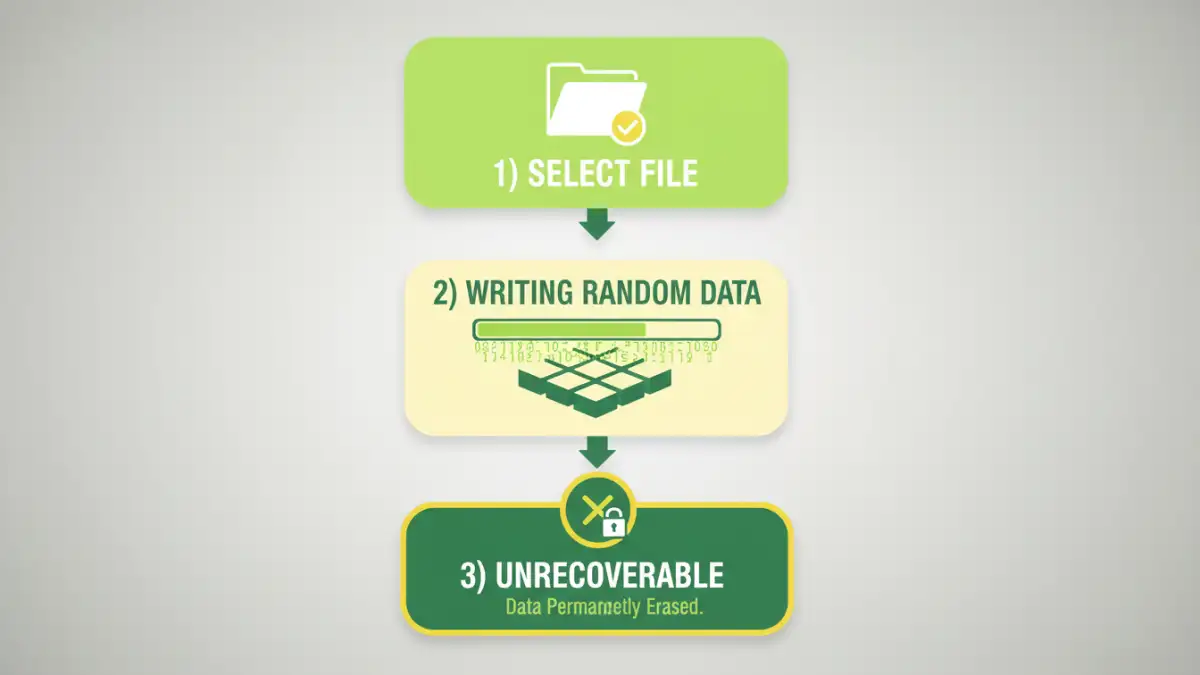
A secure file eraser takes a much more direct approach. Instead of just removing the file pointer, it writes patterns of random data directly onto the disk sectors where the original file was stored. This process, known as overwriting or wiping, effectively destroys the original information, making it unrecoverable.
These tools often employ standardized data destruction algorithms to ensure thoroughness. Some common methods include:
- DoD 5220.22-M: A standard developed by the U.S. Department of Defense that overwrites data with specific patterns in three passes. It's a widely trusted method for secure document deletion.
- Gutmann Method: An extremely thorough but slower method that performs 35 passes, writing a complex series of patterns to the drive. This is often considered overkill for modern hard drives but provides maximum security.
- Random Data Overwrite: A simple method that overwrites the file's space with random characters. A single pass is often sufficient for most modern drives.
Top File Shredder Software Review
Choosing the right data destruction tool depends on your needs, from occasionally shredding a single file to wiping an entire hard drive for disposal. Here are some of the most reliable options available.
Eraser (Free & Open Source)
Eraser has been a go-to choice for years, and for good reason. It's a free, open-source tool for Windows that integrates directly into the context menu. This means you can right-click any file or folder and select 'Erase' to securely delete it. It supports several sanitization methods, including DoD 5220.22-M and Gutmann, and can also be scheduled to erase free space on a drive to clean up remnants of previously deleted files.
File Shredder (Free)
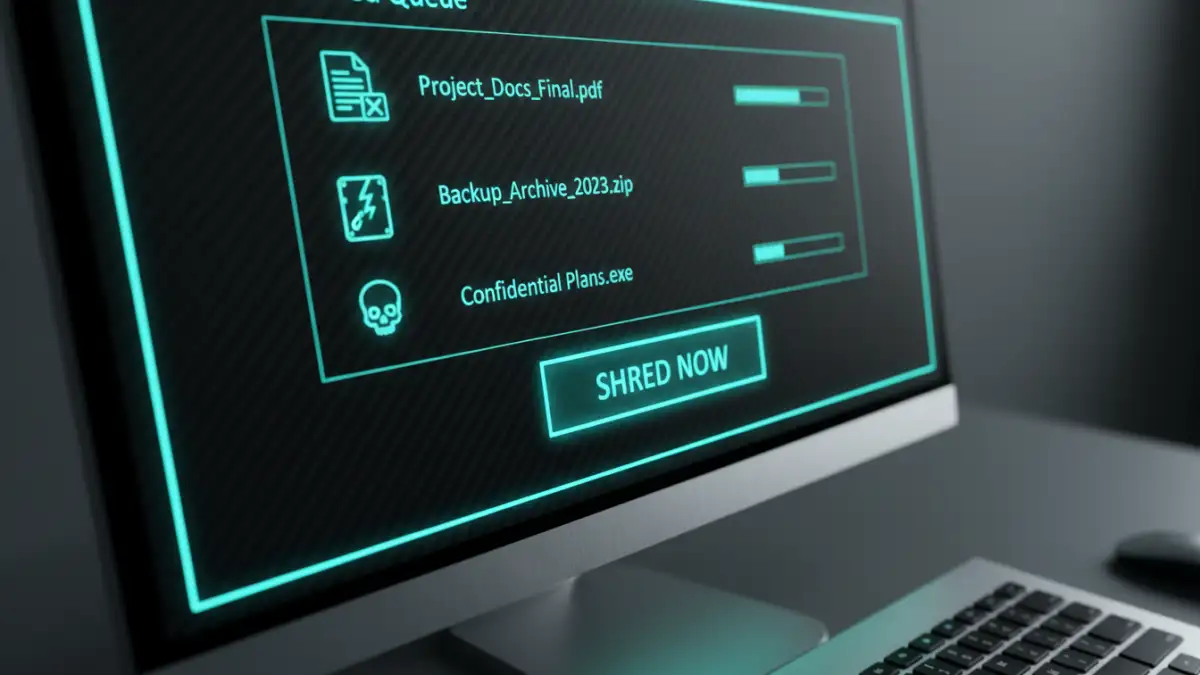
Another excellent free tool, File Shredder offers a simple, user-friendly interface for permanently deleting files. It allows you to drag and drop files into its main window and choose from five different shredding algorithms. It's straightforward, effective, and a great option for users who want a no-fuss solution for wiping sensitive data.
DBAN (Darik's Boot and Nuke)
DBAN is not for shredding individual files but for wiping entire hard drives. It's a bootable program, meaning you run it from a USB drive or CD before your operating system loads. This makes it the perfect tool for preparing a computer for sale or donation, as it completely erases every sector of the drive, including the OS itself. It's powerful, free, and the industry standard for total drive sanitization.
CCleaner Professional (Paid)
While known primarily as a system optimization tool, the professional version of CCleaner includes a feature called Drive Wiper. This tool can securely erase either the free space on a drive or the entire drive. It offers several overwrite options, including a 1-pass, 3-pass, and 7-pass erase. It's a good option if you already use CCleaner and want an all-in-one utility.
Best Practices for Data Destruction
Integrating file shredding into your digital hygiene routine is crucial for maintaining privacy. First, identify what needs to be shredded. This includes tax documents, bank statements, scanned copies of IDs, old business contracts, and any other file containing personally identifiable information (PII).
Second, choose the right tool for the job. For daily use, a context-menu integrated tool like Eraser is convenient. For decommissioning old hardware, a full-drive wiper like DBAN is essential. Finally, remember to regularly wipe the free space on your drive. This clears out the digital ghosts of files you deleted insecurely in the past, ensuring a cleaner and more secure system.
File Shredder Software Comparison
| Software | Price | Key Feature | Best For |
|---|---|---|---|
| Eraser | Free | Right-click context menu integration | Everyday secure file deletion |
| File Shredder | Free | Simple drag-and-drop interface | Beginners needing a basic tool |
| DBAN | Free | Bootable full-drive wipe | Preparing a computer for disposal or sale |
| CCleaner Professional | Paid | Integrated into a system utility suite | Users wanting an all-in-one tool |