
Have you ever password-protected a PDF and wondered what's happening under the hood? It’s not just a simple lock and key. The method used to scramble that data has evolved significantly, moving from outdated, vulnerable ciphers to the gold standard of modern cryptography. Understanding this journey is crucial for anyone handling sensitive information.
I’ve seen firsthand in development projects how using an outdated PDF library can inadvertently create documents with weak protection. A client once came to us with a compliance issue because their system was still generating PDFs with 40-bit RC4 encryption—a standard that can be broken in minutes, not days. This highlighted just how important the underlying security model is.
Table of Contents
The Early Days of PDF Security: The RC4 Era
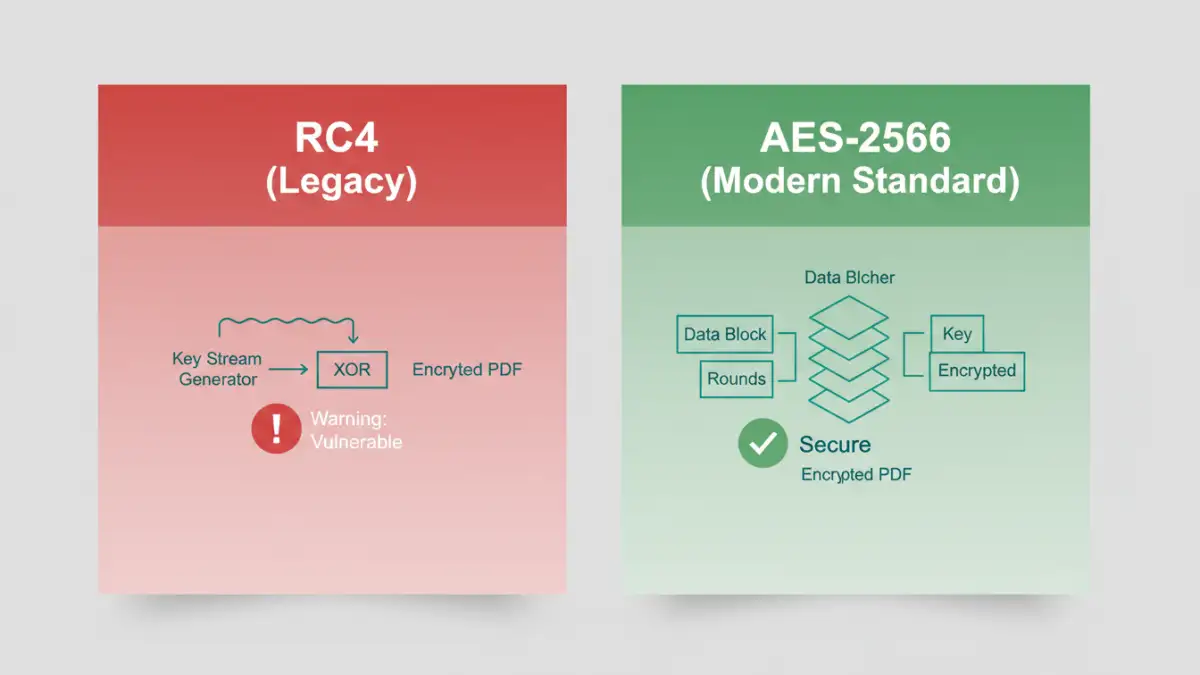
When the PDF format first introduced password protection, the go-to algorithm was RC4. Developed in 1987, RC4 is a stream cipher, meaning it encrypts data one byte at a time. For its time, it was fast and computationally inexpensive, which made it an attractive choice for embedding into applications and document standards.
Early versions of the Adobe PDF encryption standard used RC4 with a 40-bit key. While this was enough to deter casual snooping, it quickly became insufficient as computing power grew exponentially. The key was simply too short to provide meaningful security against a determined attacker.
The Notorious RC4 Encryption Vulnerability
The core problem with RC4 wasn't just the short key length. Over the years, cryptographers discovered several biases in its output stream. These weaknesses could be exploited to reconstruct the key with far less effort than a brute-force attack. The famous attacks on WEP Wi-Fi security, for instance, were a direct result of the rc4 encryption vulnerability. For PDFs, this meant that even a 128-bit RC4 key, introduced later, was not as secure as it seemed.
The Great Shift: Adopting the Advanced Encryption Standard (AES)
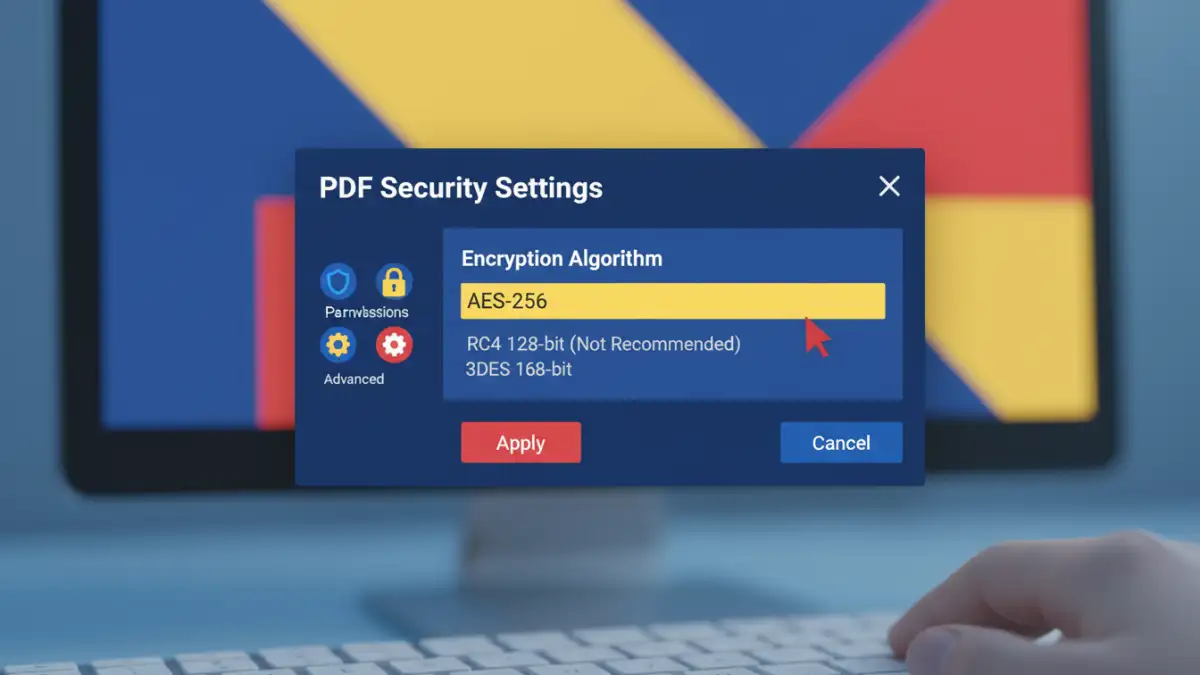
As the flaws in RC4 became undeniable, the industry needed a replacement. The answer was the Advanced Encryption Standard (AES), a block cipher officially adopted by the U.S. government in 2001. Unlike RC4, AES encrypts data in fixed-size blocks (128 bits), making it far more resistant to the types of analytical attacks that plagued stream ciphers.
The PDF specification officially embraced AES with the release of PDF 1.6 (Acrobat 7). This was a monumental leap forward for document security. It provided a robust, proven, and standardized method for protecting sensitive content, finally moving the format into the modern era of cryptography.
The Power of AES 256 in PDF Files
The most secure implementation available in the PDF standard is AES with a 256-bit key. The sheer size of the key makes brute-force attacks computationally infeasible with current technology. An aes 256 pdf file is protected by the same level of encryption trusted by governments and financial institutions to secure top-secret information. When you create a PDF today using modern software like Adobe Acrobat, this is the default and recommended security level.
Understanding PDF Security Versions and Handlers
The encryption capabilities of a PDF are defined by its security handler, which is tied to specific pdf security versions. Each new version of the PDF specification introduced more advanced security options. It's a bit like software updates; you need the latest version to get the best protection.
For example, Security Handler Revision 2 used 40-bit RC4, while Revision 3 bumped that to 128-bit RC4. The significant change came with Revision 4, which introduced variable-length keys for RC4, and more importantly, Revision 5, which brought AES encryption into the fold. The latest PDF 2.0 standard mandates support for AES-256 and deprecates the use of RC4 entirely for encryption.
The Adobe PDF Encryption Standard as a Guide
The evolution of these security features is documented within the official PDF specification, which was originally proprietary to Adobe. The adobe pdf encryption standard outlines exactly how passwords are processed and how encryption keys are derived and applied. As a developer, I often reference these specifications to ensure any custom PDF generation tools we build are compliant and secure, avoiding the legacy pitfalls of older handlers.
Practical Implications for Today's Users and Developers
So, what does this history mean for you? If you are a user, it means always using up-to-date software to create and view PDFs. An old PDF reader might not support AES-256, and old creation software might default to an insecure RC4 cipher without you even realizing it.
For fellow developers, it's a clear directive: do not use libraries that only support RC4-based encryption. When building systems that generate PDFs, explicitly configure them to use the latest security handler that supports AES-256. This ensures you are providing genuine security, not just the appearance of it. The landscape of pdf encryption algorithms has changed for the better, and we should leverage these advancements.
PDF Encryption Standards Comparison
| PDF Version (Introduced With) | Security Revision | Algorithm | Key Length | Security Status |
|---|---|---|---|---|
| PDF 1.1 (Acrobat 2) | Revision 2 | RC4 | 40-bit | Broken / Insecure |
| PDF 1.4 (Acrobat 5) | Revision 3 | RC4 | 128-bit | Vulnerable / Deprecated |
| PDF 1.5 (Acrobat 6) | Revision 4 | RC4 | 128-bit (with public-key) | Vulnerable / Deprecated |
| PDF 1.6 (Acrobat 7) | Revision 5 | AES | 128-bit | Secure |
| PDF 1.7 Ext. 3 (Acrobat 9) | Revision 6 | AES | 256-bit | Highly Secure (Recommended) |
| PDF 2.0 | ISO 32000-2 | AES | 256-bit | Industry Standard |