
A few weeks back, a project manager on my team was in a bind. They had a password-protected ZIP archive containing critical project documents—Word files, Excel spreadsheets, and PDFs—but the team member who set the password had just left the company. This is a classic digital dead-end, and it highlights a need that goes far beyond just unlocking a single PDF.
While most people immediately search for a PDF-specific solution, the reality of modern workflows involves a mix of file types. Relying on a patchwork of single-use online tools is inefficient and, frankly, a security risk. A more robust approach is necessary for handling diverse, protected file formats.
Table of Contents
The Problem with Single-Format Solutions
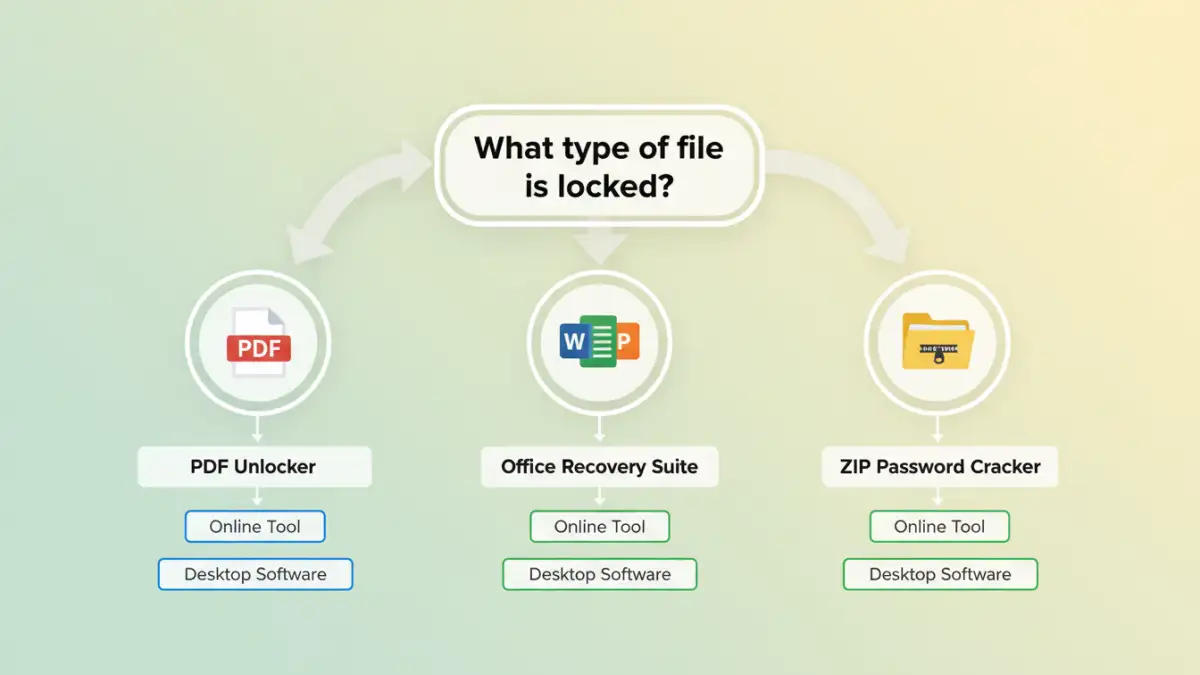
When faced with a locked file, the default reaction is often to find a quick online tool for that specific format. Need to open a PDF? Find a PDF unlocker. Can't edit an Excel sheet? Search for a sheet password remover. While this works in a pinch, it's a flawed strategy for any professional environment.
The Inefficiency of Juggling Tools
Using a different tool for every file type is a significant time sink. You have to find a new website or application, learn its interface, and go through the upload and download process each time. This fragmentation breaks your workflow and introduces unnecessary friction, especially when dealing with archives containing multiple protected file types, like in my colleague's situation.
The Security Risks of Random Online Tools
More importantly, uploading sensitive documents to various free online services is a major security gamble. You have no real visibility into what happens to your data. Is it stored on their servers? Is it being scanned or sold? For confidential business plans, financial records, or personal information, this risk is simply unacceptable. An all in one file unlocker from a reputable source mitigates this by keeping the process local to your machine.
Understanding Multi-Format Unlockers
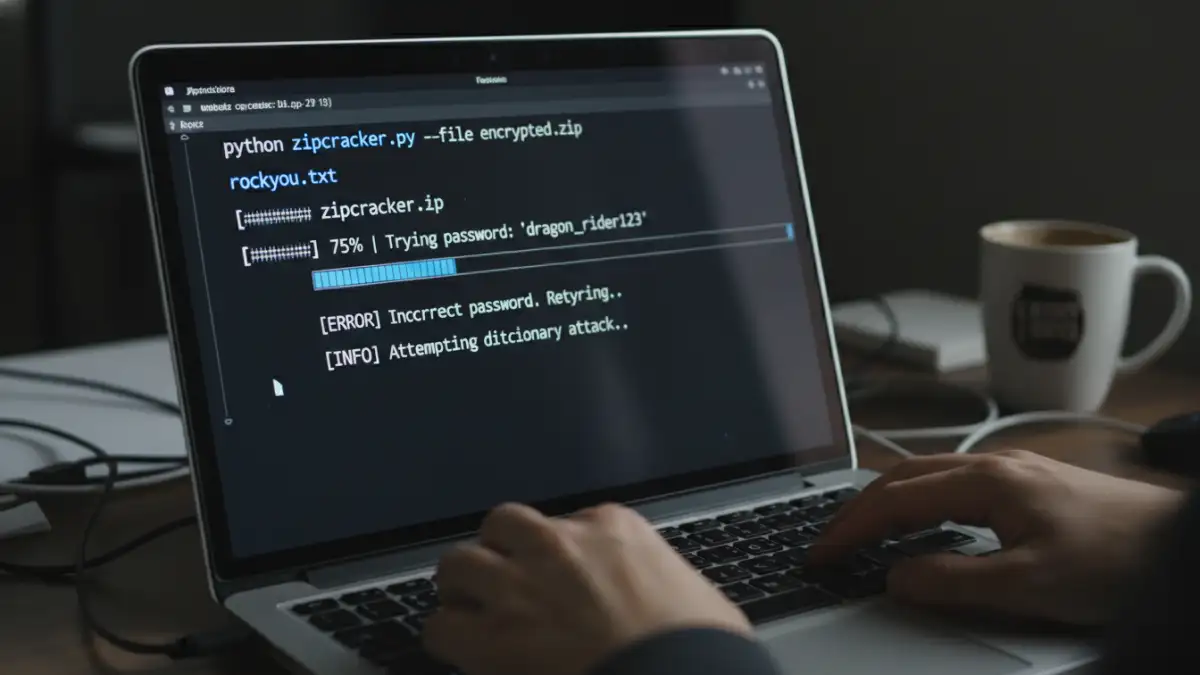
This is where the value of integrated solutions becomes clear. Instead of a scattered approach, these applications are designed to handle a wide array of document and archive formats under one roof. They are the digital equivalent of a master key set for your files.
These tools typically fall into a few categories:
- Desktop Software: These are installable applications that run locally on your computer. They offer the highest level of security and power, often employing techniques like brute-force, dictionary, and mask attacks to recover unknown passwords.
- Online Suites: Some reputable online services offer a suite of tools for various formats. While still cloud-based, choosing a well-known provider with a clear privacy policy is safer than using a random site from a search result.
- Command-Line Utilities: For developers and technical users, command-line tools provide powerful and scriptable options for password recovery. They lack a user-friendly interface but offer maximum control and automation.
The core benefit of dedicated multi format password tools is their versatility and security. By processing files locally, desktop software ensures your sensitive data never leaves your control.
Common Scenarios and Solutions
Let's look at how these tools address common, frustrating situations beyond the simple locked PDF. Each file type has its own nuances when it comes to password protection.
How to Unlock a Word Document
Microsoft Word documents can have passwords to open or passwords to restrict editing. If you've forgotten an 'open' password, recovery can be difficult due to strong encryption. However, many multi-format tools are adept at removing the 'restrict editing' password almost instantly, restoring your ability to modify the document.
How to Remove an Excel Password
Excel is even more complex, with passwords for opening the workbook, protecting the structure, and protecting individual sheets. A good recovery tool can distinguish between these types. Removing a sheet or workbook protection password is often a quick process, allowing you to edit formulas and cell content again. Recovering a forgotten 'open' password, however, requires the more intensive brute-force methods.
Using a ZIP File Password Remover
For archives like ZIP or RAR, the entire container is encrypted. A zip file password remover works by systematically trying thousands or millions of password combinations per second. The success and speed depend heavily on your computer's processing power (especially the GPU) and any clues you can provide, such as password length or character types (e.g., numbers only).
Best Practices for File Security and Recovery
While having recovery tools is great, proactive security is always better. My advice is to treat password recovery as a last resort, not a primary strategy. The goal is to avoid needing these tools in the first place.
First, always use a password manager. This eliminates the problem of forgotten passwords entirely. For team environments, use a shared vault for project-specific credentials so that access isn't tied to a single individual. Second, when you must use a recovery tool, always opt for reputable, offline desktop software for any sensitive files. The price of a software license is a small investment compared to the potential cost of a data breach from a shady online service.
Tool Type Comparison
| Tool Type | Pros | Cons | Best For |
|---|---|---|---|
| Online Tools | Convenient, no installation, often free for basic tasks. | Major security/privacy risks, file size limits, limited formats. | Non-sensitive files where convenience is the top priority. |
| Desktop Software | Highly secure (offline), powerful recovery methods, supports many formats. | Requires payment, needs installation, can be complex. | Sensitive corporate or personal data; complex passwords. |
| Command-Line Utilities | Extremely powerful, scriptable for automation, often open-source. | Requires technical expertise, no graphical interface. | System administrators, developers, and tech-savvy users. |
| Password Managers | Prevents password loss in the first place, highly secure. | Doesn't help if a password is already lost. | Proactive security and managing known credentials. |