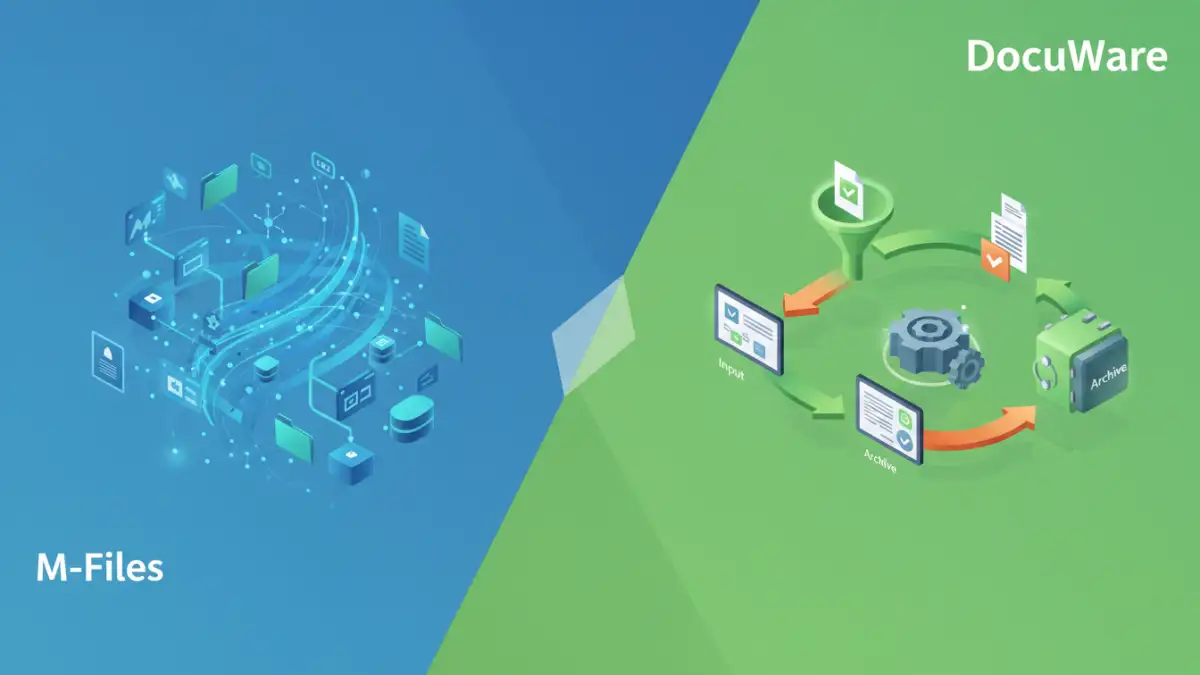
Selecting the right document management system (DMS) is a critical decision for any organization aiming to streamline operations, enhance collaboration, and ensure compliance. Two prominent players in this space are M-Files and DocuWare. Both offer robust solutions, but they approach document management with different philosophies and feature sets.
My experience guiding teams through software selection has shown that the 'best' system is rarely a one-size-fits-all answer. It hinges on understanding your specific pain points, existing infrastructure, and long-term goals. This comparison aims to break down the key differences between M-Files and DocuWare, helping you make an informed choice.
Table of Contents
Understanding Document Management Systems
At its core, a document management system is designed to store, track, manage, and retrieve documents and electronic records. Modern DMS solutions go beyond simple filing, offering features like version control, workflow automation, audit trails, and advanced search capabilities. They are essential tools for improving efficiency, reducing risk, and enabling better decision-making.
Core Functionality
Key functionalities typically include document capture, indexing, storage, retrieval, security, and audit trails. An effective DMS ensures that the right information is accessible to the right people at the right time, while maintaining a secure and organized digital environment.
M-Files: The Metadata-Driven Approach

M-Files distinguishes itself with a unique metadata-driven approach. Instead of relying on traditional folder structures, M-Files organizes content based on what it is, rather than where it's stored. This means a single document can be viewed and accessed through multiple contexts—as an invoice, a contract, or a customer record—without duplication.
This flexibility is powered by its intelligent metadata layer. When you add a document, you tag it with relevant metadata (e.g., customer name, document type, status). M-Files then presents the document based on these tags, offering a dynamic and context-aware user experience. This significantly reduces the need for complex folder hierarchies and simplifies navigation for users.
Key Strengths of M-Files
M-Files excels in its ability to provide a unified view of information across different repositories. It can integrate with existing systems, allowing users to access and manage documents without migrating them. Its powerful search and automated workflows based on metadata make it a strong contender for complex enterprise environments.
DocuWare: The Automation-Focused Solution
DocuWare positions itself as a smart content management platform focused on automating document-based processes. It offers a comprehensive suite of tools for document capture, workflow automation, and secure document storage, with a strong emphasis on ease of use and rapid deployment.
DocuWare's strength lies in its ability to automate routine tasks. From invoice processing to HR onboarding, it provides pre-built templates and intuitive tools to design and implement automated workflows. This helps businesses reduce manual effort, minimize errors, and speed up business cycles.
Key Strengths of DocuWare
DocuWare is known for its user-friendly interface and powerful workflow automation capabilities. It offers robust features for scanning, indexing, and processing documents, making it an excellent choice for organizations looking to digitize and automate paper-intensive processes. Its cloud-native architecture also provides scalability and accessibility.
Key Differences: M-Files vs DocuWare
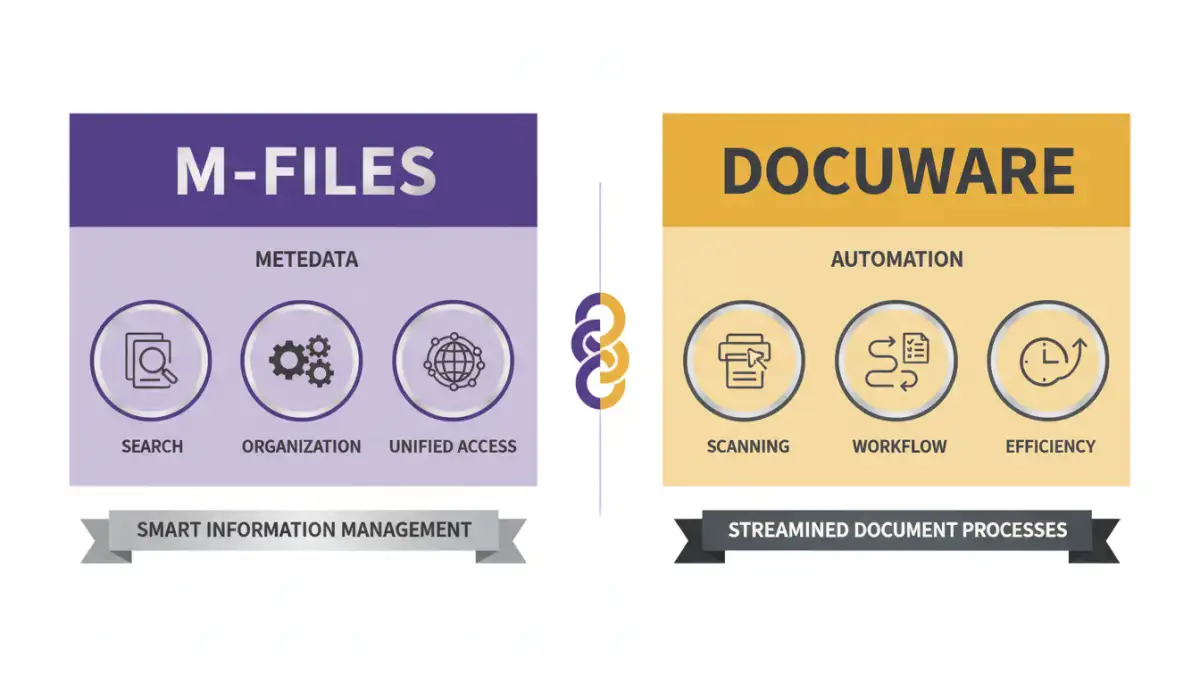
The fundamental difference lies in their core architecture and philosophy. M-Files is metadata-centric, breaking away from traditional folder structures to provide a dynamic, context-aware view of information. DocuWare, on the other hand, is heavily focused on automation and workflow, aiming to streamline document-centric business processes through digitalization and automation.
M-Files' strength is in unifying information across disparate systems and providing a flexible way to access documents based on their context. DocuWare's strength is in automating specific business processes and managing the lifecycle of documents within those workflows. This means the choice often depends on whether your primary need is flexible information access and integration (M-Files) or process automation and efficiency (DocuWare).
Feature Comparison and Use Cases
Both M-Files and DocuWare offer a broad range of features, including document capture, version control, security, and collaboration. However, their emphasis differs.
M-Files Use Cases
M-Files is often chosen by organizations that need to integrate information from multiple sources, manage complex regulatory requirements, or require a highly flexible system that adapts to changing business needs. Industries like legal, pharmaceuticals, and manufacturing often benefit from its robust compliance and version control features. Its ability to provide a single source of truth across various repositories is invaluable.
DocuWare Use Cases
DocuWare is ideal for businesses looking to automate repetitive tasks, such as accounts payable, HR document management, or sales order processing. It's particularly well-suited for organizations that handle a high volume of paper documents and want to digitize and automate their workflows efficiently. Its ease of use makes it accessible to a wider range of users within an organization.
Pricing and Deployment Models
Both M-Files and DocuWare offer flexible deployment options, typically including on-premises, cloud-hosted, and hybrid models. Pricing structures can vary significantly based on the number of users, required modules, and specific features needed.
Generally, M-Files pricing is based on a user-centric model, with different tiers offering varying levels of functionality. DocuWare also offers subscription-based pricing, often tailored to the specific automation needs and modules selected. It's essential to get detailed quotes from both vendors based on your organization's unique requirements to understand the total cost of ownership.
Comparison Table: M-Files vs DocuWare
| Feature | M-Files | DocuWare |
|---|---|---|
| Core Philosophy | Metadata-driven information management | Automation of document-based processes |
| Information Access | Unified view across repositories, context-aware | Organized within workflows and document vaults |
| Workflow Automation | Robust, metadata-driven | Strong, process-centric, pre-built templates |
| Integration Capabilities | Excellent, can connect to existing systems without migration | Good, integrates with many business applications |
| User Interface | Can have a learning curve due to metadata model | Generally considered user-friendly and intuitive |
| Primary Strength | Information unification, flexibility, compliance | Process automation, efficiency, ease of use |
| Ideal For | Complex environments, regulatory-heavy industries, information silos | Digitizing paper, streamlining repetitive tasks, workflow optimization |