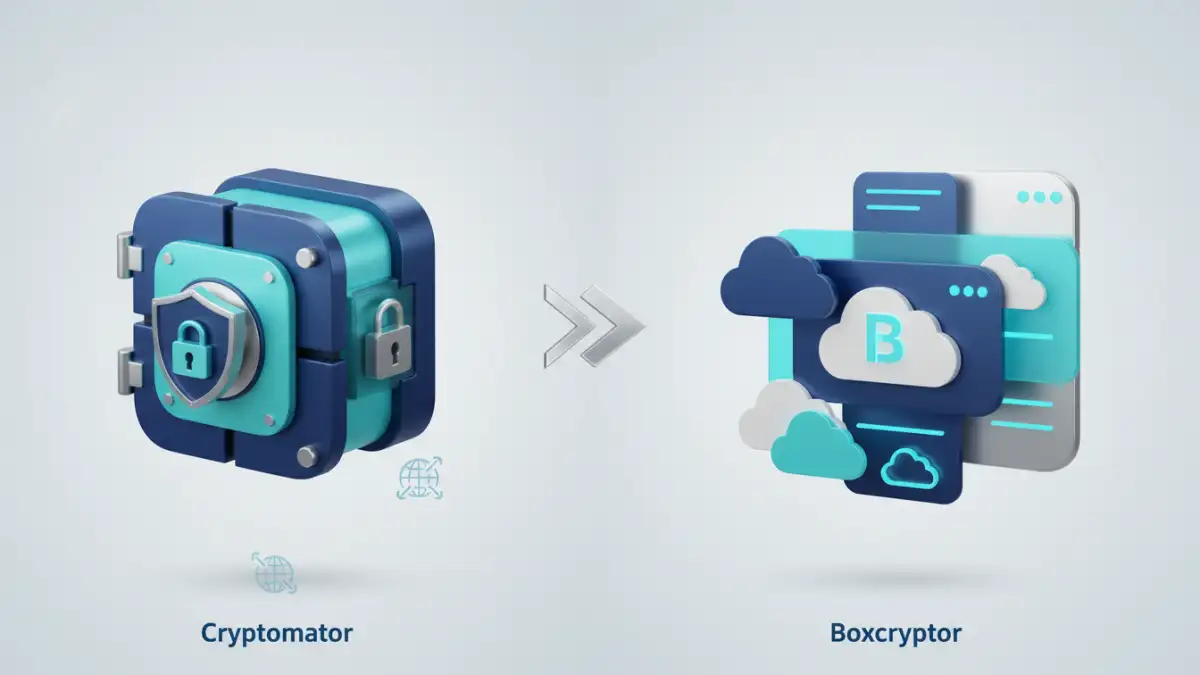
When it comes to safeguarding sensitive digital information, particularly when using cloud storage, the choice of encryption tool can be paramount. Many professionals and individuals alike grapple with how to best protect their files from unauthorized access, especially when those files reside on services like Dropbox, Google Drive, or OneDrive. This is where robust file encryption software becomes indispensable.
I've spent considerable time evaluating and implementing various security solutions for clients, and two names consistently emerge in discussions about personal cloud encryption: Cryptomator and Boxcryptor. Both offer compelling ways to secure your data before it even reaches the cloud, but they approach the problem with different philosophies and features. Understanding these differences is key to making an informed decision.
Table of Contents
Understanding File Encryption
At its core, file encryption transforms readable data (plaintext) into an unreadable format (ciphertext) using an algorithm and a key. Only someone with the correct key can decrypt the data back into its original form. For cloud storage, this means encrypting files locally on your device *before* they are uploaded. This practice is often referred to as zero-knowledge encryption, as the cloud provider itself has no way to access or read your encrypted files.
The primary goal is to ensure that even if your cloud account is compromised, or if a third party gains access to the cloud servers, your data remains protected and unintelligible. This level of security is crucial for personal documents, financial records, intellectual property, and any other sensitive information.
Zero-Knowledge Encryption Explained
Zero-knowledge encryption is a system where the service provider cannot access your data. In the context of file encryption software like Cryptomator and Boxcryptor, this means the encryption key is generated from your password and stored only on your devices. The provider never sees your password or your decryption key. This offers the highest level of privacy and security.
Cryptomator: The Open-Source Approach

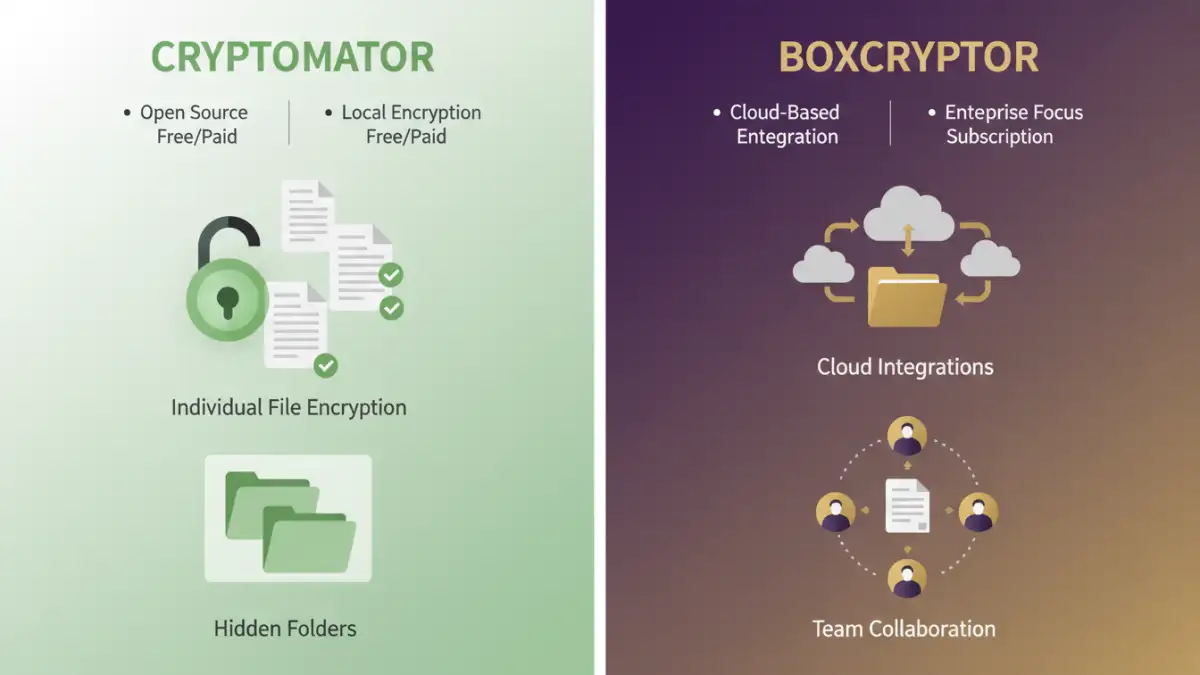
Cryptomator is a popular open-source file encryption tool that focuses on simplicity and strong security. It encrypts your files in what it calls 'vaults' within your chosen cloud storage. When you create a vault, Cryptomator encrypts individual files and their folder structures, ensuring that even the filenames and directory layout are hidden from the cloud provider.
Its open-source nature means its code is publicly available for security experts to inspect, which can build trust and identify vulnerabilities more readily than closed-source alternatives. I've found its straightforward approach makes it very accessible for users who want robust encryption without a steep learning curve.
Cryptomator Key Features
Key features include per-file encryption, AES 256-bit encryption, and secure handling of filenames and folder structures. It's available for Windows, macOS, Linux, iOS, and Android, allowing for cross-platform synchronization of encrypted vaults.
Boxcryptor: Feature-Rich and User-Friendly
Boxcryptor, on the other hand, is a proprietary software that also offers end-to-end encryption for cloud storage. It's known for its user-friendly interface and extensive integration with a wide range of cloud storage providers and business collaboration tools. Boxcryptor encrypts files individually as they are saved or modified within its designated folders in your cloud storage.
One of Boxcryptor's strengths is its ability to handle various file types and its advanced features, such as granular permissions for teams and secure sharing options. For users who need more than just basic encryption, Boxcryptor often provides a more comprehensive feature set.
Boxcryptor Key Features
Boxcryptor supports over 30 cloud providers and offers features like AES 256-bit encryption, two-factor authentication for accessing the encrypted files, and a file browser integration that makes it feel seamless. They also offer business plans with advanced management capabilities.
Key Differences and Use Cases
The fundamental difference lies in their approach to file structure and transparency. Cryptomator encrypts individual files and hides the folder structure, providing a higher degree of metadata protection. Boxcryptor encrypts files but generally preserves the folder structure, though filenames are encrypted. This makes Cryptomator a bit more secure from a metadata perspective.
For individuals prioritizing maximum privacy and open-source transparency, Cryptomator is often the preferred choice. Its simplicity is also a major advantage for less technical users. Boxcryptor appeals to those who need broader cloud service compatibility, advanced team features, or a slightly more polished user experience with features like secure sharing within the app.
Feature Comparison Table
| Feature | Cryptomator | Boxcryptor |
|---|---|---|
| Encryption Standard | AES 256-bit | AES 256-bit |
| Open Source | Yes | No (Proprietary) |
| Folder Structure Encryption | Yes (Hidden) | No (Preserved, but files encrypted) |
| Filename Encryption | Yes | Yes |
| Cloud Provider Support | All (via local drive access) | Over 30+ direct integrations |
| Platform Support | Windows, macOS, Linux, iOS, Android | Windows, macOS, iOS, Android, Web |
| Free Version | Yes (limited features) | Yes (limited features) |
| Paid Version | One-time purchase (mobile), Free (desktop) | Subscription-based |
| Team Features | Limited | Yes (Business plans) |
Choosing the Right Tool for You
When deciding between Cryptomator and Boxcryptor, consider your primary needs. If you're an individual user who values open-source principles, maximum metadata privacy, and a straightforward encryption process for common cloud services, Cryptomator is an excellent option. Its one-time purchase for mobile apps and free desktop application makes it very cost-effective.
If you work with a wide array of cloud services, need advanced features for team collaboration, or prefer a more integrated experience with specific providers, Boxcryptor might be a better fit. Its subscription model offers continuous updates and support for its broader feature set, though it can be more costly over time. Both offer solid file encryption software capabilities to enhance your secure file storage strategy.