Navigating the world of online PDF tools can be a chore, especially when you need to perform a specific task like converting a document, merging files, or compressing a large PDF. Two names that consistently pop up are Smallpdf and iLovePDF. Both offer a wide array of functionalities, aiming to simplify document management for users.
As someone who's spent years working with various software solutions and helping teams streamline their workflows, I've had ample opportunity to test and compare these popular online PDF platforms. Deciding which one is 'best' often comes down to your specific needs, budget, and how you prioritize features like ease of use, security, and pricing. Let's break down the strengths and weaknesses of each to help you make an informed choice.
Table of Contents
Understanding Key Features
Both Smallpdf and iLovePDF provide a comprehensive suite of tools designed to handle almost any PDF-related task. You'll find standard features like converting PDFs to and from various formats (Word, Excel, PowerPoint, JPG), merging multiple PDFs into one, splitting a large PDF into smaller parts, and compressing files to reduce their size.
Beyond these essentials, both platforms offer more advanced functionalities. iLovePDF, for instance, often has a slight edge in the sheer number of niche tools available, such as OCR (Optical Character Recognition) to make scanned documents editable, adding page numbers, watermarking, and even repairing corrupted PDFs. Smallpdf also offers these, but sometimes their implementation feels more refined or integrated into a smoother workflow.
PDF Conversion Capabilities
When it comes to converting PDFs, both services perform admirably. They support conversion to and from common office formats like Word, Excel, and PowerPoint, as well as image formats like JPG and PNG. The quality of conversion is generally high, preserving formatting and layout reasonably well, though complex documents can sometimes present minor challenges for any online tool.
Document Manipulation Tools
Features like merging, splitting, rotating, and editing PDFs are where these tools truly shine for daily tasks. iLovePDF offers a very straightforward interface for these operations, often allowing you to drag and drop files quickly. Smallpdf also excels here, with a clean design that makes it easy to select the tool you need and upload your documents without confusion.
Ease of Use and Interface
This is often a deciding factor for many users. Both Smallpdf and iLovePDF have invested heavily in creating user-friendly interfaces. They typically feature a clean, minimalist design with clear icons and straightforward navigation. You usually select the tool you need, upload your file, perform the action, and download the result.
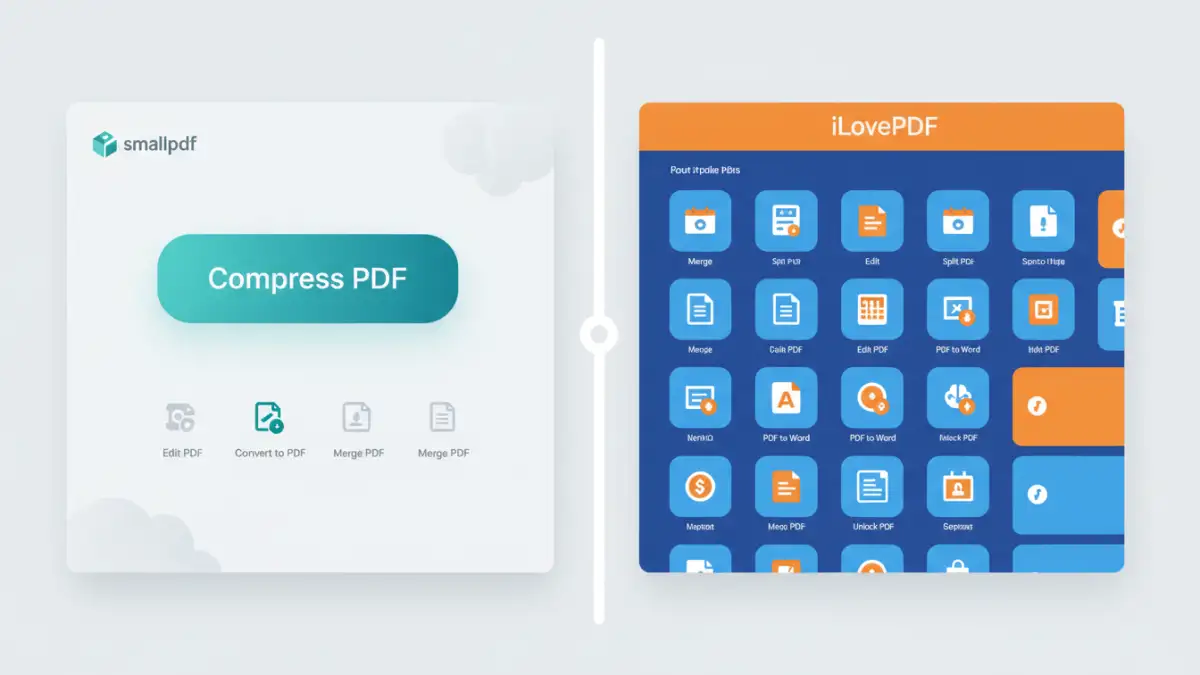
In my experience, iLovePDF sometimes presents a slightly busier interface due to the sheer volume of tools listed. However, it's still very intuitive. Smallpdf, on the other hand, often feels a bit more streamlined, perhaps offering fewer options on the main page but guiding you through the process with clear steps. For someone new to PDF editors, Smallpdf might feel marginally easier to get started with, while power users might appreciate the breadth of options iLovePDF presents upfront.
Pricing and Plans
Both services operate on a freemium model. This means you can use a limited number of features or files for free, which is great for occasional use. For more extensive needs, they offer paid subscriptions.
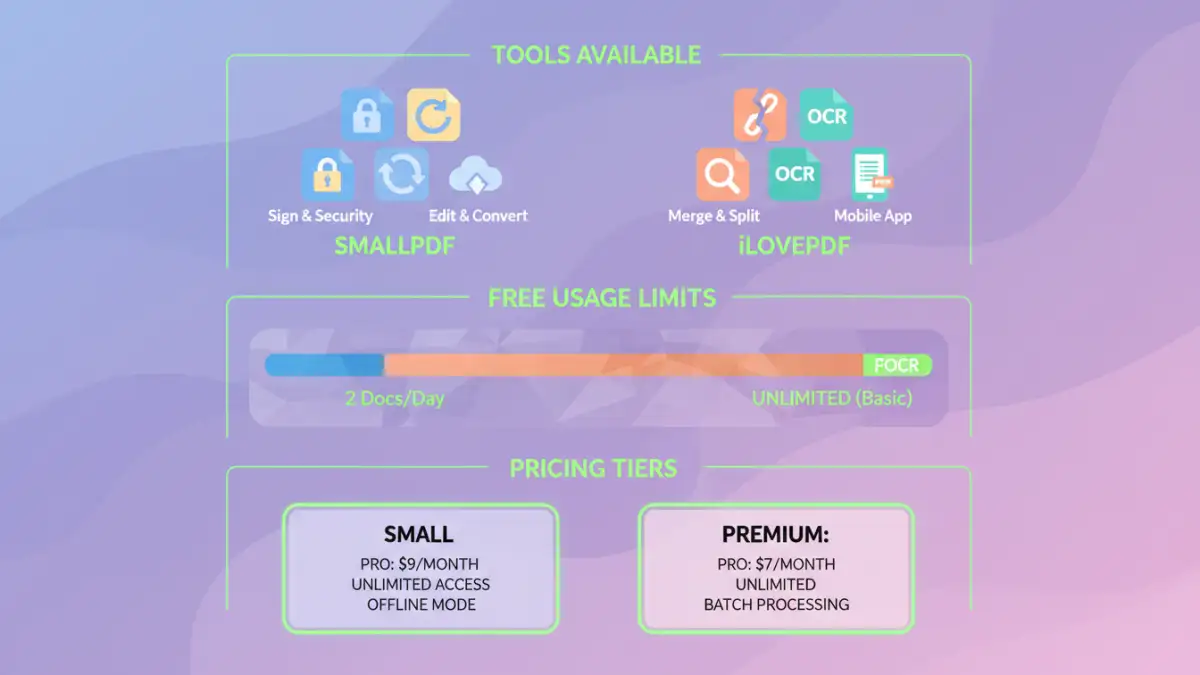
iLovePDF's free tier is quite generous, allowing a certain number of tasks per hour and per day. Their paid plans, often called 'Premium', unlock unlimited access, higher file size limits, and priority processing. Smallpdf also offers a free tier with daily task limits and file size restrictions. Their 'Pro' subscription provides unlimited access, cloud storage integration, and priority support. When comparing smallpdf vs ilovepdf on price, iLovePDF often appears slightly more affordable for its higher tiers, but Smallpdf's Pro plan is very competitive and often includes features like offline desktop apps which can be a significant advantage.
Free Tier Limitations
The free versions of both tools are excellent for basic tasks. However, they come with restrictions. You might be limited to processing only one or two files at a time, or a certain number of tasks per day. File size limits are also common in the free tiers.
Paid Subscriptions
For professionals or businesses, a paid subscription is usually necessary. These plans remove most limitations, offer faster processing, and sometimes include additional benefits like customer support or access to desktop applications. The choice between them often hinges on which platform offers the best value for the specific features you use most frequently.
Security and Privacy Considerations
When uploading documents to any online service, security and privacy are paramount. Both Smallpdf and iLovePDF state that they employ robust security measures. They typically use SSL encryption for file transfers and delete uploaded files from their servers after a short period (usually one hour).
However, it's crucial to read their privacy policies. For highly sensitive documents, even a one-hour window might be concerning. In such cases, desktop-based PDF editors or built-in operating system tools might be preferable. For most standard business and personal use, the security provided by these online tools is generally considered sufficient, but due diligence is always wise.
Performance and Reliability
In terms of speed and reliability, both platforms generally perform well. Processing times can vary depending on the size and complexity of your files, as well as your internet connection. During peak usage times, you might experience slightly slower processing on either platform.
I've found both to be quite reliable for the vast majority of tasks. Occasionally, a complex conversion might fail, but this is rare. Both services are constantly updated, so performance improvements are ongoing. The choice here often comes down to minor differences in processing speed for specific tasks, which might require trying both with your typical files.
Comparison Table
| Feature | Smallpdf | iLovePDF | Notes |
|---|---|---|---|
| Number of Tools | Extensive (21+) | Very Extensive (25+) | Both cover most common needs. |
| Ease of Use | Very High | High | Smallpdf often feels slightly more streamlined. |
| Free Usage Limit | Limited tasks/day | Limited tasks/hour & day | Both are generous for occasional use. |
| Pricing | Competitive Pro plan | Slightly more affordable Premium plan | Check current pricing for best value. |
| OCR (Text Recognition) | Available | Available | Quality can vary with document complexity. |
| Cloud Integration | Yes (Google Drive, Dropbox) | Yes (Google Drive, Dropbox) | Convenient for cloud users. |
| Desktop App | Available (Pro) | No (Web-based only) | Smallpdf offers offline functionality for Pro users. |
| Mobile App | Yes | Yes | Both offer mobile solutions. |
Final Verdict: Which is Better?
Deciding between Smallpdf and iLovePDF really depends on your priorities. If you prioritize a slightly simpler, more streamlined interface for everyday tasks and potentially offline access with a Pro subscription, Smallpdf might be your go-to. Its integration feels very polished.
However, if you need the absolute widest range of tools, including some more niche functionalities, and perhaps a slightly more budget-friendly premium plan, iLovePDF is an excellent choice. It's a robust online pdf tools provider that rarely disappoints. For general PDF conversion comparison, both are top-tier.