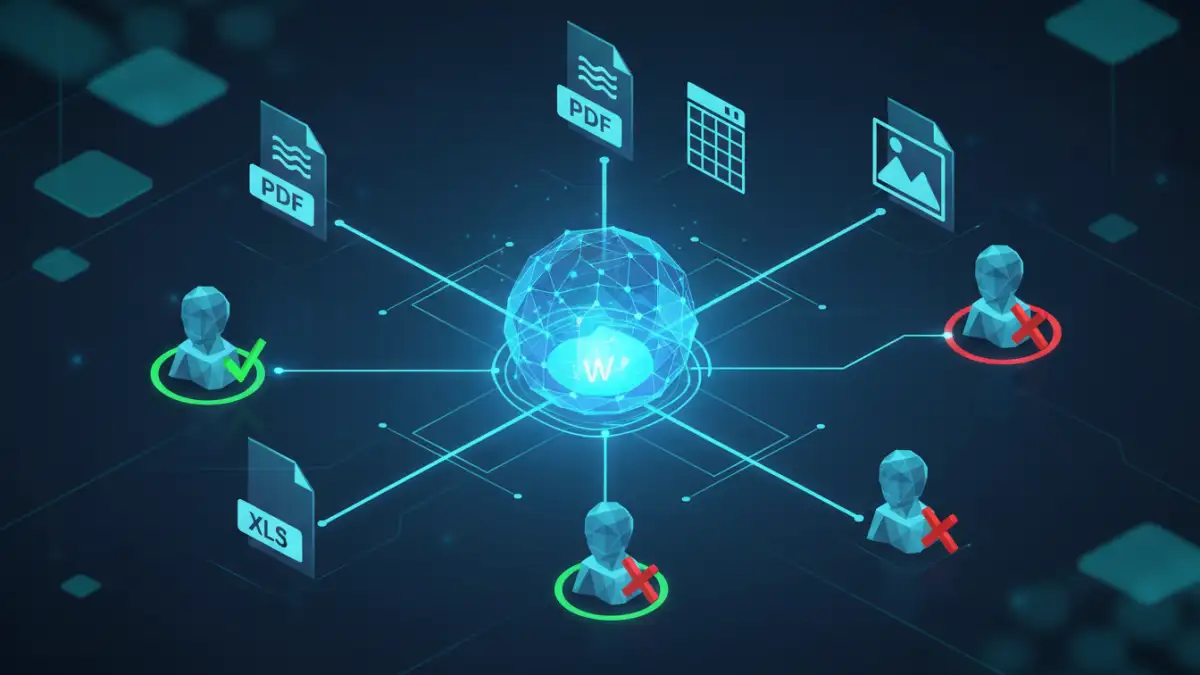
A marketing team accidentally gains access to unreleased financial projections. An ex-employee's credentials are still active on a legacy file server. These aren't just hypotheticals; they are scenarios I've seen play out, causing chaos and significant security risks. The root cause is almost always the same: a fragmented, decentralized approach to managing who can see and edit company files.
When files live across SharePoint, Google Drive, local network shares, and various SaaS platforms, each with its own permission set, control becomes an illusion. This is where a unified strategy becomes not just beneficial, but essential for modern business operations.
Table of Contents
The Problem with Data Silos and Fragmented Permissions
In many organizations, document permission management is an afterthought. A folder is shared here, a link is sent there. Over time, this creates a complex and invisible web of access rights that is nearly impossible to audit. When an employee changes roles or leaves the company, IT teams are left playing a frustrating game of whack-a-mole, trying to track down and revoke access across dozens of systems.
This lack of a central overview directly impacts secure data governance. It's difficult to prove compliance with regulations like GDPR or HIPAA when you can't definitively say who has access to specific confidential file access points. The operational drag is also significant, as IT and security teams spend countless hours managing one-off access requests instead of focusing on strategic initiatives.
Understanding Centralized Access Control

Centralized access control consolidates permission management into a single, authoritative system. Instead of setting permissions within each application (like Google Drive or Dropbox), you define user rights in one place, and those policies are pushed out and enforced across all connected systems. This creates a single source of truth for all access rights.
Key Components
A typical system involves a few core components. First, an Identity Provider (IdP), like Azure AD or Okta, manages user identities. Second, a central policy engine is where you define the rules—what roles can access what data. Finally, enforcement points within each application or file repository ensure these rules are followed. This architecture simplifies management immensely.
Implementing Role-Based Access Security (RBAC)
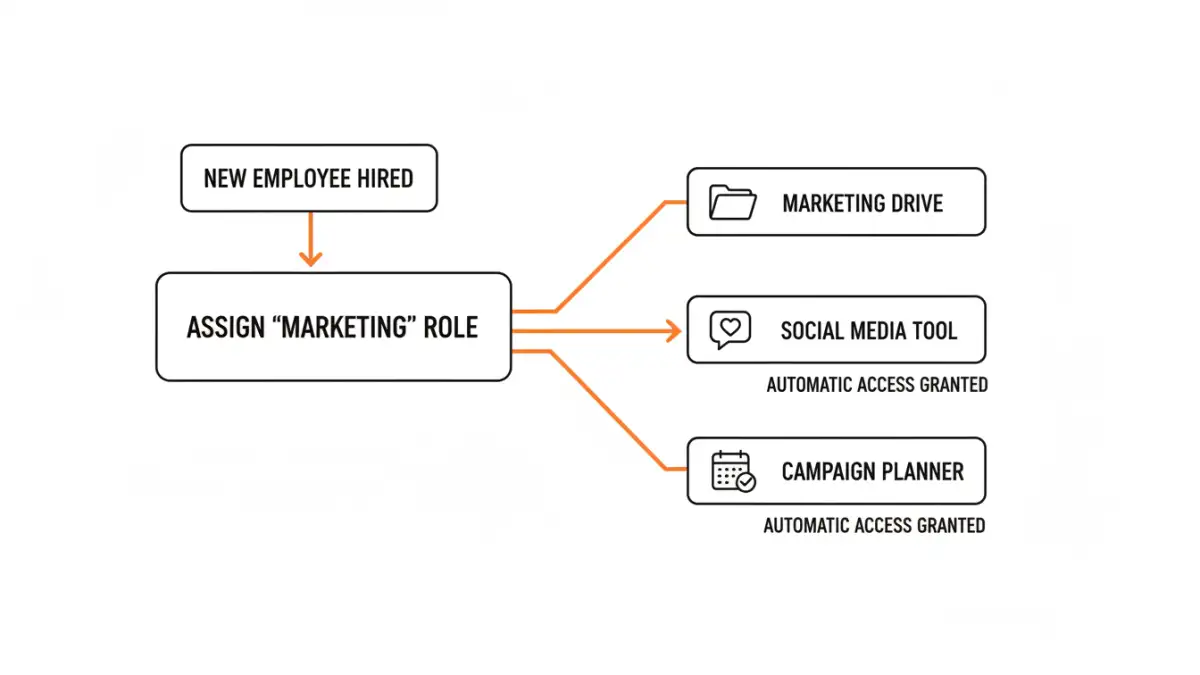
For most businesses, Role-Based Access Security (RBAC) is the most practical and scalable approach. Instead of assigning permissions to individual users, you assign them to roles, and then assign users to those roles. This is a fundamental shift that simplifies administration and strengthens security.
Defining Roles and Applying Least Privilege
The process starts with identifying logical job functions within your company—'Accountant,' 'Sales Representative,' 'Project Manager,' etc. For each role, you grant only the minimum permissions necessary for them to perform their duties. This is the Principle of Least Privilege. For example, a 'Sales Representative' role might have read/write access to the 'Client Proposals' folder but only read-only access to 'Marketing Assets' and no access to 'Financial Records'. When a new salesperson joins, you simply assign them the 'Sales Representative' role, and they instantly inherit all the correct permissions. This makes onboarding and offboarding incredibly efficient.
The Broader Business Impact of Centralized Control
The benefits extend far beyond just making an IT administrator's life easier. A well-implemented enterprise file access control strategy provides clear audit trails, making it straightforward to demonstrate compliance during an audit. It reduces the risk of both accidental and malicious data breaches by ensuring confidential file access is strictly controlled.
Furthermore, it improves employee productivity. Users no longer have to wait for days to get access to a critical document because the process is standardized and often automated. When access is tied to a role, transitions between projects or departments become seamless. This shift from reactive, ticket-based access management to a proactive, policy-driven model is a hallmark of a mature security posture.
Access Control Model Comparison
| Model | How it Works | Pros | Cons |
|---|---|---|---|
| Discretionary Access Control (DAC) | The data owner decides who has access. Common in standard file systems. | Flexible, easy for users to manage their own files. | Inconsistent security, hard to manage centrally, relies on user discretion. |
| Mandatory Access Control (MAC) | System-wide policies managed by an administrator. Users cannot change permissions. | Extremely high security, centrally managed. | Inflexible, complex to configure, can hinder collaboration. |
| Role-Based Access Control (RBAC) | Access is granted based on the user's job role within the organization. | Scalable, simplifies administration, enforces least privilege. | Requires careful planning to define roles; can be complex for very small teams. |
| Attribute-Based Access Control (ABAC) | Access is granted based on attributes of the user, resource, and environment. | Highly granular and dynamic, context-aware. | Very complex to design and implement, can have performance overhead. |