Have you ever needed to secure sensitive documents but weren't sure which method was truly safe? With so many options available, from simple password protection to complex cryptographic tools, it's easy to feel overwhelmed. The goal is to make your data unreadable to anyone without the right key, and that's where a global standard comes into play.
For years, I've implemented and relied on one particular standard for projects involving sensitive data: the Advanced Encryption Standard (AES). It's the backbone of modern data security, used by governments, banks, and tech companies to protect everything from classified files to your personal photos in the cloud.
Table of Contents
What is AES and Why Does It Matter?
The Advanced Encryption Standard (AES) is a symmetric-key encryption algorithm, which means the same key is used for both encrypting and decrypting data. Officially adopted by the U.S. government in 2001, it has become the de facto standard for securing data worldwide. Think of it as the digital equivalent of a high-security bank vault, trusted to protect critical information.
Its primary purpose is to ensure robust data at rest security. This refers to data that is not actively moving between networks, such as files stored on your hard drive, a USB stick, or a cloud server. When a file is encrypted with AES, its contents are transformed into an unreadable format called ciphertext. Only someone with the correct key can reverse the process and view the original document.
Symmetric vs. Asymmetric Encryption
To appreciate AES, it helps to understand its place in the world of cryptography. Encryption algorithms are generally split into two types. AES falls into the symmetric category, where a single shared key does all the work. It's fast, efficient, and ideal for encrypting large amounts of data, like entire documents or hard drives.
The other type is asymmetric encryption, which uses a pair of keys: a public key to encrypt data and a private key to decrypt it. While powerful for secure communication (like SSL/TLS on websites), it's much slower and not practical for encrypting large files directly. Often, both are used together—asymmetric encryption to securely share a symmetric key, which then does the heavy lifting of encrypting the actual data.
How AES Works: A High-Level Overview
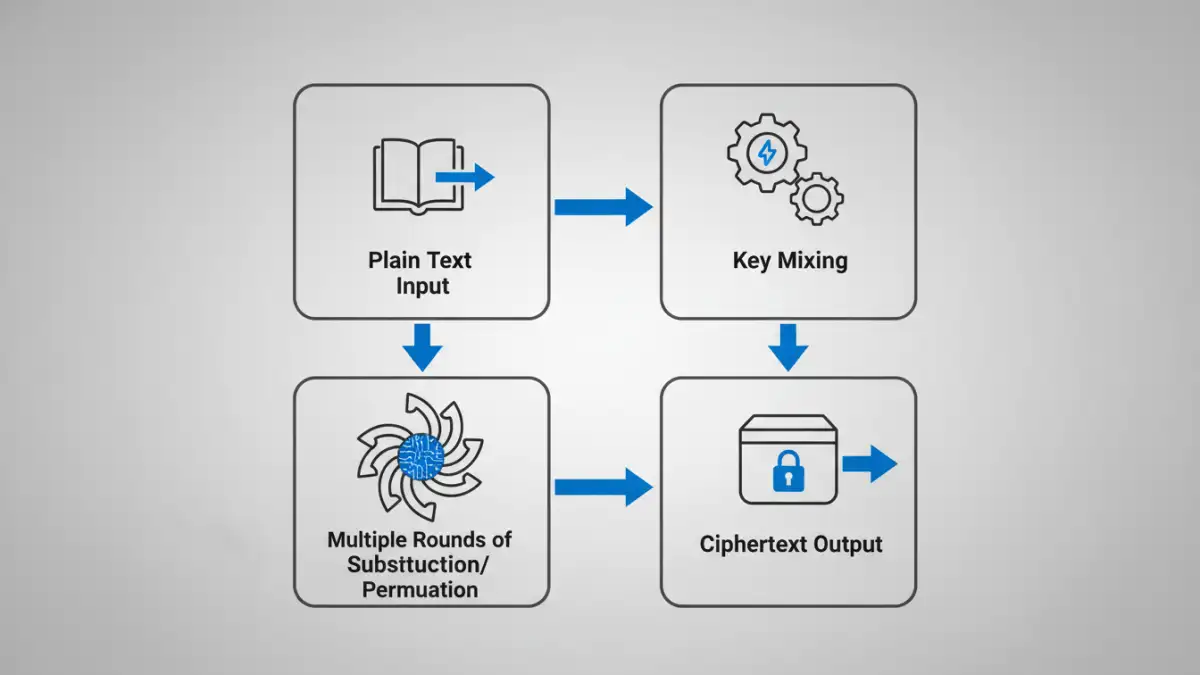
You don't need to be a mathematician to grasp the core concept of how AES works. The algorithm operates on fixed-size blocks of data—specifically, 128-bit blocks. It takes a block of your plain text, combines it with the secret key, and puts it through multiple rounds of intense scrambling.
Each round consists of several complex mathematical steps, including substitution, permutation, and mixing of the data. This process is repeated multiple times, with the number of rounds depending on the length of the key. The result is a block of ciphertext that has no discernible relationship to the original data, making it incredibly difficult to reverse-engineer without the key.
Understanding Key Lengths: 128, 192, and 256-bit
The strength of AES encryption is directly tied to the length of its key. The standard supports three key sizes: 128, 192, and 256 bits. A longer key means exponentially more possible combinations, making a brute-force attack (trying every possible key) computationally impossible with current technology.
For most personal and business needs, AES 256 bit encryption is the recommended choice. The computational overhead is minimal on modern devices, and it provides the highest level of security. It's the same level of encryption used to protect top-secret government information, so it's more than sufficient for your sensitive documents.
Practical Applications for Securing Documents
You probably use AES every day without realizing it. It's built into many of the tools and operating systems we rely on. For example, when you use BitLocker on Windows or FileVault on macOS to encrypt your entire hard drive, you're using AES.
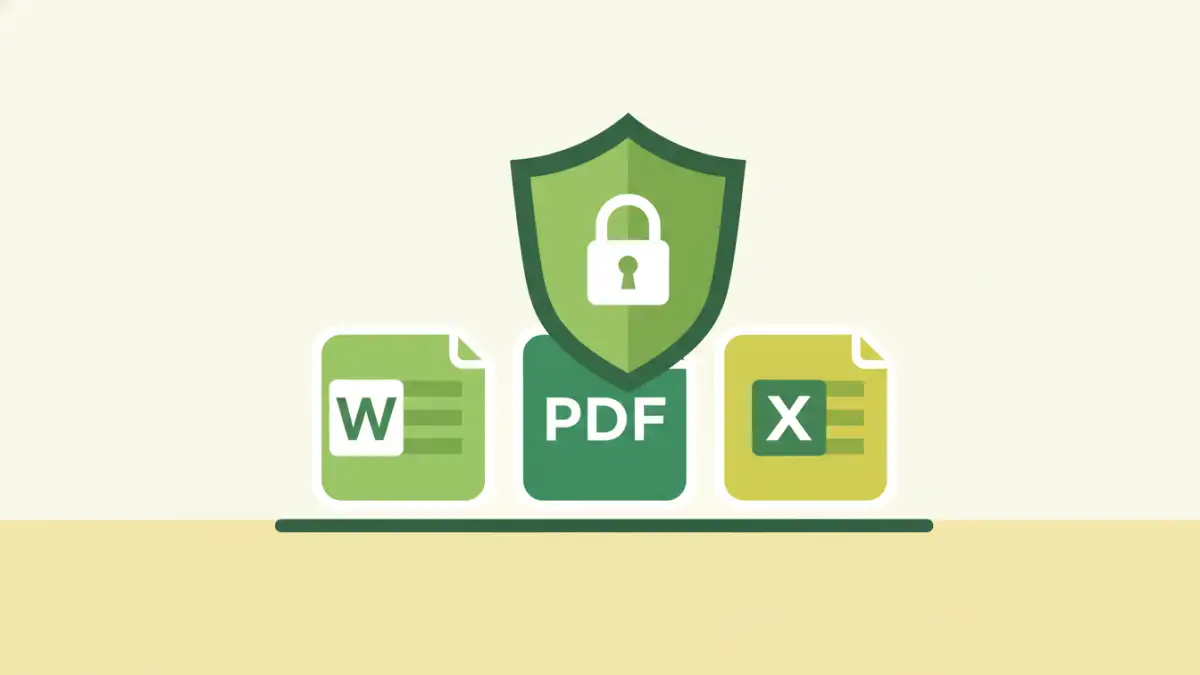
When it comes to specific files, one of the most common methods for AES document encryption is creating a compressed, password-protected archive. Tools like 7-Zip and WinRAR allow you to select AES-256 as the encryption method when creating a .zip or .7z file. This bundles your documents into a single, encrypted container that can be safely stored or sent via email.
Many modern applications, like Microsoft Office and Adobe Acrobat, also use AES when you apply password protection to a document. This provides a strong layer of security directly within the file itself.
Choosing the Right Tools for Secure File Encryption
Implementing secure file encryption doesn't require specialized skills, just the right tools. Depending on your needs, you have several excellent options available.
For full-disk protection, the tools built into your operating system are the best place to start. They are seamlessly integrated and protect all your data automatically. For encrypting individual files or folders, dedicated software like VeraCrypt (an open-source tool for creating encrypted virtual disks) or AxCrypt (a user-friendly file encryption tool) are fantastic choices. These applications give you granular control over what you encrypt and often provide features like secure file deletion.
Finally, for sharing files, using an archive utility that supports AES-256 is a reliable method. I often advise colleagues to compress sensitive project files into an encrypted 7-Zip archive before uploading them to a shared server. This ensures the data remains protected even if the server itself is compromised.
AES Key Length Comparison
| Feature | AES-128 | AES-192 | AES-256 |
|---|---|---|---|
| Key Length | 128 bits | 192 bits | 256 bits |
| Number of Rounds | 10 | 12 | 14 |
| Relative Security | Strong | Stronger | Strongest (Quantum-Resistant) |
| Performance | Fastest | Slightly Slower | Fast (Negligible difference on modern hardware) |
| Common Use Cases | General security, performance-critical applications | High-security applications | Top-secret data, long-term archiving, future-proofing |