
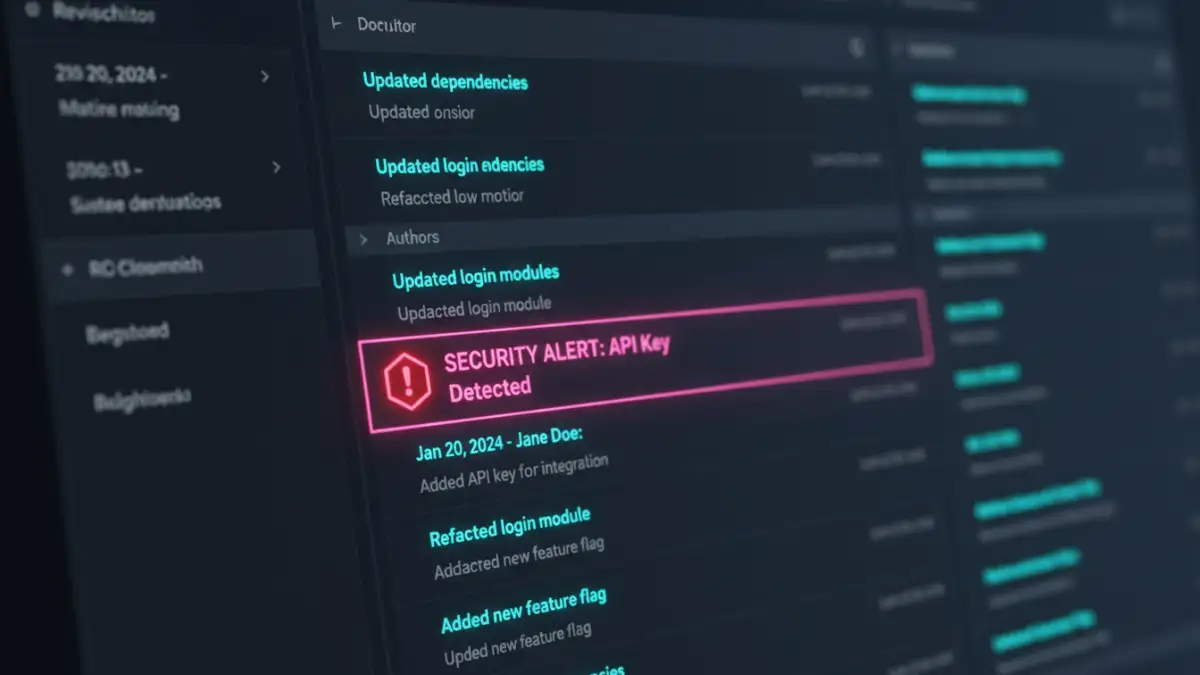
I once worked on a project where a critical production key was leaked. The team searched frantically through the current code, but it was nowhere to be found. It turned out an old version of a configuration file, committed months ago and long since updated, still contained the key. It was sitting in our version history, a ticking time bomb we'd forgotten about. That incident was a stark reminder: your document history is not just an archive; it's an active part of your security surface.
Many people think of security as protecting the final version of a document. But what about all the drafts, revisions, and comments that came before? This is where a focus on document version control security becomes essential. It's about ensuring that every iteration of a file is protected, not just the one you publish.
Table of Contents
Why Version History is a Security Goldmine (and Liability)
Every change saved in a version control system creates a permanent record. While this is fantastic for collaboration and tracking progress, it can also be a significant risk if not managed correctly. This complete document revision history can inadvertently expose sensitive information that was removed from later versions.
Think about what gets saved over a project's lifecycle: temporary passwords, client data for testing, internal strategy notes, or API keys. If someone gains access to your repository, they don't just get the latest files; they get a complete historical map of your project, including its secrets. This is why treating your version history with the same level of security as your production data is critical.
Fundamental Pillars of Secure File Versioning
To build a secure system, you need to start with a strong foundation. In my experience, focusing on a few core principles makes all the difference in creating a resilient version management process. These aren't just buzzwords; they are actionable concepts that prevent the most common security failures.
Granular Access Control
The principle of least privilege is paramount. Not everyone on your team needs write access to every document or branch. Modern version control systems allow for role-based access control (RBAC), letting you define precisely who can read, write, merge, or administer repositories. For critical documents like legal contracts or financial reports, you should restrict write access to a very small, authorized group. This simple step prevents accidental changes and malicious tampering.
Encryption Everywhere
Your documents contain valuable information, and that data must be protected at all times. This means two things: encryption in transit and encryption at rest. Encryption in transit (using protocols like TLS/SSL) protects data as it moves between a user's computer and the server. Encryption at rest protects the files while they are stored on the server's hard drives. Any professional version control solution, whether self-hosted or cloud-based, must provide both.
Implementing Secure Workflows and Practices
Having the right tools is only half the battle. How you use them determines your actual security posture. A secure workflow is about building habits and processes that make security the default, not an afterthought. It's about making it easy to do the right thing and hard to do the wrong thing.
Choosing the Right System
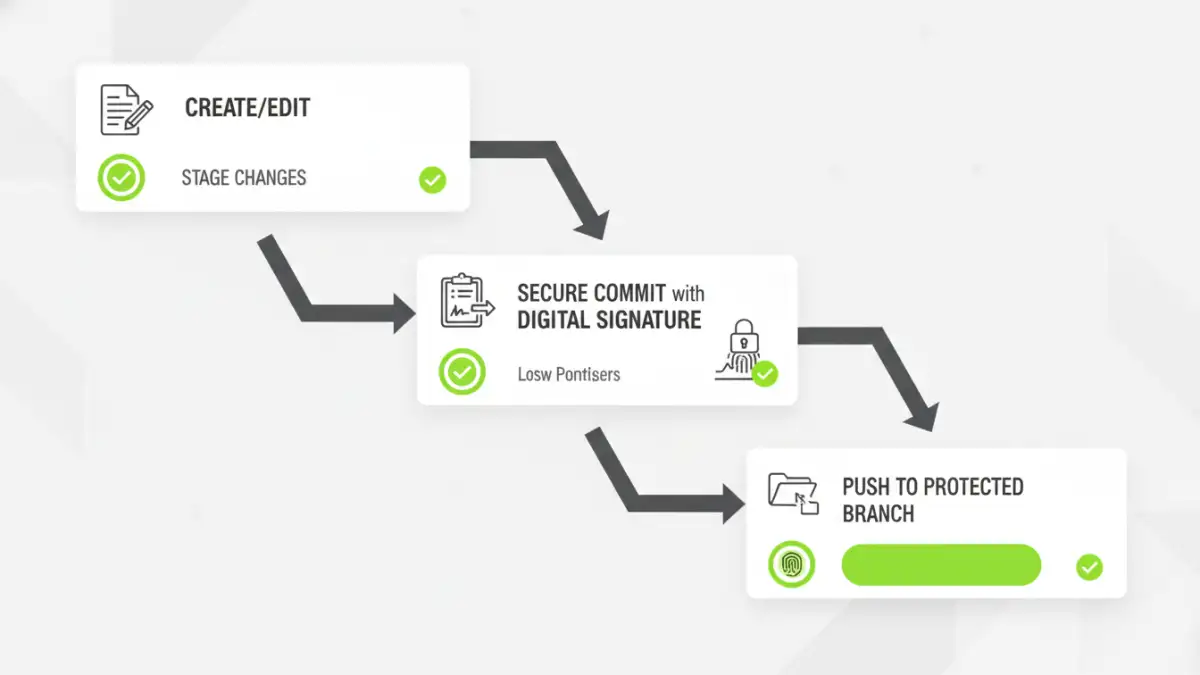
The tool you choose has a direct impact on your security capabilities. For software development, Git has become the standard, with platforms like GitHub and GitLab offering robust security features like branch protection rules and signed commits. For business documents, systems like Microsoft SharePoint or Alfresco provide fine-grained permissions and built-in compliance tools. Evaluate your needs: do you need a distributed model like Git, or a centralized one with strict, top-down control?
Best Practices for Commits
The most effective way to keep secrets out of your history is to never commit them in the first place. Use mechanisms like `.gitignore` (for Git) to explicitly exclude sensitive files, folders, or file types from ever being tracked. Train your team to review their changes before committing, ensuring no sensitive data is accidentally included. For secrets that are necessary for the project to run, use a dedicated secrets management tool like HashiCorp Vault or AWS Secrets Manager, and reference the secrets in your configuration files instead of hardcoding them.
Auditing and Monitoring: Your Security Watchtower
You can't protect what you can't see. A secure system isn't something you set up once and forget about. It requires ongoing vigilance to ensure that your policies are being followed and to detect potential threats before they cause damage. This is where auditing and monitoring become your most important defensive tools.
Being able to track document changes securely provides a clear, immutable record of who changed what, and when. This audit trail is invaluable for forensic analysis after a security incident and is often a requirement for regulatory compliance (like SOC 2 or HIPAA). Regular reviews of these logs can help you spot anomalous behavior, such as a user accessing files outside their normal role or a large number of files being downloaded at an unusual time.
Automated Security Scanning
Manually reviewing every commit across a large team is impractical. This is where automation comes in. Tools like Git-secrets or commercial platform features can be integrated into your workflow to automatically scan commits for known secret formats, like API keys or private credentials. If a potential secret is found, the commit can be blocked, and the developer can be notified immediately, preventing the data from ever entering the permanent history.
Version Control Security Feature Comparison
| Security Feature | Self-Hosted Git | Cloud Git (GitHub/GitLab) | Document Management System (SharePoint) |
|---|---|---|---|
| Access Control | Relies on server-level permissions (SSH keys, file system ACLs). Can be complex to manage. | Granular role-based access (Read, Write, Maintain, Admin), branch protection rules, team-based permissions. | Extremely granular, per-user, per-group, per-file/folder permissions. Integrated with corporate directories. |
| Encryption | Depends on server configuration for encryption at rest and transport layer security (TLS). | Managed by the provider. Both encryption in transit and at rest are standard features. | Managed by the provider (e.g., Microsoft 365). Encryption in transit and at rest are standard. |
| Audit Trail | `git log` provides a complete, signed history of changes. Server access logs are separate. | Comprehensive UI-based audit logs for all user and repository activity. Centralized and easy to search. | Detailed audit logs for file views, edits, downloads, and permission changes. Built for compliance. |
| Secret Scanning | Requires third-party tools (e.g., git-secrets) to be installed and configured in hooks. | Built-in secret scanning features that automatically alert on exposed credentials in public repos. | Leverages Microsoft 365 Data Loss Prevention (DLP) policies to identify and protect sensitive info. |