
I was scrolling through a security forum the other day when a post with a desperate title caught my eye: "My Client's Data Was Leaked - How Did This Happen?" As an engineer, my curiosity was piqued. The author detailed a nightmare scenario where an encrypted archive containing sensitive client information was breached, leading to a significant professional and financial fallout.
The root cause wasn't a sophisticated zero-day exploit or a complex network intrusion. It was something far more common and preventable: a simple, guessable password on the ZIP file. This user security story serves as a powerful reminder that even the strongest encryption is useless if the key to unlock it is left under the digital doormat.
Table of Contents
The Anatomy of a Breach: A User's Story
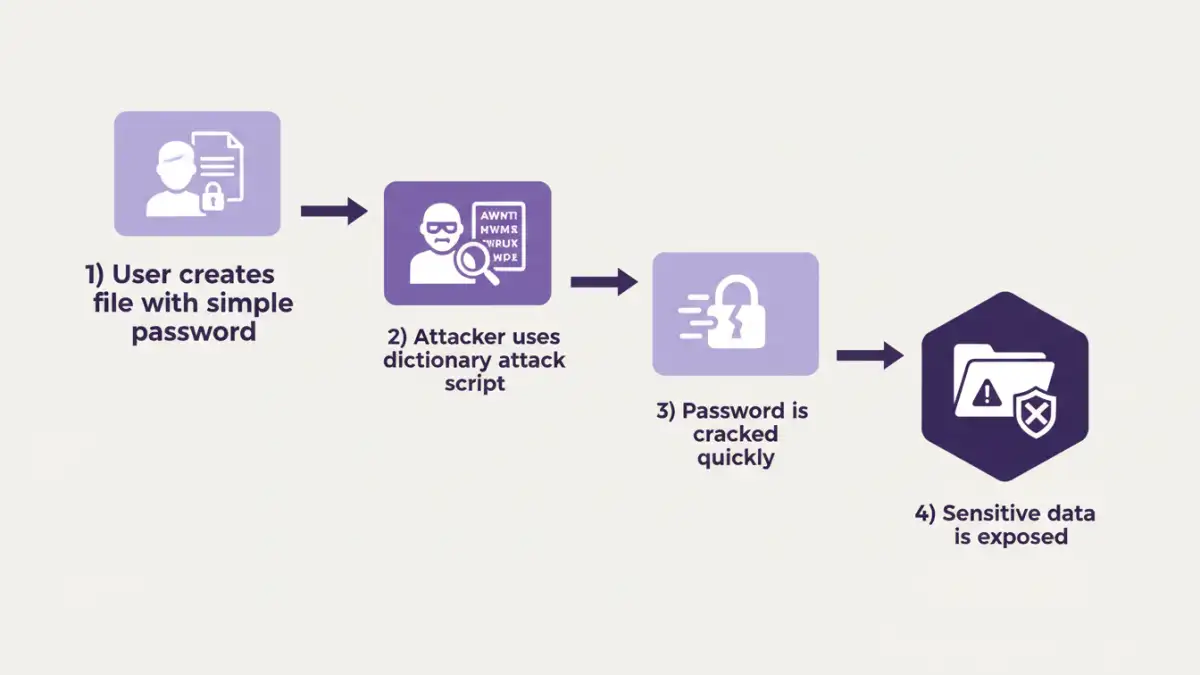
The forum user, a freelance consultant, had compressed a project folder into a password-protected ZIP archive to send to a collaborator. The folder contained spreadsheets with financial projections, client contact lists, and strategic documents. Believing the AES-256 encryption offered by their compression software was enough, they used a password they thought was convenient: the project's name followed by the current year, something like "ProjectX2024".
A few weeks later, they were horrified to learn that excerpts from their documents were being discussed on a public message board. Their investigation revealed that the collaborator's email had been compromised. The attacker downloaded the archive and, faced with a password prompt, didn't need to be a master hacker. They simply used a brute-force tool loaded with a dictionary list, and the simple, predictable password fell in a matter of minutes.
Technical Breakdown: Why the Password Failed
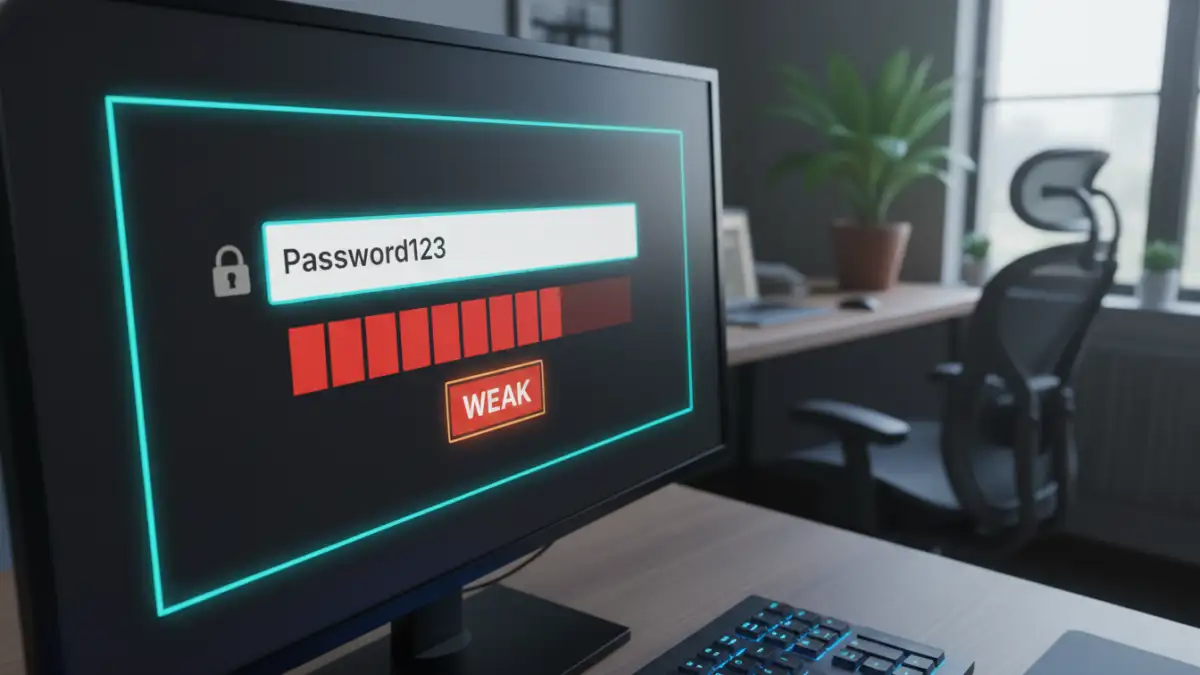
This data breach story is a textbook example of how attackers exploit human psychology. We tend to favor convenience and memorability over security, which is exactly what automated cracking tools are designed to counter. Let's break down the technical failure points.
Dictionary and Brute-Force Attacks
The attacker likely employed a dictionary attack first. These attacks use massive lists of common words, names, phrases, and simple patterns. A password like "ProjectX2024" is extremely vulnerable because it combines a common word ("project"), a predictable name ("X"), and a four-digit number. When a pure dictionary attack fails, attackers move to a hybrid brute-force method, which systematically tries all possible combinations. However, the simplicity of this password meant it was cracked long before a full brute-force was necessary.
The Illusion of Strong Encryption
The user was right that AES-256 is a powerful encryption standard, virtually unbreakable by brute force if the key (the password) is strong. However, the encryption algorithm is only one part of the security chain. The password is the key that unlocks it. Using a weak password on a file encrypted with AES-256 is like putting a cheap, pickable padlock on a bank vault door. The vault is secure, but the entry point is fragile.
The Ripple Effect of a Single Compromised File
The consequences for the forum user were severe and far-reaching. The initial breach of one file led to a cascade of problems that impacted their professional life. This is a critical password security lesson: a single point of failure can unravel an entire system of trust.
First came the immediate damage: the loss of confidential client data. This led to a breach of contract and a complete loss of trust with that client. Beyond that, the user's professional reputation was tarnished. The public nature of the leak meant other potential clients became wary, and the freelancer had to spend considerable time and resources on damage control, legal consultations, and notifying affected parties. The stress and financial cost extended far beyond the value of the data in that single archive.
Actionable Lessons in Protecting Sensitive Files
This unfortunate story provides invaluable lessons for all of us. Protecting sensitive files requires a multi-layered approach that goes beyond just clicking the "encrypt" button. It's about building robust security habits.
Creating Truly Strong Passwords
A strong password is your first line of defense. Avoid dictionary words, personal information (birthdays, names), or sequential patterns. Instead, use a password manager to generate and store long, random strings of characters. A good target is 16+ characters, including a mix of uppercase letters, lowercase letters, numbers, and symbols. A randomly generated password like `v$u9!Z#8Fp@wK&qR` is exponentially harder to crack than "ProjectX2024". The problem of using weak file passwords is completely mitigated with this single step.
Use Secure Transfer Methods
Email is not a secure method for transferring sensitive files, even if they are encrypted. The file itself can be intercepted, as it was in this story. Instead, use secure file-sharing services that offer end-to-end encryption and features like expiring links, download limits, and access notifications. These platforms are designed specifically for secure collaboration and reduce the risk of interception.
Password Strength Comparison: Weak vs. Strong
| Characteristic | Weak Password Example | Strong Password Example | Why It Matters |
|---|---|---|---|
| Length | 8-10 characters | 16+ characters | Each additional character exponentially increases the time required to crack. |
| Complexity | `Summer2024` | `sUmm3r-!s-H3rE%` | Mixing character types (upper, lower, numbers, symbols) foils dictionary attacks. |
| Predictability | `password123` | A randomly generated string | Predictable patterns and common words are the first things cracking software checks. |
| Uniqueness | Reusing the same password | A unique password for every file/service | Prevents a single breach from compromising multiple accounts or files. |