
You've been there: a critical, password-protected PDF lands in your inbox, but the password is lost in a forgotten email thread. The deadline is looming. A quick search reveals dozens of websites promising to instantly unlock your file for free. It seems like the perfect solution, but as I've seen discussed countless times in developer and security forums, this convenience often comes at a steep, hidden price.
Before you drag and drop that sensitive file into a browser window, it's crucial to understand what's happening behind the scenes. These services aren't magic; they are processes running on someone else's server, and you're trusting them with your data. The conversations I follow among cybersecurity professionals paint a clear picture of the potential fallout.
Table of Contents
The Convenience Trap: Why These Tools Are So Popular
The primary appeal of online PDF unlockers is their sheer simplicity. There's no software to install, no command-line wizardry to learn, and the process often takes just a few seconds. For users who need to remove restrictions on printing or copying a document, these tools offer an immediate fix without any technical barrier to entry.
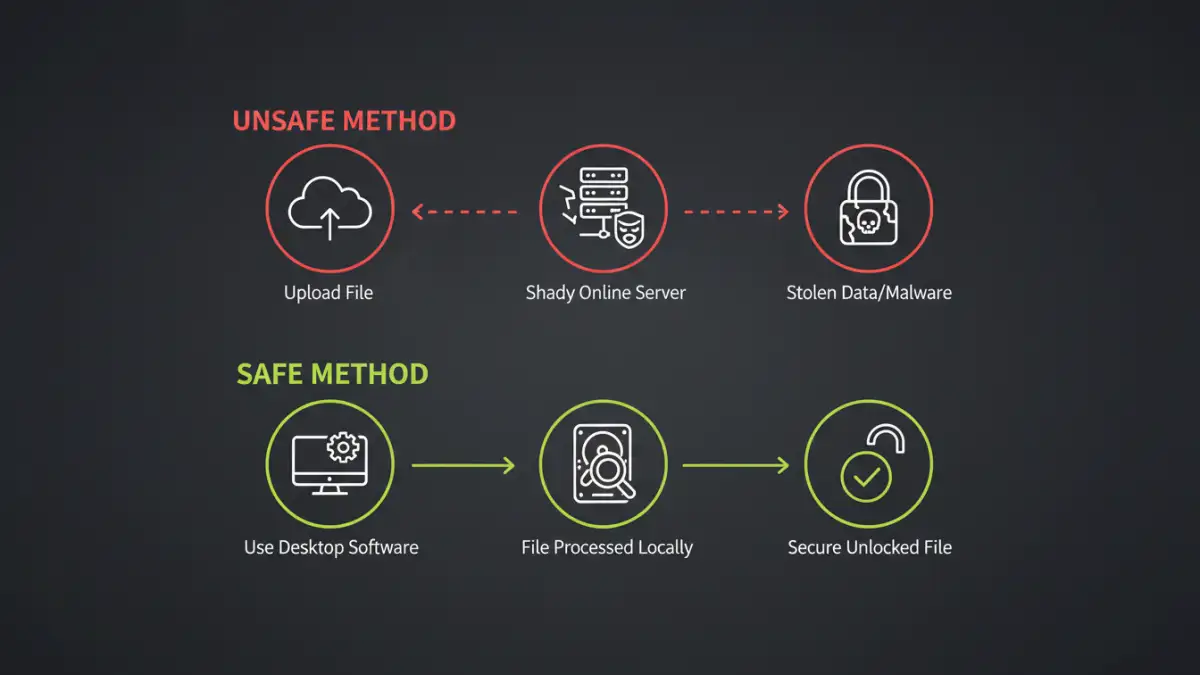
This ease of use creates a powerful illusion of safety. The user interface is clean, the process is fast, and the result is an unlocked document. However, this frictionless experience masks significant data privacy concerns. The core issue is that your document leaves your computer and is processed on a remote server you have no control over.
Forum Warnings Unveiled: The Real Document Security Risks
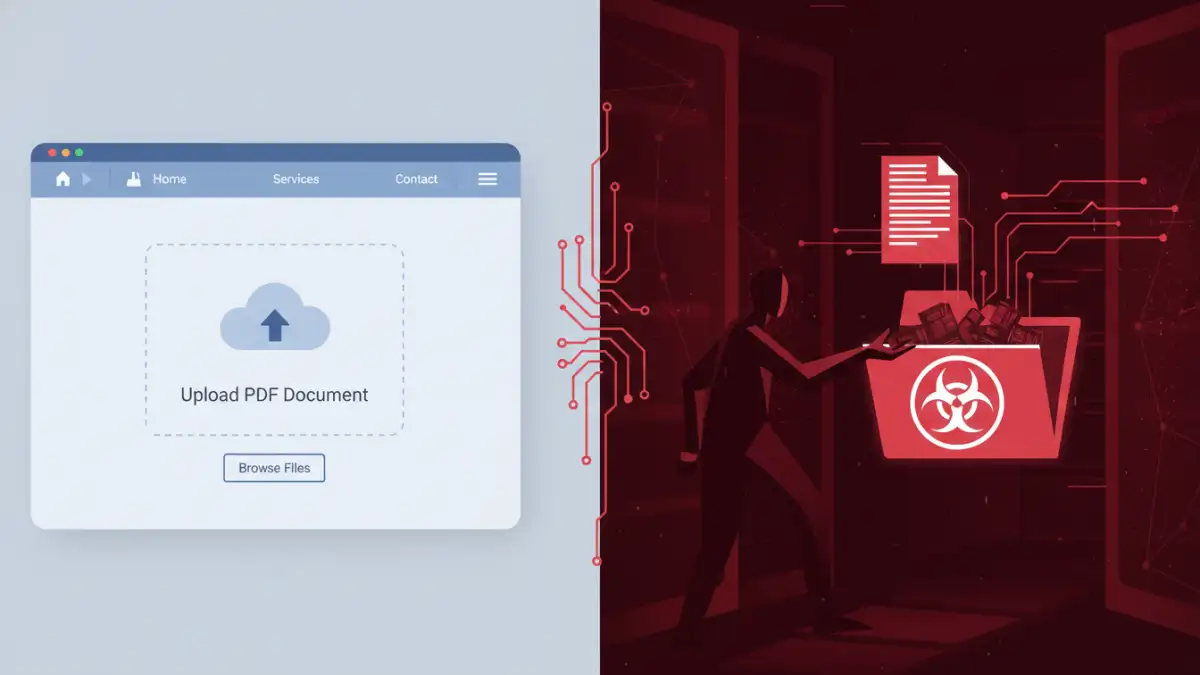
In the technical communities I'm a part of, discussions about these services are rarely positive. The consensus is that using a free, unknown online tool to handle sensitive data is an unacceptable gamble. The warnings generally fall into a few key categories that everyone should be aware of.
Data Interception and Harvesting
When you upload a file, it travels from your computer to the service's server. While legitimate services use encryption (HTTPS) to protect data in transit, the file is decrypted on their server to be processed. At this point, the service provider has full, unencrypted access to the entire contents of your document.
Malicious operators can, and do, save copies of these uploaded files. These documents—which could contain financial records, legal contracts, personal information, or proprietary business data—can then be scanned for valuable information, sold on the dark web, or used for identity theft. The forum warnings are filled with anecdotes of users suspecting a data leak originated from such a service.
Malware and Phishing Payloads
Another significant risk is the file you get back. Some nefarious sites will return a file that appears to be your unlocked PDF but is actually embedded with malware, ransomware, or spyware. Clicking to open your 'unlocked' document could execute a malicious script that compromises your entire system.
This is a classic Trojan horse attack. The user willingly downloads and opens the file, bypassing some security measures because they trust the source. This is a common topic in security forums, where analysts break down how these infected documents are crafted to evade basic antivirus detection.
A Tale of Two Passwords: Owner vs. User Encryption
From a technical standpoint, it's important to understand that PDFs can have two types of passwords. This distinction is key to why many online tools seem to work, but only on a superficial level.
The 'Owner Password' (or Permissions Password) restricts actions like printing, copying text, and editing the document. This is a relatively weak form of protection that is easily stripped away. Most free online pdf password removers target this specific password, as it requires minimal computational power to bypass.
The 'User Password' (or Open Password), on the other hand, encrypts the entire document and is required to even open and view the file. Breaking a strong user password requires a brute-force attack—trying millions of password combinations. This is computationally expensive and not something a free online service is going to do for you. If a site claims to instantly crack a strong open password, it is almost certainly a scam designed to steal your file or infect your computer.
Safer Alternatives to Online Tools for Regaining Access
So, are online pdf unlockers safe? Generally, the risk is not worth the convenience, especially for sensitive documents. Fortunately, there are much safer ways to handle a locked PDF.
The most secure method is always the simplest: contact the original author and ask for the password or for an unlocked version of the file. This eliminates all third-party risk. If that isn't possible, consider using reputable, well-reviewed desktop software. Desktop applications process the file locally on your machine, so your data never leaves your control. While some may have a cost, it's a small price for maintaining your data privacy.
For owner passwords, some browsers have a built-in workaround. You can often open the locked PDF in a browser like Chrome (if you have the user password), go to the 'Print' menu, and choose 'Save as PDF'. This creates a new, flattened copy of the document with the printing and copying restrictions removed. This process happens entirely on your local machine, keeping your data secure.
Tool Risk Profile Comparison
| Method | Data Privacy Risk | Effectiveness | Best For |
|---|---|---|---|
| Online Unlocker Tools | Very High | Low (Only removes owner passwords) | Non-sensitive documents only, with extreme caution. |
| Desktop Software | Very Low | High (Can brute-force user passwords) | Sensitive documents and frequent use. |
| Browser 'Print to PDF' Trick | None | Medium (Removes owner passwords) | Quickly removing print/copy restrictions safely. |
| Contacting the Author | None | Guaranteed (If they respond) | The most secure and recommended first step. |