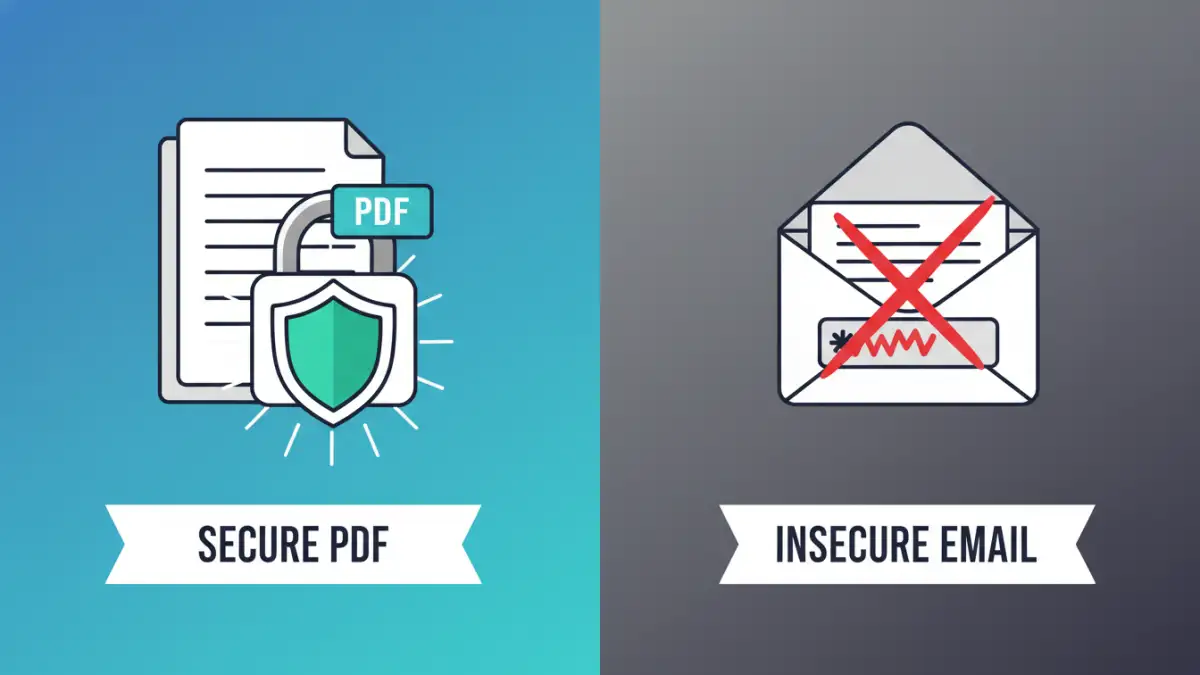
I recently saw a colleague send a password-protected contract to a client, then immediately follow it up with a second email containing the password. It's an incredibly common practice, but it's one that effectively hands the keys over right next to the locked box. If a malicious actor gains access to that email account, they get both the encrypted file and the password needed to open it, completely defeating the purpose of the protection.
This simple mistake highlights a major gap in how many of us handle sensitive information. Protecting a document is only half the battle; the other half is ensuring the access key—the password—is delivered securely. Fortunately, there are straightforward and much safer ways to handle this process.
Table of Contents
Why Emailing Passwords is a Major Security Risk
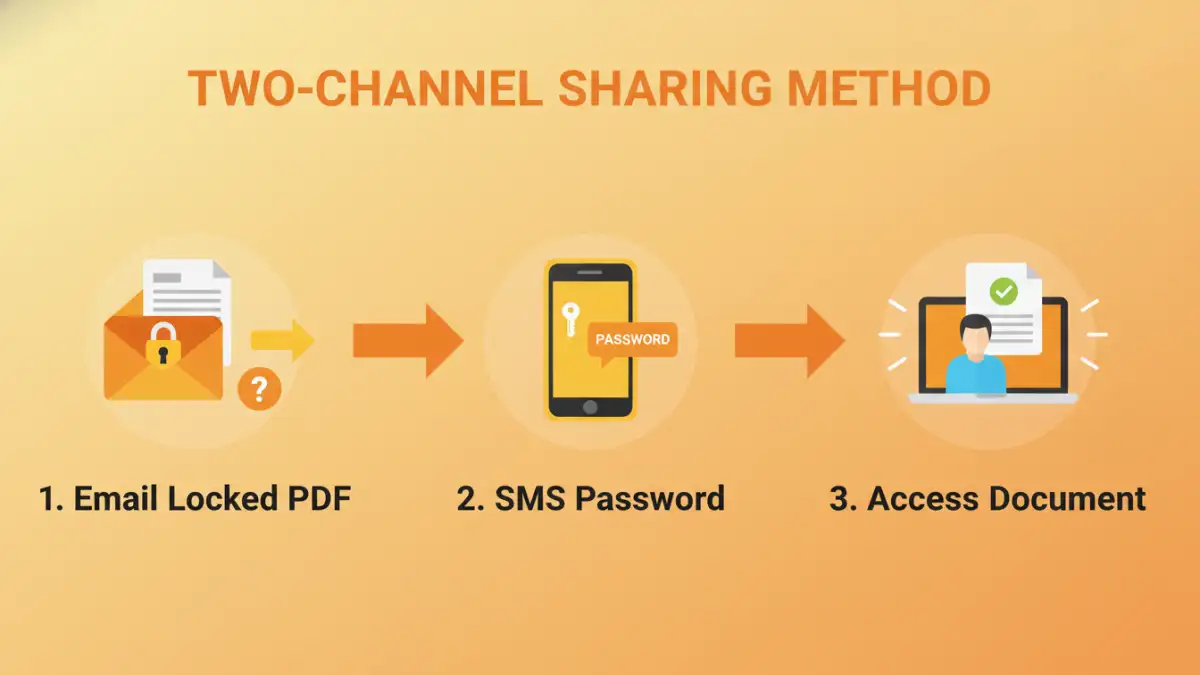
Email was not designed with high security in mind. When you send an email, it travels across multiple servers before reaching its destination, and it's often stored in plain text on those servers. If any point in that chain is compromised, or if the sender's or receiver's account is breached, the contents are exposed.
Sending the password in a follow-up email does little to mitigate this. An attacker who has breached an email account will almost certainly look for related messages. They'll see the encrypted file from 'Email A' and the password from 'Email B' sent moments later from the same address. It's a trivial connection to make, rendering your encryption useless. This is a classic example of keeping all your eggs—and the key to the basket—in one place.
The Right Way to Send a Password Separately
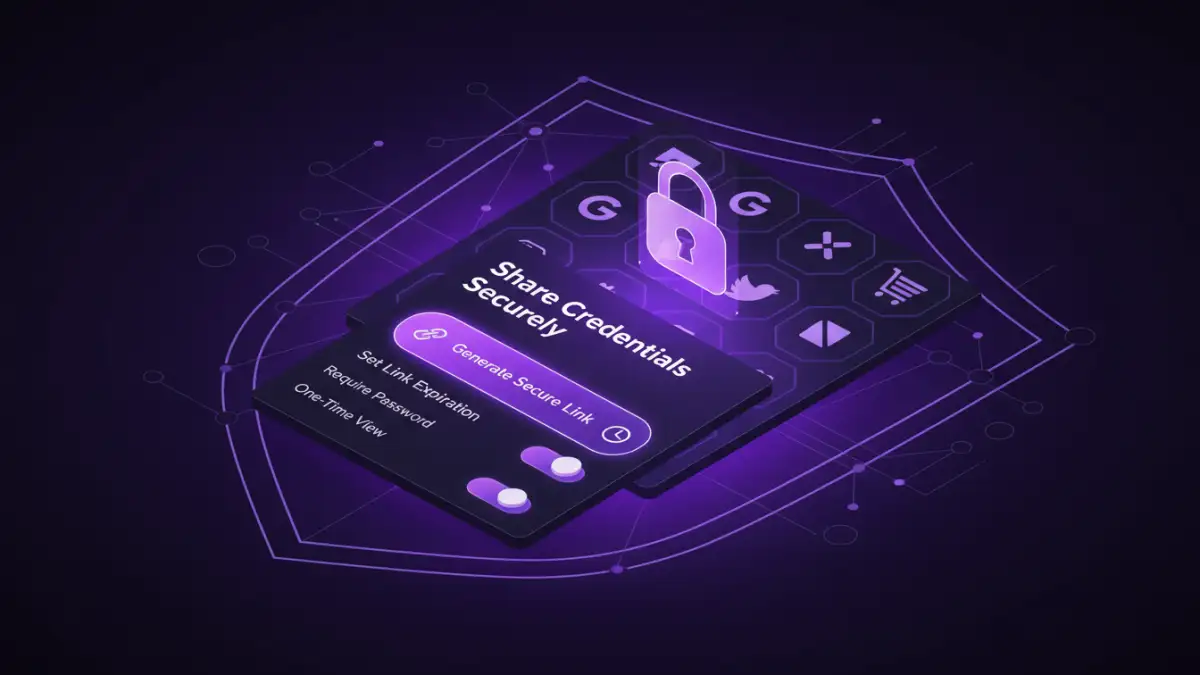
The core principle for securely sharing credentials is to use a different, independent communication channel. This is often called the 'two-channel' or 'out-of-band' method. By separating the file from the password, you create two distinct barriers an attacker must overcome.
Use a Different Communication Channel
This is the simplest and most effective method for most people. Once you've emailed the password-protected PDF, use an entirely different medium to transmit the password. Good options include:
- Secure Messaging Apps: Apps like Signal, Telegram, or WhatsApp use end-to-end encryption, making them a far safer choice than email for sending sensitive information.
- SMS/Text Message: While not as secure as end-to-end encrypted apps, sending a password via text is still much better than email because it uses a separate network (the cellular network).
- A Phone Call: For highly sensitive documents, simply calling the recipient and telling them the password verbally is a secure and direct method. Just be sure you're speaking to the right person.
I used this exact method just last week when sending a development proposal to a new partner. The PDF went via email, and I sent the password through Signal. It's a small extra step that provides a significant boost in security.
Leverage a Secure Password Manager
If you work in a team or frequently need to securely share pdf files and other credentials, a password manager is an invaluable tool. Services like 1Password, Bitwarden, and Dashlane have built-in secure sharing features.
These tools allow you to create a secure, shareable link for a password that can be set to expire after a certain amount of time or after being viewed once. The recipient clicks the link to view the password, and you get a notification that it has been accessed. This method is far more controlled and auditable than sending a plain text password over an insecure channel.
Beyond Passwords: Modern Encrypted File Sharing
While password-protecting a PDF is a good first step, modern platforms offer more robust solutions that don't rely on manually sharing passwords at all. These systems manage access through user accounts and permissions, which is a more scalable and secure approach.
Services like Google Drive, Dropbox Business, and Microsoft OneDrive allow you to share a file with specific people by inviting them via their email address. They must log in to their own account to access the document, which verifies their identity. You can also set permissions (e.g., view-only, comment, or edit) and revoke access at any time. For truly sensitive data, dedicated encrypted file sharing platforms like Tresorit or Sync.com offer zero-knowledge encryption, meaning not even the service provider can access your files.
Essential Document Sharing Best Practices
Regardless of the method you choose, following a few key principles will always improve your security posture. These are habits I've ingrained into my workflow over years of handling sensitive project files and client data.
- Use Strong, Unique Passwords: For the PDF itself, avoid simple passwords. Use a long, random combination of letters, numbers, and symbols. A password manager can generate and store these for you.
- Set Expiration Dates: Whenever possible, set access links or passwords to expire. This limits the window of opportunity for unauthorized access if the credentials are ever exposed.
- Verify Recipient Identity: Before sending highly sensitive information, confirm you have the correct contact details. A quick text or call can prevent a costly mistake.
- Limit Permissions: If the recipient only needs to read the document, set the permissions to 'view-only' to prevent accidental or malicious alterations.
- Regularly Audit Access: Periodically review who has access to your shared files and folders and revoke permissions that are no longer needed.
Password Sharing Method Comparison
| Method | Security Level | Convenience | Best For |
|---|---|---|---|
| Emailing Password | Very Low | High | Not recommended for sensitive data |
| Two-Channel (e.g., SMS, Signal) | Medium-High | Medium | One-off sharing with trusted individuals |
| Password Manager Sharing | High | Medium | Recurring sharing within teams or with clients |
| Secure Cloud Platform (e.g., Drive) | High | High | Collaborative projects and ongoing access management |
| Zero-Knowledge Service (e.g., Tresorit) | Very High | Low-Medium | Highly confidential legal, financial, or medical documents |