
Handling sensitive financial information requires a proactive approach to security, especially when dealing with records that need to be kept for extended periods. I've seen firsthand how crucial it is to have a reliable system for storing these documents, ensuring they remain accessible to authorized personnel while being impenetrable to others. This isn't just about compliance; it's about safeguarding personal and business assets against potential threats.
The digital age presents unique challenges, with data breaches becoming increasingly common. Relying solely on physical storage or basic password protection for critical financial archives is no longer sufficient. Implementing strong encryption is a vital step in securing financial records against evolving cyber risks and accidental data loss.
Table of Contents
Understanding Long-Term File Encryption
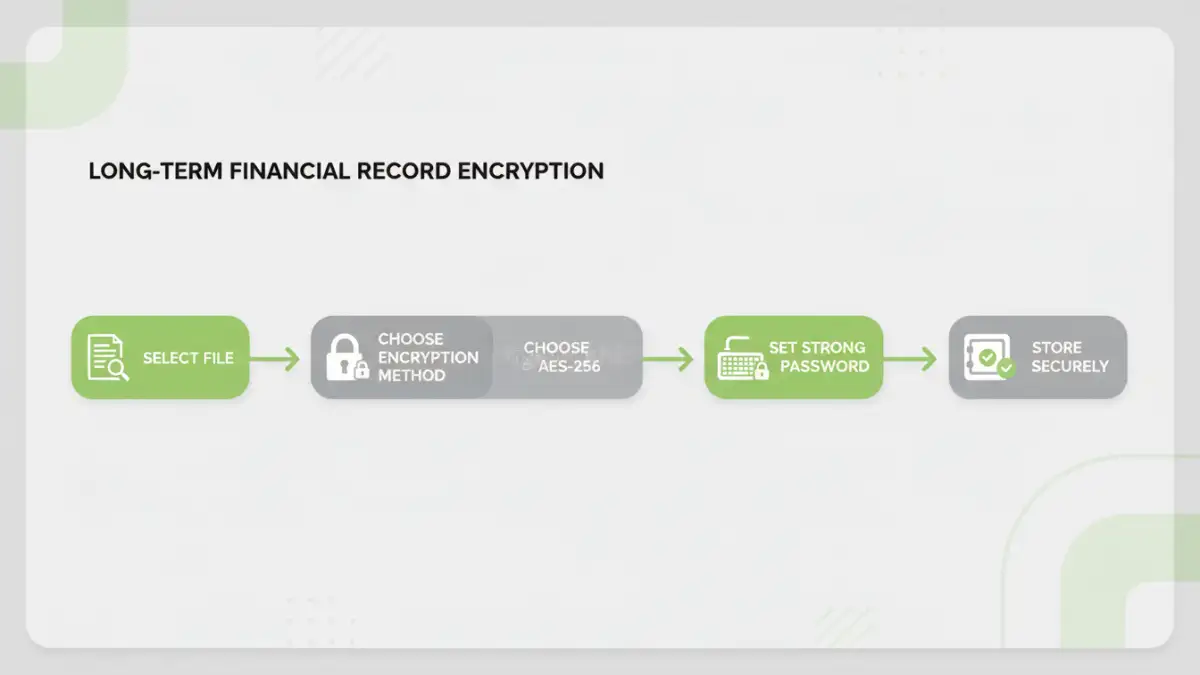
Encryption is the process of converting data into a secret code to prevent unauthorized access. For long-term file encryption, this means using robust algorithms that are resistant to modern decryption techniques. The goal is to create a secure archive that remains protected for years, even decades, ensuring data integrity and confidentiality.
Key Concepts in Encryption
When we talk about encrypting financial documents, two primary types of encryption come to mind: symmetric and asymmetric. Symmetric encryption uses a single key for both encryption and decryption, making it fast and efficient for large files. Asymmetric encryption uses a pair of keys – a public key for encryption and a private key for decryption, offering more security for key management but being slower.
Why Encrypt Financial Documents?
Archived financial records often contain highly sensitive information, such as bank statements, tax returns, investment portfolios, and personal financial details. Unauthorized access to this data could lead to identity theft, financial fraud, or significant reputational damage. Encrypting these documents is a fundamental step in data retention encryption and securing financial records.
Furthermore, many industries and regulatory bodies have strict data retention policies that mandate the secure storage of financial information for specific periods. Implementing strong encryption ensures that these records are protected throughout their lifecycle, meeting compliance requirements and demonstrating a commitment to data security.
Methods for Encrypting Financial Documents
There are several effective ways to encrypt your financial documents, ranging from built-in operating system features to specialized software. Each method offers different levels of security, ease of use, and cost.
Using Built-in Operating System Tools
Both Windows and macOS offer features to encrypt entire drives or specific folders. For instance, Windows has Encrypting File System (EFS) and BitLocker, while macOS has FileVault. While convenient, these often encrypt the entire system or volume, which might be overkill for individual files. However, they are a good starting point for overall system security.
Leveraging Archiving Software
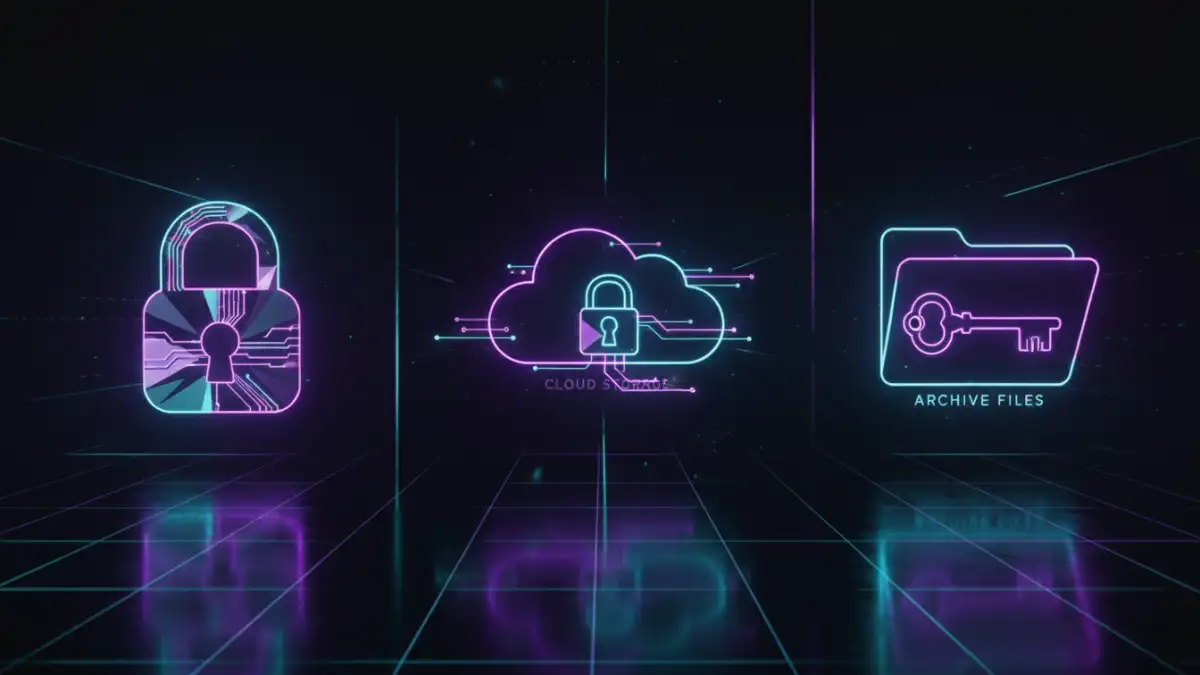
Many popular file compression and archiving tools, like 7-Zip and WinRAR, allow you to create password-protected archives. When creating a ZIP or RAR file, you can set a strong password and choose an encryption method (e.g., AES-256). This is a straightforward way to encrypt individual files or groups of files before storing them.
Utilizing Dedicated Encryption Software
For more advanced security and features, consider dedicated encryption software. Tools like VeraCrypt (free and open-source) allow you to create encrypted containers or volumes that act like virtual encrypted disks. Other commercial options offer user-friendly interfaces for encrypting files and folders, often with features like automatic encryption and secure deletion.
Cloud Storage Encryption Options
Many cloud storage providers offer built-in encryption for data at rest and in transit. However, the level of encryption and control over keys can vary. For added security, consider using client-side encryption tools before uploading your sensitive files to the cloud, ensuring only you hold the decryption keys.
Choosing the Right Method
The best method for you depends on your technical comfort level, the volume of data, and your specific security needs. For basic protection of a few documents, password-protected archives from tools like 7-Zip might suffice. If you need to encrypt large volumes of data or entire drives, consider OS-level encryption or dedicated software like VeraCrypt. For maximum security, a layered approach, combining client-side encryption with secure cloud storage, is often recommended.
Best Practices for Archived Document Security
Beyond choosing an encryption method, several practices ensure the long-term safety of your archived financial documents. Regularly update your encryption software and operating system to patch security vulnerabilities. Use strong, unique passwords for your encrypted files and consider using a reputable password manager to store them securely. Avoid storing decryption keys or passwords alongside the encrypted files. Finally, perform periodic checks to ensure your encrypted archives are still accessible and intact.
Comparison Table: Encryption Methods for Financial Documents
| Method | Pros | Cons | Best For |
|---|---|---|---|
| Built-in OS Tools (e.g., BitLocker, FileVault) | Included with OS, full-disk encryption, good for overall system security | Can be complex to manage for individual files, may impact performance | Securing an entire computer or drive |
| Archiving Software (e.g., 7-Zip, WinRAR) | Free/low-cost, easy to use for individual files/folders, widely compatible | Encryption strength depends on chosen algorithm and password complexity, can be slow for very large files | Encrypting specific documents or small groups of files |
| Dedicated Encryption Software (e.g., VeraCrypt) | High level of security, flexible (containers, partitions), open-source options available | Steeper learning curve, requires installation, can be resource-intensive | Advanced users needing robust container-based encryption |
| Cloud Storage with Client-Side Encryption | Data protected before upload, accessible from anywhere, provider handles infrastructure | Requires separate encryption tool, managing keys can be complex, potential for user error | Users prioritizing remote access with maximum security control |