
Working with sensitive documents means security is paramount. Whether you're sharing client information, financial reports, or personal data, ensuring it's protected from unauthorized access is non-negotiable. Manually encrypting files every single time can be tedious and prone to human error, leading to potential vulnerabilities. Fortunately, modern technology offers robust solutions to streamline this process, allowing you to automate file encryption and maintain high security standards without the hassle.
My experience has shown that the most effective security measures are those that integrate seamlessly into daily operations. When encrypting files becomes an automatic, almost invisible part of saving or sending a document, it's far more likely to be consistently applied. This is where the power of automation truly shines, transforming a critical but often cumbersome task into an efficient, reliable process that safeguards your valuable information.
Table of Contents
Understanding the Need for Automation
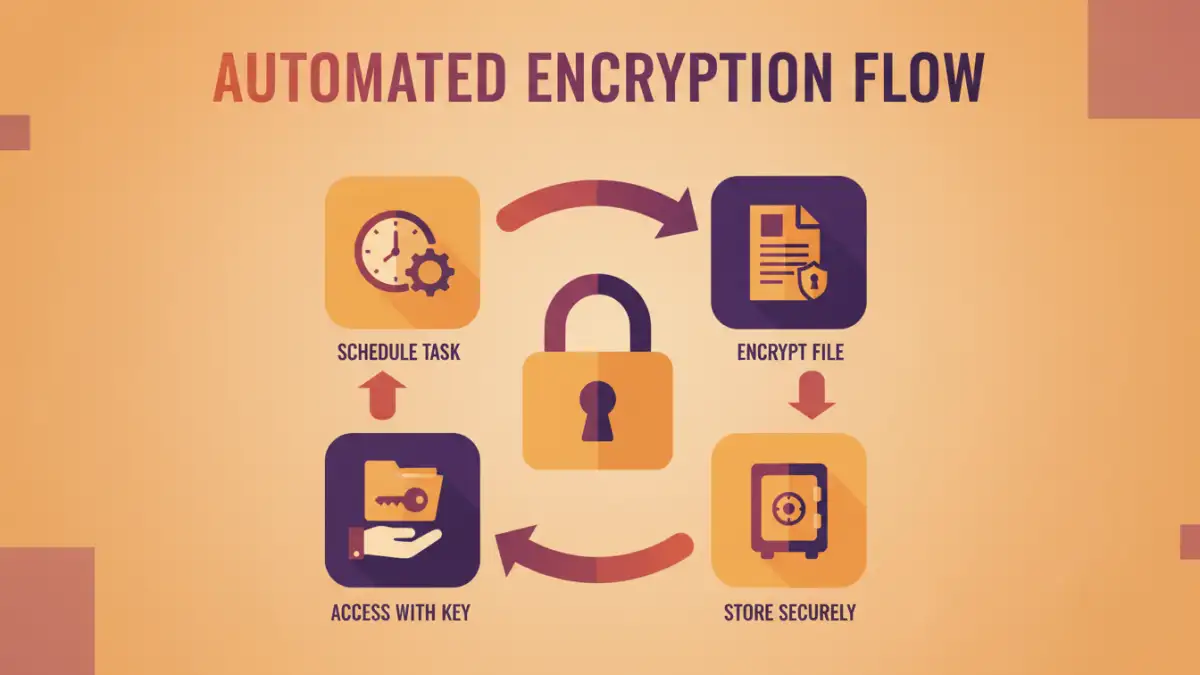
In today's digital landscape, data breaches are a constant threat. Sensitive files, whether stored locally, on a network, or in the cloud, can be targets for malicious actors. Manual encryption, while a good first step, often falters due to forgetfulness, oversight, or the sheer volume of data that needs protection. This is where file encryption automation becomes essential.
Why Automate?
Automating the encryption process ensures consistency and reduces the risk of human error. It allows for secure file workflows that are both robust and efficient. By integrating encryption into existing processes, you can protect your data without adding significant overhead or complexity for your team. This proactive approach is far more effective than reactive measures after a security incident.
Methods for Automating Encryption
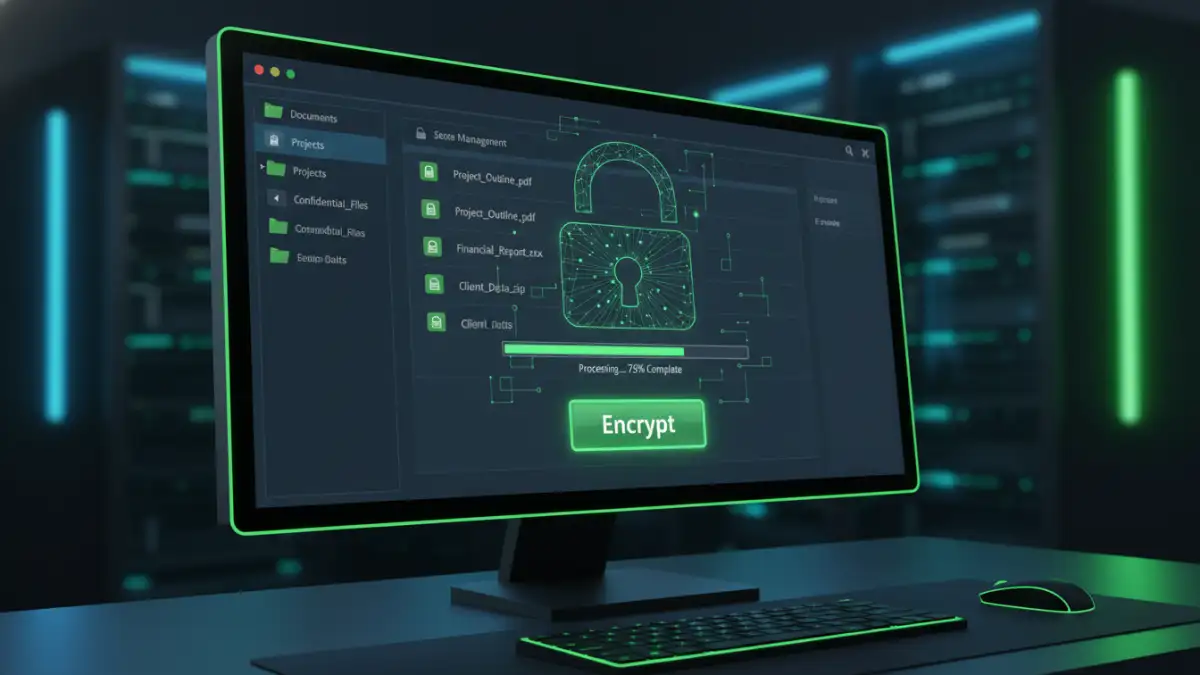
There are several practical ways to automate file encryption, catering to different needs and technical capabilities. These methods range from simple built-in operating system features to sophisticated third-party software solutions.
Using Built-in OS Features
Both Windows and macOS offer features that can aid in file encryption. For example, Windows Encrypting File System (EFS) allows users to encrypt individual files or folders. While not fully automated in the sense of unattended background processes, scripts can be created to trigger EFS encryption for specific directories. macOS users can leverage FileVault for full-disk encryption, and Disk Utility can create encrypted disk images, which can then be populated by scripts.
Leveraging Third-Party Software
Dedicated encryption software often provides more advanced automation capabilities. Many tools can be scheduled to encrypt specific folders at regular intervals or can integrate with cloud storage services to encrypt files upon upload. Some solutions offer command-line interfaces (CLIs), which are perfect for scripting and integrating into larger automated workflows. This approach offers greater control and flexibility.
Cloud Storage Integration
Many cloud storage providers now offer built-in encryption features, or they work seamlessly with third-party encryption tools. Files can be automatically encrypted before they are uploaded to services like Google Drive, Dropbox, or OneDrive, ensuring your data remains protected even in transit and at rest on remote servers. Some services even offer client-side encryption, where files are encrypted on your device before syncing.
Choosing the Right Tools
Selecting the appropriate tools is crucial for effective file encryption automation. The best choice depends on your specific requirements, such as the type of files, volume of data, security needs, and existing infrastructure.
Considerations for Selection
When evaluating tools, look for features like ease of use, strong encryption algorithms (e.g., AES-256), support for various file types, integration capabilities (like scripting or API access), and reliable key management. For team environments, centralized management and policy enforcement are also important factors. Some popular options include VeraCrypt for full-disk and container encryption, GnuPG (GPG) for command-line encryption, and various commercial solutions offering advanced features.
Implementing Secure Workflows
Automating file encryption isn't just about choosing software; it's about designing secure file workflows that embed encryption seamlessly. This involves defining policies, training users, and setting up automated processes.
Designing the Workflow
A typical secure workflow might involve automatically encrypting all files saved to a specific network drive or cloud folder. For outgoing files, an automated process could encrypt them with a password before they are attached to an email. This requires careful planning and often involves scripting or using workflow automation platforms. For instance, a script could monitor a folder, and upon detecting a new file, encrypt it using a predefined key or password and then move it to a secure archive.
Best Practices for Automation
To ensure your automated encryption efforts are successful and maintain robust security, follow these best practices.
Key Management and Access Control
Securely managing your encryption keys or passwords is paramount. Implement a strong key management strategy, whether it's using a dedicated key management system, secure password vaults, or a well-defined process for generating and storing keys. Restrict access to encryption keys and administrative controls to only authorized personnel. Regularly audit access logs to detect any suspicious activity.
Regular Auditing and Updates
Periodically review your encryption policies and automated processes to ensure they are still effective and aligned with your security needs. Keep your encryption software updated to benefit from the latest security patches and features. Test your automated workflows regularly to confirm they are functioning as expected and that encrypted files can be successfully decrypted by authorized users.
Comparison Table: Encryption Automation Methods
| Method | Pros | Cons | Use Case |
|---|---|---|---|
| Built-in OS Features (e.g., EFS, FileVault) | No extra cost, readily available | Limited automation capabilities, platform-specific | Individual user protection, basic folder encryption |
| Third-Party Desktop Software (e.g., VeraCrypt, GPG) | Powerful encryption, high customization, scriptable (CLI) | Can have a learning curve, may require licensing | Advanced file/folder encryption, secure containers, script-based automation |
| Cloud Storage Encryption (Client-Side) | Data encrypted before upload, works with cloud sync | Requires specific cloud service features or compatible tools, key management is critical | Protecting data stored in cloud services |
| Dedicated Workflow Automation Tools | Integrates with multiple applications, sophisticated automation rules | Can be complex to set up, may involve subscription costs | Complex enterprise workflows, automated secure file sharing |