Working with password-protected documents can be frustrating, especially when you've stored them online and forgotten the password or are trying to access a file shared with you. The encryption that protects your sensitive data also acts as a barrier, and knowing how to navigate this barrier safely is crucial. My experience in software engineering has shown me that while encryption is vital for online document security, there are legitimate and ethical ways to regain access when needed.
This guide will walk you through understanding the nature of encrypted documents, the methods available to access them, and best practices to ensure your data remains secure while still being accessible to authorized users. We'll cover various scenarios, from remembering forgotten passwords to dealing with encrypted files from unknown sources.
Table of Contents
Understanding Encryption Basics
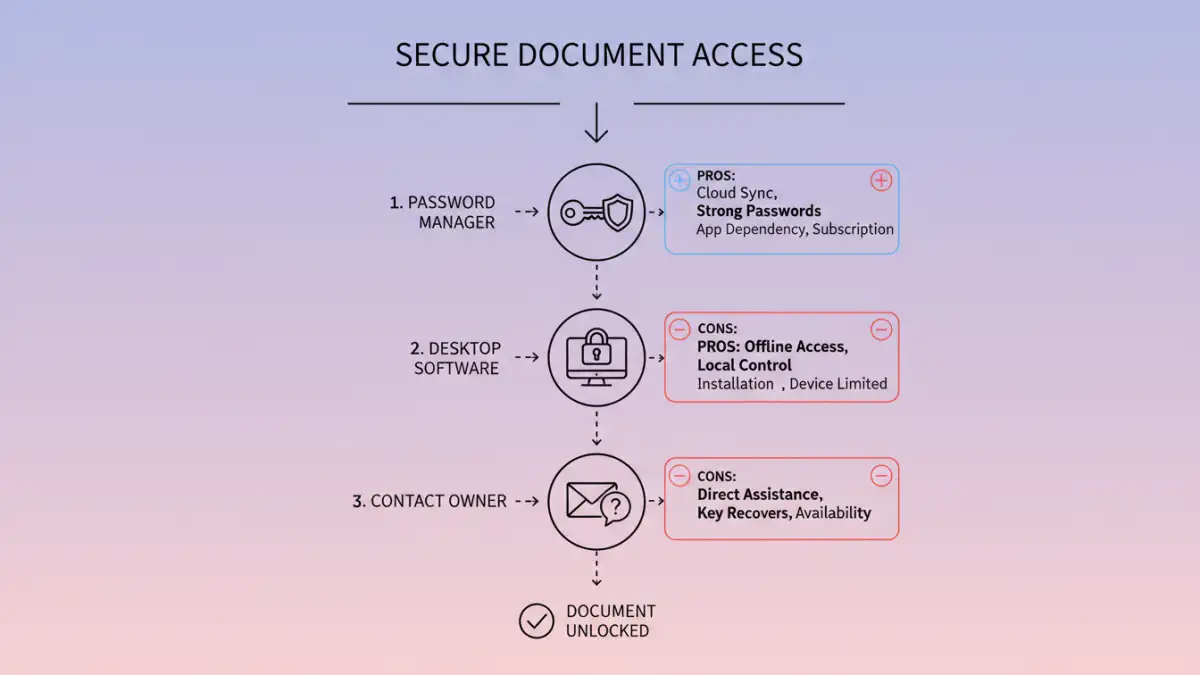
When a document is encrypted, its data is scrambled using an algorithm and a key (often a password). Without the correct key, the data appears as nonsensical characters. This process is fundamental to online document security, protecting your information from unauthorized viewing, especially when stored in cloud services like Google Drive, Dropbox, or OneDrive.
Types of Encryption
There are various encryption methods, ranging from simple password protection built into applications like Microsoft Office or Adobe Acrobat to more robust, end-to-end encryption services. The strength of the encryption directly impacts how difficult it is to bypass. Some methods are designed to be difficult to break intentionally, while others are more easily reversible if you have the right tools or know-how.
Methods to Access Encrypted Files
If you need to unlock encrypted documents stored online, the approach largely depends on the type of encryption and your relationship with the file. The most straightforward scenario is when you have forgotten your own password.
Recalling or Resetting Your Password
For documents you encrypted yourself, the first step is always to try and recall the password. Check any password managers you use, saved notes, or common password patterns you might have employed. If the document is stored in a service that offers password recovery for its encryption, follow their specific procedures.
Using Online Decryption Tools (Use with Caution)
There are online tools that claim to help access encrypted files. These often work by attempting to brute-force passwords or exploit known vulnerabilities in older encryption standards. However, using such services for cloud encryption removal carries significant risks. You are uploading your sensitive document to a third-party server, which could compromise your data further. It's generally recommended only for files where the data sensitivity is low or if you are absolutely certain of the tool's legitimacy and security protocols.
Desktop Software for Password Recovery
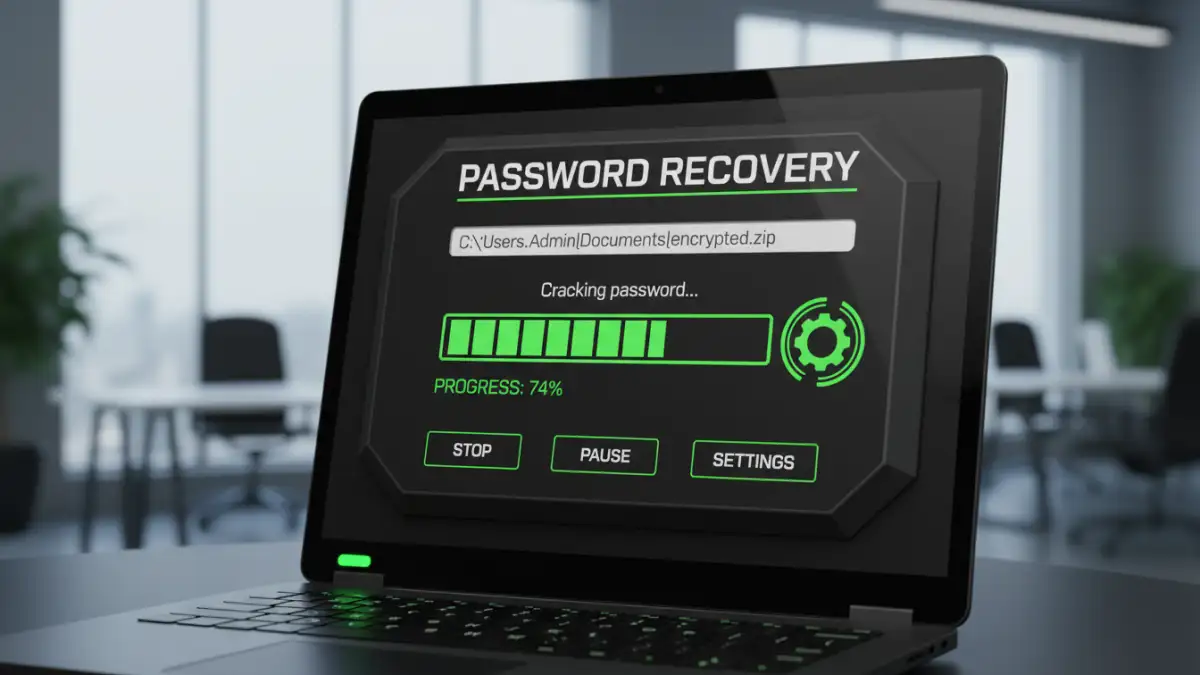
Specialized desktop software exists that can attempt password recovery for various file types, including PDFs and Office documents. These tools often use brute-force or dictionary attacks. While more powerful than online tools, they still require you to download and run software, and success is not guaranteed, especially with strong, modern encryption. This is a viable option for accessing encrypted files you own but have lost the password to.
Contacting the Document Owner
If the encrypted document was shared with you, the only legitimate way to gain access is to contact the person who encrypted it. They can provide you with the password or reshare the document without encryption. Attempting to bypass their security measures without permission is unethical and potentially illegal.
Important Considerations
Before attempting to unlock any encrypted document, especially those not belonging to you, it's vital to consider the ethical and legal implications. Unauthorized access to encrypted files can lead to severe consequences.
Legality and Ethics
Attempting to unlock encrypted documents without explicit permission or ownership is a breach of privacy and can be illegal. Always ensure you have the right to access the file. If you are trying to access a file shared with you, always ask for the password from the owner.
Data Security Risks
Using unverified online tools or software for cloud encryption removal can expose your data to new threats. Malware, data theft, or accidental data loss are all potential risks when dealing with untrusted third-party services.
Prevention and Best Practices
The best approach to managing encrypted documents is proactive. Strong online document security starts with good habits regarding encryption and password management.
Use Reputable Password Managers
Store all your encryption passwords in a secure, reputable password manager. This ensures you have a safe place to keep complex passwords and can easily retrieve them when needed. This is the most reliable way to manage access to your own encrypted files.
Employ Strong, Unique Passwords
When encrypting documents, always use strong, unique passwords that are difficult to guess or brute-force. Avoid using personal information or common words. A combination of uppercase and lowercase letters, numbers, and symbols is ideal.
Backup Original Files
If possible, maintain backups of your original, unencrypted files in a secure location before applying encryption. This provides a fallback in case encryption or decryption processes go wrong.
Comparison Table: Document Encryption & Access Methods
| Method | Pros | Cons | Best For |
|---|---|---|---|
| Password Recall/Reset | Secure, legitimate, no external tools needed | Requires remembering password or using service's recovery | Accessing your own encrypted documents |
| Online Decryption Tools | Potentially quick, no software install | High security/privacy risk, limited effectiveness, often untrustworthy | Low-sensitivity files, last resort (use with extreme caution) |
| Desktop Software | More powerful than online tools, works offline | Requires download/install, potential cost, success not guaranteed, some risk | Recovering forgotten passwords for your own documents |
| Contacting Owner | Ethical, legal, guaranteed access (if owner cooperates) | Relies on cooperation of the document owner | Shared encrypted documents |