
A legal team I once consulted for was struggling to exchange sensitive case files with an external auditor. Email was completely out of the question due to security risks, and their consumer-grade cloud storage lacked the necessary audit trails and granular access controls. This situation isn't unique; many organizations handle information that, if leaked, could lead to significant financial or reputational damage.
This is where specialized platforms come in. Unlike standard cloud drives, these services are built from the ground up with security as the primary focus, offering features specifically for confidential document sharing. They ensure that from the moment a file leaves your device to the moment it's opened by the recipient, it remains shielded from unauthorized eyes.
Table of Contents
Core Criteria for Secure File Sharing Platforms
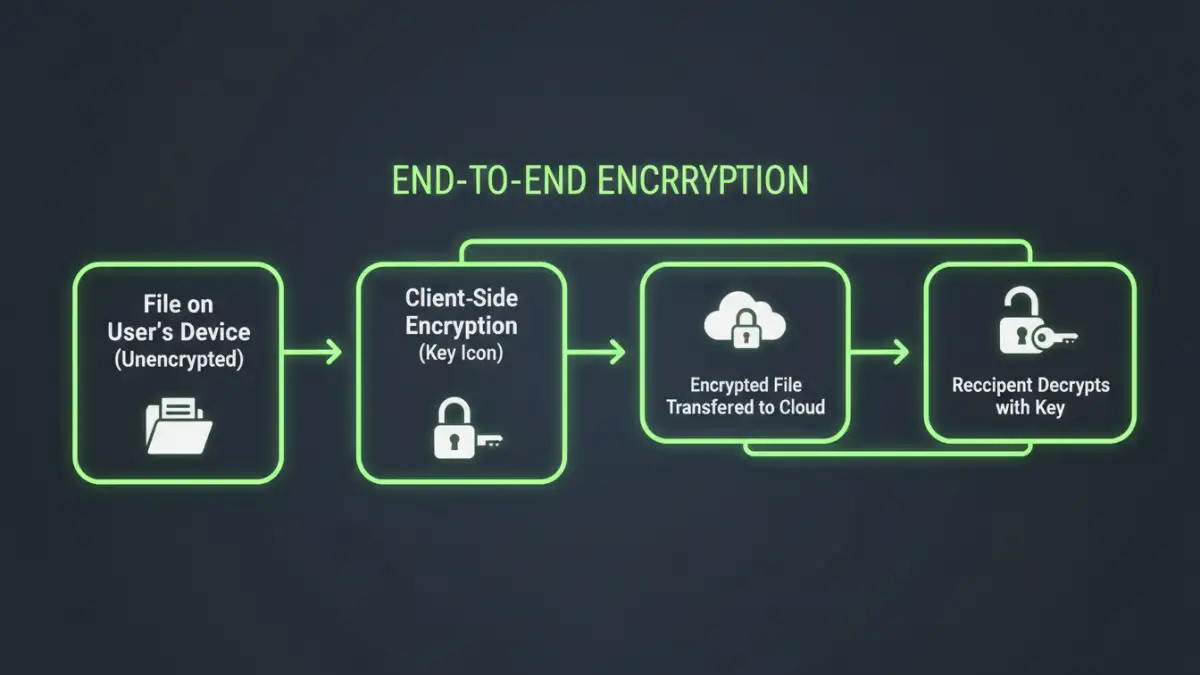
When evaluating tools for handling sensitive data, a basic feature set just won't cut it. You need to look for specific security architecture and functionality. The non-negotiables are what separate a true security product from a simple storage utility.
End-to-End Encryption (E2EE)
This is the cornerstone of any privacy focused sharing solution. E2EE means that your files are encrypted on your device before being uploaded and can only be decrypted by the intended recipient on their device. Crucially, the service provider itself cannot access your unencrypted files, which is a vital protection against both external hackers and internal snooping. Always verify the platform uses strong, well-regarded encryption algorithms like AES-256.
Granular Access Controls and Permissions
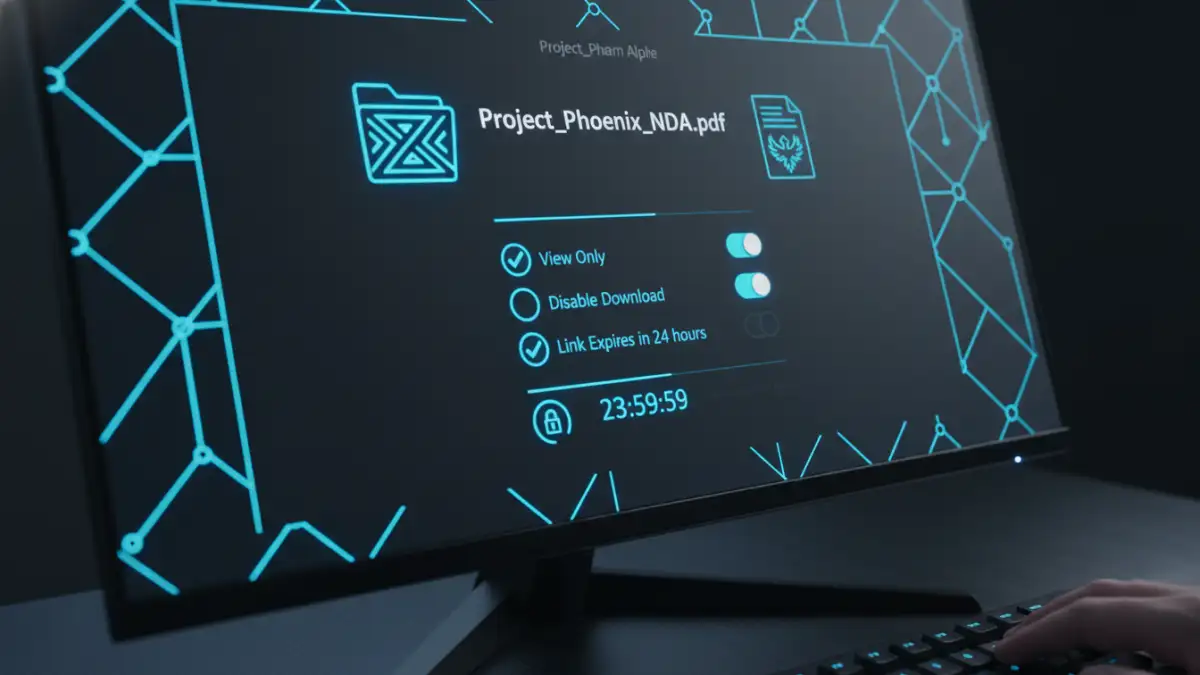
Not everyone needs the same level of access. A robust platform allows you to set detailed permissions. You should be able to control who can view, download, edit, or print a document. Advanced features often include setting expiration dates for links, enforcing password protection on shared files, and limiting the number of times a file can be downloaded.
In-Depth Platform Reviews
To help teams like the legal firm I mentioned, I often conduct a focused secure file sharing review. This involves testing usability, verifying security claims, and matching features to specific business needs. Here are a few platforms that consistently perform well for handling confidential information.
Tresorit
Tresorit is a Swiss-based provider known for its zero-knowledge, end-to-end encryption. It's often my top recommendation for industries like legal and healthcare that require strict compliance. Every file and metadata element is encrypted client-side. Its Digital Rights Management (DRM) features allow you to revoke access to files even after they've been downloaded, providing an incredible level of control.
Sync.com
Based in Canada, Sync.com offers a great balance of security and usability at a competitive price point. It provides zero-knowledge E2EE across all its plans, including its free tier. While its feature set might not be as extensive as Tresorit's for enterprise DRM, its secure collaboration tools, like password-protected sharing links and detailed activity logs, make it an excellent choice for small to medium-sized businesses.
Proton Drive
From the creators of ProtonMail, Proton Drive brings the same commitment to privacy and security to cloud storage. Also based in Switzerland, it offers strong E2EE for all files and folders. Its interface is clean and intuitive, making it easy for non-technical users to adopt. It's a great option for individuals and teams already invested in the Proton ecosystem who need a straightforward, secure place for encrypted file transfer.
Beyond Encryption: Critical Security Features
While encryption is fundamental, several other features are essential for a truly secure environment. These capabilities provide visibility and control, helping you manage risk effectively.
Audit trails are one such feature. They provide a detailed, unchangeable log of all activity related to a file: who accessed it, when, from what location, and what actions they took. This is invaluable for compliance purposes and for investigating any potential security incidents. Another key feature is remote wipe, which allows an administrator to delete files from a lost or stolen device remotely, preventing data from falling into the wrong hands.
How to Choose the Right Tool for Your Needs
The best platform for one organization may not be the right fit for another. The selection process should start with a clear understanding of your specific requirements. Consider the types of documents you're sharing, the regulatory standards you must meet (like HIPAA or GDPR), and the technical proficiency of your users.
For example, a creative agency sharing large design files might prioritize transfer speed and integration with design software, while a financial institution will prioritize compliance certifications and detailed audit logs above all else. Create a checklist of must-have versus nice-to-have features. Run a pilot program with a small team to test the shortlisted platforms in a real-world scenario before committing to a company-wide rollout.
Secure Sharing Platform Comparison
| Platform | Key Security Feature | Best For | Compliance Focus |
|---|---|---|---|
| Tresorit | Client-side E2EE & DRM | Legal, Healthcare, Enterprise | HIPAA, GDPR |
| Sync.com | Zero-Knowledge E2EE | Small to Medium Businesses | PIPEDA, GDPR |
| Proton Drive | Open Source E2EE | Individuals & Privacy Advocates | Swiss Privacy Laws |
| Box | Data Loss Prevention (DLP) | Large Enterprises with complex workflows | FedRAMP, GxP |
| Dropbox Business | Advanced Team & Content Controls | Teams needing deep integrations | ISO 27001, SOC 2 |