
Working with password-protected documents can be frustrating, especially when the password is forgotten or is too simple to remember. However, the real danger isn't just inconvenience; it's the significant security risks that arise from inadequate PDF password protection. Many users opt for easy-to-guess passwords or rely on basic encryption, believing their documents are secure. This oversight can lead to serious consequences, from data breaches to reputational damage.
As someone who's spent years building and securing software, I've seen firsthand how seemingly minor security lapses can be exploited. Weak PDF password protection is a prime example – it's a common practice that leaves sensitive information exposed to unauthorized access. Understanding these risks is the first step toward implementing robust security measures.
Table of Contents
Understanding the Basics of PDF Security
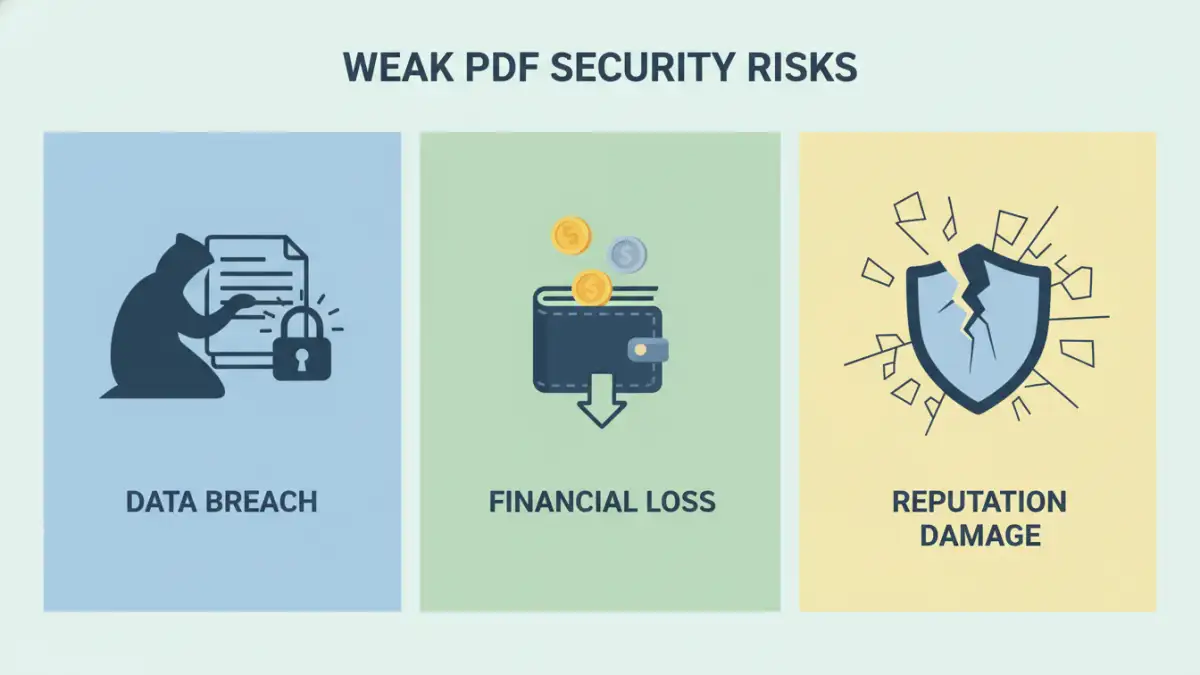
PDFs are a ubiquitous format for sharing documents, from contracts and financial reports to personal information. Their widespread use makes document security a critical concern. Password protection in PDFs is designed to act as a gatekeeper, preventing unauthorized individuals from opening or modifying the file. This protection typically involves two layers: an owner password to restrict printing or editing, and a user password to open the document.
Encryption Strength
The effectiveness of this protection hinges on the strength of the password and the encryption algorithm used. Modern PDF standards support robust encryption, like AES-256. However, if a weak password is used, even strong encryption can be bypassed through brute-force attacks. This is where the concept of a weak pdf password becomes a critical vulnerability.
Common Weaknesses in PDF Password Protection
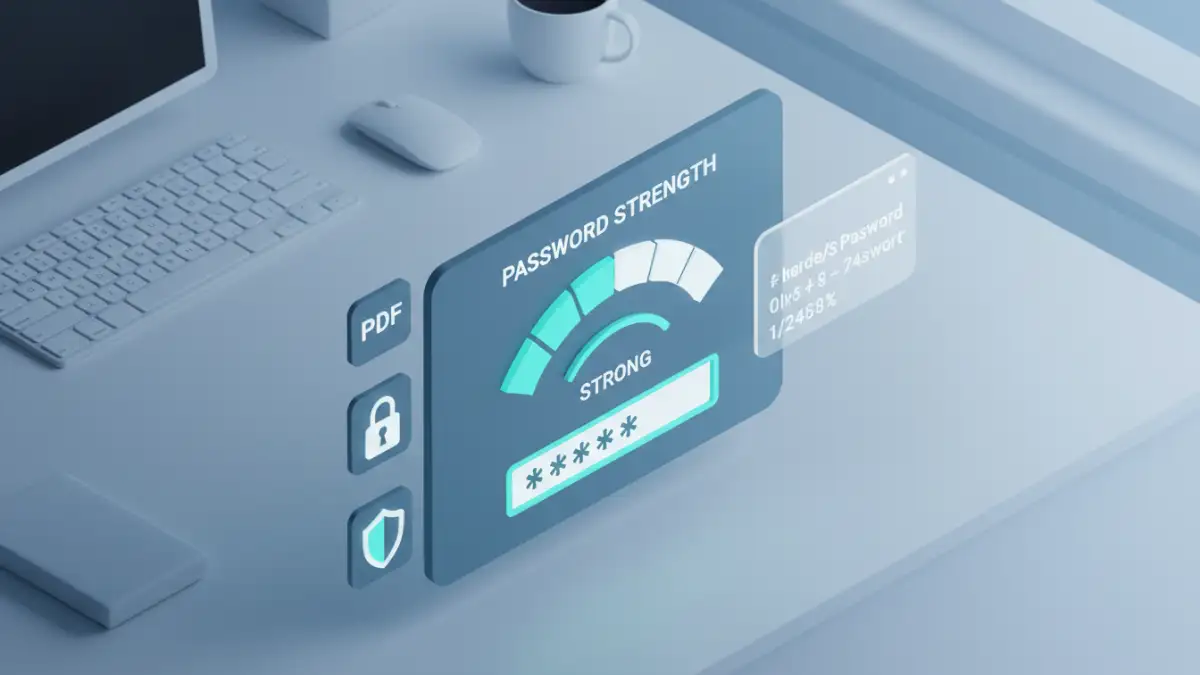
Many users fall into predictable patterns when creating passwords, making them susceptible to guessing. Common weaknesses include using sequential numbers (123456), dictionary words, personal information (birthdays, names), or simple keyboard patterns (qwerty). These are the first targets for attackers employing brute-force or dictionary attack tools.
Another significant issue is the reliance on outdated or weak encryption standards if the PDF software is not up-to-date, or if the user chooses a lower security setting. While less common with modern PDF readers and creators, it's a factor to consider, especially when dealing with older files or less reputable software.
Consequences of Data Vulnerability
The implications of unprotected pdfs or those secured with weak passwords can be severe. For businesses, a data breach can lead to significant financial losses, regulatory fines (especially under GDPR or HIPAA), and severe damage to their reputation. Customer trust, once lost, is incredibly hard to regain. Imagine a client's confidential financial data being leaked due to a simple password oversight.
For individuals, the risks include identity theft, exposure of personal sensitive information, and potential blackmail. Whether it's a resume with personal details, a scanned ID, or private correspondence, any unsecured PDF can become a point of entry for malicious actors. This highlights the importance of robust pdf password security.
Mitigating Risks: Strengthening Your PDF Security
The good news is that strengthening your PDF security is achievable. The most effective immediate step is to create strong, unique passwords for your sensitive documents. I always recommend using a combination of upper and lowercase letters, numbers, and symbols. Password managers are invaluable tools for generating and storing complex passwords securely, eliminating the need to remember dozens of unique combinations.
Beyond passwords, ensure your PDF software is up-to-date. Newer versions often include improved encryption capabilities and security patches. When creating or editing PDFs, always opt for the highest level of encryption available. This ensures that even if a password is compromised, the data remains unreadable without the correct decryption keys.
Best Practices for PDF Password Management
Regularly review and update passwords for sensitive documents, especially those that are shared frequently or contain critical information. Avoid reusing passwords across different documents or platforms. If a document no longer requires password protection, remove it to avoid unnecessary complications, but do so only after confirming it's no longer sensitive.
Educate yourself and your team about the risks of weak pdf password choices. Many data breaches occur due to human error rather than sophisticated hacking techniques. Understanding the threat landscape and implementing consistent security habits is crucial for maintaining data integrity and preventing data vulnerability.
Comparison Table: PDF Security Methods
| Method | Pros | Cons | Best For |
|---|---|---|---|
| Simple Password (e.g., '1234') | Easy to remember | Extremely vulnerable to brute-force attacks; offers minimal protection. | Non-sensitive documents, temporary local use only. |
| Dictionary Word Password | Easier to remember than random strings | Vulnerable to dictionary attacks; easily guessed. | Very low-security needs, personal reference only. |
| Long, Complex Password (with manager) | High resistance to brute-force and dictionary attacks; secure. | Requires a password manager for generation and storage; can be inconvenient if not managed well. | All sensitive documents, business and personal use. |
| Strong Encryption (AES-256) | Provides robust data protection even if password is guessed (requires decryption key). | May require specific software to open; can slightly impact performance. | Protecting highly confidential information, compliance requirements. |