It started with a simple request from a family member: 'Can you open this old tax document? I can't remember the password.' As the designated tech person in the family, I confidently said, 'Of course.' Little did I know, this would turn into a multi-hour quest involving browser tricks, online tools, and eventually, a deeper understanding of PDF encryption.
This is my PDF recovery story, detailing the steps, the dead ends, and the eventual success. If you've ever faced a locked file with a forgotten password, you know the feeling of frustration. Here’s how I worked through it.
Table of Contents
The Problem: A Secure PDF with a Lost Key
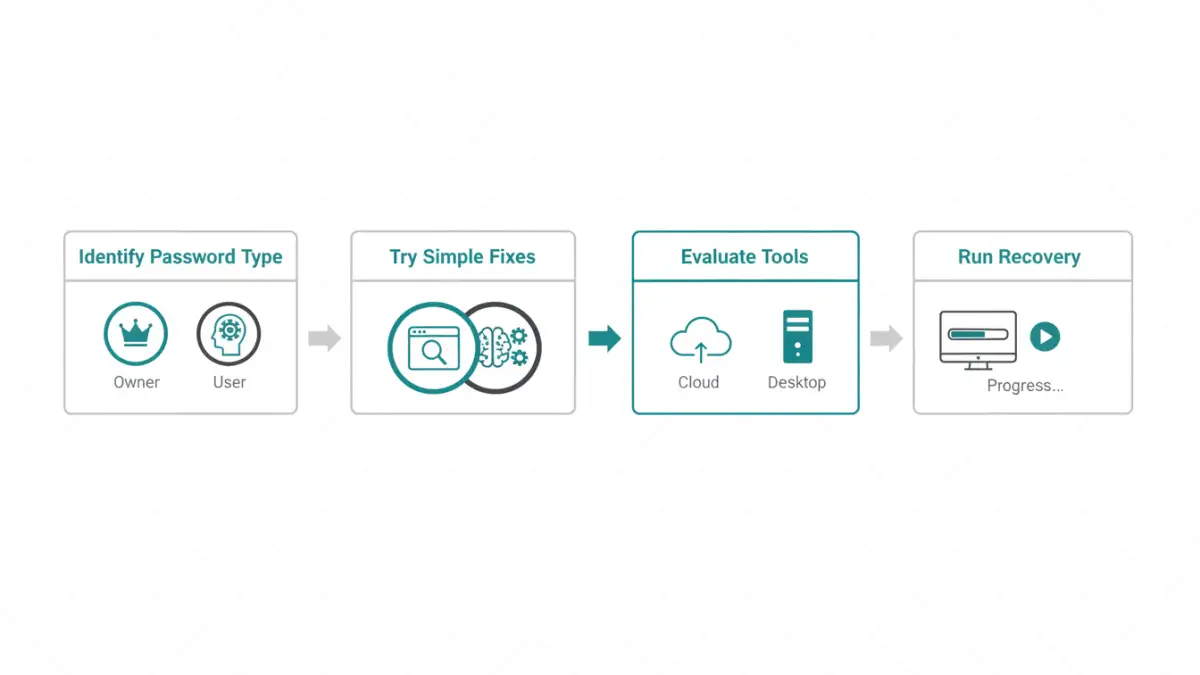
The file in question was a PDF containing several years of financial records. It was protected with a strong password that, unfortunately, had been lost to time. My first step wasn't to jump to complex tools, but to understand the type of lock I was dealing with. In the PDF world, there are generally two types of passwords.
Understanding PDF Password Types
An 'Owner Password' restricts permissions. It prevents users from printing, copying text, or editing the document without authorization. If you can open the file but can't do anything with it, it's likely protected by an owner password. These are often easier to bypass.
A 'User Password,' also known as an 'Open Password,' is the real gatekeeper. It encrypts the entire file, and you cannot view its contents at all without this password. Our tax document had a user password, which meant I was facing a more significant challenge.
The Low-Hanging Fruit
Before diving into specialized software, I always try the simplest solutions first. They have a surprisingly high success rate and require no special tools. My process started with two common methods.
The Browser 'Print to PDF' Trick
For PDFs with only an owner password (restricting printing/copying), a common workaround is to open the file in a web browser like Google Chrome or Firefox and use the 'Print' function. Instead of printing to a physical printer, you select 'Save as PDF.' This often creates a new, unrestricted copy of the document. Since our file had a user password, this trick was a non-starter; I couldn't even open the file to print it.
Manual Guessing and Common Combinations
Next came the manual effort. I sat down with my family member and we brainstormed a list of potential passwords. We tried old addresses, pet names, birthdays, and common variations with numbers and symbols. After about thirty minutes of failed attempts, it was clear the password wasn't a simple or memorable one. This is a common situation and a good reminder of why password managers are so valuable.
Escalating the Approach: Online vs. Desktop Tools
With the simple methods exhausted, it was time for more powerful solutions. My research, combined with a quick check of some tech forum user experience threads, pointed me toward two categories of tools: online services and dedicated desktop software.
The Risks of Online PDF Unlocking Tools
Numerous websites offer to unlock PDF files for free. You upload your document, their servers attempt to crack the password, and you download the result. While convenient, this approach comes with significant privacy risks. I was dealing with sensitive financial data, and uploading it to an unknown third-party server was not an option I was comfortable with. For non-sensitive files, this might be a quick fix, but for anything confidential, I strongly advise against it.
Desktop software, on the other hand, runs locally on your machine. Your file never leaves your computer, ensuring complete privacy. This was the only viable path forward for our situation. These tools use your computer's CPU and GPU to run through thousands of password combinations per second, a method known as a brute-force or dictionary attack.
The Method That Worked
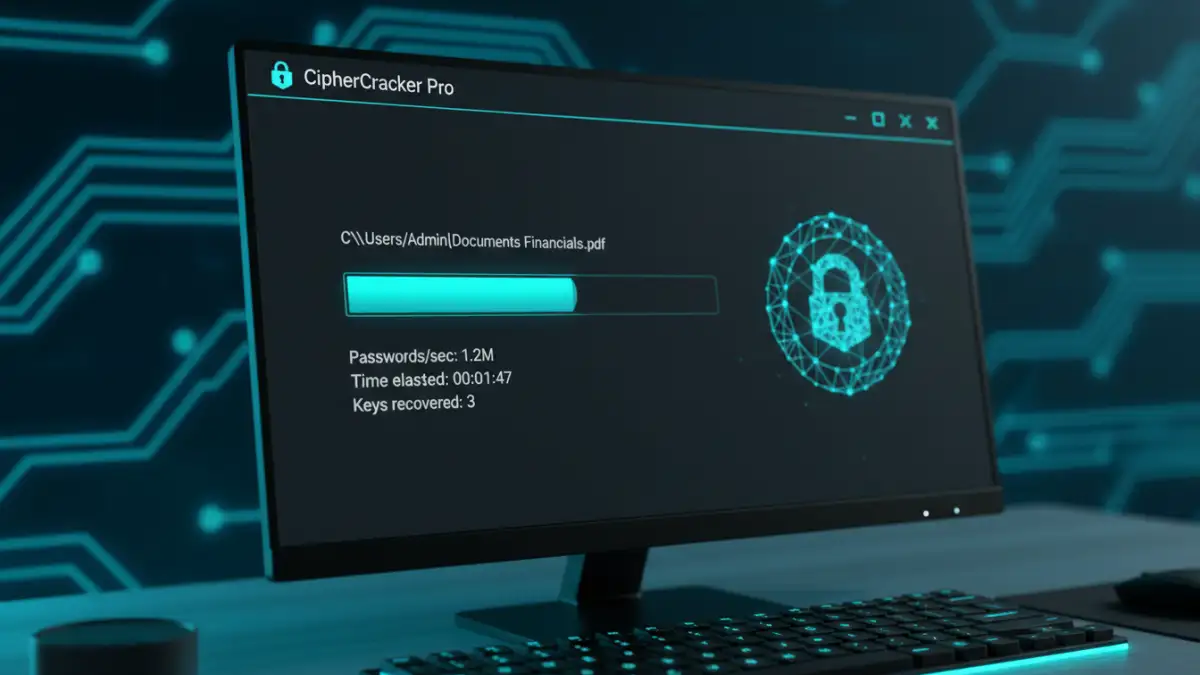
After evaluating a few highly-rated desktop applications, I settled on one known for its performance and versatility. The process was straightforward. I installed the software, loaded the encrypted PDF, and configured the attack type. Instead of a pure brute-force attack (trying every possible combination), I chose a mask attack.
A mask attack is more efficient because you can provide hints about the password. We knew it was likely between 8 and 12 characters and probably contained a specific name and some numbers. By setting these parameters, I narrowed down the search space dramatically. I configured the tool, started the process, and let it run. Several hours later, it returned a success message with the recovered password. Finally, the story of how I recovered my encrypted pdf had a happy ending.
Lessons Learned for Future PDF Security
This experience was a powerful reminder of a few key principles. First, always store important passwords in a secure password manager. Human memory is fallible. Second, understand the difference between owner and user passwords, as it dictates your recovery options. Finally, for sensitive documents, always prioritize privacy and use local, reputable software over convenient but risky online tools.
PDF Password Recovery Method Comparison
| Method | Pros | Cons | Best For |
|---|---|---|---|
| Manual Guessing | Free, No tools needed, Secure | Time-consuming, Low success rate for complex passwords | Simple, recently created passwords you might recall. |
| Browser 'Print to PDF' Trick | Free, Fast, Widely available | Only works for Owner Passwords, not User Passwords | Removing printing/copying restrictions. |
| Online Unlocking Tools | Convenient, Often free for small files | Major privacy and security risks, File size limits | Non-sensitive documents where privacy is not a concern. |
| Desktop Recovery Software | Highly effective, Secure (file stays local), Versatile attack options | Can be slow, Often requires a paid license for full features | Sensitive files with a forgotten User (Open) Password. |