Working with password-protected PDFs can be a source of immense frustration. One minute you have a secure document, and the next you're locked out. I often browse technical and community help forums like Reddit's r/techsupport or Stack Overflow, and the sheer volume of posts about PDF password issues is staggering. It's a universal problem, affecting everyone from students to corporate professionals.
These threads are a goldmine of real-world problems and user-generated solutions. People share their stories of forgotten credentials, passwords that mysteriously stop working, and the desperate search for ways to access critical information. By analyzing these discussions, we can identify the most common pain points and the practical fixes that the community relies on.
Table of Contents
Understanding the Two Types of PDF Passwords
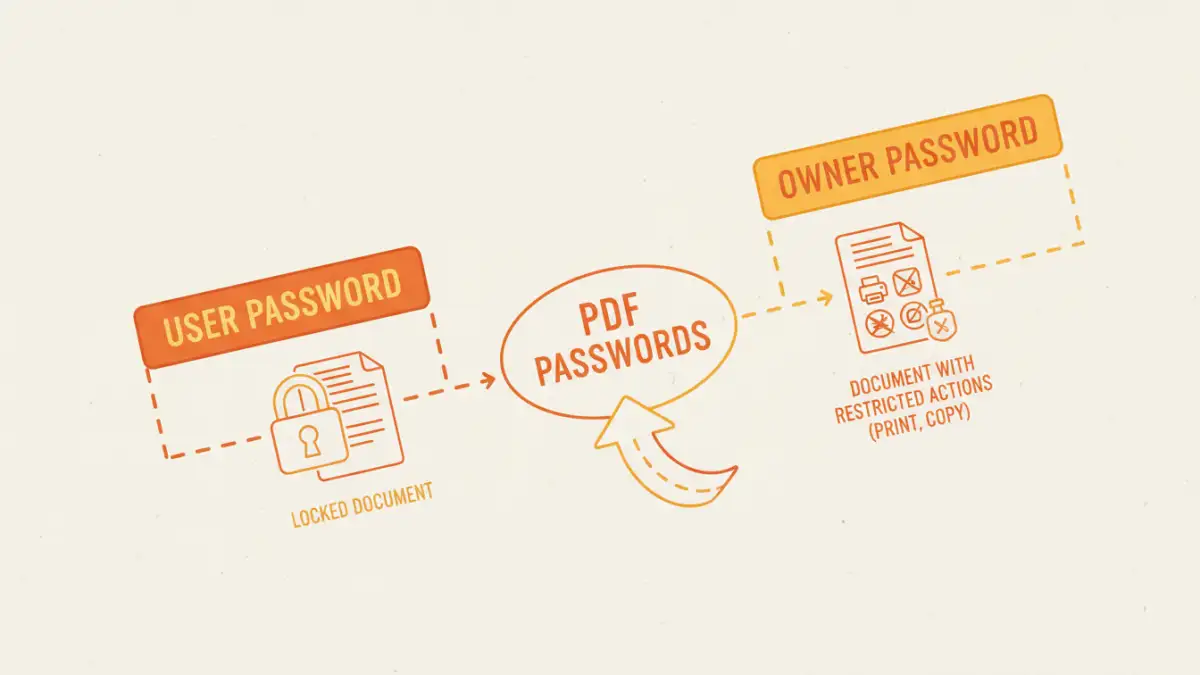
Before diving into solutions, it's crucial to understand a key detail that trips up many users: PDFs can have two distinct types of passwords. Misidentifying which one you're dealing with is often the root of the problem. Most forum posts don't make this distinction, leading to confusing advice.
The User Password (or Open Password)
This is the password that prompts you for a credential just to open and view the document. It encrypts the entire file's content. Without this password, the file is essentially unreadable. This is the stronger of the two security measures, and if you forgot this PDF password, recovery is significantly more difficult.
The Owner Password (or Permissions Password)
This password doesn't prevent you from opening the file, but it restricts what you can do once inside. The creator can use it to block actions like printing, copying text and images, editing the document, or adding comments. Many users encounter this when they receive a report or an e-book and find they can't print it for offline reading. This type of protection is generally easier to bypass.
Common Scenarios from Community Help Forums
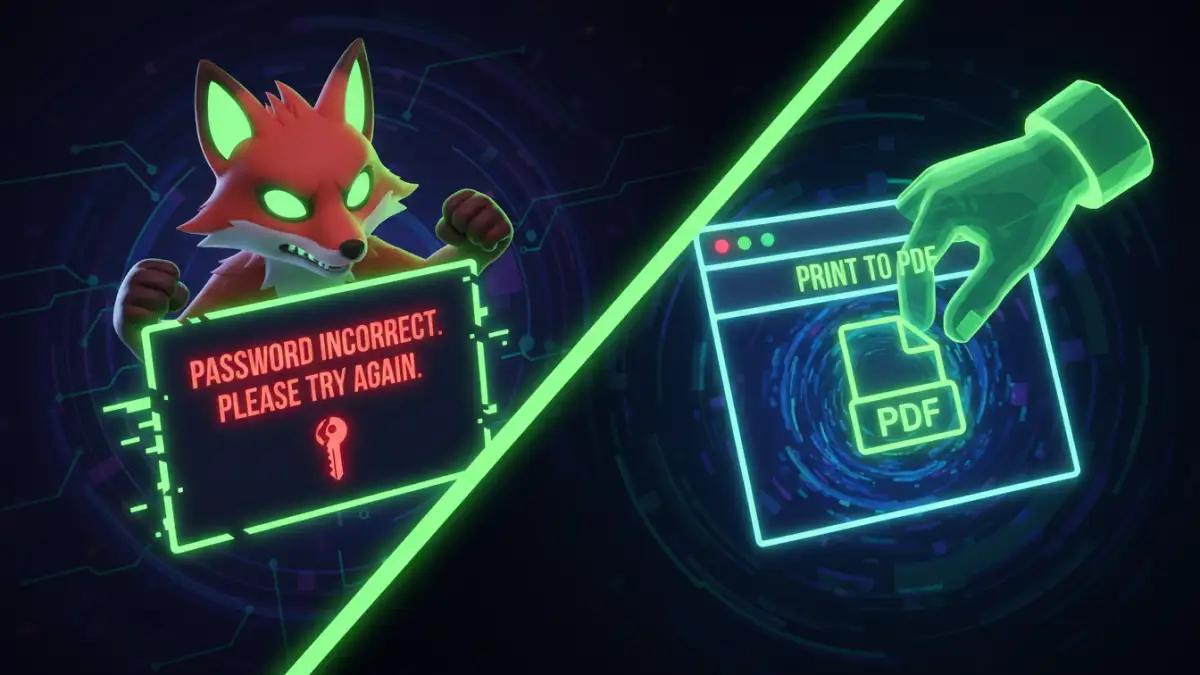
Scrolling through forums reveals a few recurring themes. These are the cries for help I see almost daily, often accompanied by a sense of urgency because a deadline is looming or critical data is locked away.
"I Forgot My PDF Password and I'm Locked Out!"
This is, by far, the most common plea. A user sets a password on an important contract or archive, forgets to save it in a password manager, and months later, they can't access their own file. This scenario highlights the double-edged sword of security: it's effective at keeping everyone out, including the owner.
"My PDF Password Is Not Working Anymore!"
This is a particularly baffling issue for users. They are certain they know the password, but the application rejects it. The common culprits, as often pointed out by helpful forum members, include:
- Caps Lock: Passwords are case-sensitive, and an accidentally engaged Caps Lock key is a frequent cause.
- Keyboard Layout: A user might have created the password on a different computer or with a different keyboard language (e.g., US vs. UK layout), causing special characters to mismatch.
- File Corruption: In rare cases, the PDF file itself can become corrupted, damaging the password verification data and making even the correct password fail.
Community-Sourced Solutions for Password Removal
When someone posts about a password problem, the community usually responds with a handful of go-to methods, ranging from simple tricks to more powerful software solutions.
The Browser "Print to PDF" Method
This is the most frequently recommended solution for dealing with an Owner (Permissions) Password. If you can open the PDF but can't print or copy it, this trick often works. You simply open the protected file in a web browser like Chrome or Firefox, go to the Print menu (Ctrl+P or Cmd+P), and choose "Save as PDF" as the destination. The browser generates a new, unrestricted version of the file. It's a simple, effective way to remove document password restrictions without needing special software.
Online Unlocking Tools
For users who need a quick fix, especially for owner passwords, online tools are a popular suggestion. Websites like Smallpdf or iLovePDF allow you to upload a locked file, and their servers attempt to remove the restrictions. While convenient, I always caution people about the security implications. Uploading a sensitive or confidential document to a third-party server is a significant privacy risk. For non-sensitive files, they can be a lifesaver.
Dedicated Desktop Software
For stubborn files, especially those with a forgotten User (Open) Password, the conversation in forums shifts to dedicated software. These tools use brute-force or dictionary attacks to try and guess the password. The success of this method depends entirely on the password's complexity. A simple password like "report123" might be cracked in minutes, while a complex, randomly generated one could take centuries. These tools offer more control but often come with a price tag and a steeper learning curve.
When a Password Is Truly Lost
One of the most important roles I see community members play is managing expectations. When a user has forgotten a strong User Password (e.g., 12+ characters with symbols, numbers, and mixed case) applied with modern AES-256 encryption, the reality is bleak. There is no magical backdoor. Modern PDF encryption is robust, and without the password, the data is effectively lost. The best advice in these threads is preventative: always use a reliable password manager to store important credentials. It's the only guaranteed way to avoid this frustrating situation.
Comparison of Common Password Removal Methods
| Method | Best For | Pros | Cons |
|---|---|---|---|
| Browser "Print to PDF" | Removing Owner (Permissions) Passwords | Free, no extra software needed, secure. | Does not work for User (Open) Passwords. |
| Online Unlocking Tools | Quickly removing Owner Passwords | Very easy to use, fast, accessible from any device. | Major privacy and security risks for sensitive documents. |
| Desktop Brute-Force Software | Attempting to recover forgotten User Passwords | The only viable method for recovering strong passwords. | Can take hours, days, or years; often costs money; no guarantee of success. |
| Remembering the Password | All situations | Instant access, 100% success rate, free. | Relies on human memory, which is fallible. |