
The sheer volume of digital information we handle daily can be overwhelming. From client contracts and financial reports to internal memos and personal data, keeping track of it all is a challenge. More importantly, ensuring this information is secure from unauthorized access is paramount. A disorganized digital space is an open invitation for security breaches, data loss, and compliance issues.
I've seen firsthand how a chaotic filing system can lead to significant problems. A colleague once spent days trying to recover a critical project file that was accidentally deleted because it was buried in an unorganized folder. This experience highlighted the urgent need for structured approaches to managing our digital assets, not just for efficiency, but for robust data security.
Table of Contents
Understanding the Security Landscape
In today's interconnected world, data security isn't just an IT department concern; it's a personal and professional responsibility. Threats range from sophisticated cyberattacks aiming to steal sensitive data to simple human errors like misplacing a USB drive. Understanding these risks is the first step toward implementing effective security measures. We need to consider who has access to what information and how that information is protected at rest and in transit.
The Importance of Data Confidentiality
Confidentiality ensures that information is accessible only to those authorized to view it. This is crucial for protecting client privacy, proprietary business information, and personal identifiable information (PII). Breaches in confidentiality can lead to severe financial penalties, reputational damage, and loss of trust.
Foundational Organization Techniques
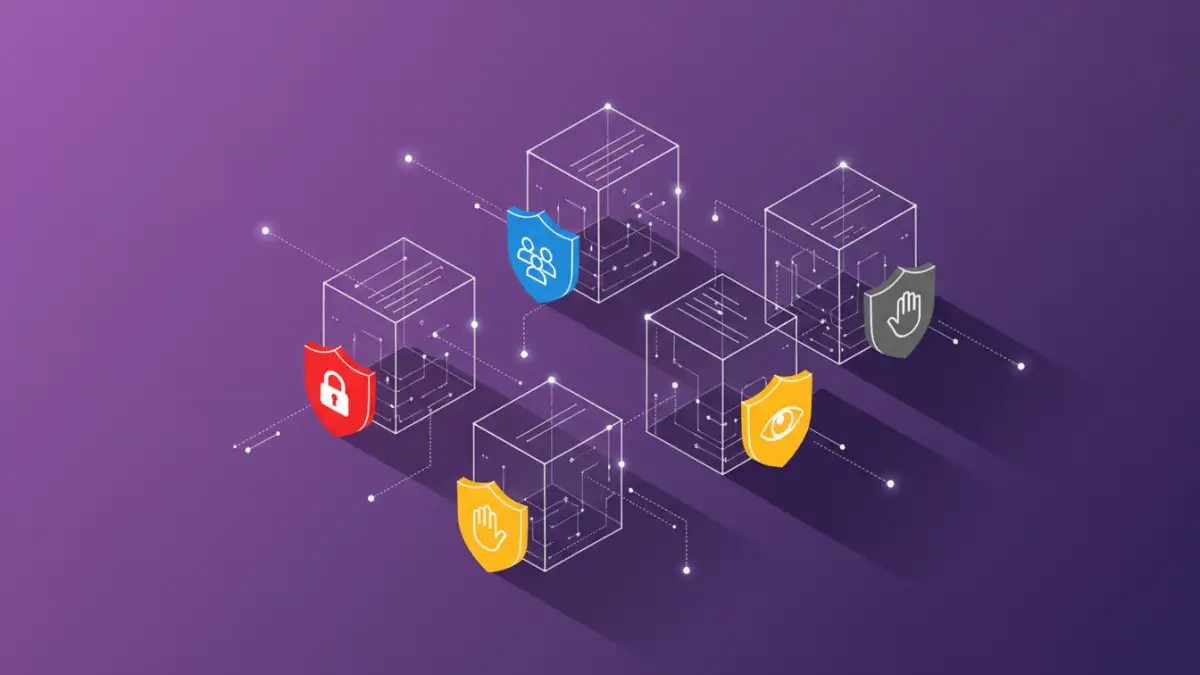
Effective file organization is the bedrock of good document management and enhanced security. A clear, logical structure makes it easier to locate files, manage permissions, and identify sensitive information that requires extra protection. Think of it as creating a secure vault for your digital assets.
Creating a Logical Folder Structure
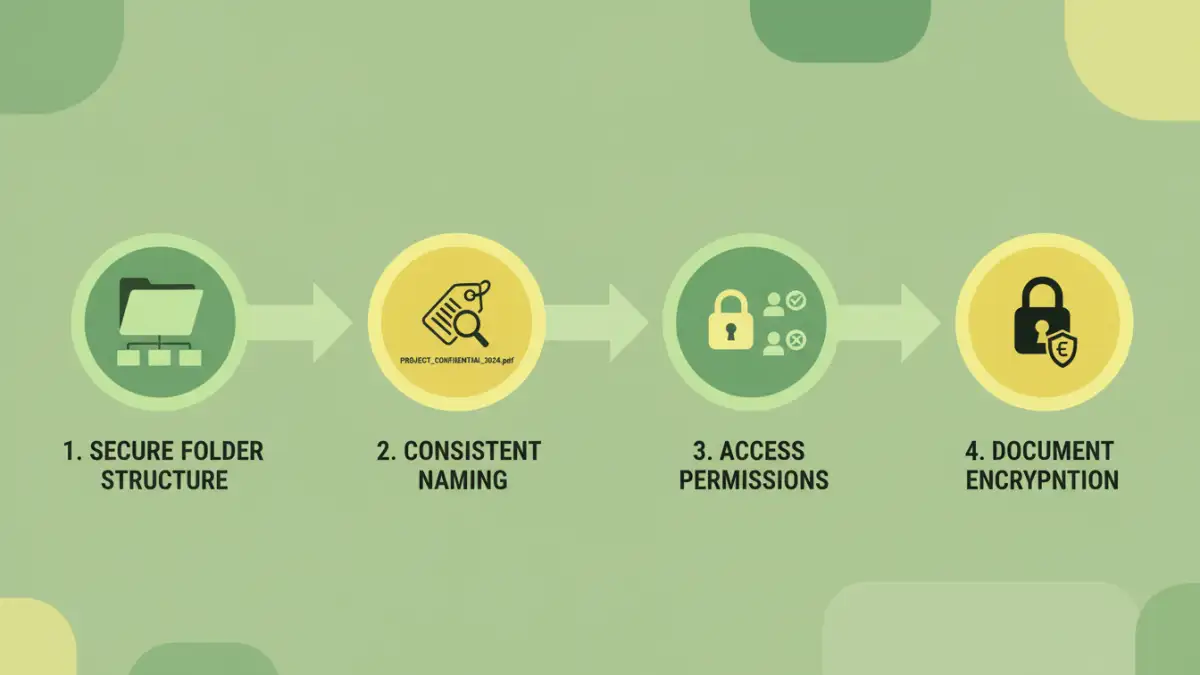
Develop a hierarchical folder system that makes sense for your workflow. Common approaches include organizing by project, department, client, or date. Consistency is key; once a structure is established, adhere to it diligently. This reduces confusion and the likelihood of files being misplaced or stored insecurely.
Consistent Naming Conventions
Implement a standardized naming convention for your files. This includes using descriptive names, including dates (e.g., YYYY-MM-DD), version numbers, and client codes where appropriate. Clear file names prevent duplicates and make it easier to identify the correct version of a document at a glance, which is vital for tracking and security audits.
Securing Your Digital Assets
Once your files are organized, the next step is to implement security measures. This involves a combination of access controls, encryption, and secure storage practices. The goal is to create multiple layers of defense to protect your valuable data.
Access Control and Permissions
Most operating systems and cloud storage services allow you to set specific permissions for files and folders. Granting 'read-only' access, or restricting access altogether for certain individuals or groups, is a fundamental security practice. Regularly review these permissions to ensure they are still appropriate.
Encryption for Sensitive Data
Encryption transforms readable data into an unreadable format, accessible only with a decryption key (usually a password). Encrypting sensitive documents, especially those containing personal information or trade secrets, adds a critical layer of protection. If a device is lost or stolen, or a file is accessed by an unauthorized party, the encrypted data remains unintelligible.
Advanced Security Strategies
Beyond basic organization and encryption, several advanced techniques can further bolster your document security. These methods often require more technical expertise or specific software but offer a higher level of protection.
Utilizing Secure Cloud Storage
Cloud storage offers convenience and accessibility, but security must be a priority. Choose reputable providers that offer robust security features like end-to-end encryption, multi-factor authentication (MFA), and granular access controls. Regularly back up your data to a separate cloud service or an external drive for added redundancy.
Implementing Data Loss Prevention (DLP) Tools
DLP solutions are designed to detect and prevent sensitive information from leaving an organization's network or being accessed by unauthorized users. These tools can monitor email, cloud storage, and other channels to identify and flag or block potential data leaks.
Best Practices for Ongoing Security
Maintaining document security is an ongoing process, not a one-time task. Regularly reviewing and updating your security protocols is essential to stay ahead of evolving threats. This includes staying informed about new vulnerabilities and best practices in the field of data security.
Regular Backups and Disaster Recovery
Implement a consistent backup schedule. Store backups in multiple locations, including off-site or in the cloud, to protect against physical damage, theft, or ransomware attacks. Develop a disaster recovery plan to ensure you can restore critical data quickly in the event of a major incident.
Employee Training and Awareness
Human error is a significant factor in data breaches. Educate employees on security policies, safe handling of sensitive information, recognizing phishing attempts, and the importance of strong passwords. A well-informed workforce is your strongest defense.
Comparison Table: Document Security Methods
| Method | Description | Pros | Cons | Best For |
|---|---|---|---|---|
| Folder Structure & Naming Conventions | Organizing files logically and using consistent names. | Improves efficiency, reduces errors, aids audits. | Requires discipline and adherence. | All users, foundational step. |
| File/Folder Permissions | Controlling who can access, edit, or delete files. | Prevents unauthorized access, limits data exposure. | Requires careful management, can be complex. | Shared drives, sensitive data. |
| Encryption (e.g., BitLocker, VeraCrypt) | Scrambling data so it's unreadable without a key. | Protects data if device is lost/stolen, strong confidentiality. | Can impact performance, requires key management. | Highly sensitive documents, full disk protection. |
| Secure Cloud Storage (with MFA) | Storing files on reputable cloud platforms with strong authentication. | Accessibility, collaboration, built-in security features. | Reliance on provider, potential privacy concerns. | Team collaboration, remote access. |
| Data Loss Prevention (DLP) Tools | Software to monitor and prevent data exfiltration. | Proactive protection against leaks, compliance enforcement. | Can be expensive, complex to configure, potential false positives. | Large organizations, regulated industries. |