
A friend recently called me in a state of mild panic. He'd found an old external hard drive containing a single, encrypted archive file named "Family History." Inside were years of scanned photos, birth certificates, and genealogy notes—a digital heirloom. The problem? He had set the password over a decade ago and had absolutely no memory of it. His situation is incredibly common, a digital equivalent of a locked box without a key.
Losing access to precious digital memories can be heartbreaking. These files aren't just data; they are connections to our past. Fortunately, a forgotten password doesn't always mean the files are lost forever. As a software engineer, I've helped people navigate this exact problem, and there are several logical paths you can take, from simple memory exercises to specialized software.
Table of Contents
Understanding the Digital Lock
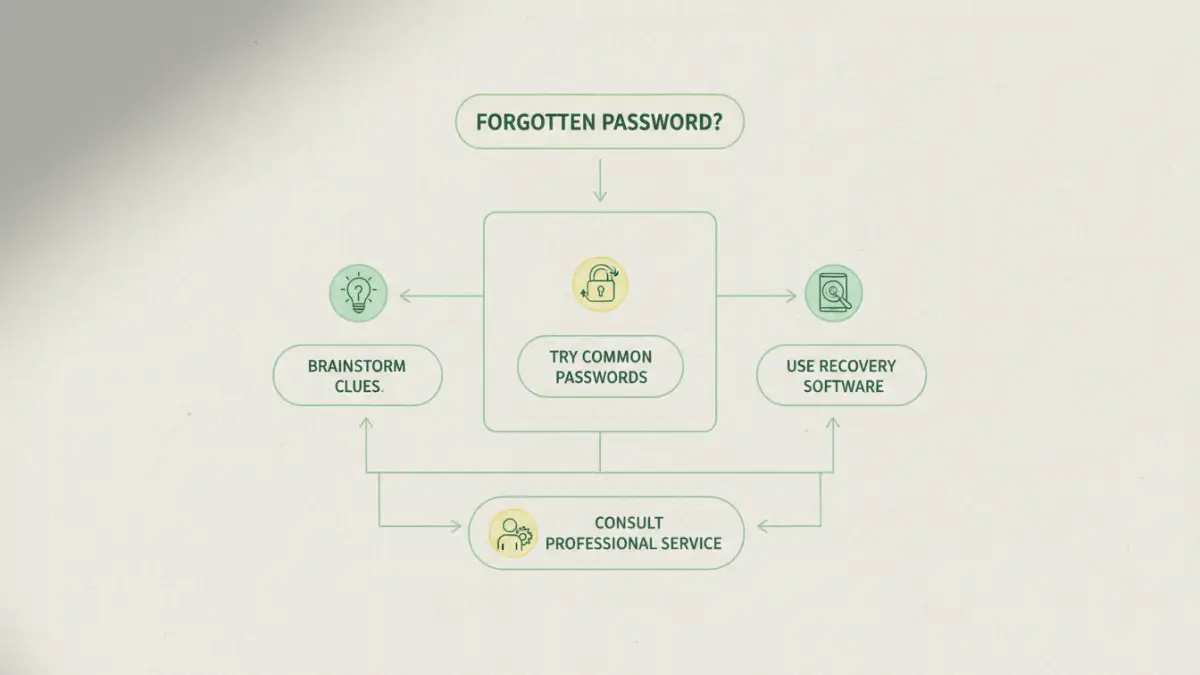
Before attempting to unlock anything, it helps to understand what you're up against. Password protection on files, especially older ones, often uses encryption algorithms to scramble the data. The password is the only key that can unscramble it. The stronger the encryption and the more complex the password, the harder it is to crack.
Family archives are often stored in compressed formats like ZIP or RAR, or as protected PDFs. Each file type might have been encrypted with different software, each with its own quirks. The goal isn't to "hack" the file in a cinematic sense but to systematically find the correct key. This process requires patience more than anything else.
Common Archive Formats
Most family documents are compressed to save space. You'll likely encounter ZIP, RAR, or 7z files. ZIP is the most common and has various levels of encryption, some of which are easier to tackle than others. PDFs are also frequently used for scanned documents and can have passwords that restrict opening or editing.
First Steps: Low-Tech Memory Jogging
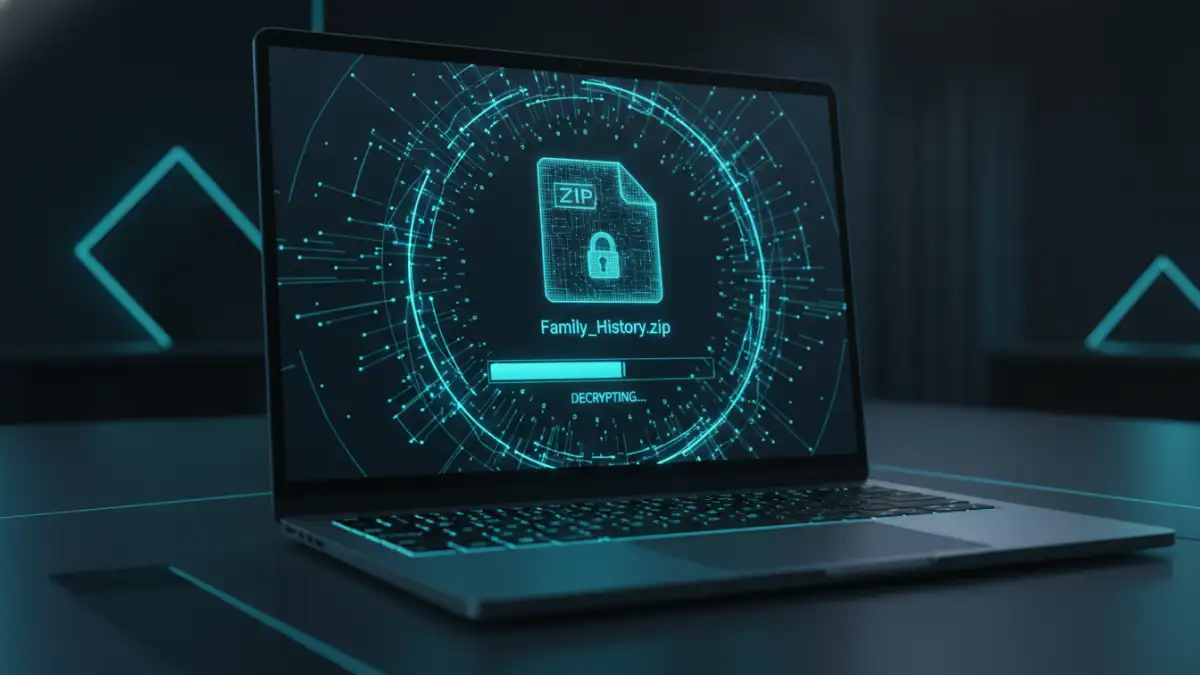
Before you even think about downloading software, the most powerful tool is your own memory. The password you set years ago was likely something meaningful to you at that time. Don't dismiss this step; I've seen it succeed more often than you'd think. The key is to put yourself in the mindset of your past self.
Start by creating a simple text file. Brainstorm every possible password fragment you can think of. Think about names of pets, old street addresses, significant dates (birthdays, anniversaries), favorite bands, or inside jokes from that era. Write down every variation you can imagine, including different capitalizations, numbers, and symbols you might have used. This list becomes the basis for your first recovery attempts.
Creating a Potential Password List
To structure your brainstorming, create categories. For example:
- People & Pets: Names of children, partners, or beloved pets (e.g., "Fluffy," "Buddy123").
- Places: Street names, cities, vacation spots (e.g., "OakStreet," "Paris2005!").
- Dates: Anniversaries, birthdays in various formats (e.g., "04152006," "Apr1506").
- Interests: Favorite teams, movies, or hobbies from that time.
Try combining these elements. Many people create passwords by merging two familiar words and adding a number. Systematically trying these combinations manually can sometimes yield a quick victory, especially for a forgotten but relatively simple password.
Using Software to Recover an Archive Password
If manual attempts fail, it's time to let a machine do the heavy lifting. Specialized password recovery tools are designed to automate the process of trying thousands or millions of password combinations per second. These tools typically use a few common methods to unlock old encrypted file archives.
The most common method is a brute-force attack, which tries every possible combination of characters. This can take an impossibly long time. A more efficient approach is a dictionary attack, which uses your brainstormed list of words and common passwords. The most effective method is often a mask attack, where you provide parts of the password you remember (e.g., "I know it started with 'Family' and ended in a '!'") and the software fills in the blanks. This dramatically narrows the search and is a great next step after creating your potential password list.
Preventing Future Lockouts
Successfully achieving family document recovery is a relief, but it's also a learning opportunity. The best way to deal with a lost file password is to prevent it from happening again. For future archiving, consider using a modern password manager. These tools generate and store highly complex, unique passwords for you.
When you create a new family archive, save the password in your password manager immediately. You can also share access securely with another trusted family member through the manager's sharing features. For ultra-important files, consider writing the password down and storing it in a physically secure location, like a safe deposit box. This blend of digital convenience and physical backup ensures your family's history remains accessible for generations to come.
Password Recovery Method Comparison
| Method | Cost | Time Investment | Success Rate | Best For |
|---|---|---|---|---|
| Brainstorming & Manual Entry | Free | Low (1-2 hours) | Low | Simple, memorable passwords. |
| Dictionary Attack (with custom list) | Free to Low-Cost | Medium (Hours to Days) | Moderate | Passwords based on real words or names. |
| Mask Attack (with software) | Low-Cost | Medium (Hours to Days) | High (if pattern is known) | When you remember parts of the password. |
| Brute-Force Attack (with software) | Low-Cost | Very High (Days to Years) | Varies (depends on complexity) | Short passwords or as a last resort. |
| Professional Data Recovery Service | High ($$$) | Low (Days to Weeks) | High | Irreplaceable files and complex encryption. |