A few weeks ago, a small business owner I was advising sent over a 'secure' document containing sensitive client data. It was password-protected, which is a good first step, but a quick look at the properties showed it was using an outdated, weak encryption algorithm. It was a classic case of good intentions meeting confusing technology, and it highlighted a common question: how do you know which level of encryption is actually strong enough?
The world of encryption is filled with jargon like '128-bit,' 'AES-256,' and 'symmetric keys,' which can feel overwhelming. The goal isn't always to use the absolute strongest option available, but to choose the most appropriate one for the data you're protecting. It’s about finding the right balance between security, performance, and usability.
Table of Contents
Understanding Encryption Basics
At its core, encryption scrambles your data into an unreadable format using a key. Only someone with the correct key can unscramble and read it. The 'level' or 'strength' of the encryption is often described by the length of this key, measured in bits. Think of it like a combination lock: a 40-bit key is like a 3-digit lock, while a 256-bit key is like a lock with dozens of dials. The more bits, the more possible combinations, making it exponentially harder to guess or 'brute-force' the key.
Symmetric vs. Asymmetric Encryption
It's also helpful to know the two main types. Symmetric encryption uses the same key to both encrypt and decrypt data. It's fast and efficient, making it ideal for encrypting large files or entire hard drives. Asymmetric encryption uses a pair of keys: a public key to encrypt and a private key to decrypt. This is slower but is fundamental for secure communication over the internet, like with SSL/TLS.
Common Encryption Standards Explained
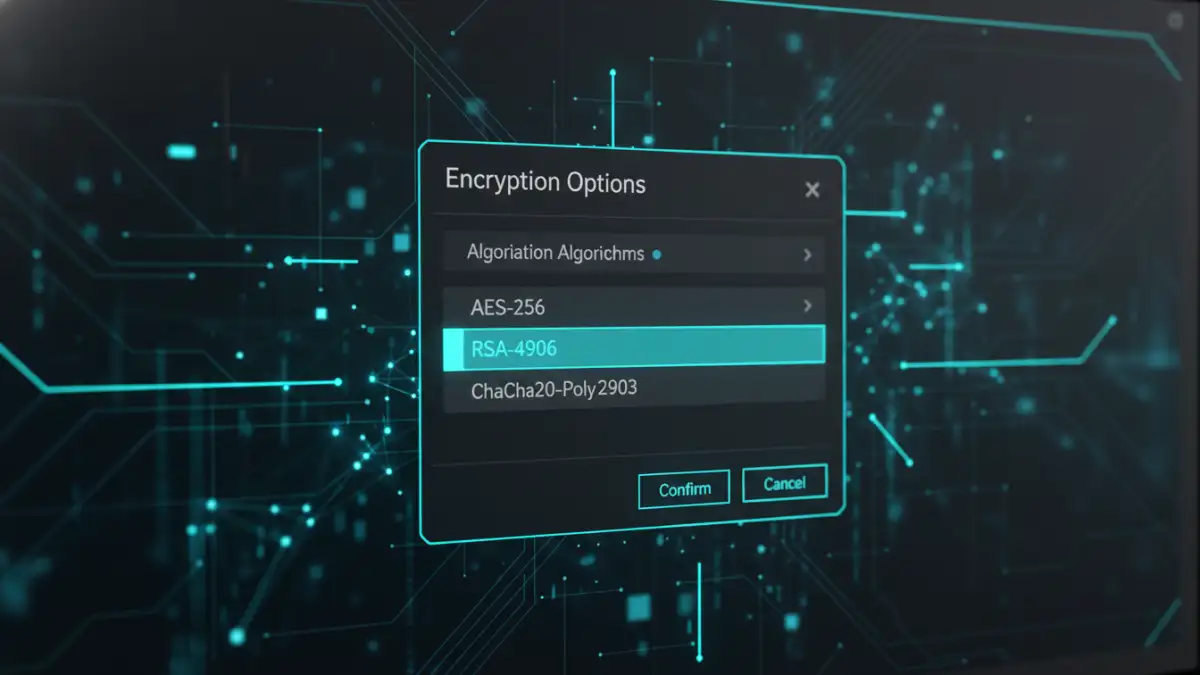
When you see options for encryption, you're usually choosing from established standards. The most important one to know for file protection is the Advanced Encryption Standard (AES). It's a symmetric algorithm adopted by the U.S. government and is now used worldwide to protect classified information. It's the gold standard for a reason: it's incredibly secure and has no known practical vulnerabilities.
AES comes in three primary key lengths: 128, 192, and 256 bits. All three are considered secure against brute-force attacks with current technology. Even a global network of supercomputers would take billions of years to crack AES-128, and AES-256 is even more astronomically difficult. These are the main document encryption standards you'll encounter in modern software.
AES 256 vs 128: What's the Real Difference?
I often get asked if it's worth using AES-256 over AES-128. For most everyday uses, AES-128 provides more than enough security. The practical difference in security is theoretical; both are unbreakable for the foreseeable future. However, AES-256 is the required standard for protecting TOP SECRET government documents, so it offers that extra layer of assurance. The performance cost for using AES-256 is minimal on modern processors, so if you have the option and are protecting highly sensitive information, choosing 256 is a sound decision.
How to Choose the Right File Encryption Level
Selecting the appropriate file encryption level depends entirely on the sensitivity of your data. You don't need to protect your vacation photos with the same rigor as your company's financial records. A risk-based approach is the most logical way to decide.
Here’s a simple framework I recommend:
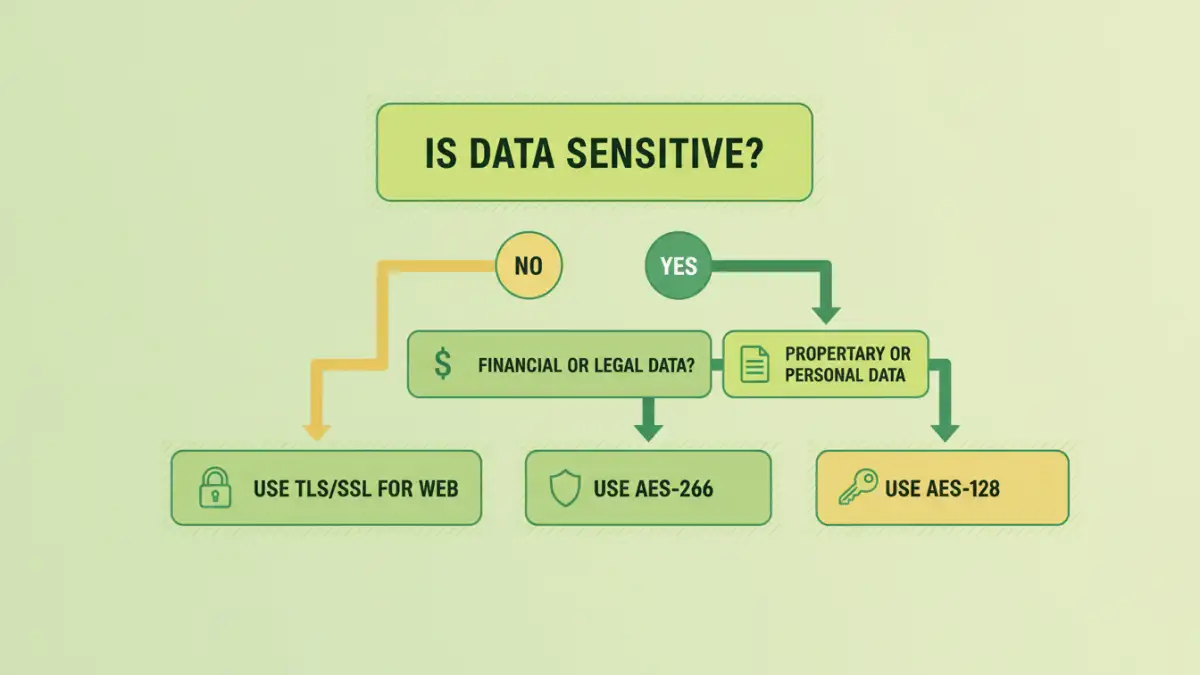
- Low Sensitivity Data: For personal documents, photos, or non-critical work files, AES-128 is perfectly adequate. It provides robust security without any noticeable performance overhead. Most built-in encryption tools default to this or a higher level.
- Medium to High Sensitivity Data: This includes financial statements, legal documents, client databases, or intellectual property. For this category, AES-256 is the recommended choice. It provides peace of mind and aligns with industry best practices for protecting confidential information.
- Critical/Regulated Data: If you're handling data governed by regulations like HIPAA or GDPR, or information that could cause severe damage if leaked (e.g., trade secrets, government data), AES-256 is non-negotiable. It is considered the strongest file encryption widely available.
Ultimately, the choice is about matching the security to the risk. Over-encrypting can sometimes add unnecessary complexity, while under-encrypting leaves you vulnerable.
Practical Tools and Implementation
You don't need to be a cryptography expert to implement strong encryption. Many tools you already use have these features built-in.
- Operating Systems: Windows has BitLocker and macOS has FileVault for full-disk encryption. These are excellent for protecting your entire system if your device is lost or stolen. They typically use AES-128 or AES-256 by default.
- Archive Software: Tools like 7-Zip and WinRAR allow you to create password-protected, encrypted archives. When creating a .7z or .zip file, you can often select AES-256 from the encryption method dropdown. This is great for securing a group of files before sending them to someone.
- Document Software: Applications like Adobe Acrobat offer various pdf encryption types. When setting a password, you can go into the security properties and choose between different compatibility levels, which often correspond to AES-128 or AES-256. Always pick the highest level available.
- Dedicated Encryption Tools: For more advanced control, software like VeraCrypt allows you to create encrypted virtual disks or encrypt entire partitions with a wide range of algorithms, including AES-256.
Common Mistakes to Avoid
Even with the best encryption, simple mistakes can undermine your security. The most common pitfall is pairing strong encryption with a weak password. A short, simple password can be cracked in seconds, rendering your AES-256 protection useless. Always use a long, complex, and unique passphrase.
Another frequent issue is poor key management. If you lose the password or encryption key, your data is gone forever. There is no 'forgot password' reset button for properly encrypted files. Store your passwords securely in a reputable password manager. Finally, don't forget physical security and being mindful of phishing attacks—encryption protects data at rest, but it can't protect you from willingly giving it away.
Encryption Level Comparison
| Encryption Standard | Key Size | Relative Security | Common Use Case |
|---|---|---|---|
| AES-128 | 128 bits | Highly Secure | General file protection, full-disk encryption, secure web traffic (TLS). |
| AES-192 | 192 bits | Extremely Secure | Less common, but available in some systems as an intermediary option. |
| AES-256 | 256 bits | Maximum Security | Protecting top-secret government data, highly sensitive corporate information, and long-term data archives. |
| Legacy (e.g., 40-bit RC4) | 40-128 bits | Insecure/Weak | Found in very old PDF or document formats. Should be avoided at all costs. |