
When we need to share sensitive information, the instinct is to lock it down. Password protecting a file feels like a robust solution, a digital vault for our data. However, the act of sharing these password protected files, especially outside trusted channels, introduces a unique set of vulnerabilities that many overlook. It's not just about the password itself, but the entire ecosystem around its creation, transmission, and use.
Over my years in software engineering, I've seen countless scenarios where what seemed like a secure method turned out to be a significant weak point. Understanding these potential pitfalls is the first step toward genuinely secure file sharing. We need to move beyond the surface-level assumption that a password equals impenetrable security.
Table of Contents
Understanding the Basics of File Protection
At its core, password protection for files aims to prevent unauthorized access. This is typically achieved through encryption, where the file's contents are scrambled, and a password acts as the key to decrypt and view it. Different file types and software offer varying levels of protection, from simple password prompts to robust encryption algorithms.
Encryption Strength Matters
The effectiveness of password protection hinges on the strength of the encryption used by the software or format. Older methods might use weaker encryption that can be bypassed more easily. Modern standards like AES-256 offer much stronger security, but even then, the password itself is often the weakest link.
Common Password Vulnerabilities
The password is the gatekeeper, but often a flimsy one. Many users opt for simple, easily guessable passwords – think birthdays, common words, or sequential numbers. These are prime targets for brute-force attacks or dictionary attacks, where software systematically tries combinations until it finds the right one.
Another common issue is password reuse. If a user employs the same password across multiple services, a breach on one platform can compromise access to all others, including sensitive files. This highlights the importance of unique, strong passwords for every critical asset.
Risks Associated with Sharing
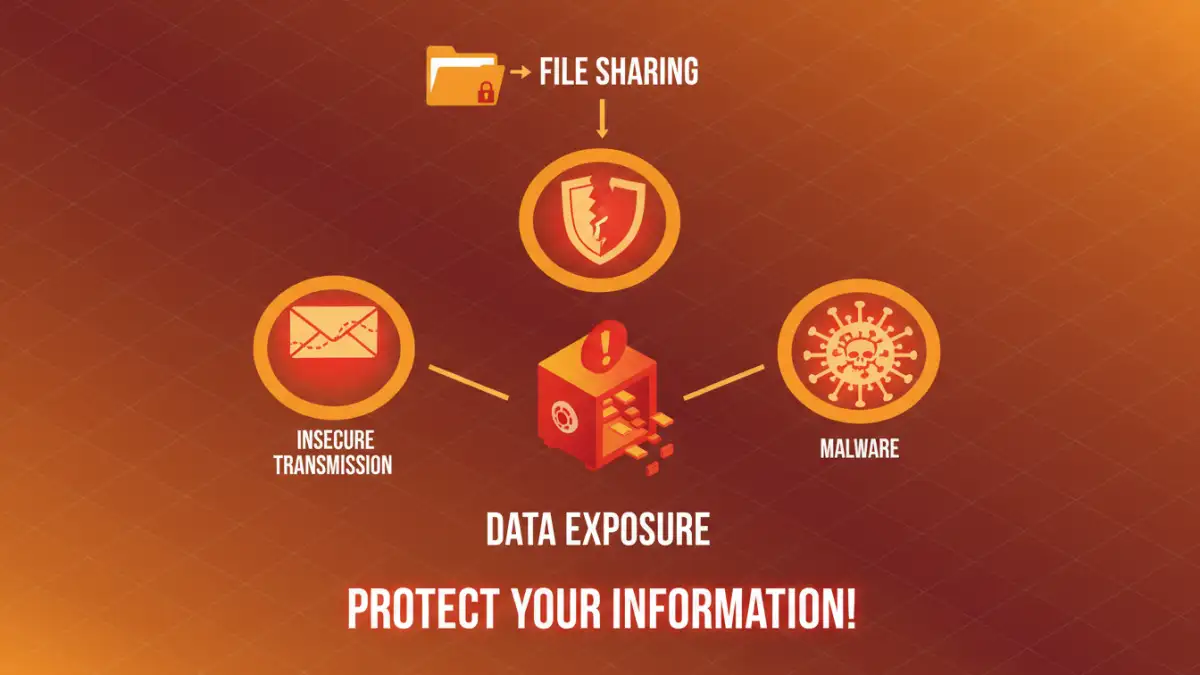
When you share a password-protected file, you're not just sharing the file; you're also sharing the password, or at least the method by which the recipient will obtain it. This is where significant data exposure risks emerge. Transmitting passwords insecurely, such as via unencrypted email or messaging apps, is akin to leaving the vault unlocked.
Even if the file is encrypted, if the password is weak, it can be compromised. Furthermore, the recipient might not have the technical savvy to handle the file securely. They could inadvertently share the password, save the file in an insecure location, or fall victim to phishing attempts that trick them into revealing the password.
Insecure Password Transmission
The most immediate risk comes from how the password is communicated. Email, instant messaging, and even text messages are often transmitted in plain text or are easily intercepted. If the password travels insecurely, the encryption on the file becomes largely irrelevant. A determined attacker can intercept both the file and its key.
Compromised Recipient Devices
Once a recipient has the password-protected file and the password, the security rests on their own practices. If their device is infected with malware, keyloggers can capture the password as they type it. If their computer is lost or stolen, the password might be exposed. The chain of security is only as strong as its weakest link, and that link can easily be the recipient's environment.
Mitigation Strategies for Secure Sharing
To mitigate these risks, a multi-layered approach is crucial. First, always use strong, unique passwords for your password protected files. Consider using a password manager to generate and store these complex credentials.
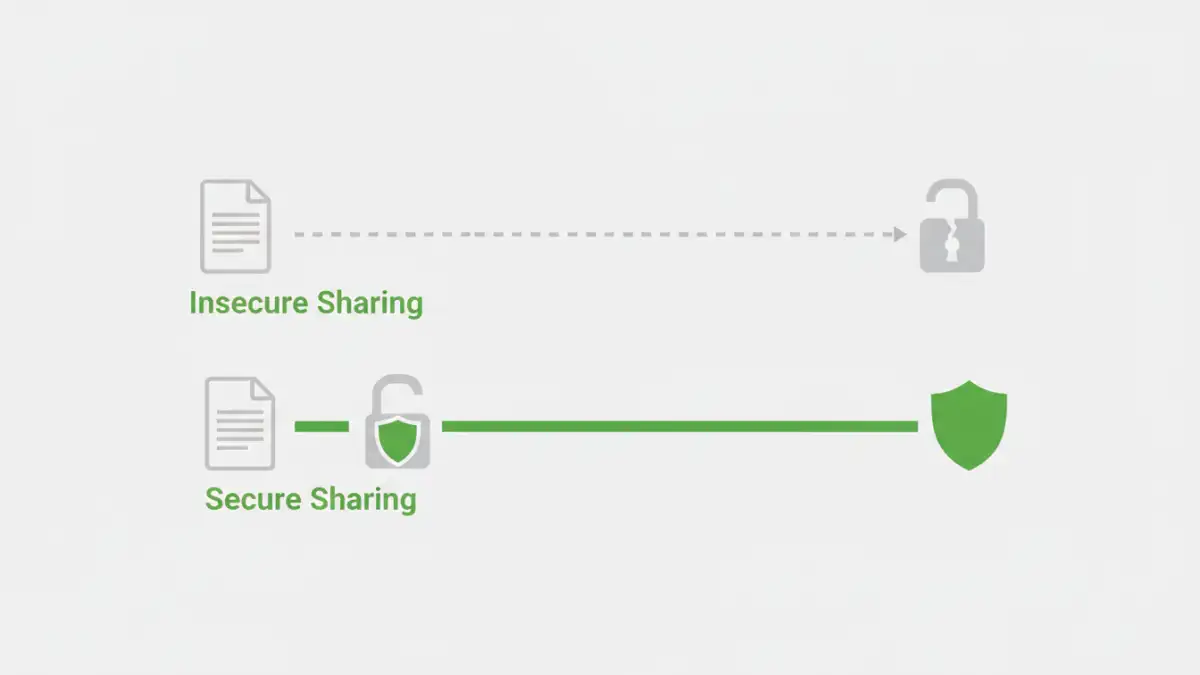
When sharing, avoid sending the password through the same channel as the file. Instead, use a separate, secure method for password transmission. This could involve a phone call, a secure messaging app with end-to-end encryption, or a dedicated secure file-sharing service that allows you to set password policies.
It's also wise to limit access to only those who absolutely need it. If a file is only meant for one person, don't share the password with their entire team. Regularly review who has access to your shared files and revoke access when it's no longer necessary.
Enhancing Access Control
Beyond just password protection, robust access control mechanisms can significantly bolster security. This involves not just setting a password but also managing who can access the file, for how long, and what they can do with it. Some advanced tools offer features like read-only access, expiration dates for access, or even watermarking to deter unauthorized distribution.
Consider using cloud storage solutions that offer granular permission settings. Instead of sending a file, you can grant temporary access to a specific folder or document, with the ability to track access and revoke permissions remotely. This provides a much more dynamic and controllable form of secure file sharing than simply sending a password-protected file.
Comparison Table: Secure File Sharing Methods
| Method | Pros | Cons | Best For |
|---|---|---|---|
| Simple Password Protection | Easy to implement for basic security | Weak passwords easily compromised, insecure password sharing | Non-critical internal documents |
| Secure File Sharing Services (e.g., Dropbox, Google Drive with permissions) | Granular access control, audit trails, secure transmission | Requires subscription, potential privacy concerns with provider | Collaborative projects, sensitive client data |
| End-to-End Encrypted Messaging (for password transfer) | Highly secure password transmission | File must be sent separately, recipient needs compatible app | Sharing passwords for sensitive files |
| Dedicated Encryption Software (e.g., VeraCrypt, 7-Zip) | Strong encryption, ability to create secure containers | Requires software installation, learning curve for recipient | Archiving sensitive data, large file transfers |