Working with sensitive documents often means needing to share them, but doing so without proper precautions can expose you to significant risks. Whether it's a confidential business proposal, personal financial records, or proprietary company data, ensuring that only authorized individuals can access your files is paramount. It’s not just about preventing unauthorized access; it’s about maintaining trust and adhering to privacy regulations.
Many people underestimate the vulnerabilities associated with casual file sharing methods. A simple email attachment or a shared link from a public cloud service might seem convenient, but these can be surprisingly insecure if not handled correctly. Over my years in software development, I've seen firsthand how easily data can be compromised when basic security measures are overlooked. This guide provides a straightforward checklist to help you navigate the complexities of safe document sharing, even if you're new to the concept.
Table of Contents
Understanding the Risks
The digital world offers incredible convenience, but it also presents numerous threats to your data. Unsecured file sharing can lead to data breaches, identity theft, corporate espionage, and significant financial or reputational damage. Understanding these risks is the first step toward mitigating them.
Common Vulnerabilities
Many common file sharing methods, like sending unencrypted files via email or using public Wi-Fi for transfers, are inherently insecure. These pathways can be intercepted by malicious actors. Even seemingly secure cloud storage can become a weak point if access controls aren't properly configured or if account credentials are compromised. It’s crucial to be aware of how your data might be exposed.
Choosing the Right Methods
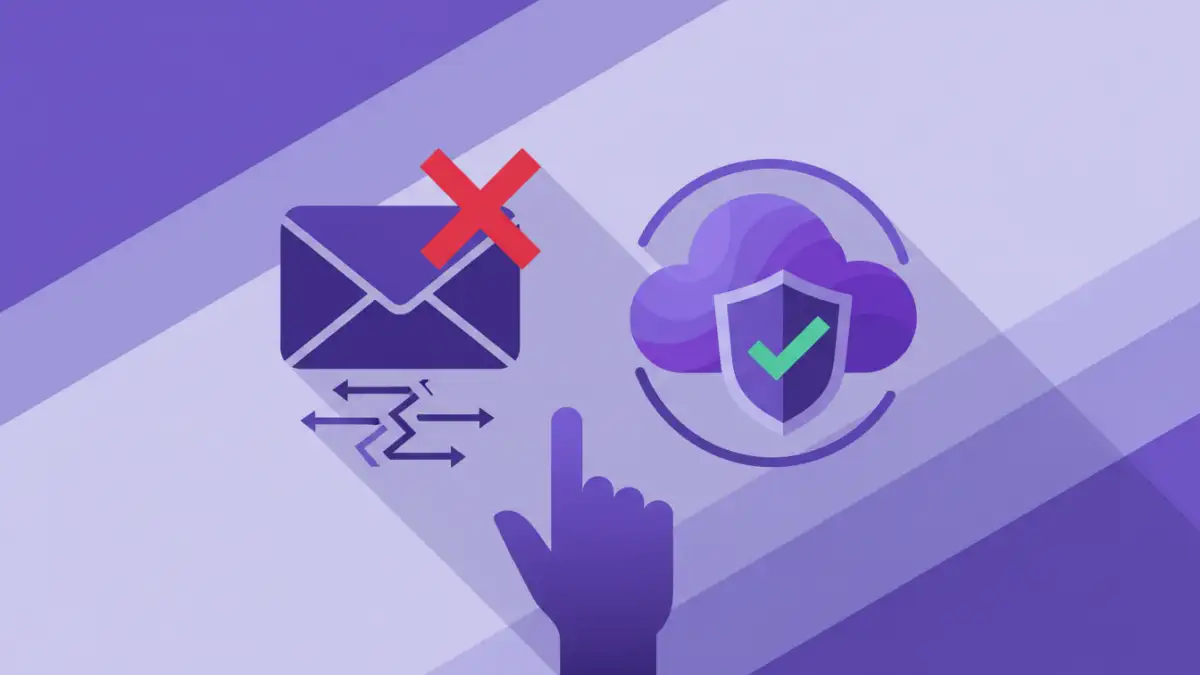
Not all file sharing solutions are created equal. The best method for you depends on the sensitivity of the data, the size of the files, and who you are sharing with. Opting for a method that aligns with your security needs is vital for effective data sharing safety.
Secure Cloud Storage
Services like Google Drive, Dropbox, and OneDrive offer built-in security features. When used correctly, with strong passwords and two-factor authentication enabled, they can be a reliable option. Always ensure sharing permissions are set to the minimum necessary level, restricting access to specific individuals or groups.
Encrypted Email Services
For highly sensitive information, standard email is not sufficient. Consider using email services that offer end-to-end encryption or specialized secure messaging platforms. These services ensure that only the sender and intended recipient can read the message and its attachments.
Dedicated File Sharing Platforms
There are numerous platforms designed specifically for secure file sharing. These often come with advanced features like granular access controls, expiration dates for links, audit trails, and robust encryption. They are typically a good choice for businesses or individuals who regularly share sensitive documents.
Essential Security Features
When evaluating any file sharing tool or method, look for specific security features that protect your data. These features act as layers of defense against unauthorized access and potential breaches.
Encryption
Encryption is the process of converting data into a code to prevent unauthorized access. Look for tools that use strong encryption standards, such as AES-256. This ensures that even if a file is intercepted, it remains unreadable without the decryption key.
Access Control and Permissions
The ability to control who can access your files and what they can do with them (view, edit, download) is critical. Granular permissions help prevent accidental oversharing and ensure that only authorized personnel have the necessary access.
Two-Factor Authentication (2FA)
2FA adds an extra layer of security to your accounts. It requires users to provide two different authentication factors to verify their identity, significantly reducing the risk of unauthorized access due to compromised passwords.
Best Practices for Sharing
Beyond choosing the right tools, adopting good habits is essential for maintaining data security. These practices reinforce the technical measures you put in place.
Verify Recipients
Always double-check that you are sending files to the correct email address or person. A simple typo can send sensitive information to the wrong party. When in doubt, use a secure link with password protection.
Use Strong, Unique Passwords
If you are password-protecting files or accounts, use strong, unique passwords for each service. Consider using a password manager to generate and store complex passwords securely. Avoid using easily guessable information.
Limit Access Duration
If your sharing method allows, set expiration dates for shared links or grant access for a limited time. This ensures that files are not accessible indefinitely, reducing the window of opportunity for unauthorized access.
Your Final Safety Checklist
Before you hit 'send' or share a link, run through this quick checklist. It’s designed to cover the most critical aspects of safe document sharing for beginners.
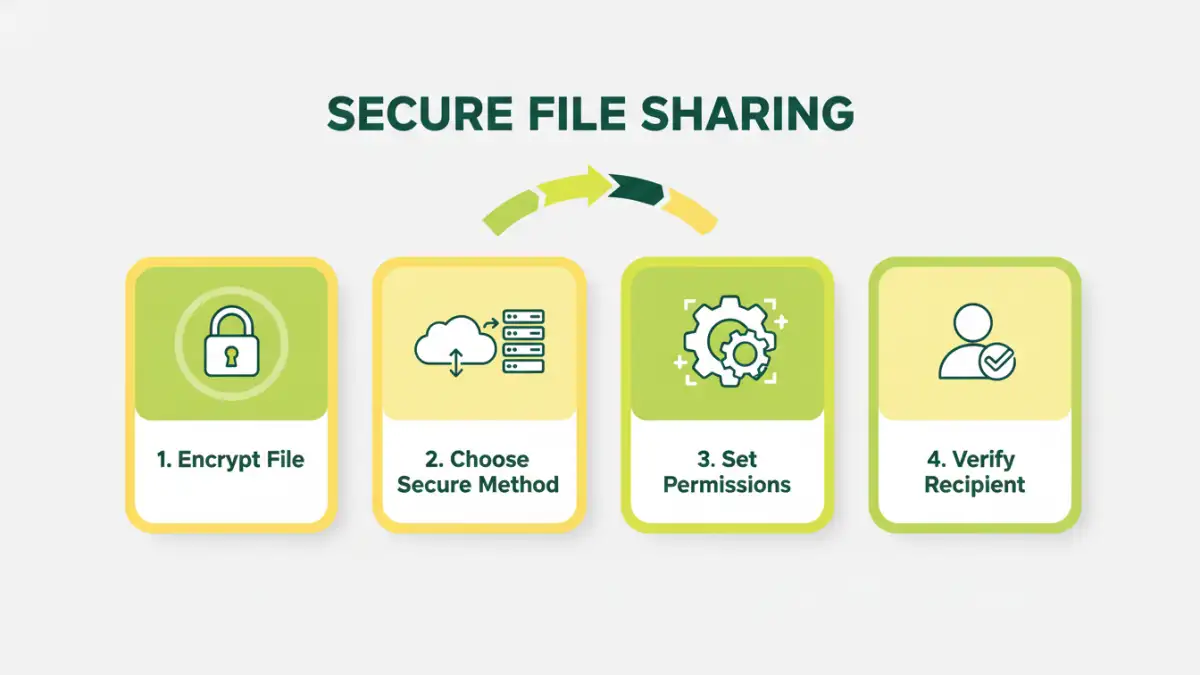
1. Is the data sensitive? If yes, proceed with caution and use encryption/password protection.
2. Who are you sending it to? Verify the recipient's identity and email address.
3. What method are you using? Choose a secure platform or service.
4. Is encryption enabled? Ensure files are encrypted in transit and at rest if possible.
5. Are access permissions set correctly? Grant only necessary privileges.
6. Is 2FA enabled on your account? For cloud services or platforms.
7. Do you need a password? If so, make it strong and share it separately.
8. Does the link need to expire? Set a reasonable expiration date.
Secure File Sharing Method Comparison
| Method | Pros | Cons | Best For |
|---|---|---|---|
| Email Attachment (Standard) | Ubiquitous, easy to send | Insecure, no encryption by default, large file limits | Non-sensitive, small files |
| Secure Cloud Storage (e.g., Dropbox, Google Drive) | Convenient, version history, collaboration features | Requires account, privacy concerns if not configured properly | Everyday sharing, collaborative projects |
| Encrypted Email Services (e.g., ProtonMail) | End-to-end encryption, high privacy | Requires recipient to use compatible service, can be slower | Highly sensitive communications |
| Dedicated Secure File Transfer (e.g., WeTransfer Pro, Box) | Robust security features, large file support, audit trails | Often paid, requires setup | Business, professional use, large files |
| Password-Protected Files (e.g., ZIP, PDF) | Simple, widely compatible for protection | Password can be guessed or intercepted, doesn't encrypt in transit | Adding a layer of protection to files before sending |