Working with password-protected documents can be frustrating, especially when you need to access or combine multiple parts of an archive. Whether it's a large project split into several files or a secure backup, knowing how to properly reassemble password protected archive files is crucial. This process ensures that your data remains intact and accessible without compromising its security.
I've encountered numerous situations over the years where colleagues needed to access critical data stored in password-protected archives. The common thread? A lack of clear, reliable methods for handling these files, especially when dealing with multi-part archives or complex encryption. This guide aims to demystify the process, offering practical steps and insights for both common and more challenging scenarios.
Table of Contents
Understanding Archive Security
Password protection on archive files, like ZIP, RAR, or 7z, adds a layer of security by encrypting the contents. This means that without the correct password, the data inside remains inaccessible. The strength of this protection depends on the encryption algorithm used and the complexity of the password itself. Understanding these basics is the first step before you attempt to reassemble password protected files.
Encryption Types and Strength
Different archive formats support various encryption methods, ranging from older, less secure algorithms like ZipCrypto to more robust options like AES-256. AES-256 is widely considered a strong standard, offering a high level of security against brute-force attacks. When dealing with sensitive data, always opt for archives using stronger encryption if given the choice.
Common Methods for Opening Archives
Most modern operating systems include built-in tools for handling basic archive formats. However, for password-protected files, dedicated archiving software often provides more robust functionality and better compatibility. Familiarizing yourself with these tools is essential for efficiently managing your archives.
Using Dedicated Archiving Software
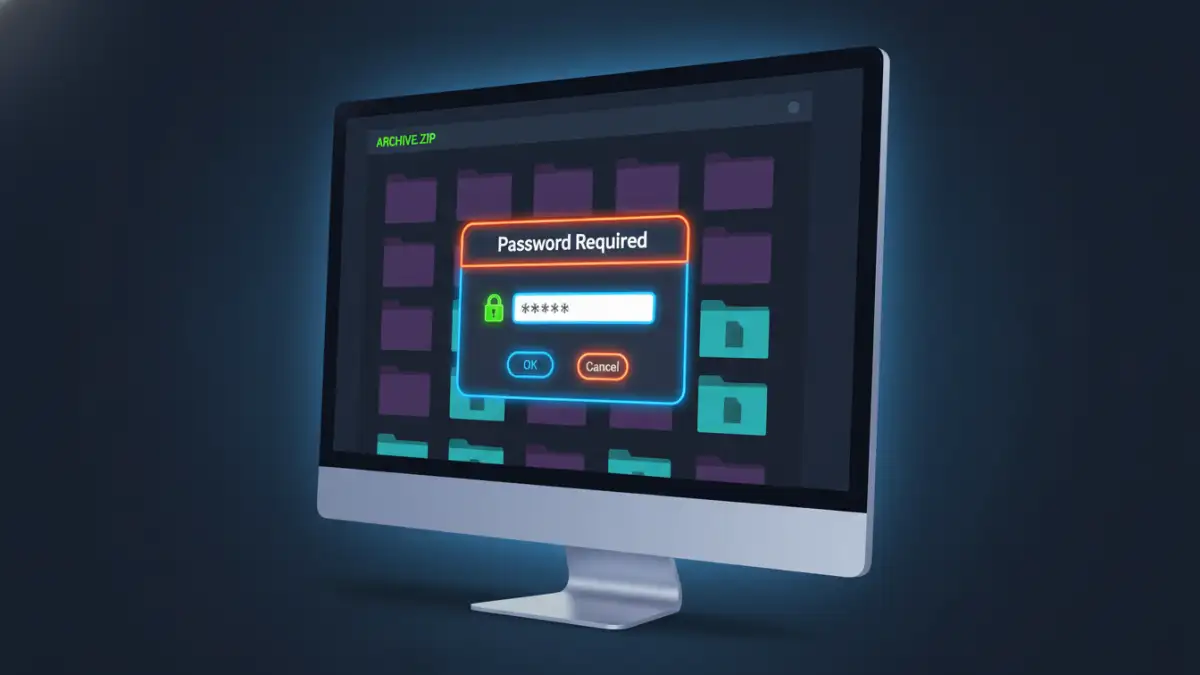
Programs like WinRAR, 7-Zip, and WinZip are industry standards for managing archives. They offer intuitive interfaces for extracting files from password-protected archives. Typically, when you attempt to open such a file, the software will prompt you for the password. Entering the correct password will then allow you to extract the contents.
For example, with 7-Zip, you simply navigate to the archive file, right-click it, select '7-Zip', and then 'Extract files...'. It will immediately ask for the password if one is set. This is a straightforward way to handle most password protected archive scenarios.
Handling Multi-Part Archives
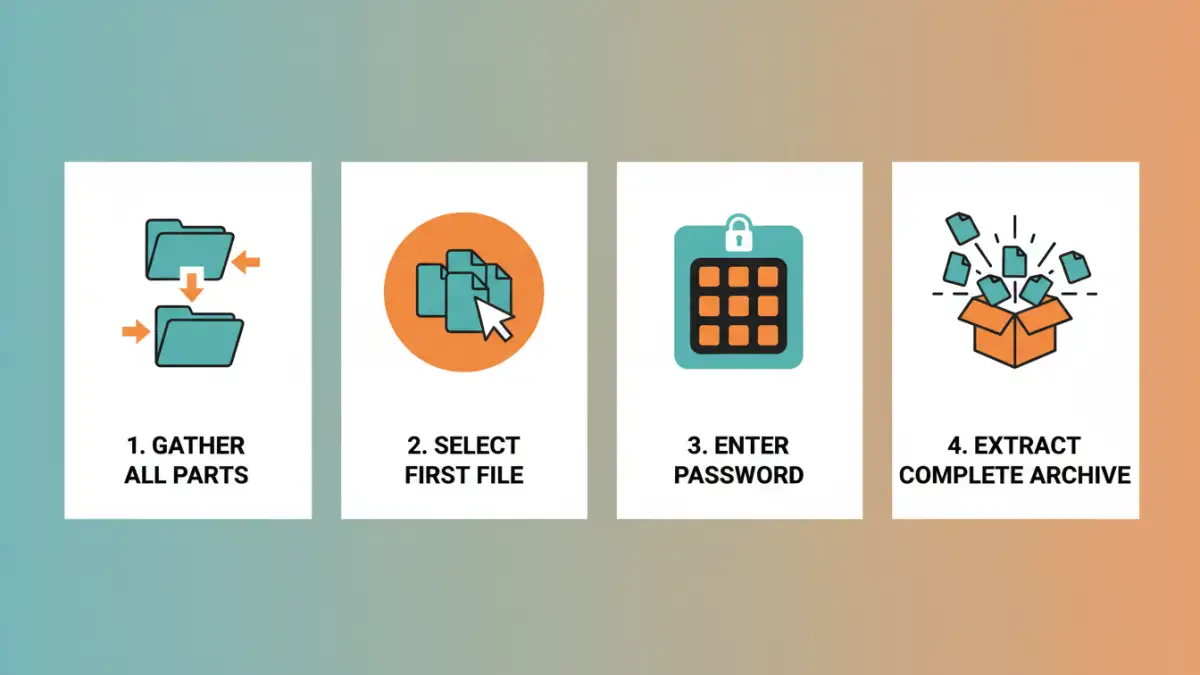
Large files are often split into smaller, manageable parts for easier transfer or storage. When these parts are also password-protected, the process becomes slightly more involved. The key is to ensure all parts are present and to extract from the first part of the sequence.
The Extraction Process
When dealing with a password protected archive that has been split into multiple parts (e.g., .part1.rar, .part2.rar, or .zip.001, .zip.002), you generally need to place all the parts in the same folder. Then, you initiate the extraction process from the first file in the sequence (e.g., the file with the lowest number or the one with the .part1 or .001 extension). The archiving software is usually smart enough to find and use the subsequent parts automatically.
You will be prompted for the password once, and if it's correct and all parts are accessible, the software will reconstruct the original file or files. This is where understanding how to open multi-part archive files becomes critical for data recovery and access.
Troubleshooting Common Issues
Even with the right tools, you might encounter problems when trying to reassemble password protected archive files. Common issues include incorrect passwords, corrupted archive parts, or incompatible software versions.
Password Errors and Corruptions
If you're certain you have the correct password but extraction fails, the archive itself might be corrupted. This can happen due to incomplete downloads or errors during the archiving process. In such cases, if you have a backup or can re-download the files, that's often the best recourse. For situations where you need secure file recovery and suspect corruption, trying a different archiving tool might sometimes help, though it's not guaranteed.
Best Practices for Secure File Handling
Beyond just opening archives, maintaining the security and integrity of your files is paramount. Implementing good practices ensures that your data remains protected throughout its lifecycle.
Password Management and Storage
Use strong, unique passwords for your archives. Consider using a password manager to generate and store these complex passwords securely. Avoid common words, simple patterns, or reusing passwords across different accounts or files. Regularly review and update your passwords, especially for sensitive data.
Comparison Table: Archive Management Tools
| Tool | Pros | Cons | Best For |
|---|---|---|---|
| Built-in OS Tools | No installation needed, basic functionality | Limited format support, basic encryption handling | Simple ZIP files |
| 7-Zip | Free, open-source, supports many formats and strong AES-256 encryption | Interface can be less intuitive for beginners | General purpose, strong security needs |
| WinRAR | Excellent RAR support, user-friendly interface, strong encryption | Shareware (nag screen after trial), paid license | RAR archives, multi-part archives |
| WinZip | User-friendly, good integration, supports various formats | Paid software, can be resource-intensive | Beginners, everyday users |