
Protecting sensitive information is paramount in today's interconnected business environment. Whether you're sharing confidential client data, intellectual property, or internal strategic documents, ensuring that only authorized individuals can access and use them is crucial. Traditional methods like password protection or basic encryption often fall short, leaving vulnerabilities that can be exploited.
This is where Digital Rights Management (DRM) software emerges as a powerful solution. It goes beyond simple password protection to offer granular control over how shared documents are used, viewed, and distributed. Understanding how DRM works and implementing it effectively can significantly bolster your organization's data security posture.
Table of Contents
Understanding DRM for Document Security
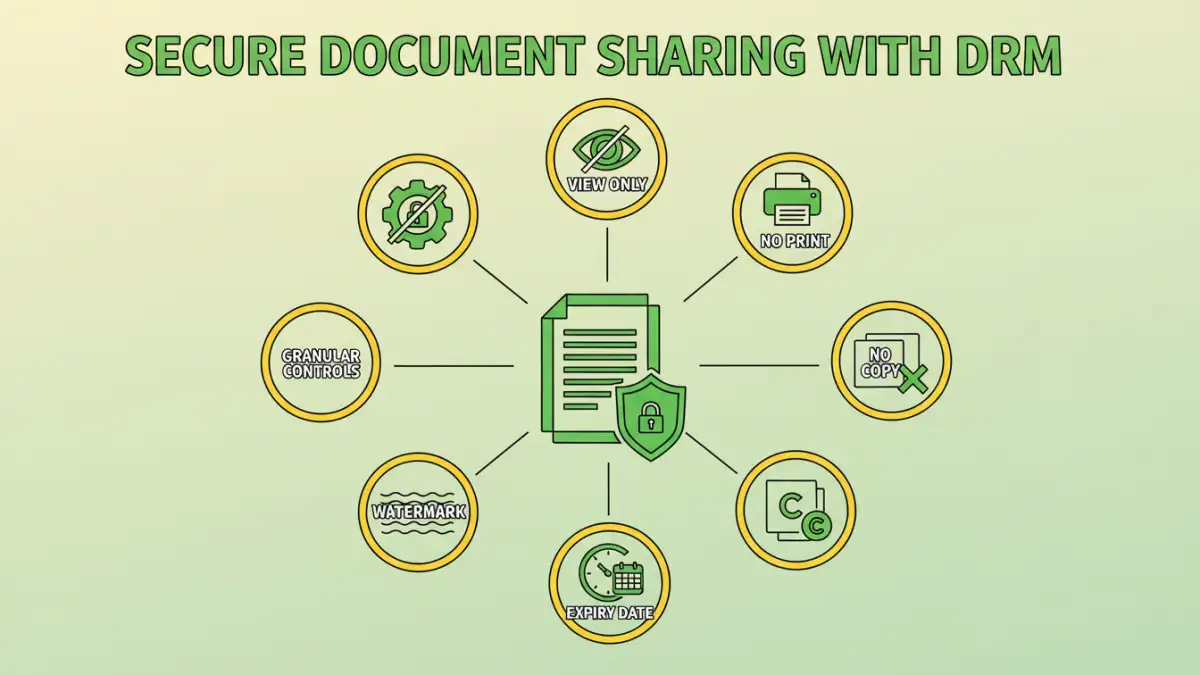
Digital Rights Management (DRM) is a set of technologies used to control the use, modification, and distribution of digital content. When applied to documents, it allows creators and administrators to define specific policies for how files can be accessed and handled by recipients. This ensures that intellectual property remains protected even after the document has been shared.
Unlike basic password protection, which typically only restricts opening a file, DRM can enforce much finer-grained permissions. These controls can include preventing printing, copying, forwarding, or even setting expiration dates for access. This comprehensive approach is vital for maintaining data integrity and confidentiality.
How DRM Software Ensures Secure Document Sharing
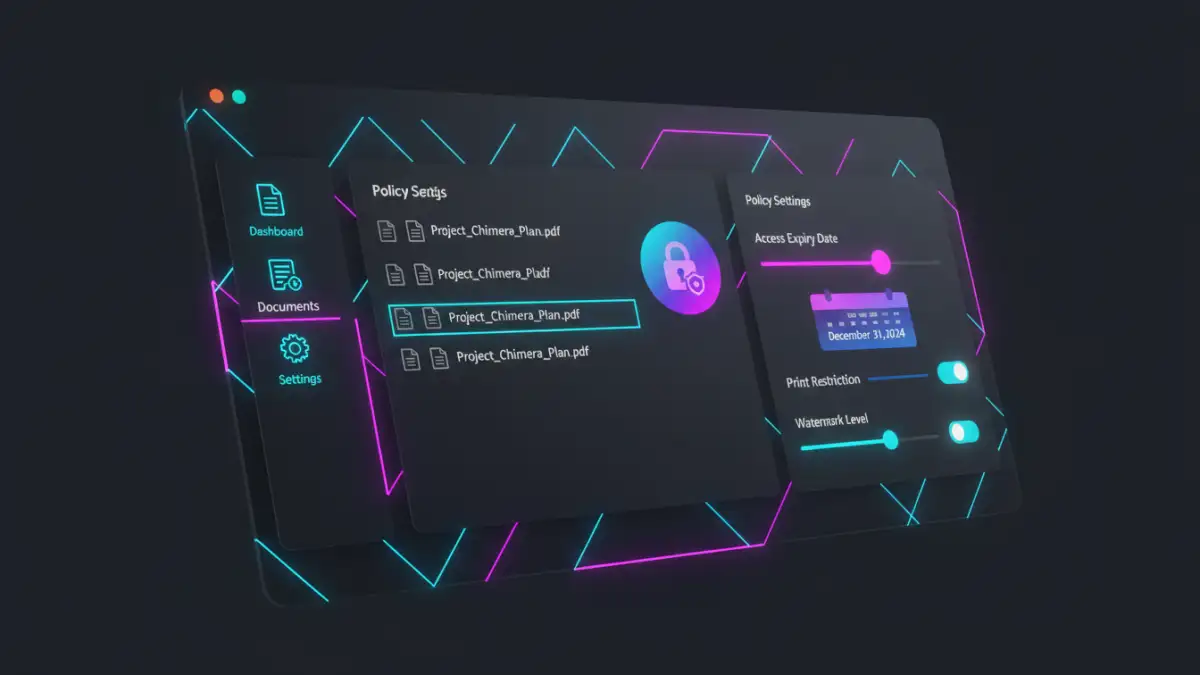
DRM software typically works by embedding security policies directly into the document itself or by controlling access through a centralized server. When a user attempts to open a DRM-protected file, the software verifies their permissions before granting access. This process often involves authentication to confirm the user's identity and their right to interact with the document.
The core principle is that the document remains protected regardless of where it travels. Even if a file is downloaded, emailed, or stored on a different device, the DRM controls persist. This ensures a consistent level of security for your sensitive information, which is essential for effective secure document sharing.
Granular Access Control
One of the most significant advantages of DRM is its ability to provide granular access control. Administrators can set specific permissions for individual users or groups. This means you can allow someone to view a document but not print it, or permit editing for a limited time only.
Tracking and Auditing Capabilities
DRM solutions often include robust tracking and auditing features. You can monitor who accessed a document, when they accessed it, and what actions they performed. This provides valuable insights into document usage and helps identify potential security breaches or policy violations.
Key Features of Effective DRM Solutions
When evaluating DRM software for your organization, several key features are essential to consider. These functionalities directly contribute to the effectiveness of your file sharing security strategy.
Encryption and Watermarking
Strong encryption is fundamental to DRM. It scrambles the document's content, making it unreadable without the proper decryption key, which is tied to authorized access. Many DRM systems also support watermarking, which can embed visible or invisible identifiers on documents, deterring unauthorized sharing and aiding in tracking.
Policy Enforcement
The ability to define and enforce specific policies is at the heart of DRM. This includes setting permissions for viewing, printing, copying, editing, and forwarding. You can also implement time-based restrictions, such as access expiring after a certain period, or location-based restrictions.
Implementing DRM for File Sharing Security
Implementing DRM software requires careful planning and consideration of your organization's specific needs. The process typically involves selecting a suitable DRM solution, configuring security policies, and training users on how to use the protected documents.
Integration with existing workflows is also important. The best DRM solutions seamlessly integrate with common document creation and sharing platforms, minimizing disruption. Ensuring that the chosen software supports the file types you commonly use, such as PDFs, Microsoft Office documents, and images, is also critical for comprehensive file sharing security.
Benefits of Using DRM
Adopting DRM software for your document management offers numerous advantages. It significantly enhances data protection and provides better control over sensitive information, which is vital for any business that relies on secure document sharing.
Enhanced Data Protection
DRM provides a robust layer of security that goes beyond traditional methods. By controlling access and usage at a granular level, it minimizes the risk of data breaches, unauthorized access, and intellectual property theft.
Compliance and Auditing
Many industries have strict compliance regulations regarding data handling and privacy. DRM solutions can help organizations meet these requirements by providing auditable trails of document access and usage, ensuring accountability and transparency.
Improved Collaboration Control
While facilitating collaboration, DRM ensures that it happens within defined security parameters. Teams can work together on sensitive documents without the fear of accidental leaks or misuse, fostering a more secure collaborative environment.
Comparison of Document Security Methods
| Method | Description | Pros | Cons | Best For |
|---|---|---|---|---|
| Password Protection | Restricts opening a file with a password. | Simple, widely supported. | Only prevents opening, easily bypassed if password is weak or shared. | Basic protection for non-critical files. |
| Standard Encryption | Uses algorithms to scramble file content. | Strong protection against unauthorized viewing if keys are managed well. | Doesn't control post-access usage (print, copy), requires secure key management. | Securing files in transit or at rest. |
| DRM Software | Applies granular policies (view, print, copy, expiry) to documents. | Comprehensive control over usage, tracking, auditing, persistent protection. | Can be complex to implement, may require specific software for recipients, cost. | Sensitive corporate data, intellectual property, compliance-driven sharing. |
| Secure File Sharing Platforms | Cloud-based services with built-in security features. | Easy sharing, collaboration tools, often include access logs. | Reliance on provider's security, potential for accidental oversharing within the platform. | Team collaboration, external client portals. |