
In the digital age, verifying the origin and integrity of files is paramount, especially for visual content where alterations can subtly change meaning or impact. I've often encountered situations where ensuring an image hasn't been modified after its creation is critical, from legal evidence to professional photography workflows. Digital signatures offer a robust solution for this, providing a cryptographic method to confirm that a file is exactly as the sender intended.
This technology allows us to embed a unique digital fingerprint into an image file, which can then be independently verified. This process not only confirms the sender's identity but also guarantees that the file has not been altered since it was signed. It’s a powerful tool for maintaining trust and accountability in digital communications.
Table of Contents
Understanding Digital Signatures for Images
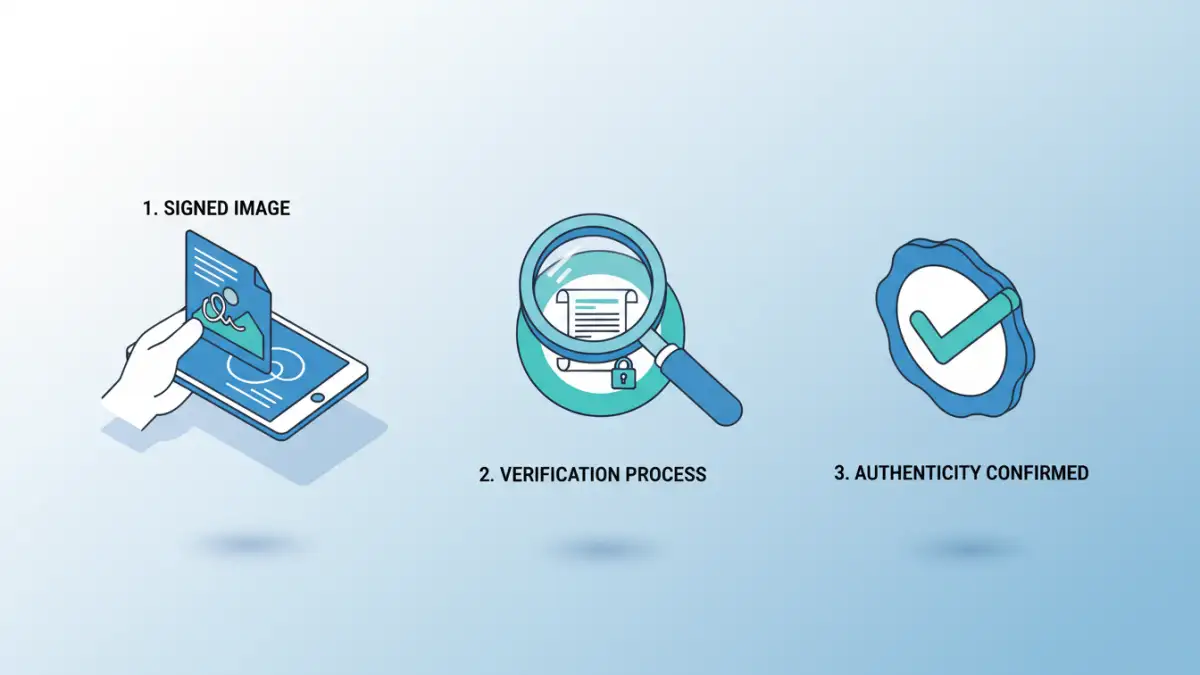
At its core, a digital signature is a mathematical scheme for demonstrating the authenticity of a digital message or document. When applied to an image file, it provides assurance that the image originated from a specific source and has not been tampered with. This is achieved through public-key cryptography, a system that uses a pair of keys: a private key for signing and a public key for verification.
Key Concepts
The process relies on hashing, where a unique digest (a fixed-size string of characters) is generated from the image data. This hash is then encrypted using the sender's private key. The resulting encrypted hash is the digital signature. Anyone can then use the sender's corresponding public key to decrypt the signature, recalculate the hash of the received image, and compare it to the decrypted hash. If they match, the signature is valid.
How Digital Signatures Work on Images
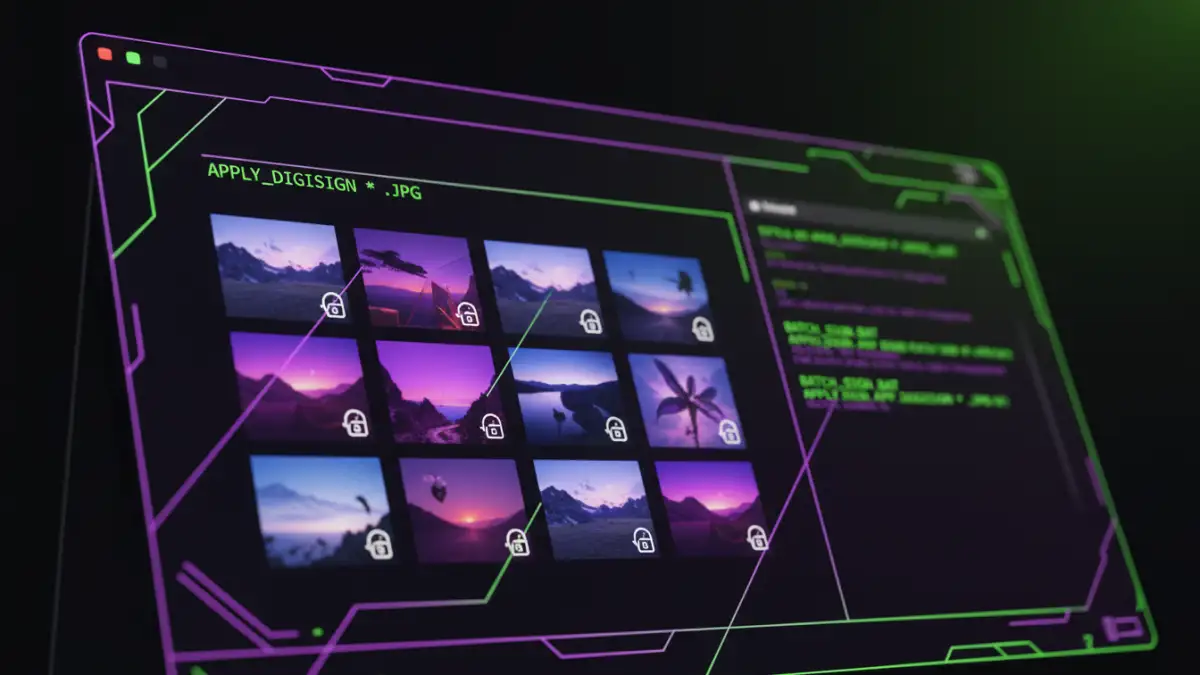
When you digitally sign an image, you're not encrypting the image itself. Instead, you're creating a separate piece of data (the signature) that is cryptographically linked to the image. This signature typically contains information about the signer, the time of signing, and a hash of the original image content. This ensures that even a minor change to the image, such as adjusting a single pixel, will result in a completely different hash, invalidating the signature.
The process involves using specialized software or services that handle the cryptographic operations. The signer's private key is kept secure, while their public key is made available for verification. This asymmetry is key to the security and trust model of digital signatures.
Methods for Applying Digital Signatures
Applying digital signatures to image files can be approached in several ways, depending on your technical expertise and the volume of files you need to process. While a full implementation of batch file digital signatures might involve custom scripting or enterprise-level solutions, there are accessible methods for individuals and smaller organizations.
Using Dedicated Software
Several software applications are designed to handle digital signatures. These often provide user-friendly interfaces where you can import your image, select your digital certificate (which contains your private and public keys), and generate the signature. Some tools allow you to embed the signature directly into the image file (e.g., as metadata) or create a separate signature file. For bulk operations, look for software that supports batch processing, enabling you to apply signatures to multiple images efficiently. This is where the concept of batch file digital signatures truly comes into play for streamlining workflows.
Leveraging Cryptography Libraries
For developers or those comfortable with command-line tools, cryptographic libraries like OpenSSL, PyCryptodome (for Python), or Bouncy Castle (for Java) can be used to programmatically apply digital signatures. This offers the most flexibility, allowing for custom workflows and automation. You would typically hash the image file and then sign the hash using your private key. This method requires a good understanding of cryptography and programming, but it provides granular control over the entire process, making it ideal for implementing custom batch file digital signatures solutions.
Online Services
There are online platforms that offer digital signing services. You upload your image, authenticate yourself (often through a digital certificate or secure login), and the service applies the digital signature. While convenient for occasional use, be mindful of privacy policies and data security when using online services, especially for sensitive images. Bulk signing capabilities might be available on premium tiers of these services.
The Verification Process
Verifying a digitally signed image is straightforward with the right tools. The recipient uses the signer's public key to decrypt the signature and compare the resulting hash with a newly generated hash of the received image. If the hashes match, the image is confirmed as authentic and unaltered. Most digital signature software includes a verification function, or you can use command-line tools. This robust verification ensures the integrity of the visual data.
The verification process confirms two crucial aspects: 1) The identity of the signer, as only the holder of the corresponding private key could have created a valid signature verifiable by the public key. 2) The integrity of the file, as any modification to the image would have altered its hash, leading to a verification failure. This provides a high degree of trust in the image's provenance.
Benefits and Use Cases
The primary benefit of using digital signatures on images is enhanced document authenticity and integrity. This is invaluable in various scenarios. For photographers, it assures clients that their purchased images are original and haven't been manipulated. In legal contexts, digitally signed images can serve as credible evidence, proving they haven't been tampered with since they were captured. Journalists can use them to verify the authenticity of photographic evidence, combating the spread of misinformation. For businesses, it can protect intellectual property and ensure brand consistency across marketing materials.
The ability to perform secure image verification efficiently, especially through batch file digital signatures, significantly boosts operational security and trust in digital assets. It provides a verifiable trail of authenticity, which is increasingly important in a world rife with digital manipulation.
Comparison Table: Digital Signature Application Methods
| Method | Ease of Use | Flexibility | Volume Handling | Security Considerations |
|---|---|---|---|---|
| Dedicated Software | Moderate to High | Moderate | Good (for batch features) | Depends on software quality and private key management |
| Cryptography Libraries | Low (requires coding) | Very High | Excellent (fully automatable) | High (requires secure coding and key management) |
| Online Services | High | Low | Moderate to Good (tier-dependent) | Depends on service provider's security and privacy policies |