
Dealing with sensitive information within documents, especially when you have many files to process, can feel like a daunting task. Whether it's personal data, financial records, or proprietary business information, ensuring this data remains private and protected is paramount. My own experiences often involve juggling multiple files that need the same security treatment, and manual processes quickly become inefficient and error-prone. This is where the power of batch processing for document safety, specifically through image redaction techniques, becomes invaluable.
The need to redact information – permanently removing it so it cannot be recovered – is critical for compliance and preventing data breaches. When faced with a large volume of documents, performing this action one by one is simply not feasible for most individuals or organizations. Fortunately, technology offers solutions that can handle this at scale, making the process of batch document redaction security much more manageable and reliable.
Table of Contents
Understanding Sensitive Information Redaction
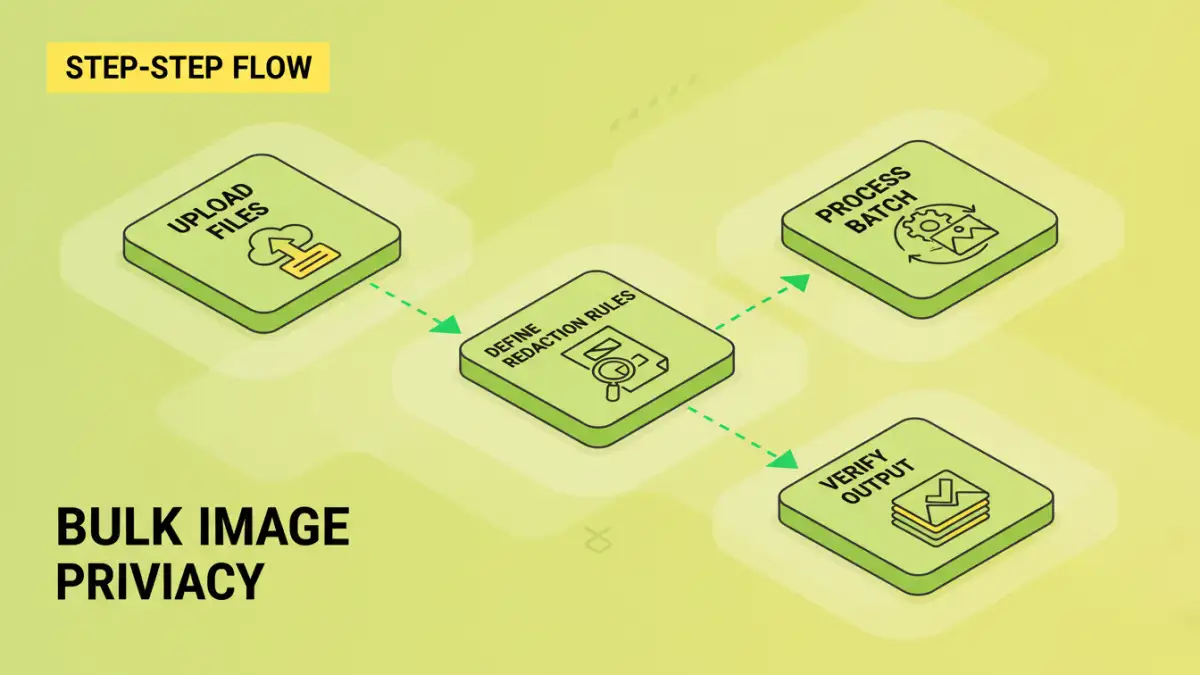
At its core, redaction is the permanent removal or obscuring of sensitive data from a document. This isn't just about covering text with a black bar; true redaction ensures that the underlying data is unrecoverable. This is crucial for maintaining secure document compliance, especially in industries with strict data privacy regulations like HIPAA or GDPR.
What Constitutes Sensitive Information?
Sensitive information can vary widely depending on the context. It commonly includes personally identifiable information (PII) such as names, addresses, social security numbers, and dates of birth. For businesses, it might involve financial data, trade secrets, confidential client lists, or internal strategic plans. The goal is to identify and remove anything that, if exposed, could lead to identity theft, financial loss, or competitive disadvantage.
Why Batch Processing is Essential
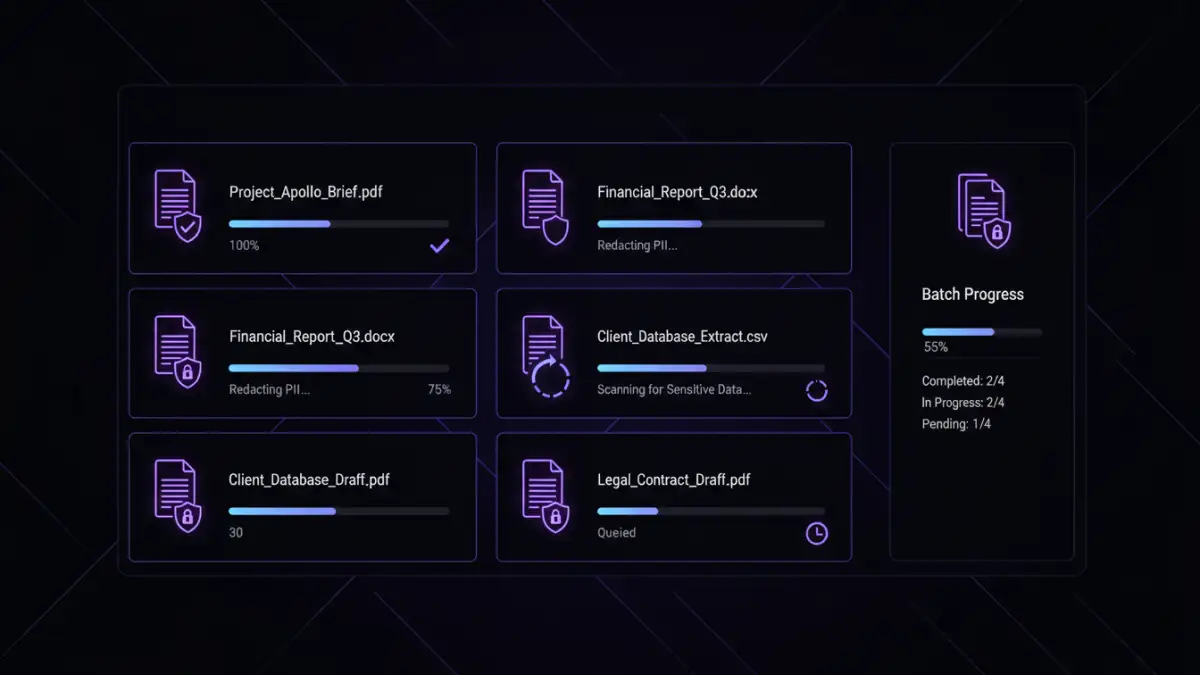
Imagine needing to redact a name from a hundred different scanned documents. Doing this manually would involve opening each file, locating the name, applying a redaction tool, saving the file, and repeating the process 99 more times. This is not only time-consuming but also increases the risk of human error – missing a name here, accidentally saving an unredacted version there. Batch processing automates this by applying the same redaction rules or actions across an entire set of files simultaneously.
This efficiency is key for maintaining productivity without compromising security. It allows professionals to handle large volumes of documents, such as legal discovery, medical records, or financial reports, with greater speed and accuracy. The ability to perform batch document redaction security efficiently is a significant operational advantage.
Methods for Bulk Image Redaction
Several approaches can be used for bulk image redaction, often leveraging software designed for document management or image manipulation. The core idea is to apply a consistent process across multiple files.
Using Specialized Software
Many professional document management systems and dedicated redaction tools offer batch processing capabilities. These tools are built with security and compliance in mind. They allow users to define patterns or areas for redaction (e.g., all phone numbers, specific phrases, or user-defined bounding boxes) and then apply these rules to a folder of documents or images.
These applications often work by converting documents to images temporarily, applying the redaction to the image layer, and then saving the result, ensuring the original data is permanently gone. This process is robust and generally adheres to high security standards, making it ideal for organizations that need reliable secure document compliance.
Scripting and Automation
For those with a more technical background, scripting languages like Python can be used to automate the redaction process. Libraries such as Pillow (for image manipulation) and potentially OCR (Optical Character Recognition) tools can be combined to identify and remove sensitive information from image-based documents or scanned PDFs. This offers maximum flexibility but requires programming knowledge.
This approach allows for highly customized solutions, enabling businesses to tailor the redaction process precisely to their unique needs. It’s a powerful way to achieve bulk image privacy when off-the-shelf solutions don't quite fit the bill.
Choosing the Right Tool
When selecting a solution for batch document redaction security, consider several factors. First, assess the volume and type of documents you handle. For simple tasks with a few dozen files, a good PDF editor with batch capabilities might suffice. For larger volumes or more complex requirements, dedicated redaction software or custom scripting might be necessary.
Crucially, evaluate the tool's security features. Does it offer true redaction or just annotation? Can it handle various file formats? Is it compliant with relevant data privacy regulations? Ensure the tool you choose can reliably redact files without leaving any trace of the original sensitive data.
Best Practices for Secure Redaction
Beyond choosing the right tool, implementing a solid strategy is vital. Always back up your original documents before starting any batch redaction process. Verify the redacted output thoroughly; spot-check a sample of files to ensure all sensitive information has been correctly removed and no unintended data was affected.
Maintain a clear audit trail of your redaction activities, noting which documents were processed, when, and by whom. This is essential for accountability and demonstrating secure document compliance. Regularly update your redaction tools and processes to stay ahead of evolving security threats and regulatory requirements.
Comparison Table: Redaction Methods
| Method | Pros | Cons | Ideal Use Case |
|---|---|---|---|
| Manual Redaction (Single File) | Precise control for individual files | Extremely time-consuming, high error risk for bulk tasks | Very few documents, unique redaction needs |
| PDF Editor Batch Feature | Convenient for common formats, relatively easy | May not offer true redaction (can be annotated), limited customization | Moderate volume, standard PDF documents |
| Dedicated Redaction Software | True redaction, advanced pattern recognition, high security | Can be costly, requires learning curve | High volume, sensitive data, strict compliance needs |
| Custom Scripting (e.g., Python) | Maximum flexibility and customization, cost-effective for large scale | Requires programming expertise, significant development time | Unique workflows, very large volumes, specific data types |