When dealing with sensitive information, ensuring that your documents are not only shared but also protected is paramount. The digital landscape presents constant threats, making robust security measures non-negotiable, especially for businesses and individuals handling confidential data. Choosing the right platform for this task can be complex, with a wide array of options promising top-tier security.
My work often involves architecting systems where data integrity and confidentiality are critical. This has led me to rigorously evaluate various tools designed for secure document exchange. The stakes are high; a breach can lead to significant financial loss, reputational damage, and legal repercussions. Therefore, understanding the nuances of high-end secure PDF sharing software is essential for making informed decisions.
Table of Contents
Understanding Your Security Needs
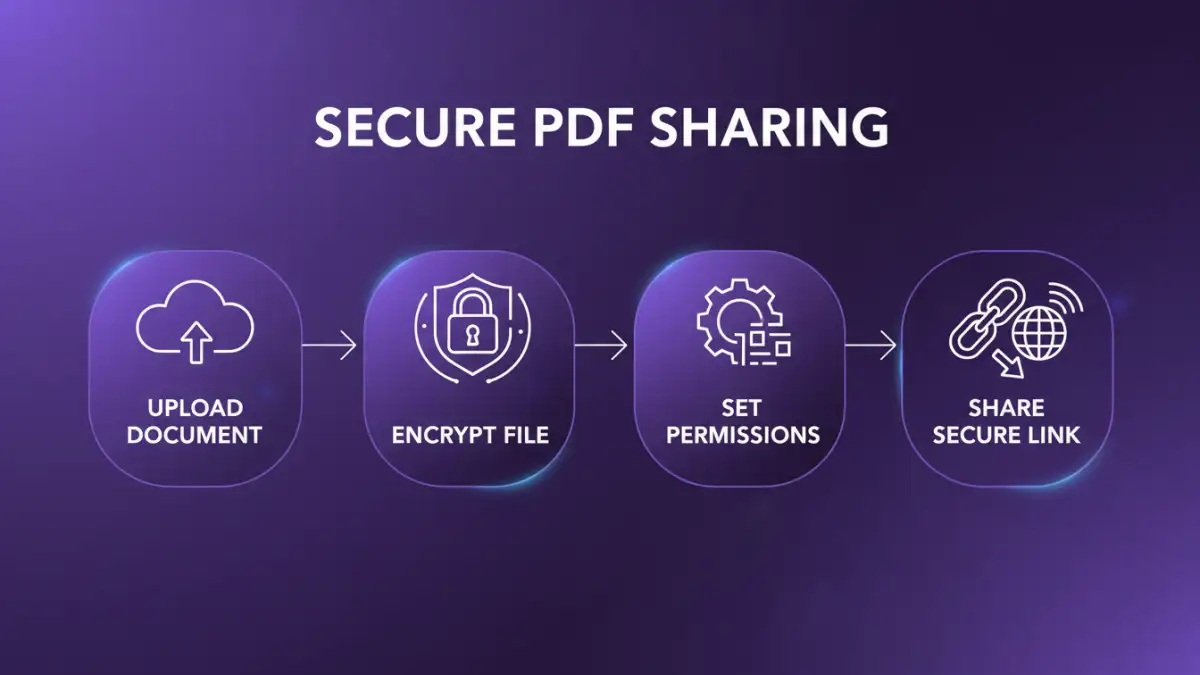
Before diving into specific solutions, it's crucial to define what 'secure' means for your organization. This involves assessing the sensitivity of the data you share, the compliance requirements you must meet (like GDPR, HIPAA, or CCPA), and the potential risks associated with unauthorized access. Are you sharing internal strategy documents, client financial data, or personal health records? Each scenario demands a different level of protection.
Consider your typical workflow. Do you need to share documents with external partners, internal teams, or both? Understanding these use cases will help you prioritize features. For instance, if collaboration with external parties is frequent, features like granular access controls and audit trails become far more important than if you're only sharing internally.
Risk Assessment
A thorough risk assessment is the foundation. Identify potential vulnerabilities in your current sharing processes. This might include weak passwords, unencrypted transmission, or lack of tracking. Understanding these gaps will guide your search for a secure PDF sharing software that specifically addresses them.
Key Features to Evaluate
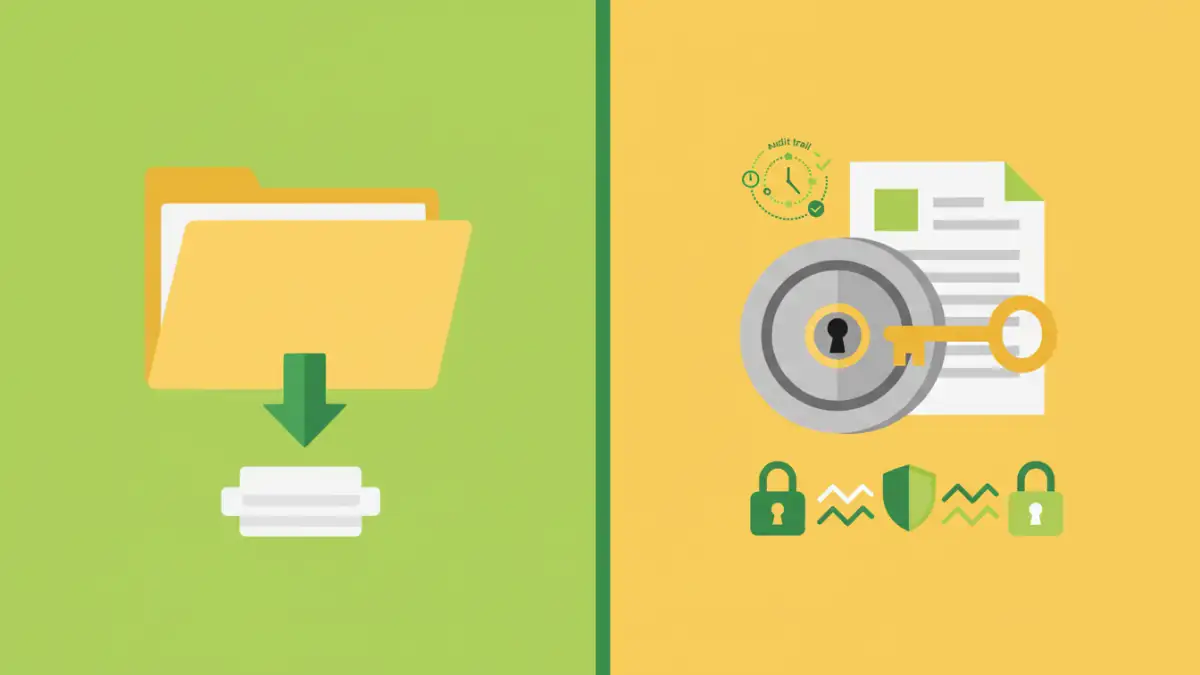
When evaluating premium file sharing solutions, several features stand out for their importance in maintaining security and usability. End-to-end encryption is non-negotiable; it ensures that only the sender and intended recipient can access the content. Look for robust encryption standards like AES-256.
Beyond encryption, consider access controls. Can you set specific permissions for each recipient, such as view-only, download restrictions, or expiration dates for links? Watermarking capabilities can also deter unauthorized sharing or misuse of documents. Furthermore, comprehensive audit trails provide a clear record of who accessed what, when, and from where, which is vital for compliance and incident investigation.
Encryption and Access Controls
The strength of the encryption used in the secure PDF sharing software is paramount. End-to-end encryption means that even the service provider cannot access your data. Granular access controls allow you to manage permissions on a per-document, per-user basis, adding layers of security.
Collaboration and Tracking
Features that facilitate collaboration while maintaining security are also important. This includes version control, secure commenting, and real-time notifications. The ability to track document activity, such as downloads or views, provides essential oversight.
Deployment Options
The way a secure PDF sharing software is deployed significantly impacts its security and manageability. Cloud-based solutions (SaaS) offer convenience and scalability, often with automatic updates and maintenance handled by the vendor. However, some organizations may have strict data residency requirements or prefer greater control over their infrastructure.
On-premises solutions provide maximum control over data and security protocols, but they require significant investment in hardware, software, and IT expertise for maintenance and updates. Hybrid models can offer a balance, leveraging cloud benefits for certain functions while keeping sensitive data within the company's own network. Your choice here depends heavily on your IT infrastructure, budget, and internal security policies.
Vendor Reputation and Support
A vendor's reputation in the cybersecurity space speaks volumes. Research their history, commitment to security, and how they handle data breaches. Look for certifications like ISO 27001, which indicate adherence to international security standards. A strong vendor will be transparent about their security practices and offer reliable customer support.
Responsive and knowledgeable support is crucial, especially when dealing with sensitive data. In case of technical issues or security concerns, you need prompt assistance. Check reviews and testimonials to gauge customer satisfaction with their support services. A vendor that invests in its support infrastructure is generally more reliable.
Pricing and Return on Investment
High-end solutions often come with a premium price tag. It’s important to understand the pricing model – is it per user, per document, or based on storage? Evaluate the total cost of ownership, including implementation, training, and ongoing maintenance, especially for on-premises solutions. Compare this against the potential cost of a data breach, lost productivity due to insecure methods, or compliance failures.
The return on investment (ROI) for a secure PDF sharing software isn't just about cost savings. It's also about risk mitigation, enhanced client trust, and improved operational efficiency. A solution that streamlines secure sharing while providing peace of mind offers significant value beyond its sticker price. Ensure the features justify the cost and align with your defined security needs.
Comparison Table: Secure Sharing Software Features
| Feature | Basic Solutions | High-End Secure PDF Sharing Software | Considerations |
|---|---|---|---|
| Encryption | SSL/TLS only | End-to-end (AES-256), at-rest encryption | Essential for sensitive data |
| Access Controls | Link sharing | Granular permissions, expiry dates, password protection | Manages who sees what |
| Audit Trails | Limited or none | Comprehensive logs of all activities | Crucial for compliance and forensics |
| Watermarking | Rarely available | Customizable text/image watermarks | Deters unauthorized copying |
| Collaboration | Basic file sharing | Secure commenting, version control | Enhances teamwork safely |
| Deployment | Cloud-only | Cloud, On-premises, Hybrid | Depends on infrastructure and control needs |
| Compliance | Minimal | Built-in tools for GDPR, HIPAA, etc. | Mandatory for regulated industries |