
When it comes to highly sensitive design documents like CAD files, sharing them requires a robust approach to security. Whether you're an architect, engineer, or designer, ensuring that your blueprints reach only the intended recipients without unauthorized access is paramount. The conversion of CAD files to PDF format is a common practice for distribution, but this doesn't inherently make them secure. Protecting these digital assets means understanding the risks and implementing appropriate security measures.
I've seen firsthand how a compromised design can lead to significant project delays, intellectual property theft, or even costly rework. This is why I always advocate for proactive security strategies when distributing critical engineering and architectural documents. It’s not just about adding a password; it's about a layered approach to safeguarding your valuable work.
Table of Contents
Understanding PDF Security for CAD Files
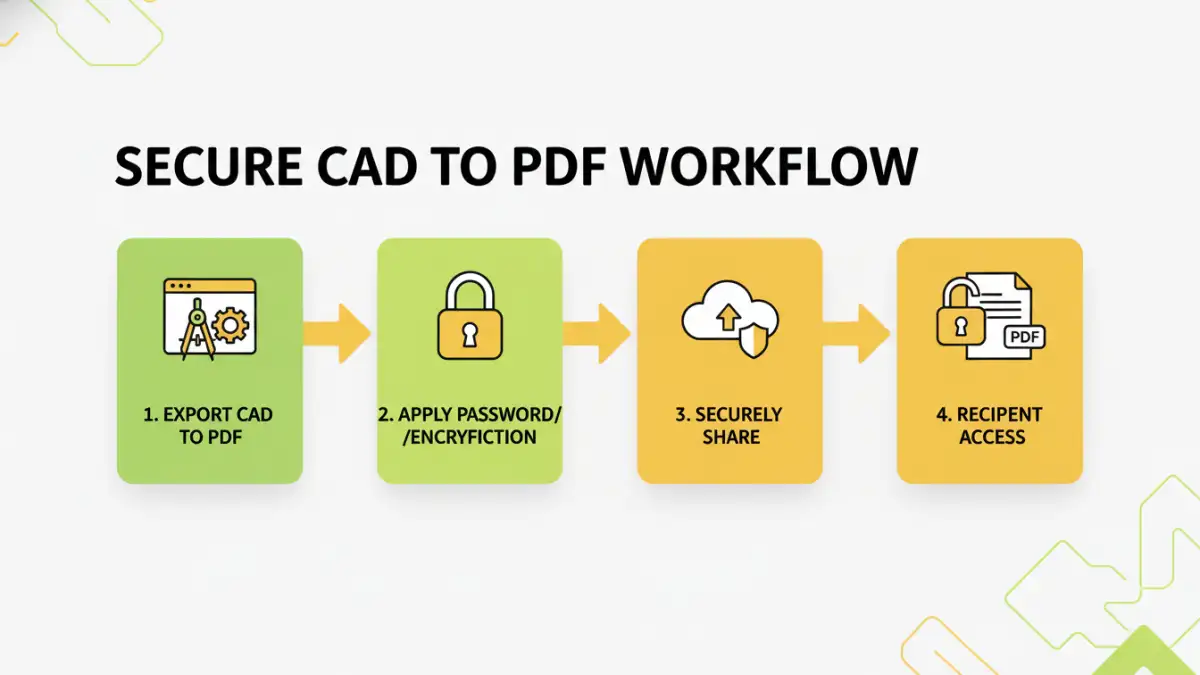
CAD files, when converted to PDF, often contain intricate details and proprietary information. The ease of sharing PDFs can also be their downfall if not properly secured. Understanding the inherent vulnerabilities is the first step toward effective protection. Simple file transfer methods without encryption or access controls leave your blueprints exposed.
Why Secure Your CAD PDFs?
The primary reasons for securing your CAD PDFs revolve around protecting intellectual property, maintaining client confidentiality, preventing unauthorized modifications, and ensuring compliance with industry regulations. A breach can have severe financial and reputational consequences for your firm and your clients.
Basic Protection Methods
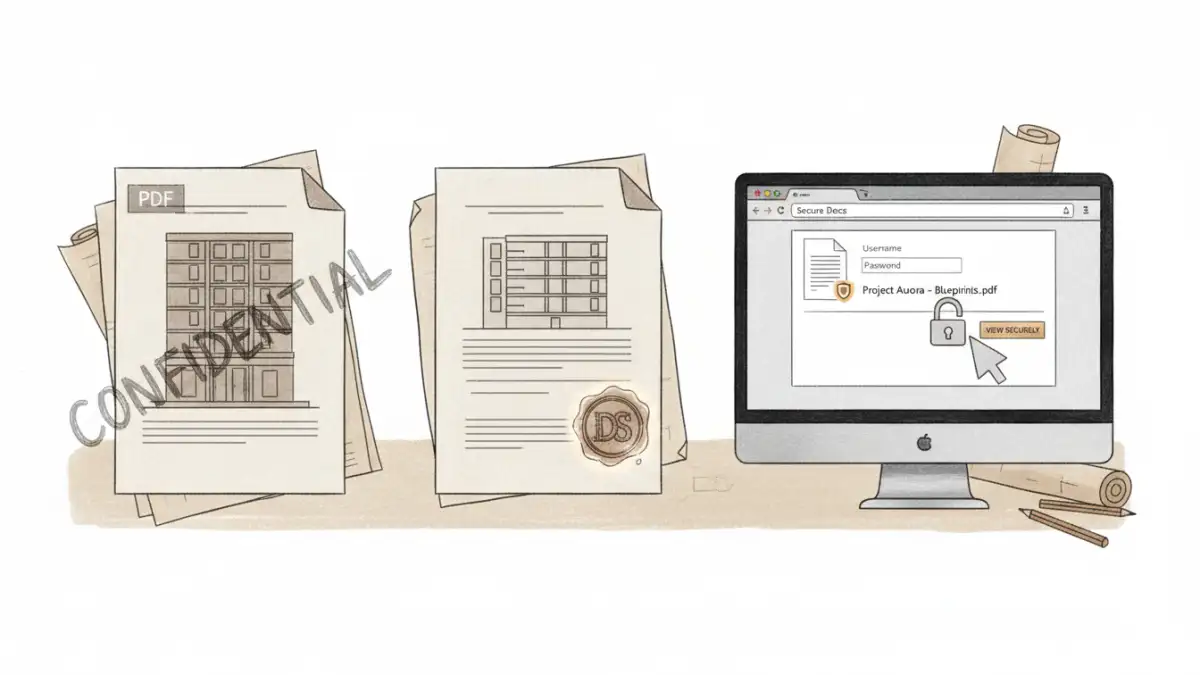
For many situations, basic PDF security measures are sufficient to deter casual snooping and accidental exposure. These methods are generally easy to implement and don't require specialized software beyond a PDF reader or creator.
Password Protection
The most common method is setting a password for PDF files. This can restrict opening the document or limit specific actions like printing, copying text, or editing. When you 'Save As' or 'Export' your CAD file to PDF, most software offers an option to add password protection. It’s crucial to choose strong, unique passwords and share them through a separate, secure channel.
Watermarking
Adding visible or invisible watermarks can deter unauthorized redistribution by clearly marking ownership or indicating that the document is for viewing purposes only. While not a foolproof security measure, watermarks serve as a deterrent and a clear indicator of the document's origin and intended use.
Advanced Security Techniques
When dealing with highly sensitive projects or larger distribution networks, more advanced security measures might be necessary. These often involve dedicated software or encryption services.
Encryption Beyond Passwords
Beyond simple password protection, more robust encryption algorithms can be employed. Some professional PDF software allows for stronger encryption standards, making it significantly harder to crack passwords. For extremely sensitive data, consider solutions that offer end-to-end encryption, ensuring only authorized users with specific keys can decrypt and view the content.
Digital Signatures and Certificates
Digital signatures provide a way to verify the authenticity and integrity of a PDF document. By using a digital certificate, you can ensure that the document hasn't been altered since it was signed and confirm the identity of the sender. This is particularly valuable for official architectural document pdf submissions.
Access Control and Expiration
Some specialized document management systems or secure sharing platforms offer advanced access control features. This can include setting expiration dates for document access, tracking who has viewed the document, and revoking access remotely. This level of control is vital for managing project lifecycles and ensuring engineering file protection.
Best Practices for Sharing
Implementing security measures is only part of the solution; how you share the files is equally important. Following best practices ensures that your security efforts are effective.
Always use strong, unique passwords for password-protected PDFs. Avoid common words or easily guessable combinations. Communicate these passwords through a separate, secure channel, such as an encrypted email or a secure messaging app, not within the same email as the PDF itself. Regularly review and update your security protocols, especially as threats evolve.
Comparison Table: PDF Security Methods
| Method | Ease of Use | Security Level | Typical Use Case | Considerations |
|---|---|---|---|---|
| Basic Password Protection | High | Low to Medium | General document sharing, internal use | Easily bypassed with brute-force attacks if password is weak; password must be shared separately. |
| Watermarking | High | Deterrent | Preventing unauthorized redistribution, indicating ownership | Does not prevent access; can be removed by sophisticated users. |
| Advanced Encryption (e.g., AES-256) | Medium | High | Highly sensitive CAD files, proprietary designs | Requires compatible PDF reader; may add overhead to file size. |
| Digital Signatures | Medium | High (Integrity & Authenticity) | Official submissions, contractual documents | Requires obtaining a digital certificate; verifies sender and prevents tampering. |
| Secure Sharing Platforms | High | High (with features) | Collaborative projects, client portals | Often subscription-based; provides audit trails and remote access control. |