
Architectural and design firms handle highly sensitive intellectual property. These documents, often in formats like DWF (Design Web Format), contain proprietary information that, if leaked, could lead to significant financial and competitive disadvantages. Protecting these files is not just a matter of good practice; it's crucial for business continuity and safeguarding your creative work.
I've seen firsthand how the loss or unauthorized distribution of design files can impact a project. It’s not always about malicious intent; sometimes, it’s simple oversight or a lack of robust security measures. Ensuring that your DWF files are adequately protected is paramount in an era where data breaches are increasingly common.
Table of Contents
Understanding DWF Security Needs
DWF files are a vector format developed by Autodesk, primarily used for sharing design data. While they are more compact and easier to distribute than native CAD files like DWG, they still contain valuable design information. The need to secure DWF files arises from the desire to control access, prevent unauthorized modifications, and protect intellectual property.
Consider a scenario where a client receives a DWF file for review. If this file falls into the wrong hands, competitors could gain insights into your design methodologies, project details, or even exploit unpatented innovations. This underscores the importance of implementing strong security measures from the outset.
Why is DWF Security Important?
The core reasons for securing DWF files revolve around protecting intellectual property, maintaining client confidentiality, preventing design theft, and ensuring regulatory compliance. Without proper safeguards, these documents are vulnerable to unauthorized viewing, copying, or distribution, which can severely damage a firm's reputation and bottom line.
Methods to Secure DWF Files
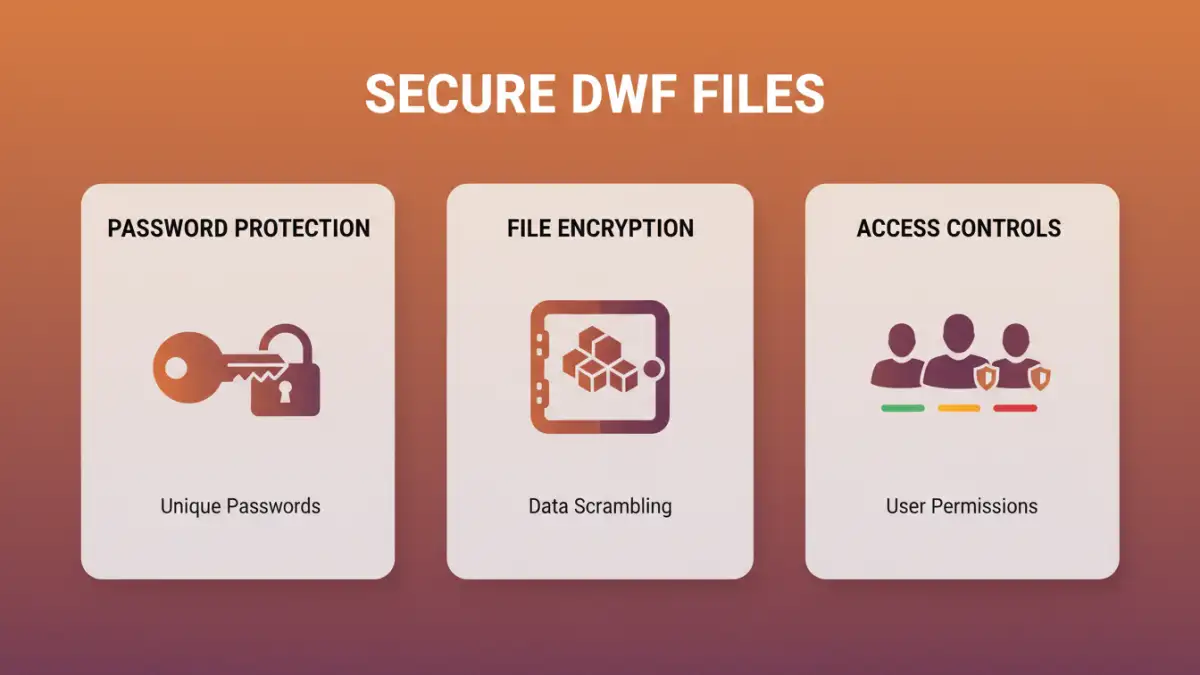
Fortunately, there are several practical methods to enhance the security of your DWF files. These range from simple password protection to more advanced encryption techniques, often leveraging features within the software used to create or view these files.
Password Protection
The most straightforward approach is to use password protection. Many CAD and design software applications, as well as PDF converters, allow you to set a password for opening or editing DWF files. This acts as a first line of defense, ensuring that only individuals with the correct password can access the content. However, the strength of this method depends heavily on the complexity of the password used.
File Encryption
For a higher level of security, file encryption can be employed. This involves using specialized software to scramble the DWF file's data, rendering it unreadable without a decryption key or password. While DWF itself doesn't have robust native encryption features for the file format itself, you can encrypt the container or the folder where the DWF files are stored. This provides a more comprehensive layer of protection against unauthorized access.
Access Control and Permissions
Beyond the file itself, controlling who has access to the files is critical. Implementing strict access controls on your network drives or cloud storage is a fundamental aspect of design document security. This means assigning permissions only to users who require access for their job functions and regularly reviewing these permissions.
Relationship with DWG Security
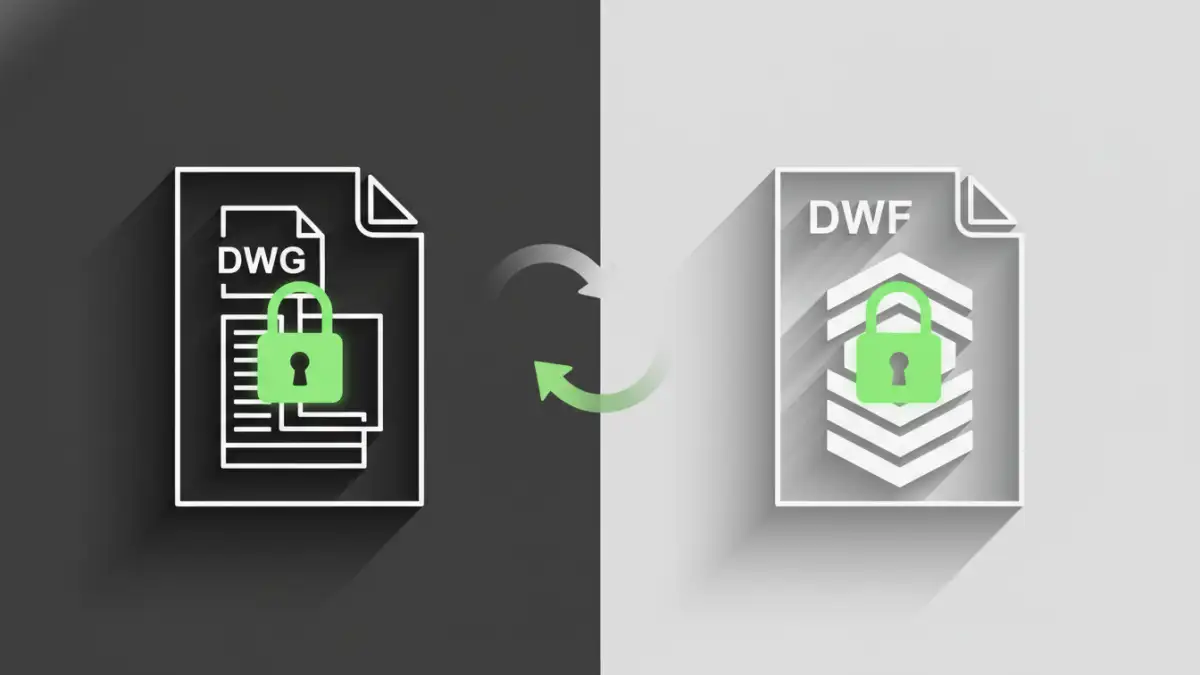
DWF files are often derived from DWG (Drawing) files, which are the native CAD format for many Autodesk products. While DWF is optimized for sharing, DWG files contain the full design data and are often considered even more sensitive. The principles and methods used to secure DWF files often overlap with those for DWG security, as both are critical design assets.
When you secure a DWF file, you are essentially protecting a representation of the original DWG. Therefore, strong DWG security practices, such as using passwords, encryption, and access controls on the source DWG files, indirectly bolster the security of any DWF files derived from them. It's a holistic approach to CAD file protection.
Best Practices for Document Protection
Implementing effective design document security requires a multi-layered strategy. It’s not just about a single tool or technique, but a combination of technologies and policies.
Regular Audits and Updates
Periodically review who has access to your design files and update permissions as needed. Also, ensure that any software used for encryption or password protection is kept up-to-date with the latest security patches. This vigilance is key to maintaining robust drawing encryption.
User Training
Educate your team on the importance of data security and the proper handling of sensitive design documents. Training on creating strong passwords, recognizing phishing attempts, and adhering to company security policies can significantly reduce the risk of accidental data leaks.
Secure Storage and Transmission
When storing or transmitting DWF files, use secure methods. This includes encrypted cloud storage solutions, VPNs for remote access, and encrypted email attachments. Avoid sending sensitive files via unsecured channels or public Wi-Fi networks.
Comparison Table: DWF Security Methods
| Method | Ease of Use | Security Level | Complexity | Best For |
|---|---|---|---|---|
| Password Protection (Basic) | High | Low to Medium | Low | Quick sharing with trusted parties |
| File/Folder Encryption | Medium | High | Medium | Protecting sensitive IP, long-term storage |
| Access Control/Permissions | Medium | High (when managed well) | Medium | Internal network security, team collaboration |
| Secure Transmission Protocols (e.g., SFTP, VPN) | Medium | High | Medium | Transferring files externally or remotely |
By understanding the vulnerabilities and implementing a combination of these methods, you can significantly enhance the protection of your valuable design documents, including your DWF files.