
Working with password-protected documents is a common necessity, whether you're sharing confidential reports, personal files, or business-critical data. However, the effectiveness of this protection hinges entirely on the strength of the passwords used and how they are managed across different file types.
From simple Word documents and Excel spreadsheets to PDFs and more complex proprietary formats, each presents unique challenges and opportunities for security. Ensuring consistent and robust password strength isn't just about picking a complex string; it's about implementing a strategy that accounts for the nuances of each document format and the tools used to protect them.
Table of Contents
Understanding the Basics of Password Strength
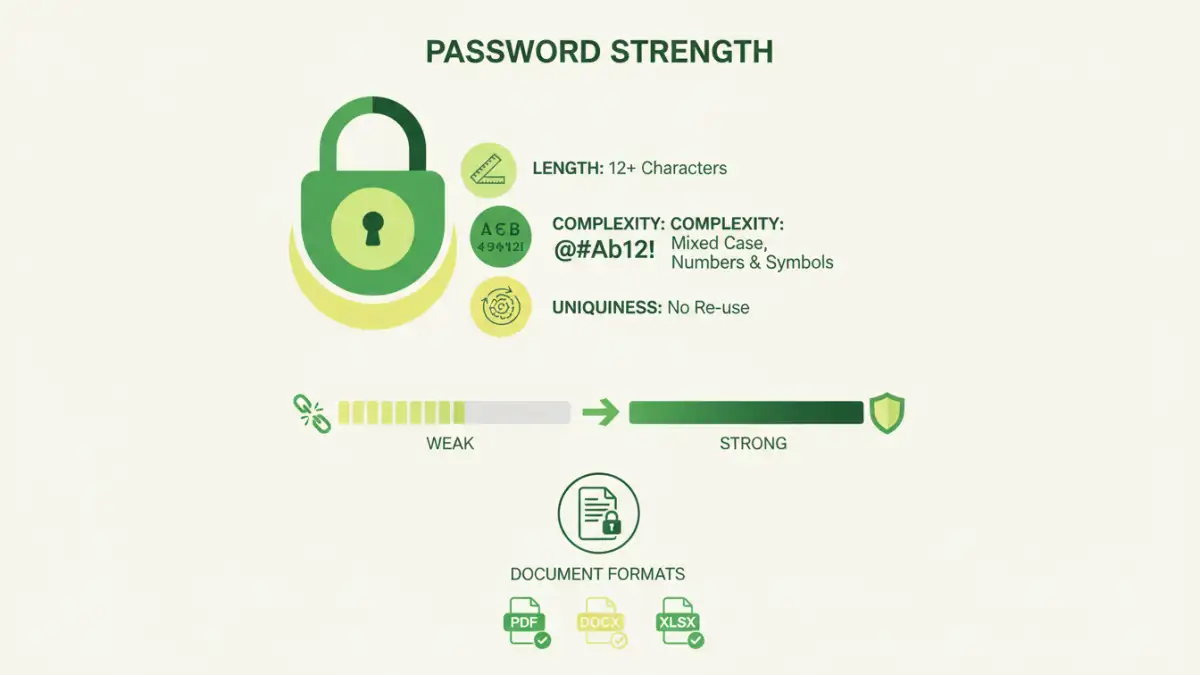
At its core, password strength is about making it exponentially harder for unauthorized individuals to guess or brute-force their way into your files. This involves using a combination of uppercase and lowercase letters, numbers, and special characters. The longer and more complex the password, the more computational power and time are required to crack it.
A weak password, such as "123456" or "password", can be compromised in seconds by modern cracking tools. Conversely, a strong password can take millennia to break. This fundamental principle applies universally, but its implementation varies depending on the document format and the software used for encryption.
Key Concepts in Password Security
When we talk about password strength, we're referring to several factors: length, complexity, and uniqueness. Length is the most significant factor; a 12-character password is far stronger than an 8-character one. Complexity adds more possibilities for each character, and uniqueness ensures that a compromised password for one document doesn't expose others.
Password Strength Across Different Document Formats
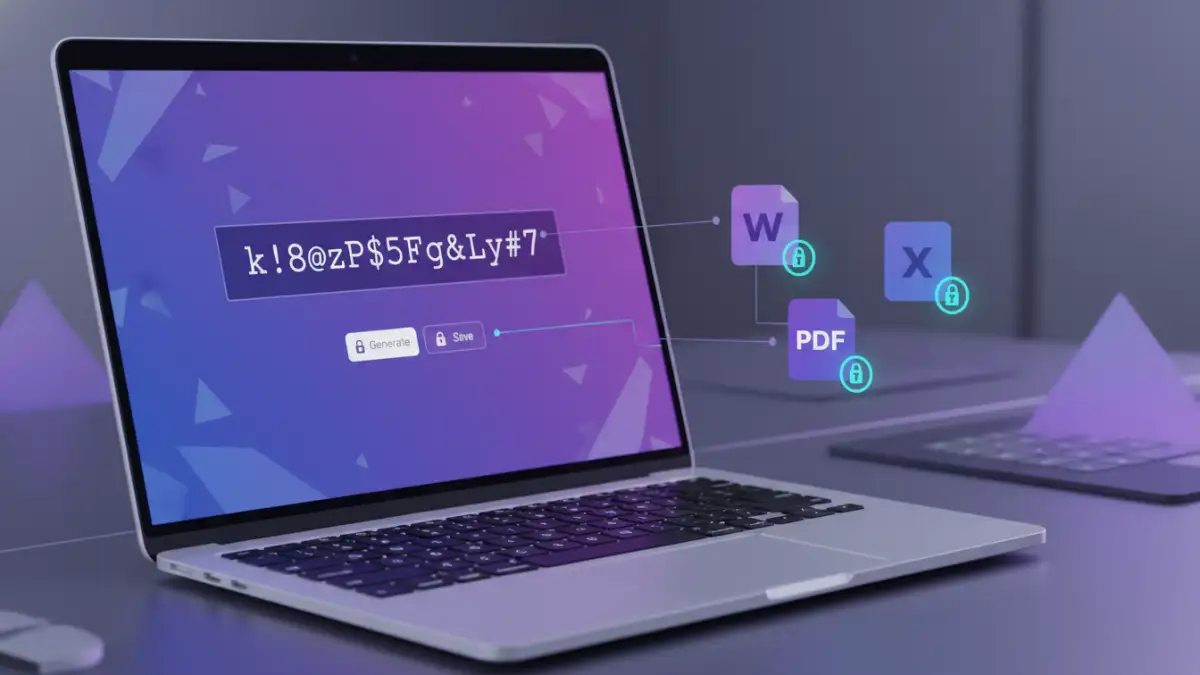
Different document formats utilize varying encryption methods and standards. For instance, Microsoft Office documents (Word, Excel, PowerPoint) have their own built-in password protection, which has evolved over versions. Older formats might use weaker encryption algorithms, making password strength even more critical.
PDFs, a ubiquitous format for document sharing, also offer password protection. The strength of this protection depends on the PDF reader or creation tool used and the specific encryption standard applied (e.g., RC4, AES-128, AES-256). Similarly, image files, archives (like ZIP or RAR), and other data formats each have their own methods for password-based security.
PDF Password Protection Nuances
PDFs can be protected with two types of passwords: an owner password (for restricting printing, copying, or editing) and a user password (to open and view the document). The user password is the primary barrier and its strength directly impacts the file's security. It's crucial to use strong, unique passwords for both if applicable, but prioritize the user password for essential protection.
Effective Management Strategies for Document Password Protection
Managing passwords effectively across multiple document formats requires a systematic approach. Relying on memory for numerous strong, unique passwords is often impractical and leads to weak, reused passwords. This is where password managers become invaluable tools.
Implementing an encryption policy within an organization or for personal use is also vital. This policy should outline the requirements for password strength, how passwords should be stored and shared, and guidelines for when to change them. Consistency is key to maintaining a strong security posture.
Developing an Encryption Policy
An effective encryption policy should define minimum password lengths, the required character types, and the prohibition of easily guessable information. It should also address the secure sharing of passwords, perhaps through encrypted messaging or dedicated secure sharing platforms, rather than plain text emails. Regularly reviewing and updating this policy ensures it remains relevant against evolving threats.
Best Practices for Document Security Strength
Beyond just creating strong passwords, several best practices can bolster your document security. Regularly audit your password-protected files to ensure they are still necessary and that the passwords remain robust. Consider using different passwords for different types of documents or sensitivity levels.
For highly sensitive data, explore more advanced encryption methods that might be available through specialized software or operating system features. Two-factor authentication, where supported by the application or platform, adds another layer of security, though it's less common for individual document files themselves.
Secure Password Sharing and Storage
Sharing passwords securely is often the weakest link. If you must share a password, do so through an encrypted channel or in person. For long-term storage, use a reputable password manager that encrypts your vault and ideally offers multi-factor authentication for accessing the manager itself. Avoid writing passwords down on sticky notes or storing them in unencrypted files.
Tools and Techniques for Password Management
Numerous tools can assist in managing password strength across document formats. For built-in features, explore the options within your word processors, spreadsheet software, and PDF editors. Many modern applications offer robust encryption options.
Password managers, such as Bitwarden, 1Password, LastPass, and KeePass, are designed to generate, store, and auto-fill strong, unique passwords for all your accounts and protected files. For archiving, tools like 7-Zip and WinRAR allow password-protected archives with strong encryption options.
| Method/Tool | Strengths | Weaknesses | Best For |
|---|---|---|---|
| Built-in Document Encryption (Office, PDF) | Convenient, often free with software | Varying encryption strength by version, can be complex to configure | Basic protection for individual files |
| Online Document Converters/Decryptors | Quick access for forgotten owner passwords (limited use) | Significant privacy/security risks, limited format support, often unreliable | Emergency recovery of owner passwords on non-critical files |
| Archiving Software (7-Zip, WinRAR) | Strong encryption (AES-256), handles multiple files | Requires separate software installation, user must manage archive password | Bundling and securing multiple documents or sensitive files |
| Password Managers | Generate, store, and auto-fill strong unique passwords, secure vault | Requires setup, potential single point of failure if manager is compromised (mitigated by MFA) | Comprehensive password management across all digital assets, including document passwords |