
Working with sensitive information often necessitates protecting documents with passwords. Whether you're sharing confidential reports, legal documents, or personal files, ensuring that only authorized individuals can access them is paramount. This involves not just setting a password, but also managing who has it and for how long, especially when dealing with a collection of files—a document portfolio.
As someone who has spent years building and securing digital assets, I've seen firsthand how crucial robust access management is. It's more than just a technical hurdle; it's about maintaining trust, complying with regulations, and preventing costly data breaches. This article will guide you through the intricacies of managing access to password-protected document portfolios, covering everything from basic principles to advanced strategies.
Table of Contents
Understanding the Basics of Document Protection
At its core, protecting a document involves encryption. When you apply a password to a file, you're essentially scrambling its contents in a way that can only be undone with the correct decryption key, which is derived from the password. Different file types and software offer varying levels of encryption strength. It's important to choose methods that provide strong, industry-standard encryption to prevent unauthorized decryption.
Key Concepts in Document Security
Understanding concepts like encryption algorithms (e.g., AES-256) and hashing is beneficial. While you don't need to be a cryptographer, knowing that stronger encryption means more computational power is needed to break it offers peace of mind. For document portfolio access control, this means selecting tools and methods that support robust encryption, safeguarding your entire collection.
Setting Up Access Control
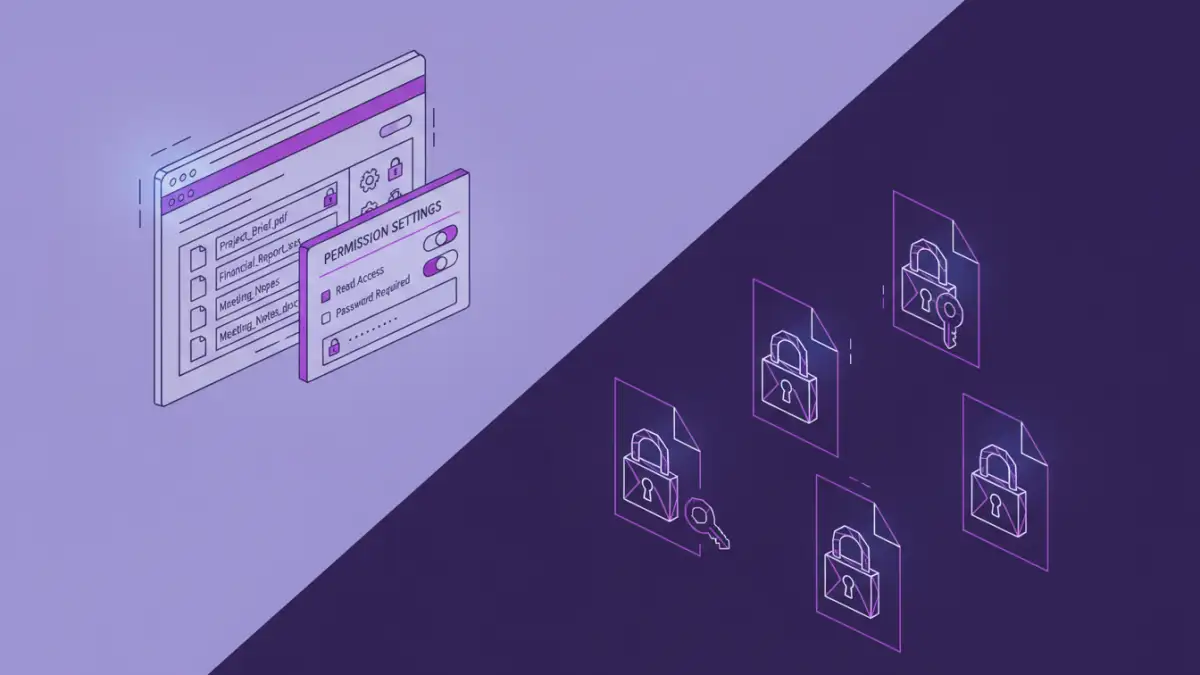
The initial step is always applying a strong password to your documents or the portfolio itself. For individual files, most word processors, PDF editors, and file compression utilities offer built-in password protection. For a collection of documents, you might password-protect each file individually or compress them into a single password-protected archive (like a ZIP or RAR file).
Individual File Protection
When protecting individual files, consider if the sensitivity warrants a strong, complex password. Using a password manager can help generate and store these unique, strong passwords securely. This approach allows for granular control, where you can share specific files with specific people by providing them with only the relevant password.
Portfolio-Level Protection
Alternatively, you can group multiple documents into a single password-protected archive. This simplifies sharing if all recipients need access to the entire set of documents. However, it means everyone with the password gets access to everything within the archive, making granular permission management impossible at this level.
Managing Permissions and Sharing
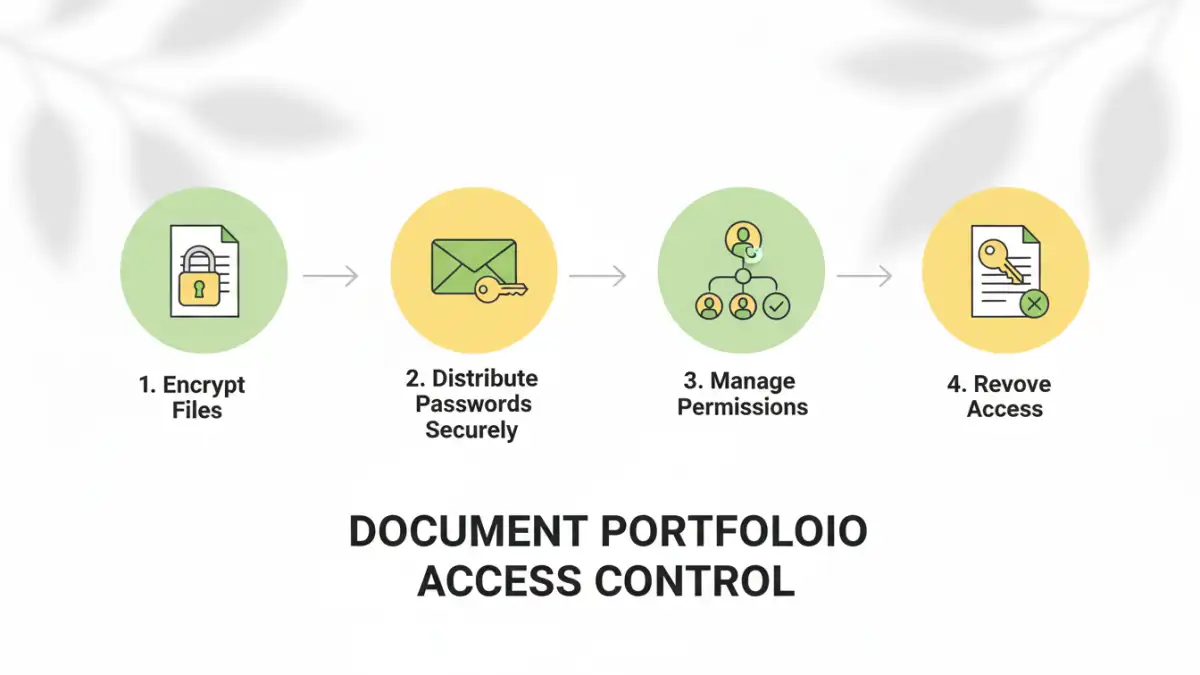
Once your documents are protected, the next challenge is managing who has access. This involves securely distributing passwords and revoking access when necessary. For secure file sharing, consider using encrypted cloud storage services or secure file transfer protocols that allow you to set expiration dates for shared links or permissions.
Secure Password Distribution
Never send passwords via unencrypted email. Instead, use secure messaging apps, phone calls, or a dedicated password manager's sharing feature. For larger teams, consider implementing a system where access is managed centrally, perhaps through a digital rights management (DRM) solution if the documents are highly sensitive or commercially valuable.
Revoking Access
When someone no longer needs access, it's crucial to revoke it. If you've shared individual files, you can change the password for those specific documents and redistribute it only to those who still require access. If you used an archive, you'll need to create a new, password-protected archive with updated contents and share the new password. This is a key aspect of effective permission management.
Advanced Strategies for Document Portfolios
For organizations or individuals dealing with highly sensitive data, basic password protection might not be enough. Advanced strategies can offer more robust security and control over document portfolio access. This includes using specialized software or implementing stricter workflows.
Digital Rights Management (DRM)
DRM solutions allow for much finer control over document access. You can specify not only who can open a document but also whether they can print, copy, or forward it. Access can often be time-limited, and administrators can revoke permissions remotely, making it a powerful tool for managing sensitive document portfolios.
Encrypted Cloud Storage with Access Controls
Many cloud storage providers offer advanced security features. Beyond basic password protection, you can often set granular permissions, track access logs, and use two-factor authentication for accessing the storage itself. This provides a layered approach to securing your document portfolio.
Best Practices for Secure Access
Regardless of the methods you employ, adhering to best practices is vital for maintaining the security of your password-protected documents. These practices help mitigate risks and ensure that your access management strategy is effective over the long term.
Use Strong, Unique Passwords
Avoid easily guessable passwords. Use a combination of uppercase and lowercase letters, numbers, and symbols. Crucially, use a different password for each document or portfolio. A password manager is invaluable here.
Regularly Review Access
Periodically check who has access to your sensitive documents. Revoke access for individuals who no longer need it, especially after projects conclude or employees leave. This proactive measure is essential for ongoing security.
Educate Your Recipients
Ensure that anyone you share password-protected documents with understands the importance of keeping the password secure and the potential risks of unauthorized access. Proper user education is a significant part of effective password protected document access.
Comparison Table: Document Access Management Methods
| Method | Pros | Cons | Best For |
|---|---|---|---|
| Individual File Passwords | Granular control, simple for few files | Cumbersome for large portfolios, manual distribution | Sharing specific, few documents |
| Password-Protected Archives (ZIP/RAR) | Bundles multiple files, single password | No granular control within archive, all-or-nothing access | Sharing entire collections with trusted parties |
| Encrypted Cloud Storage | Centralized access, versioning, audit logs | Reliance on provider's security, potential subscription costs | Collaborative projects, team sharing |
| Digital Rights Management (DRM) | Extensive control (print, copy, forward), remote revocation | Complex implementation, often costly, requires specific software | Highly sensitive corporate or legal documents |