Have you ever needed to secure sensitive documents but weren't sure how? In today's digital landscape, protecting your files is paramount, especially when dealing with collections of documents that form a portfolio. Whether it's for a job application, a client proposal, or personal records, ensuring that only authorized individuals can access your work is crucial. This involves not just encrypting individual files but managing access to the entire collection effectively.
Table of Contents
Understanding Document Portfolio Security
A document portfolio is a curated collection of work, often used to showcase skills or project outcomes. When this collection contains sensitive or proprietary information, its security becomes a significant concern. Simply sharing a folder of files leaves them vulnerable to unauthorized viewing, copying, or modification. Implementing robust security measures is key to maintaining confidentiality and integrity.
My experience has shown that many individuals overlook the collective risk associated with a portfolio. A single weak link, like an unprotected PDF or an easily guessable password on a zip file, can compromise the entire set. Therefore, a layered approach to securing the portfolio as a whole, and its individual components, is essential for comprehensive document portfolio access control.
Key Concepts in Portfolio Protection
The primary goal is to prevent unauthorized access. This involves understanding different types of sensitive data you might be sharing and the potential risks. Common risks include data breaches, accidental sharing, or malicious intent. Implementing strong passwords, using reliable encryption, and controlling distribution channels are fundamental steps in mitigating these risks.
Methods for Protecting Your Portfolio
There are several practical ways to secure your document portfolio. The method you choose often depends on the type of documents, the sensitivity of the data, and the intended recipients. From built-in operating system features to dedicated software, options abound for ensuring your files are protected.
Password-Protecting Individual Files
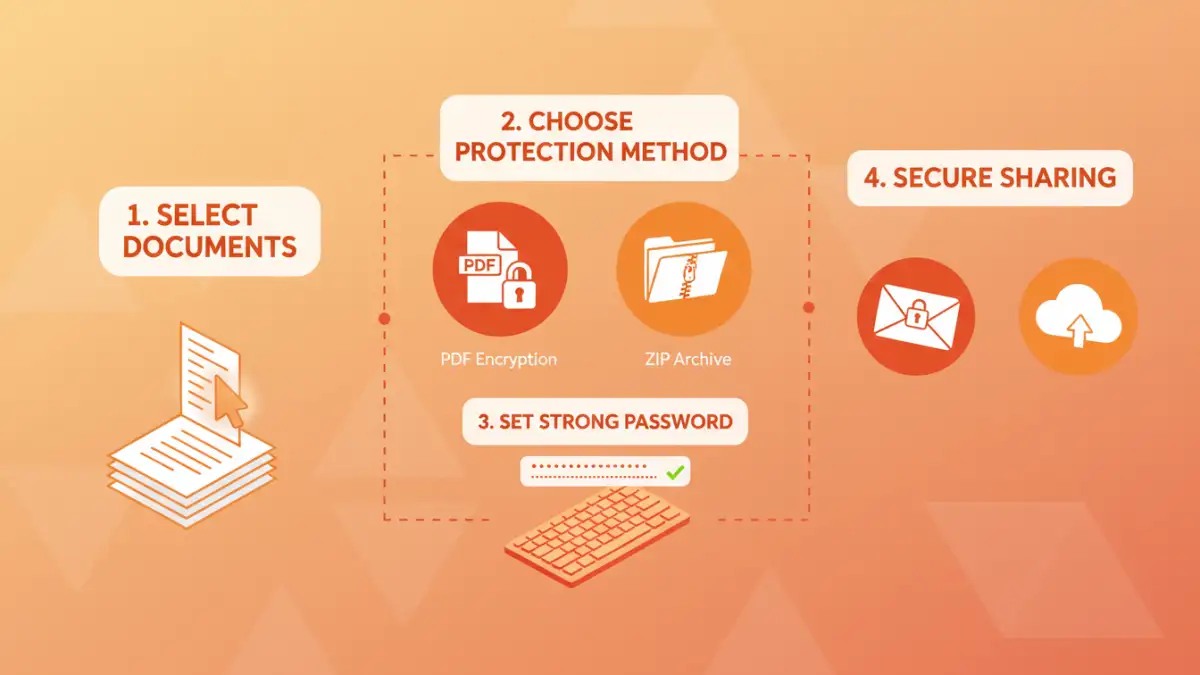
Many common file types, such as Microsoft Word documents, Excel spreadsheets, and PDFs, offer built-in password protection features. This is often the first line of defense. For instance, you can set a password directly within the 'Save As' or 'Export' options in most applications. This ensures that each document within your portfolio requires a password for opening.
Compressing Files with Encryption
Another effective method is to archive your entire document portfolio into a single compressed file, such as a ZIP or RAR archive, and then apply a password to the archive itself. Most modern operating systems and free archiving tools like 7-Zip or WinRAR allow you to create password-protected archives. This simplifies sharing, as you only need to manage one password for the entire collection.
Choosing the Right Encryption
When deciding how to password protect document portfolio items, the strength of the encryption matters. Most modern applications and archiving tools use industry-standard encryption algorithms like AES (Advanced Encryption Standard). AES-256 is widely considered highly secure and is used by governments and financial institutions.
However, the security of your encrypted portfolio ultimately relies on the strength of the password you choose. Weak, easily guessable passwords can render even the strongest encryption useless. I've seen many instances where a simple dictionary word or common phrase was used, making the encryption trivial to bypass with brute-force attacks.
Best Practices for Access Control
Beyond just applying passwords, adopting best practices for secure document sharing is vital. This includes creating strong, unique passwords and communicating them securely to recipients. Avoid sending passwords via the same channel you use to send the protected files, as this defeats the purpose of security.
Consider using a password manager to generate and store strong, complex passwords. When sharing, a brief, separate communication channel like a phone call or a different messaging app can be used to convey the password. This ensures that if one channel is compromised, the other remains secure.
Advanced Tips and Considerations
For highly sensitive portfolios, consider using dedicated file encryption software that offers more advanced features, such as self-destructing files after a certain number of views or a time limit. Some cloud storage services also offer robust encryption options for shared folders, providing a convenient way to manage access.
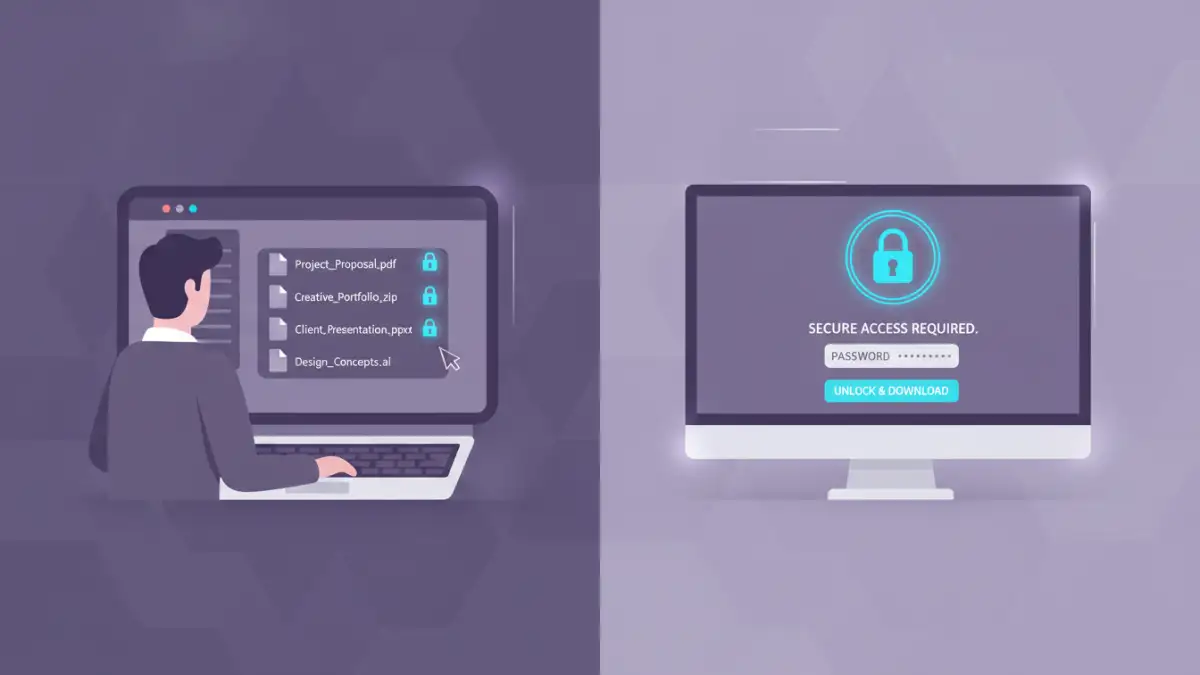
Always test your security measures from the recipient's perspective. Ensure that the password works correctly and that the files open as expected. Clear communication with your recipients about how to access the protected documents can prevent frustration and reduce the likelihood of them requesting help with password recovery, which can sometimes lead to inadvertently revealing the password.
Comparison Table: File Protection Methods
| Method | Pros | Cons | Best For |
|---|---|---|---|
| Built-in File Encryption (PDF, Office) | Convenient, no extra software needed for common file types | Varies by application, some older formats have weaker encryption | Securing individual documents within a portfolio |
| Password-Protected Archives (ZIP, RAR) | Protects multiple files at once, simplifies sharing | Requires archiving software, password strength is key | Bundling an entire document portfolio for sharing |
| Dedicated Encryption Software | Strong encryption, advanced features (e.g., self-destruct) | May require purchase, learning curve | Highly sensitive portfolios requiring robust security |
| Secure Document Sharing Platforms | Centralized management, access logs, granular permissions | Often subscription-based, relies on platform security | Collaborative portfolios or frequent sharing with multiple parties |